TrustRadius: an HG Insights company

Save this comparison

Save this comparison

Add Product

Recommended Comparisons

    Overview
    ProductRatingMost Used ByProduct SummaryStarting Price

    CorelDRAW Graphics Suite

    Score7.5 out of 10
    N/ACorel Corporation, headquartered in Ottawa, offers the CorelDRAW Graphics Suite, a graphic design studio and library of tools.

    $249

    per year

    MindMeister

    Score3.6 out of 10
    N/AMindMeister is an online mind mapping tool that lets users share maps with an unlimited number of users and collaborate with them in real-time. MindMeister is used to brainstorm ideas, plan projects, take meeting minutes, develop business strategies, and create presentations. MindMeister runs in any standard web-browser as well as on iOS and Android devices, so users can access, edit and present their mind maps anytime, wherever they are. With MindMeister, users…

    $45

    every 6 months per user

    Pricing
    CorelDRAW Graphics SuiteMindMeister
    Editions & Modules
    Subscription
    $249.00
    per year
    Download
    $499.00
    One Time Fee
    Physical Edition
    $499.00
    One Time Fee
    Personal
    $45
    per 6 months per user
    Pro
    $75
    per 6 months per user
    Business
    $114
    per 6 months per user
    Offerings
    Pricing Offerings
    CorelDRAW Graphics SuiteMindMeister
    Free Trial
    YesNo
    Free/Freemium Version
    NoYes
    Premium Consulting/Integration Services
    NoNo
    Entry-level Setup FeeNo setup feeNo setup fee
    Additional Details—MindMeister offers 6-monthly and yearly subscriptions. Discounts for educational users and non-profit organizations are also available. Up to 22% discount for yearly pricing.
    More Pricing Information
    Community Pulse
    CorelDRAW Graphics SuiteMindMeister
    Considered Both Products
    Corel Corporation
    No answer on this topic
    MeisterLabs GmbH
    No answer on this topic
    Key User Insights
    Would buy again
    94%
    Would buy again
    17 Answers
    33%
    Would buy again
    2 Answers
    Delivers good value for the price
    100%
    Delivers good value for the price
    18 Answers
    33%
    Delivers good value for the price
    2 Answers
    Happy with the feature set
    94%
    Happy with the feature set
    17 Answers
    33%
    Happy with the feature set
    2 Answers
    Lived up to sales and marketing promises
    100%
    Lived up to sales and marketing promises
    14 Answers
    33%
    Lived up to sales and marketing promises
    2 Answers
    Implementation went as expected
    100%
    Implementation went as expected
    16 Answers
    50%
    Implementation went as expected
    3 Answers
    Best Alternatives
    CorelDRAW Graphics SuiteMindMeister
    Small Businesses
    GIMP
    Score8 out of 10
    Xmind
    Score8.8 out of 10
    Medium-sized Companies
    Adobe Illustrator
    Score9.4 out of 10
    MindManager
    Score7.8 out of 10
    Enterprises
    Adobe PhotoShop
    Score9.2 out of 10
    MindManager
    Score7.8 out of 10
    All AlternativesView all alternativesView all alternatives
    User Ratings
    CorelDRAW Graphics SuiteMindMeister
    Likelihood to Recommend
    9.0
    (20 ratings)
    1.0
    (17 ratings)
    Usability
    8.0
    (1 ratings)
    -
    (0 ratings)
    Support Rating
    8.4
    (11 ratings)
    10.0
    (1 ratings)
    User Testimonials
    CorelDRAW Graphics SuiteMindMeister
    Likelihood to Recommend
    Corel Corporation
    It is a perfect suite of applications to finish presentations and create beautiful layouts for design. It is very useful both for graphic design and for architecture design when you want to draw a realistic idea of a project without being a rendering or when you need to present both images and vectorial drawings.
    Incentivized
    Read full review
    MeisterLabs GmbH
    MindMeister is ideally suited for building mind maps, site maps, or similar types of data maps in the cloud without needing to install extra software. I find that it isn't quite as ideal for other types of diagrams (ERDs, flowcharts, etc) as some other tools, though it definitely can handle those things as well.
    Incentivized
    Read full review
    Pros
    Corel Corporation
    • Easy to learn - especially if you have experience with other graphic software. It is fairly intuitive which is helpful.
    • Creating high resolution graphics is a breeze with this software - and it has the ability to export into a large variety of formats!
    • I am able to import a wide variety of file formats. I have also had success with importing and editing PDF files which has been helpful.
    Incentivized
    Read full review
    MeisterLabs GmbH
    • The UI is well laid out and easy to use. The workflow makes perfect sense and makes creating tasks a breeze.
    • The collaboration features make brainstorming not only easy but fun! Everyone enjoys using the tool, which was not the case with other collaboration software we used.
    • I love being able to get all of my thoughts and ideas on the screen to see them and then be able to connect them in a logical way.
    Incentivized
    Read full review
    Cons
    Corel Corporation
    • The bitmap edit feature to edit images. The pop out is clunky and with it was a bit more integrated.
    • Trace - Would love to see this strengthened. We love to scan in hand drawn things to turn to vector and would love to see the accuracy increased.
    Incentivized
    Read full review
    MeisterLabs GmbH
    • I think that the free plan should offer a bit more terms of features to make the testing experience more engaging.
    • My experience using the App version was not so good when compared to the web version of it. I feel more comfortable using it in my notebook.
    • Paid plans could be more flexible to support small or temporary demands.
    Incentivized
    Read full review
    Usability
    Corel Corporation
    Just like any design program or suite, I wouldn't recommend it to anyone who doesn't do graphic design professionally. If you're not adept at learning a program or experience, it isn't a program you can just pick up and start using easily. Outside of the learning curve, it's a nice program with a decent user interface.
    Incentivized
    Read full review
    MeisterLabs GmbH
    No answers on this topic
    Support Rating
    Corel Corporation
    Overall, CorelDRAW meets all my needs as a researcher and allows me to create beautiful and clear graphics to illustrate the main ideas for publications. It does not lack any functionality for my needs; however, it has some bugs that impact productivity, such as the color drag and drop that sometimes stops working and needs restarting, and crashes, especially when working with large bitmaps.
    Incentivized
    Read full review
    MeisterLabs GmbH
    Never had an issue with customer support, though we never really needed anything major as far as technical help. I do not believe they offer 24 hour customer support but we don't need it as MindMeister is not the type of tool we need need 24 hour a day support for. Overall, very happy with the level of support.
    Incentivized
    Read full review
    Alternatives Considered
    Corel Corporation
    Although other softwares are good in there field but CorelDRAW is very good when it come to ease of making the designs. We can create designs in it very quickly and efficiently and also it us Avery easy software to learn, anyone can pick it up at good pace. Also it is more widely used by vendors here for printing, so its a better choice.
    Incentivized
    Read full review
    MeisterLabs GmbH
    I have also used LucidChart and Google Draw to create mind maps and concept maps in the past. I think that MindMeister is by far the cleanest and most user friendly of the three. Google Draw does not have anywhere near the same functionality. LucidChart tends to be clunky and the options to create your map are not always clear and intuitive.
    Incentivized
    Read full review
    Return on Investment
    Corel Corporation
    • Ease of use reflects on less time to train new users, a positive impact in investment and productivity.
    • The practicality to make new designs results in less time needed to do them, again a positive impact.
    • The integration with other graphic programs could be better if needed to finish a rendering using the design made in Corel Draw it's needed to export in formats that don't carry all information and the process is not that simple.
    Incentivized
    Read full review
    MeisterLabs GmbH
    • The most positive result of using MindMeister is a visualization of each step in work and connections between different nodes(ideas, steps).
    • This greatly simplifies the work, especially collaborative work, since it is easier to show it once than to explain things many times.
    • Negative impact: lack of offline desktop version.
    Incentivized
    Read full review
    ScreenShots

    CorelDRAW Graphics Suite Screenshots

    Screenshot of A complete suite of applications:
CorelDRAW® - Vector illustration and page layout
Corel PHOTO-PAINT™ - Image editing and pixel-based design program
Corel® Font Manager - Font exploration and management tool
PowerTRACE™ - AI-powered bitmap-to-vector tracing (included as part of the CorelDRAW application)
CorelDRAW.app™ - Online vector illustration and graphic design via web browser
CorelDRAW.app™ for iPad – Vector illustration and graphic design iPad app
CAPTURE™ - Screen capture tool
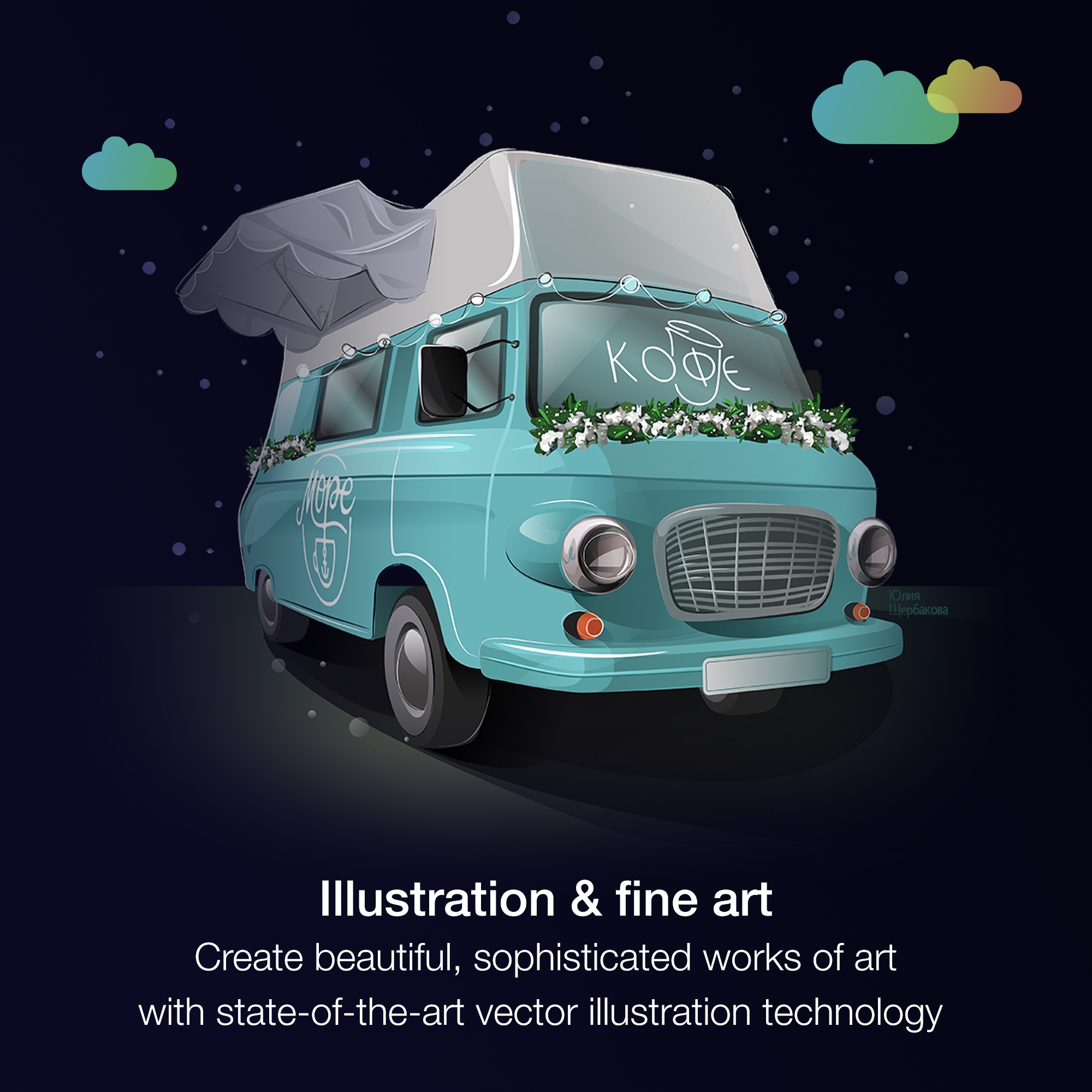
AfterShot™ 3 HDR - RAW photo editorScreenshot of From creative professionals working in advertising and publishing, to small businesses producing in-house marketing materials, CorelDRAW Graphics Suite has the tools to create everything from stand-out brand identity assets to alluring sales tools.Screenshot of Professionals in the sign and print, and fashion industry rely on CorelDRAW® to create artwork for a variety of print outputs, thanks to a powerful color management engine and superior prepress tools.Screenshot of CorelDRAW Graphics Suite has commerce professionals covered with dedicated tools for web and print, whether you’re designing point-of-sale promotions or creating assets to enhance an online store.Screenshot of Illustrators and artists alike can combine their classic art practices with CorelDRAW’s state-of-the-art vector-illustration technology to create beautiful, sophisticated works of art.Screenshot of Get more for less! Discover the affordable, flexible way to stay up-to-date, while enjoying exclusive features, content, enhancements, and support for the latest technologies.

    MindMeister Screenshots

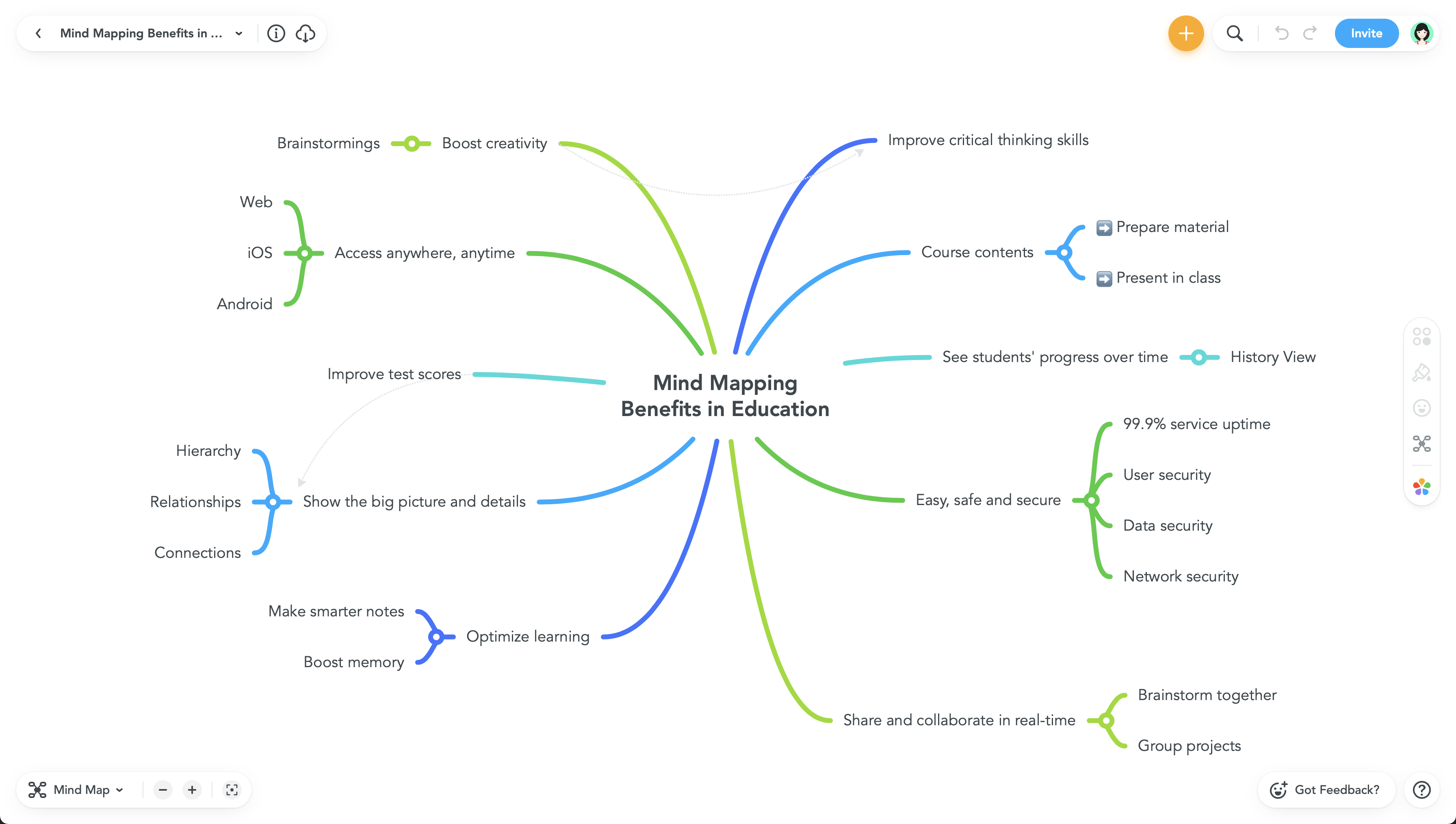
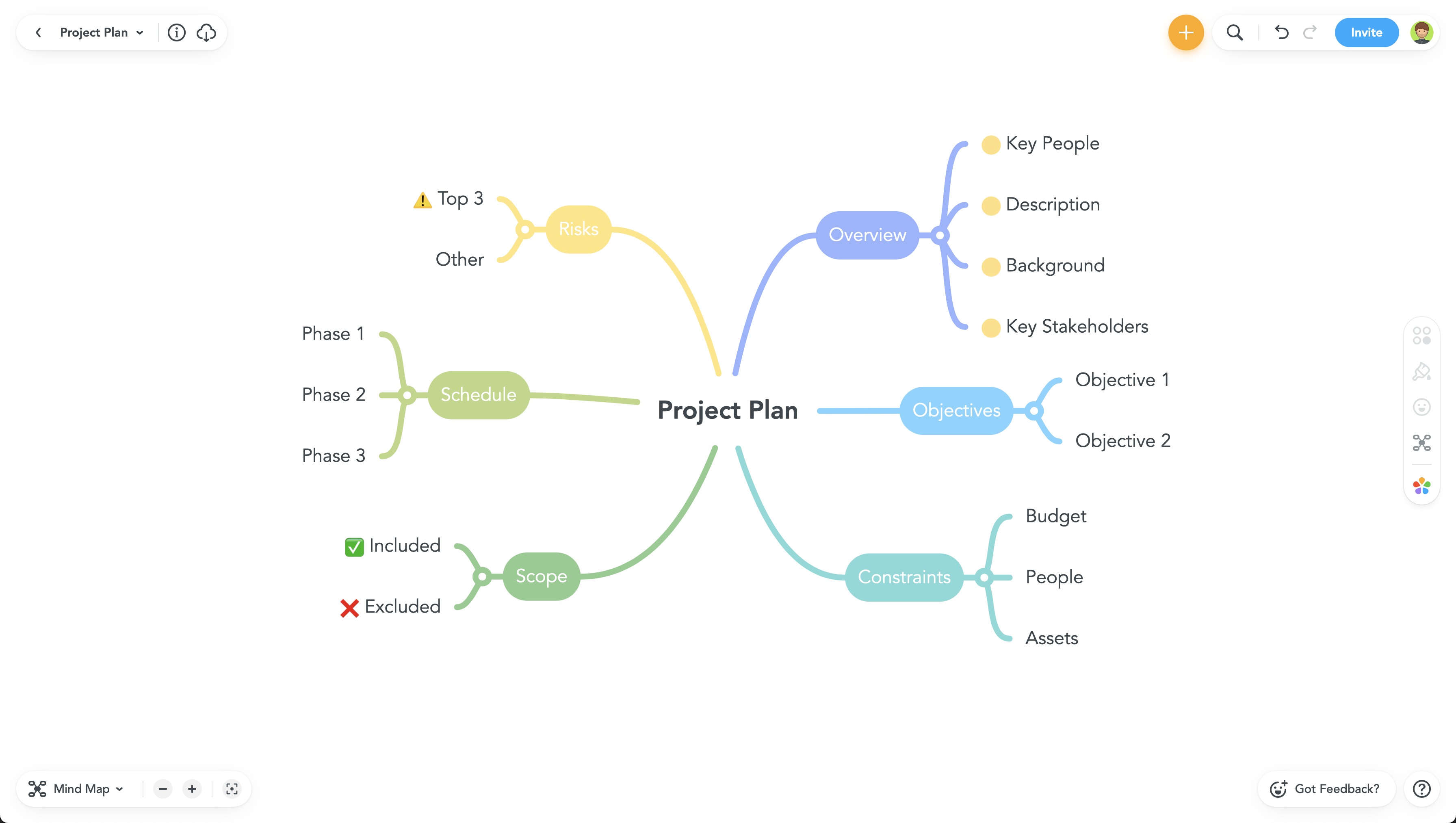
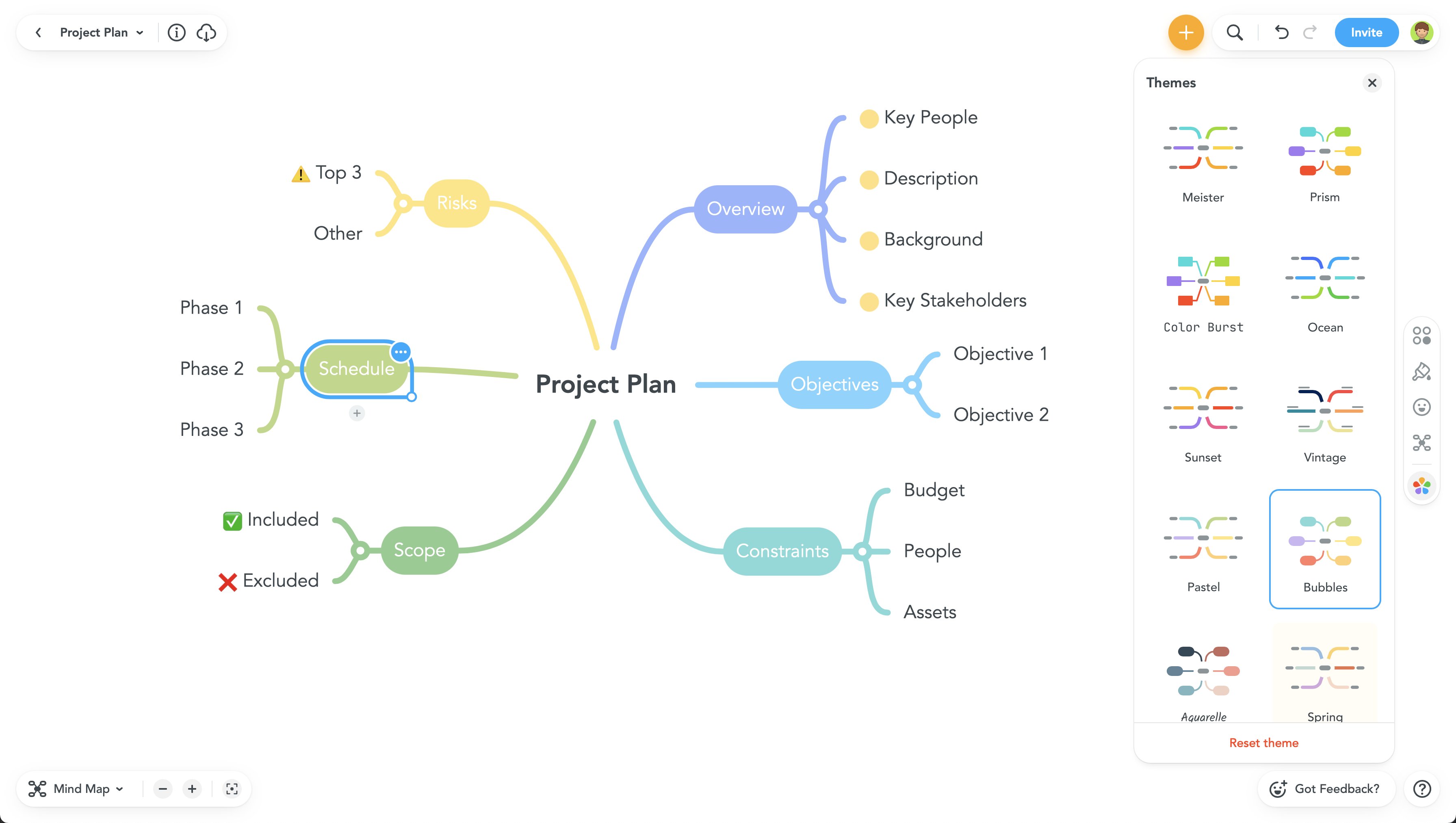
    Product screenshotProduct screenshotProduct screenshotProduct screenshot