TrustRadius: an HG Insights company

Save this comparison

Save this comparison

Add Product

Recommended Comparisons

    Overview
    ProductRatingMost Used ByProduct SummaryStarting Price

    Dataloader.io

    Score10 out of 10
    N/ADataloader.io delivers a cloud based solution to import and export information from Salesforce.

    $99

    per month

    Diyotta

    Score4 out of 10
    N/ADiyotta is an enterprise-class data integration platform that connects enterprises to all their data. It provides a single integrated platform designed to make it easy to integrate enormous volumes of data from any source to any target, whether on-premises, in the cloud, or a hybrid environment. Diyotta is built for modern data architectures where data can be processed in batch, or real-time streams, in an optimized fashion. It also scales in all dimensions with its agent-based architecture…N/A
    Pricing
    Dataloader.ioDiyotta
    Editions & Modules
    Professional
    $99.00
    per month
    Enterprise
    $299.00
    per month
    No answers on this topic
    Offerings
    Pricing Offerings
    Dataloader.ioDiyotta
    Free Trial
    NoNo
    Free/Freemium Version
    NoNo
    Premium Consulting/Integration Services
    NoNo
    Entry-level Setup FeeNo setup fee$1,000 per month
    Additional Details——
    More Pricing Information
    Community Pulse
    Dataloader.ioDiyotta
    Considered Both Products
    Salesforce
    No answer on this topic
    Diyotta
    No answer on this topic
    Key User Insights
    Would buy again
    87%
    Would buy again
    13 Answers
    No answers on this topic
    Delivers good value for the price
    93%
    Delivers good value for the price
    13 Answers
    No answers on this topic
    Happy with the feature set
    93%
    Happy with the feature set
    14 Answers
    No answers on this topic
    Lived up to sales and marketing promises
    78%
    Lived up to sales and marketing promises
    7 Answers
    No answers on this topic
    Implementation went as expected
    82%
    Implementation went as expected
    9 Answers
    No answers on this topic
    Best Alternatives
    Dataloader.ioDiyotta
    Small Businesses
    No answers on this topic
    Skyvia
    Score10 out of 10
    Medium-sized Companies
    DemandTools
    Score9.3 out of 10
    IBM InfoSphere Information Server
    Score10 out of 10
    Enterprises
    DemandTools
    Score9.3 out of 10
    SolarWinds Task Factory
    Score8.3 out of 10
    All AlternativesView all alternativesView all alternatives
    User Ratings
    Dataloader.ioDiyotta
    Likelihood to Recommend
    10.0
    (26 ratings)
    -
    (0 ratings)
    Likelihood to Renew
    8.9
    (5 ratings)
    -
    (0 ratings)
    Usability
    8.5
    (10 ratings)
    -
    (0 ratings)
    Performance
    8.0
    (1 ratings)
    -
    (0 ratings)
    Support Rating
    7.6
    (8 ratings)
    -
    (0 ratings)
    User Testimonials
    Dataloader.ioDiyotta
    Likelihood to Recommend
    Salesforce
    Replacing data. If we've put something in a category or a bucket that is no longer named that anymore because we've evolved with the times and we want to rebrand everything, it makes it way easier to do a quick import with the new terms.
    Incentivized
    Read full review
    Diyotta
    No answers on this topic
    Pros
    Salesforce
    • Extracting Salesforce attachments in original file format! I do not know of a tool that can do this better, or more efficiently! This is a huge benefit to companies that would like to extract attachments from Salesforce for tasks like data migrations.
    • Cross-object data extract within one file. You can pull data from related objects as long as there is a populated lookup from the object you are extracting, to another object (Child or Parent).
    • UI is simple and requires very little to no training. Given the acquisition of Mulesoft by Salesforce, I would not be surprised if DataLoader.IO is rolled out as the new global data loading tool for Salesforce.
    Incentivized
    Read full review
    Diyotta
    No answers on this topic
    Cons
    Salesforce
    • At the moment, I can't find a way to rename jobs. This would be useful to organize what was previously created hastily by techs in a rush.
    • A preview of the job, especially upserts, would take a great deal of stress away from some of us (especially those who are not so confident in their ETL practice).
    • A native vlookup equivalent may be a welcome addition.
    Read full review
    Diyotta
    No answers on this topic
    Likelihood to Renew
    Salesforce
    It is easy to use and doesn't require a security token, so I enjoy using it. It also doesn't require any download or installation, which is sometimes a blocker to gettingthings done if the company has limits. also, the dataloader.io is easy for other people to pick up, so others can have visibility into the data jobs that have occurred
    Read full review
    Diyotta
    No answers on this topic
    Usability
    Salesforce
    Dataloader definitely skews towards a more technical userbase. Users should be adept at manipulating data in spreadsheets and decipher JSON formatted error messaging. Additionally, there is a good amount of time need to set up the environment to map to the pertinent fields we are trying to adjust. While I would not recommend the typical account manager to use Dataloader, a typical operations manager should have no issue.
    Incentivized
    Read full review
    Diyotta
    No answers on this topic
    Performance
    Salesforce
    Dataloader is made for updating, inserting, and deleting of contacts. For these operations this tool is excellent.
    Incentivized
    Read full review
    Diyotta
    No answers on this topic
    Support Rating
    Salesforce
    The utility itself is very self-explanatory and has enough information to guide you through the process. It has an intuitive experience for those familiar with data loading/exporting utilities. Outside of this, they have a Zendesk help center to log support requests and provide documentation to help guide you troubleshoot any issues that may be occurring.
    Incentivized
    Read full review
    Diyotta
    No answers on this topic
    Alternatives Considered
    Salesforce
    I have used salesforce inspector also for operations like import and export of data from custom objects but it doesn't work well when you have data in huge numbers. Instead of using Salesforce Inspector, one should go for Dataloader.io if the number of records is huge to be dealt with.
    Incentivized
    Read full review
    Diyotta
    No answers on this topic
    Return on Investment
    Salesforce
    • HUGE time saving. When we need to clean or review data, we used to have to do it line by line. This can do the work within excel and make cleanup/management an afternoons work as opposed to a week.
    • Rollback what you did/change/deleted is relatively simple if you remember to back up the data you are manipulating.
    Incentivized
    Read full review
    Diyotta
    No answers on this topic
    ScreenShots

    Diyotta Screenshots

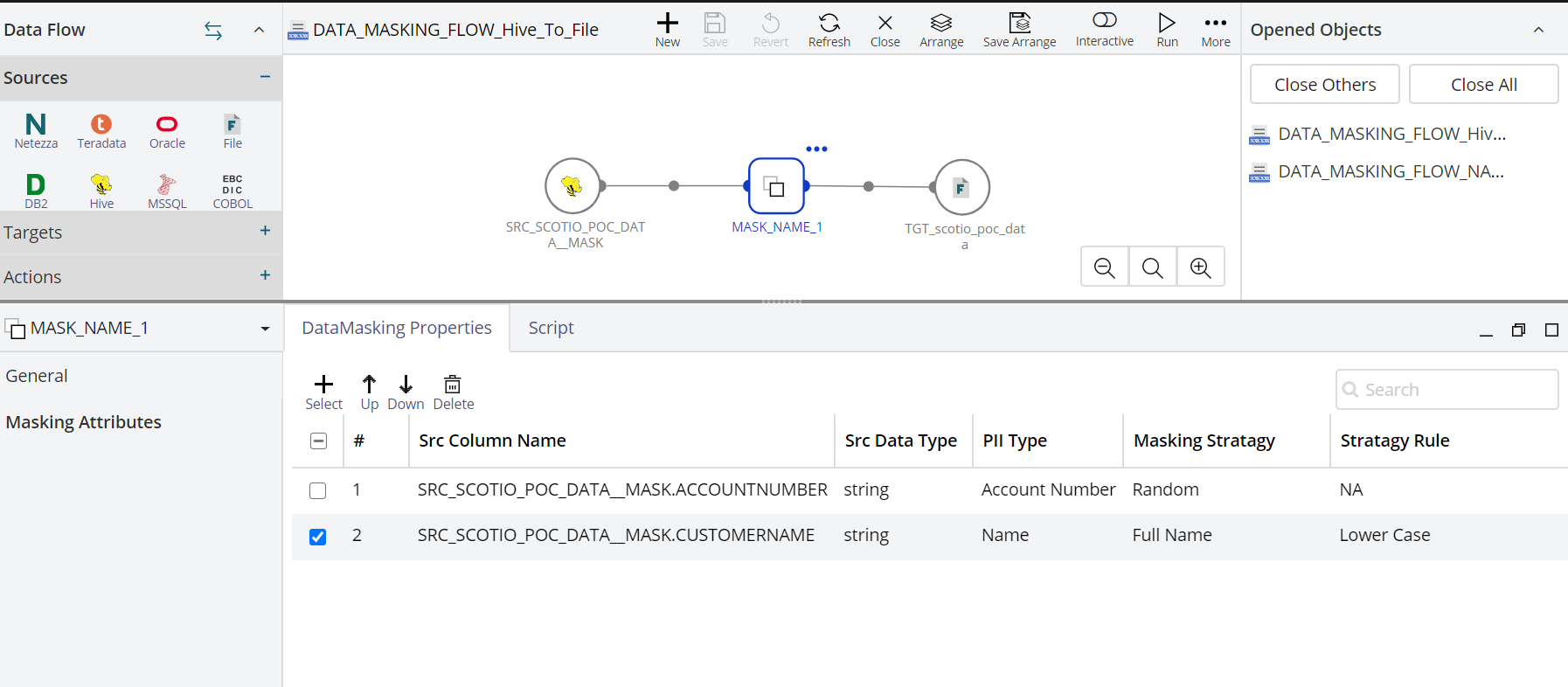
    Screenshot of The Bulk Data Migration is an ideal solution for all, including the users who do not wish to indulge in any major data transformation during the data migration process. In 5 easy steps, a user can define the source location of the data, select the elements which they wish to migrate (a user can specify the tables and fields to be migrated), and provide the destination credentials. The tool has the in-built smarts to suggest/flag the table size through which a user can know which tables migration they may want to stagger versus running with the migration in parallel.