EaseUS Video Editor is a video editor softwware with a collection of video filters and overlay effects. Apply quick effects to a video to enhance the look of movies. With it, users can drop videos, music, voiceover tracks, text and effects and transitions on to the timeline, splicing, mixing editing and more. Finished results can be exported as audio, video or animated GIF files, with each…
$29.95
per installation
ServiceMax
Score7.9 out of 10
N/A
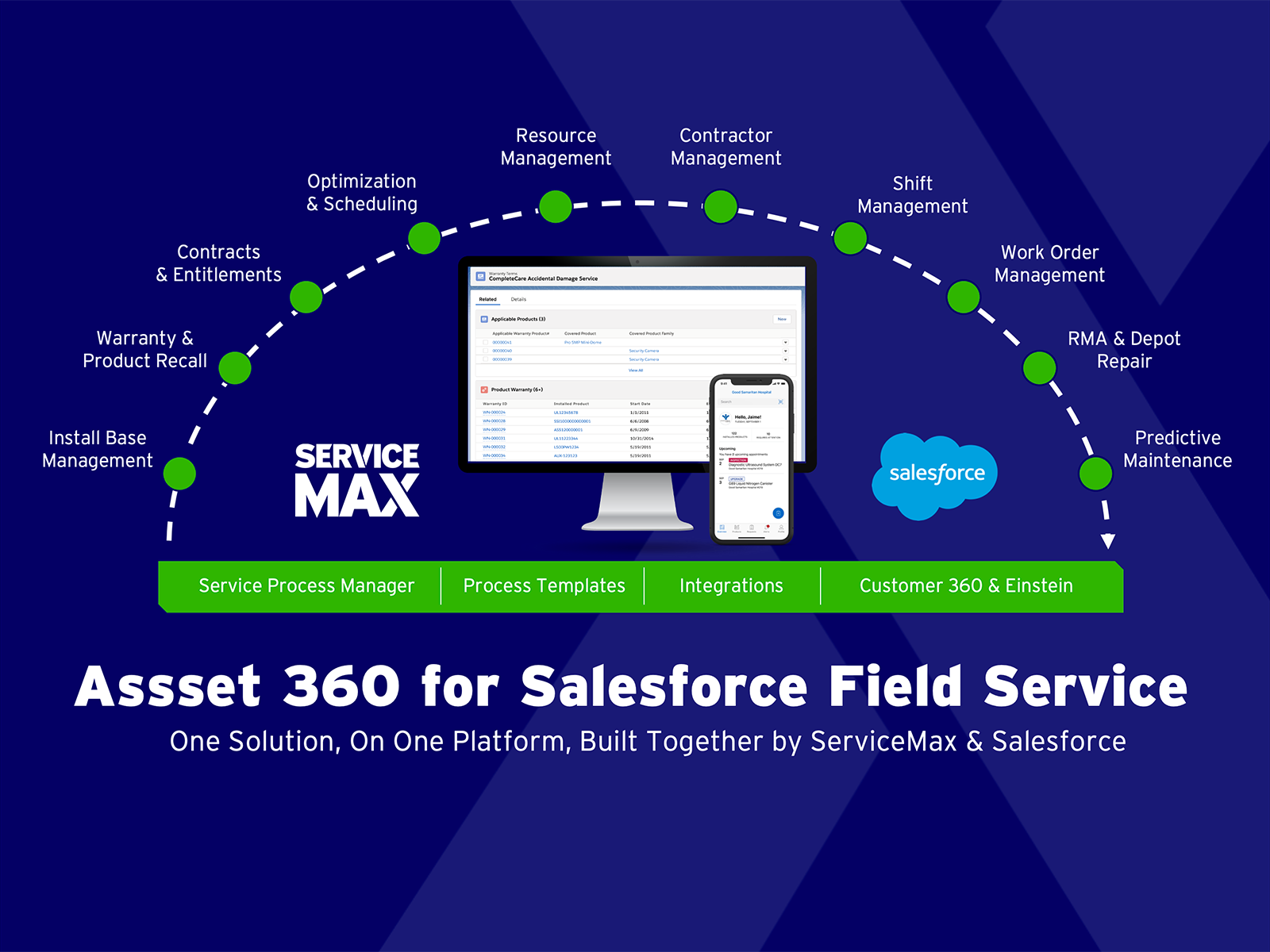
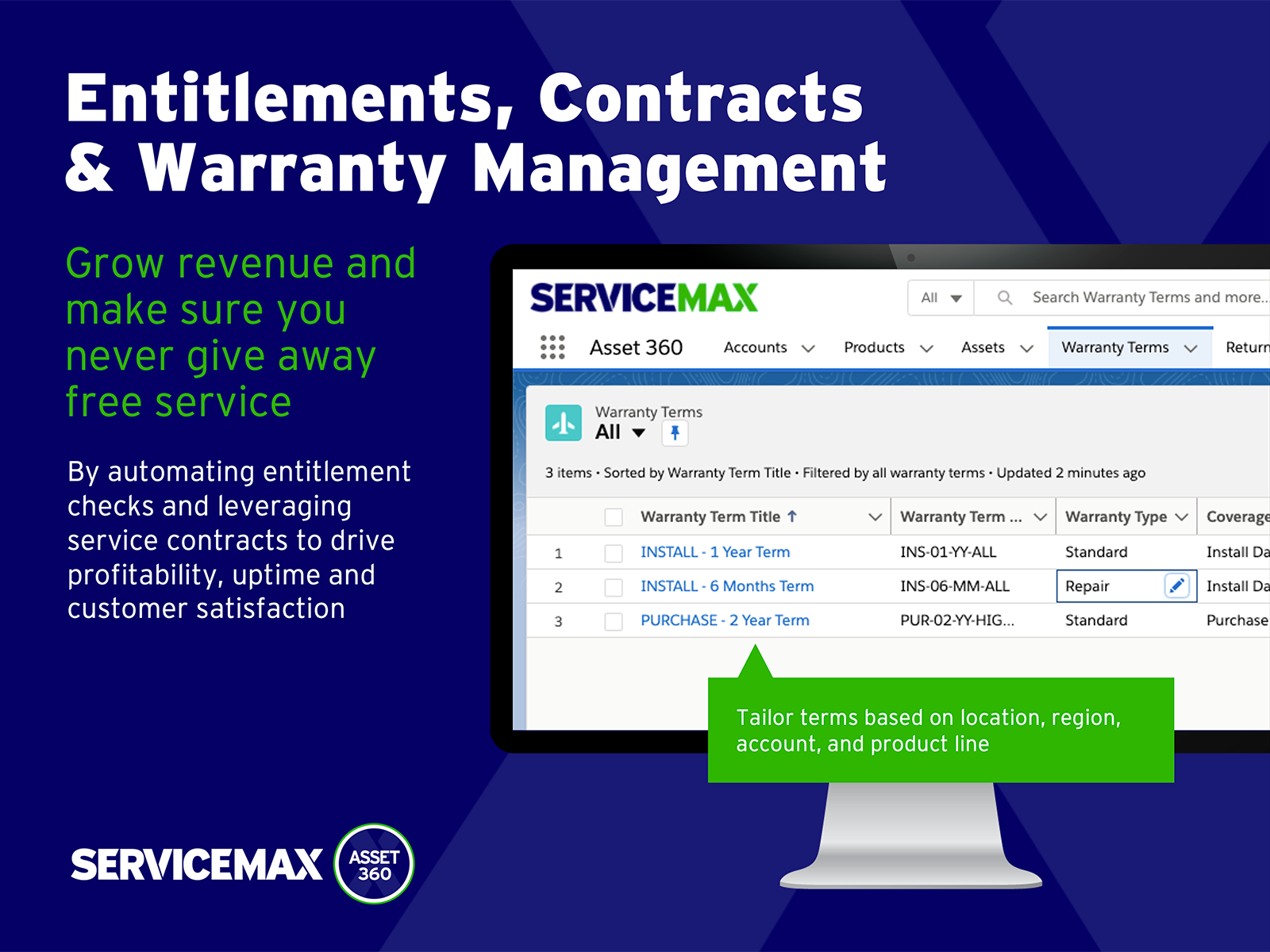
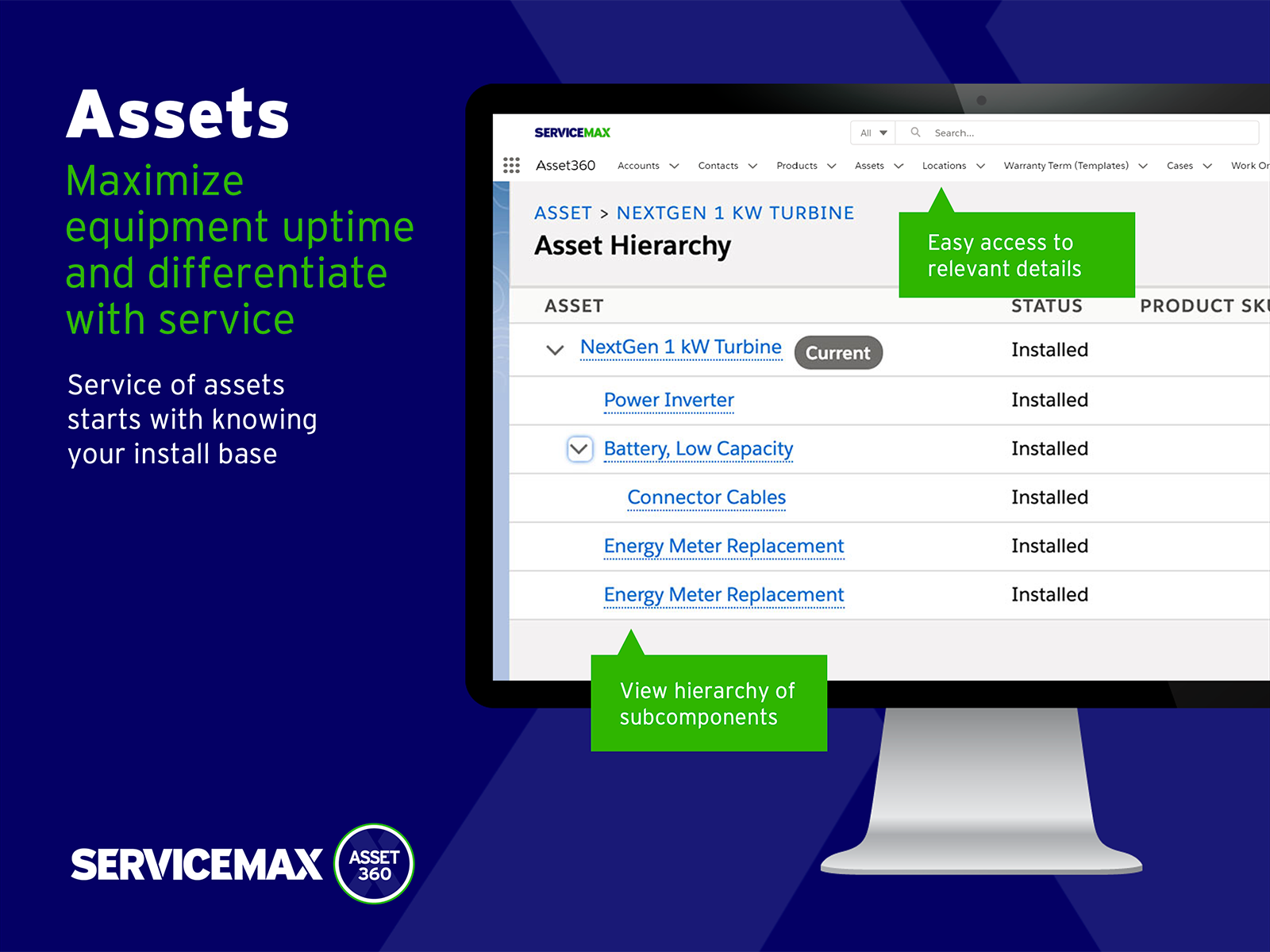
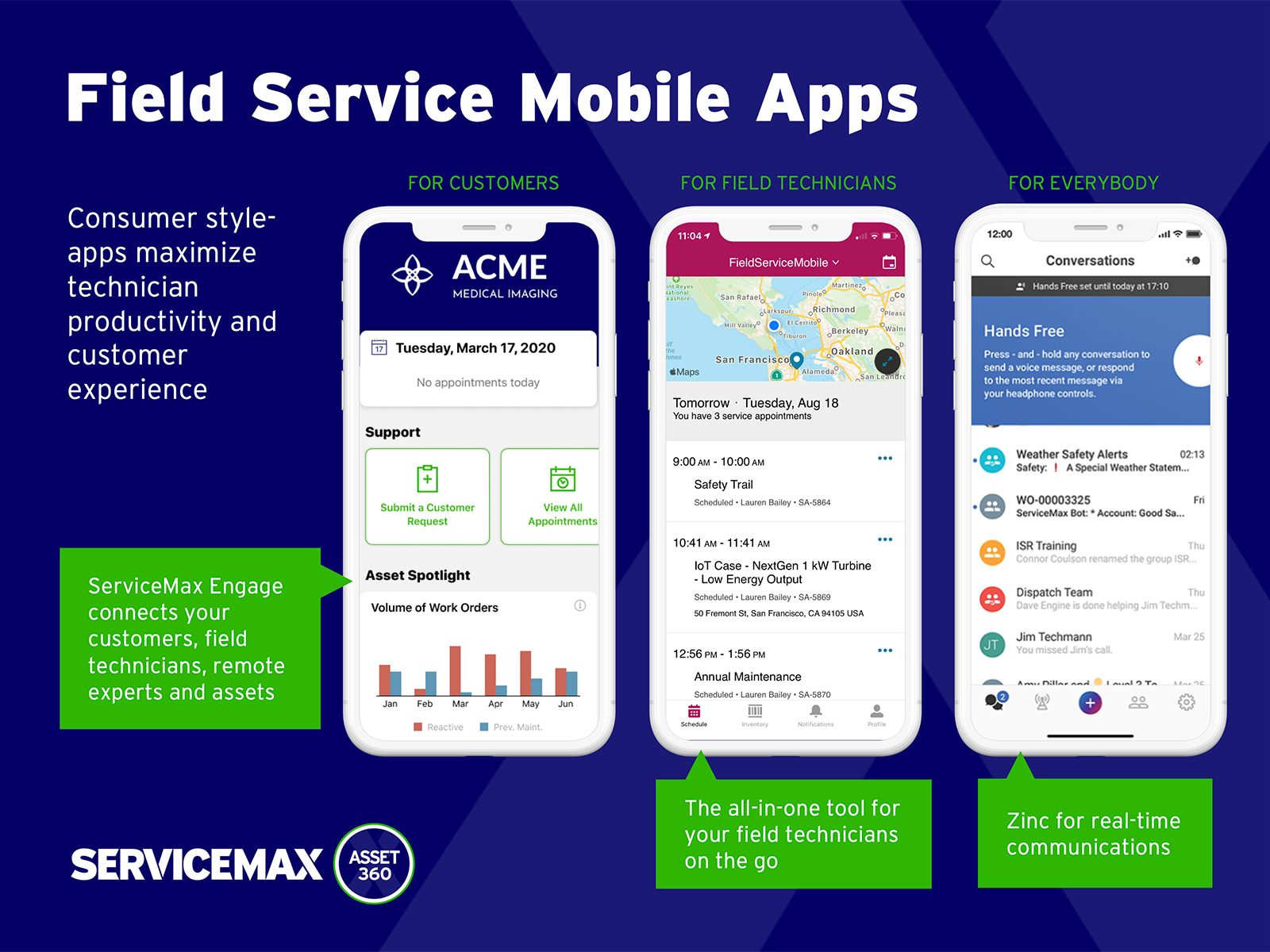
ServiceMax’s mission is to help customers with asset-centric field service management software. ServiceMax’s mobile apps and cloud-based software provide an overview of assets to field service teams. By optimizing field service operations, customers across all industries can better manage the complexities of service, support faster growth and run more profitable, outcome-centric businesses.
I'm pretty much going to be mentioning the same thing, but I'll paraphrase. For those looking for an editor that can as well save audio files (mainly .mp3 files), I would suggest EaseUS Video Editor. Make sure you have enough room in your hard drive to download this software program. I'm not saying that it'll take up a lot of room, but it's not a small software program either. With as much video editing and as many video files as I save, you'll definitely need the room. One thing I forgot to state, and I must, is that renaming the files is an added plus. You'll get to saving so many files, and the next thing you know you'll ask yourself questions such as, "What did I save this file for?" Another question that comes to mind is, "Why didn't I have use the automatic timer?" I don't think I had the opportunity to check and see if I could set the timer myself or not. If that's not a feature, it would be an excellent one.
A de minimis incentive was given to thank the reviewer for their time. The incentive was not used to bias or drive a particular response, nor was the incentive contingent on a positive endorsement. More Info
Small deployments, where you have some specific need for ServiceMax and absolutely need offline capabilities, and are willing to deal with the problems. Otherwise, you may be better off looking at the built-in Work Orders and field service module that Salesforce is now providing. Their app is direct competition for ServiceMax and integrates much better with cases and knowledge articles.
A de minimis incentive was given to thank the reviewer for their time. The incentive was not used to bias or drive a particular response, nor was the incentive contingent on a positive endorsement. More Info
A de minimis incentive was given to thank the reviewer for their time. The incentive was not used to bias or drive a particular response, nor was the incentive contingent on a positive endorsement. More Info
A de minimis incentive was given to thank the reviewer for their time. The incentive was not used to bias or drive a particular response, nor was the incentive contingent on a positive endorsement. More Info
A de minimis incentive was given to thank the reviewer for their time. The incentive was not used to bias or drive a particular response, nor was the incentive contingent on a positive endorsement. More Info
A de minimis incentive was given to thank the reviewer for their time. The incentive was not used to bias or drive a particular response, nor was the incentive contingent on a positive endorsement. More Info
A de minimis incentive was given to thank the reviewer for their time. The incentive was not used to bias or drive a particular response, nor was the incentive contingent on a positive endorsement. More Info
As I've previously stated, EaseuS Video Editor can also be used to as an alternative for Zoom. The only thing is that not everyone has this software program because Zoom presented itself more as the video recording software of choice. Zoom was as well the one the majority of us in the public was more aware of. One main advantage EaseUs Video Editor has over Zoom is, and I'll state this repeatedly, editing. I can with any videos with EaseUs edit more with easily and effortlessly. Overall, I've had to after converting any Zoom meetings edit and make them a better quality with EaseUS.
A de minimis incentive was given to thank the reviewer for their time. The incentive was not used to bias or drive a particular response, nor was the incentive contingent on a positive endorsement. More Info
ServiceMax has an offline capability, and also integrates with our Salesforce side of business. At the time, Salesforce did not have a field service application so we could not consider it, but if we could now, we would probably go with that instead. ServiceMax is also expensive. But at the time, ServiceMax was the only offering out there that integrated with Salesforce, had mobile offline capability, and could operate at the scale we needed.
A de minimis incentive was given to thank the reviewer for their time. The incentive was not used to bias or drive a particular response, nor was the incentive contingent on a positive endorsement. More Info
A de minimis incentive was given to thank the reviewer for their time. The incentive was not used to bias or drive a particular response, nor was the incentive contingent on a positive endorsement. More Info
ROI for ServiceMax is mostly dependent on how in depth the organization wants the software. Our ROI is expected within the second year of operation due to the complexity of integration and the initial training requirements for in-house programmers.
Inventory control ROI is expected within year three or four due to the number of technicians and creating the foundation of information to import into ServiceMax. Expectations are the front end programming will be complete and our programmers will be better acquainted with the modules and architecture to make the inventory integration smoother than the initial integration.
Our organization has been working with ServiceMax for ten months and beginning to incorporate the financials to the work orders. This process has not been as seamless as once projected and the root causes are under investigation. It appears the original fields available to track time between employees were not in depth nor segregated sufficiently for granularity.
A de minimis incentive was given to thank the reviewer for their time. The incentive was not used to bias or drive a particular response, nor was the incentive contingent on a positive endorsement. More Info