Endpoint Protector by CoSoSys is an all-in-one Data Loss Prevention (DLP) solution for Windows, macOS, and Linux computers, Thin Clients, and Desktop-as-a-Service (DaaS) platforms. The solution protects from data leaks, theft, and exfiltration, it minimizes the risk of insider threats and helps companies to reach compliance with data protection regulations such as the GDPR, CCPA, PCI DSS, HIPAA, and more. It features specialized modules that clients can pick and choose from based on their…
N/A
TimeCamp
Score7.3 out of 10
Small Businesses (1-50 employees)
TimeCamp is cloud based, multi-platform (Windows, Mac, Linux, iOS, Android) time tracking and invoicing software.
$5.49
per month per user
Pricing
Endpoint Protector by CoSoSys
TimeCamp
Editions & Modules
No answers on this topic
Free
$0
free with limited features.
Starter
$5.49
per month per user
Premium
$9.99
per month per user
Ultimate
$13.99
per month per user
Enterprise
Custom
Offerings
Pricing Offerings
Endpoint Protector by CoSoSys
TimeCamp
Free Trial
Yes
Yes
Free/Freemium Version
No
Yes
Premium Consulting/Integration Services
No
Yes
Entry-level Setup Fee
No setup fee
No setup fee
Additional Details
—
Discount available for annual billing. The free plan encompass all basic time tracking features for unlimited users.
I don't have a single most valuable feature. Every feature is really working for me. One of the reasons I bought it was for the USB block, but that's not as much a use case anymore since I have a lot of people working remotely. It's the DLP part that is more important to me right now, to pinpoint the data that's getting moved. The granularity enables me to not only see a file, but to read inside the file and pull out the data inside it. The granularity is really pretty good on that. It's very important. Let's say somebody just exported a file or emailed a file or uploaded a file on the internet. Seeing the inside of the file is really important to me. Whether it's encrypted or not, I still can see inside the file. I'm the only admin on it, but the role-based access is fine. I have one user that I give access to so he can just see device control and that's it. That's all I need him to see. I was able to do that, so I'm pretty happy with the role-based access. I use the solution's clipboard granularity feature to monitor copying and pasting to specific exit points, and it works great. People are trying to get the data any way they can, from the clipboard and things like that. I'm able to see it, report on it, and block it.
A de minimis incentive was given to thank the reviewer for their time. The incentive was not used to bias or drive a particular response, nor was the incentive contingent on a positive endorsement. More Info
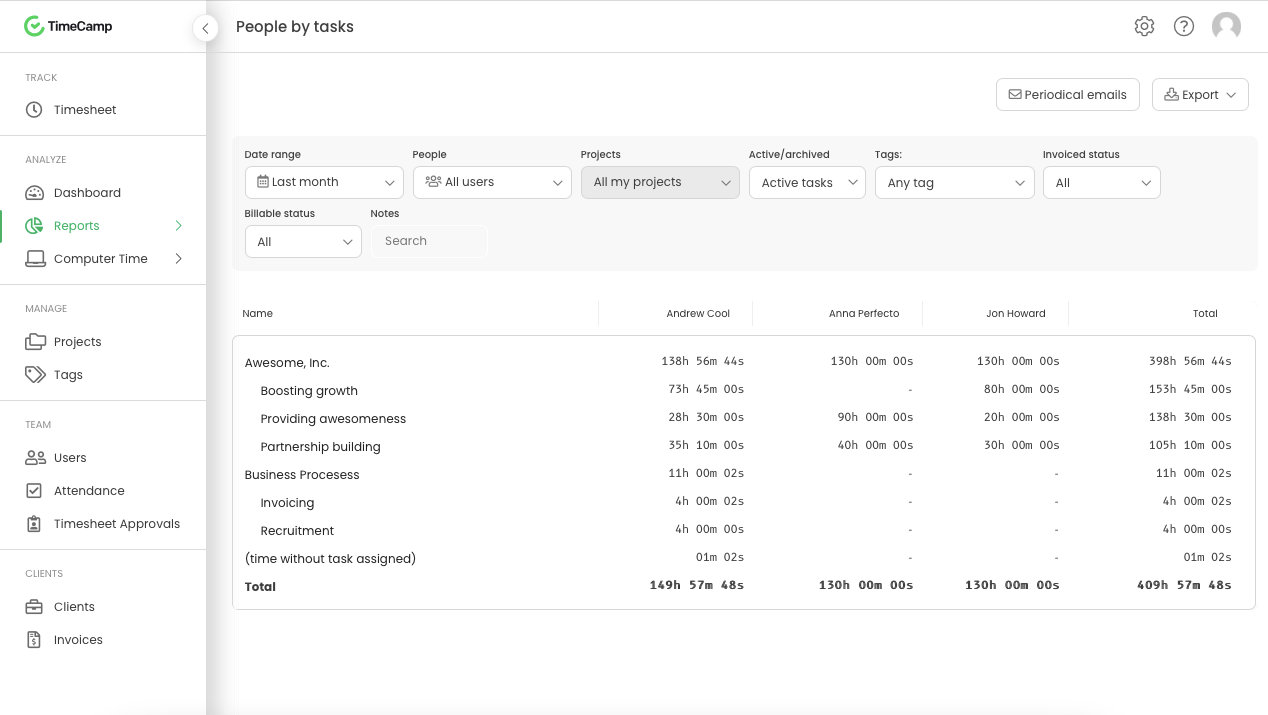
It is well suited for a company like ours, where we have different clients and can track hours per client/project. We charge hourly as well, so this is very important I wouldn't recommend it if you don't need to really track time of each task and that you are allowed to take your time with your daily tasks.
A de minimis incentive was given to thank the reviewer for their time. The incentive was not used to bias or drive a particular response, nor was the incentive contingent on a positive endorsement. More Info
A de minimis incentive was given to thank the reviewer for their time. The incentive was not used to bias or drive a particular response, nor was the incentive contingent on a positive endorsement. More Info
A de minimis incentive was given to thank the reviewer for their time. The incentive was not used to bias or drive a particular response, nor was the incentive contingent on a positive endorsement. More Info
Source code detection is their selling point, they should fix all the problems
Copy/Paste, when you copy paste text, the control applies over the paste, this is correct, but when you copy files, the control is on the copy, not in the paste, so Incan not move protected content not even in a sub folder
Device protection shouldn’t be the main module, there are other software that handle devices, you should focus on DLP
A de minimis incentive was given to thank the reviewer for their time. The incentive was not used to bias or drive a particular response, nor was the incentive contingent on a positive endorsement. More Info
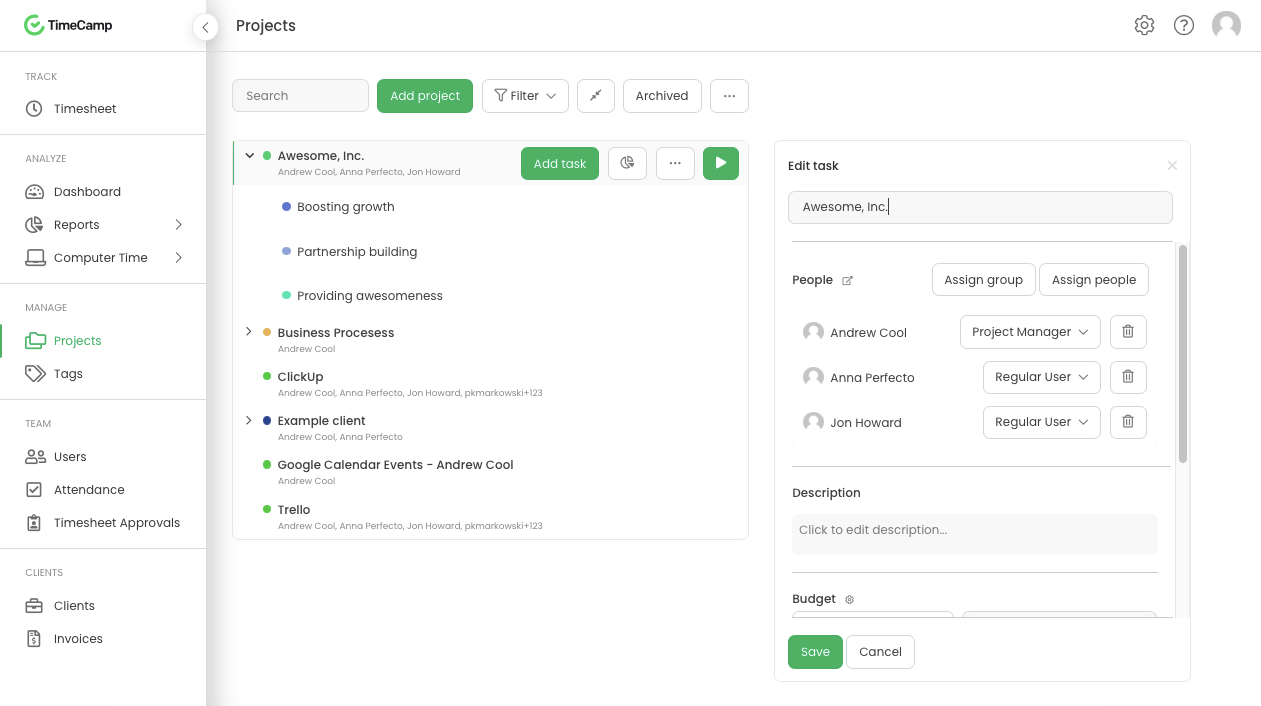
The interface is pretty good, but it could be better with some slight restructuring.
One thing that can be a bit annoying is the "Task" bar that displays on the screen showing the task and time. It is there to help you to remember to stop time when you end a task. It is needed but it would be nice if there were some design aspects to it so it could be made smaller.
A de minimis incentive was given to thank the reviewer for their time. The incentive was not used to bias or drive a particular response, nor was the incentive contingent on a positive endorsement. More Info
A de minimis incentive was given to thank the reviewer for their time. The incentive was not used to bias or drive a particular response, nor was the incentive contingent on a positive endorsement. More Info
Generally pretty easy to use and doesnt take too much training to get people started. Most of the main features are quite straightforward although some of the reporting and set up options can take a bit of time to figure out properly. The interface is a little cluttered in the browser but overall I think it is a pretty great tool
A de minimis incentive was given to thank the reviewer for their time. The incentive was not used to bias or drive a particular response, nor was the incentive contingent on a positive endorsement. More Info
I am giving support a rating of 8 but that is quite arbitrary. Honestly, we have never had the need to contact support for any reason. There has not been a situation where we became stuck and could not figure out how to work through it. Sign up was easy and billing is like clockwork so there has been no need to contact billing support. I think this is a testament to the ease of use of TimeCamp.
A de minimis incentive was given to thank the reviewer for their time. The incentive was not used to bias or drive a particular response, nor was the incentive contingent on a positive endorsement. More Info
A de minimis incentive was given to thank the reviewer for their time. The incentive was not used to bias or drive a particular response, nor was the incentive contingent on a positive endorsement. More Info
Ultimately I selected Clockify instead of TimeCamp. As previously mentioned, I believe that TimeCamp wasn't that intuitive, and too many things were behind pay walls. Clockify offered the same features mostly for free. Although TimeCamps UX was sleeker than Clockify's I found that Clockify was a better fit for me.
A de minimis incentive was given to thank the reviewer for their time. The incentive was not used to bias or drive a particular response, nor was the incentive contingent on a positive endorsement. More Info
We've already seen some great return on investments. Endpoint Protector has caught, in it's short time being deployed, a data loss incident we would not have caught otherwise.
Endpoint Protector has given the team leads comfort that the data loss events is being monitored and acted upon.
Endpoint Protector has fulfilled a business objective of protecting intellectual property from leaving the organization through an unauthorized channel.
A de minimis incentive was given to thank the reviewer for their time. The incentive was not used to bias or drive a particular response, nor was the incentive contingent on a positive endorsement. More Info
A de minimis incentive was given to thank the reviewer for their time. The incentive was not used to bias or drive a particular response, nor was the incentive contingent on a positive endorsement. More Info