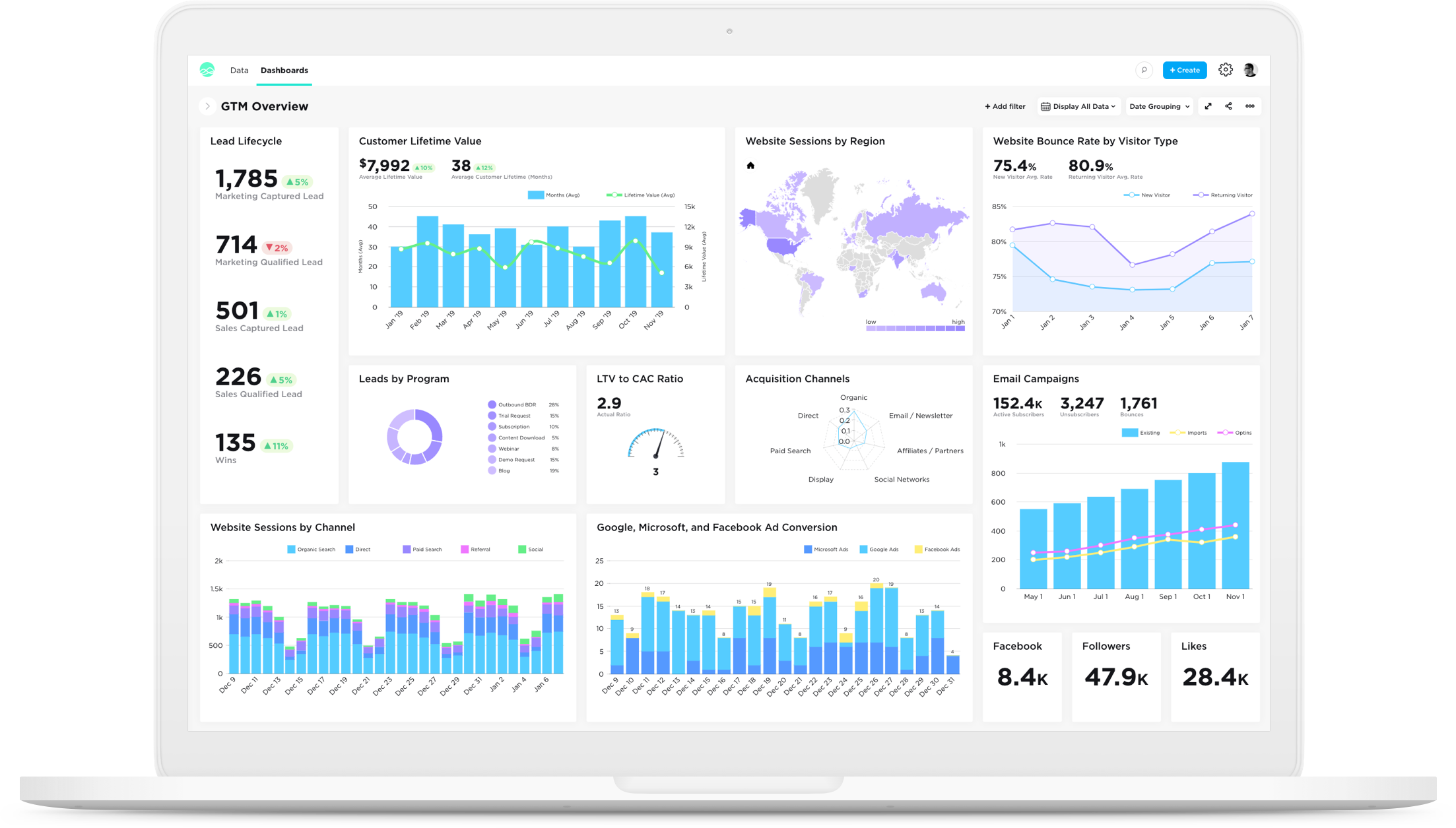
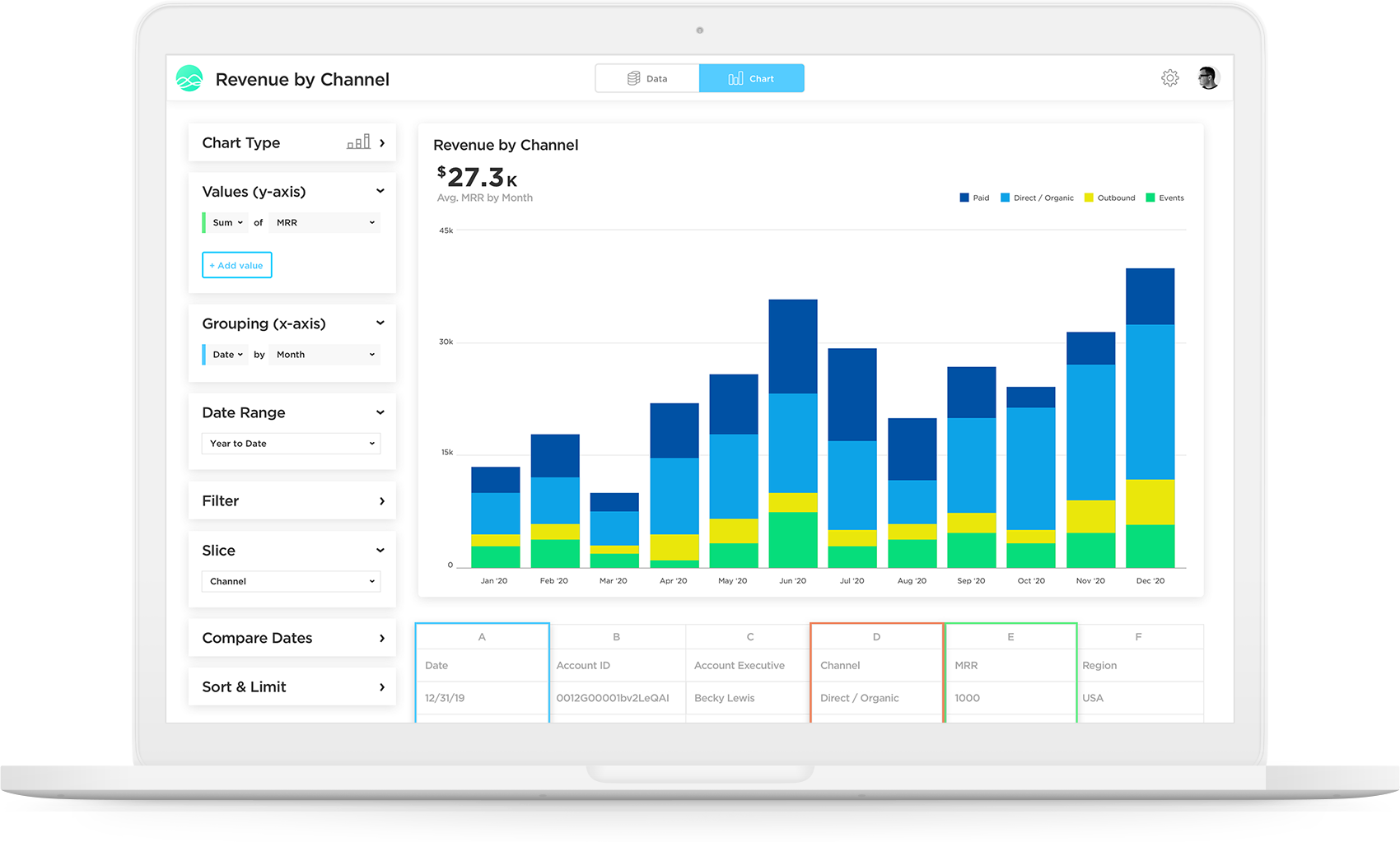
Grow, from Epicor since the March 2022 acquisition, is a business intelligence software that is designed to empower businesses to become data-driven and accelerate growth by aligning team objectives and inspiring strategic decisions.
N/A
ibi WebFOCUS
Score 7.0 out of 10
N/A
The ibi™ WebFOCUS® product is an enterprise business intelligence and analytics solution equipped with data management, visual discovery, predictive analytics, and visualizations. Combining these capabilities and data science in one unified containerized platform, the WebFOCUS® solution can be used to make data-driven decisions across the enterprise and provide reports, dashboards, and customer-facing applications at scale.
N/A
Pixel Perfect
Score 9.7 out of 10
N/A
Pixel Perfect can help solve "report generation" directly out of Tableau. It is designed to help users create high-precision, well-formatted, print-ready reports for audit, compliance, and ad-hoc reporting, from within their Tableau dashboard. It can support: Print-ready & well-formatted reports in Tableau Make reports available in popular export output formats like pdf, ppt, excel, csv, doc and html etc. Paginated Reports - Reports…
Grow is above and beyond using google sheets for data analysis. There really is no comparison to the ability to access, analyze and report on data in Grow versus in Google sheets. The metrics are also great, the graphs are easily created and understandable. They are also easily …
Grow.com is a great product because it is usable and has tons of functionality and customization, but it is definitely very expensive compared to other options out there.
Grow.com is a software that we picked because of the great positive reviews and because of the great customer service. Often times we need assistance within the software and the customer service reps are able to help.
We like Grow.com and chose this platform because the customer support team was great and super helpful. We make this a priority so that when we run into issues, someone can assist.
Grow.com is one of the best software out there simply because of how intuitive it is to use. It does not take much effort to get a team up and running using the software, but there are also a lot of other functions that can be expanded on as well.
Grow doesn't have as many advanced analytics features and other capabilities as some other 'dashboard' platforms on the market. Simply, if you want a tool for internal use only that has high-level analytics capabilities (regressions, completely custom visualizations, modeling), …
Tableau and Klipfolio are both great options and we considered others but ultimately Grow had the best combination of pricing, report customization, and support that we were looking for. At one point, when we were only using Grow with our Sales Team, we thought about moving …
I've used all three products listed, and Salesforce really lacks even with their own reports. We started using Grow almost exclusively for displaying and visualizing Salesforce data. At a previous company, we used Geckoboard, which I would consider more of a direct competitor. …
Grow.com has the easiest to use UI/UX out of the other business intelligence tools that I have used. It is a little more intuitive and takes less knowledge of SQL to really get what you want. The pre-built metrics really help to get up and going right out of the box, where …
I initially selected Grow because it was integrated with our CRM (ProsperWorks) and allowed me to use SQL to query that data. I've stuck with it because it supports many of the other data sources we are interested in pulling data from and gives us a lot of flexibility in doing …
We've used several Google Docs as our own dashboarding platform. Integration was ok but not nearly as clean as grow. Implementation was slightly easier if you were familiar with Excel though.
We chose Grow because of how economical it was in comparison. It was a great decision because we got what we needed and didn't have to pay even close to what we would have with other companies.
Before Grow we chose iCharts and developed all charts in iCharts. But it is very difficult to develop charts in iCharts and also we cannot display those charts on TV monitors continuously. That is when we looked into Grow and we have been using Grow since then.
Above average. Feature wise [Information Builders WebFOCUS] stands out. User friendliness is OK. It can handle the most complex tasks and its extensions with for example R make it extremely versatile. Support is lagging in western Europe, although i am more than happy with …
We've looked at Tableau as an alternative and the visuals are good in Tableau. One way that WebFOCUS beats Tableau is it doesn't have any issues with a set number of columns in a report. When you need to have an Excel output, which happens, WebFOCUS is far superior. The …
Webfocus handles the side of our business that is involved with our catalogs. Our catalogs is a huge revenue driver for us and this tool has been extremely useful with planning feature catalogs. Tableau is used more for marketing and merchandising purchases since we can filter …
Application Development Analyst and Software Engineer
Chose ibi WebFOCUS
No comparison. Both have their strengths, but WebFocus comes out on top as the clear winner because it is so easy to use and understand for power users. Crystal Reports, like most BI tools, requires more extensive training and is not as easy or user friendly. It is more …
WebFOCUS has a mature and tested product that speaks well to internal personnel who rely on legacy data systems for day-to-day operations and business processes. It is apparent some newer products provide flexibility in user access with limited previous knowledge or experience …
I've used a few other development frameworks, but the desition of the company to use WF was not mine. I came and WF is the tool that the company uses. I think that WF is a very important framework to achieve the goals of the company and I would like this technology to become the …
WebFOCUS is more visual and easier to build for a non-programming user, where with little knowledge on data management and dedication to learn it, you can easily start creating very well presented reporting that is automated. With the Report Caster system it allows you to fully …
Years ago I developed in Business Objects and when it came down to a decision to go with WebFOCUS it was a pretty easy choice. There is really nothing you can't do with the platform given all of the available options to develop the solutions with - HTML pages, parameterized …
I like the ease of development best on webfocus. As compared to Qlikview, it is better at handling large amounts of data and the data access process is much easier in WebFOCUS ( very manual in Qlik). Qlik is better for ad hoc drill through and it is nice how a selector easily …
Business Objects -WebFOCUS is more centered towards the user accessing data without an administrator setting up reporting objects or setting rules on data access. Access is more free form and allows the user more freedom (for better or worse) to design and create the report …
I found WebFOCUS a great tool for reporting purposes as I have used it for a long time. They should compare themselves with new reporting tools like Tableau and Splunk. Tableau's interface is mind blowing. IBI should learn from Tableau and how they have penetrated the big data …
The reason we chose WebFOCUS is because it seemed the easiest to use to create great reporting products. Also, we really liked that the code is transparent and readily available. We were confident in Information Builder's longevity and believed that ultimately, our staff would …
Grow.com is well suited if you have a lot of data or client data to manage. If you do not have tons of data, there are other options out there that are a bit more simple and easy to use and a better price.
WebFOCUS is a good comprehensive tool for BI for companies. I feel that scenarios where you want the user to interact and be able to ingest data in different formats would be a good use of the tool. Performing data discovery is easier with InfoAssist, especially the most recent versions, and allows users to customize their views and provide comments.
I love the fact that you have a team of developers who can help me build metrics or fix metrics that I do not create properly. I had to learn SQL in order to really build the metrics that mattered, which was a lot of fun, but resulted in many broken metrics. The vendor's team was great in responding to me requests for help!
Really, really appreciate the fact that Grow has SQL formulas to reference when building metrics. Again, as a novice, this accelerated my ability to learn and not have to leave your site and resources and stay within the Grow web properties.
Great account managers who check in regularly and are willing to help out whenever needed.
Webfocus reports all have the option to export to Excel. The excel spreadsheet is always very organized and clean, and the information is very easy to read.
Webfocus is able to maintain data from years prior. We can look up what we featured in catalogs and all the sales history attached with it.
Webfocus is able to provide support to a variety of departments. For example, our buying team uses it for planning in advance and our marketing team uses the tool to see how categories and products as the selling
This software is deeply engrained with my organization and has become a tool that would not easily be replaced without spending more money and resources to get the same results. License cost is comparable to other report writing tools and the capabilities are greater than the competition without having to buy multiple apps to do the same thing.
This tool is definitely a little bit difficult to be able to figure out at first, but after some time of learning you can definitely pick it up. I do wish there were more resources online that would be able to help speed up the learning process
Best BI tool/product I have used. The others don't compare overall. Some can look fancier, but when you actually use them with large data and data from numerous systems/sources that is where most of the competition falls away. I also don't like downtime. I have basically none for a large user base with WebFocus. Even SAP Crystal Reports went down for 4 days once - 4 days because the admin password got locked out due to a glitch and we had zero reports for 4 days. WebFocus has never had more than a few minutes of downtime. It's like a tank that just keeps rolling. There is no other choice for reliable BI.
The support team is very helpful and in every situation we have needed help in, they have been able to assist. So I have had a good experience with them
They have extremely knowledgeable techs that I have worked with over the years. Some have actually become really good friends of mine. I see them often at local user groups and when we show them how we are using their tools to save millions of dollars throughout the company
Plan ahead on what data will be accessible and the type of security required on the database and if you will want to use security that is built into the software. It is worth consulting with the vendor on what your plan is and how they recommend you proceed in order to get results you are happy with.
Grow doesn't have as many advanced analytics features and other capabilities as some other 'dashboard' platforms on the market. Simply, if you want a tool for internal use only that has high-level analytics capabilities (regressions, completely custom visualizations, modeling), Grow probably isn't the platform for you. To put it another way, if you have a team of data engineers and scientists doing complex analysis, Grow might not make the most sense. However, if you understand the value of data/visualization/dashboards, but lack some of those skillsets in your company, Grow might be the perfect fit. Not only is it incredibly scalable and reasonably priced compared to other market solutions, but their transform capabilities really stand out. They have many native data transformations that mimic SQL coding of a dataset, without requiring any knowledge of SQL. They've converted these transformations to easy-to-use tools in the platform, which are perfect for the less-technical user.
Above average. Feature wise [Information Builders WebFOCUS] stands out. User friendliness is OK. It can handle the most complex tasks and its extensions with for example R make it extremely versatile. Support is lagging in western Europe, although i am more than happy with current level. With takeover by tipco it remains to be seen how European strategy will evolve
We are not yet a success story. Though we've been implementing WebFOCUS for over a year, we have very few products in our Production portal. Of course, this is not all the responsibility of Information Builders, but we were ill-advised by our 'training coordinator' in our training of staff and coming up to speed with the tools has been very slow.
Once skilled analysts and professional IT staff achieve a grasp of the products, they are able to very quickly create polished and well-received products.
The DW/BI project has helped us to establish standards and protocols of communication that will allow us to more quickly meet knowledge transfer requirements