FigJam vs. MindMeister

Overview
ProductRatingMost Used ByProduct SummaryStarting Price
FigJam
Score 7.9 out of 10
N/A
FigJam is an online interactive whiteboard from Figma headquartered in San Francisco, presently in beta (2021) but available to the public in a free trial. The vendor states that in 2022, FigJam will have plans for $0, $8, and $15 per editor, per month.
$5
per month per editor
MindMeister
Score 3.3 out of 10
N/A
MindMeister is an online mind mapping tool that lets users share maps with an unlimited number of users and collaborate with them in real-time. MindMeister is used to brainstorm ideas, plan projects, take meeting minutes, develop business strategies, and create presentations. MindMeister runs in any standard web-browser as well as on iOS and Android devices, so users can access, edit and present their mind maps anytime, wherever they are. With MindMeister, users…
$45
every 6 months per user
Pricing
FigJamMindMeister
Editions & Modules
FigJam Professional
$36
per year per editor
FigJam Organization
$60
per year per editor
Personal
$45
per 6 months per user
Pro
$75
per 6 months per user
Business
$114
per 6 months per user
Offerings
Pricing Offerings
FigJamMindMeister
Free Trial
YesNo
Free/Freemium Version
YesYes
Premium Consulting/Integration Services
NoNo
Entry-level Setup FeeNo setup feeNo setup fee
Additional DetailsMindMeister offers 6-monthly and yearly subscriptions. Discounts for educational users and non-profit organizations are also available. Up to 22% discount for yearly pricing.
More Pricing Information
Community Pulse
FigJamMindMeister
Best Alternatives
FigJamMindMeister
Small Businesses
Canva
Canva
Score 9.1 out of 10
Whimsical
Whimsical
Score 9.3 out of 10
Medium-sized Companies
Canva
Canva
Score 9.1 out of 10
Whimsical
Whimsical
Score 9.3 out of 10
Enterprises
Whimsical
Whimsical
Score 9.3 out of 10
Whimsical
Whimsical
Score 9.3 out of 10
All AlternativesView all alternativesView all alternatives
User Ratings
FigJamMindMeister
Likelihood to Recommend
8.0
(6 ratings)
1.0
(17 ratings)
Usability
8.6
(3 ratings)
-
(0 ratings)
Support Rating
-
(0 ratings)
10.0
(1 ratings)
User Testimonials
FigJamMindMeister
Likelihood to Recommend
Figma
If you're working in small product teams, like triads, and already using Figma, this is a no brainer for white boarding, quick/fast sketches, wireframing, collaborative doodling ... it gets less appropriate with large teams, infrequent. IMO, due to the way in which they price, it's better to keep the inner circle small-ish.
Read full review
MeisterLabs GmbH
MindMeister is ideally suited for building mind maps, site maps, or similar types of data maps in the cloud without needing to install extra software. I find that it isn't quite as ideal for other types of diagrams (ERDs, flowcharts, etc) as some other tools, though it definitely can handle those things as well.
Read full review
Pros
Figma
  • One file, auto updated, no need to get latest
  • Easy to preview
  • Lack of client is benefit to some (not me)
Read full review
MeisterLabs GmbH
  • The UI is well laid out and easy to use. The workflow makes perfect sense and makes creating tasks a breeze.
  • The collaboration features make brainstorming not only easy but fun! Everyone enjoys using the tool, which was not the case with other collaboration software we used.
  • I love being able to get all of my thoughts and ideas on the screen to see them and then be able to connect them in a logical way.
Read full review
Cons
Figma
  • It misses easy-to-use pre sets of diagrams. The ones presented seem to be not native and hard to use. Miro is a good benchmark.
  • Navegating throught projects in the main page is confusing, specially when people are not admin users.
  • It should suggest ways of organizing the pages designers do, specially when the project is big and have many pages and sections.
  • It could have, for example, a draft version for every page, so that one can hide it when they finish the work, but can open it whenever something needs to be modified, versioning the job.
Read full review
MeisterLabs GmbH
  • I think that the free plan should offer a bit more terms of features to make the testing experience more engaging.
  • My experience using the App version was not so good when compared to the web version of it. I feel more comfortable using it in my notebook.
  • Paid plans could be more flexible to support small or temporary demands.
Read full review
Usability
Figma
I don't use it often, because the organization I work in uses a different environment on a commo basis. This is rather used between the designers, who prototype the solutions in Figma - they just have it as a workbook/notebook for their ideas. However, if those need to be shared with stakeholders or other organization members, the designers are expected to use a different environment.
Read full review
MeisterLabs GmbH
No answers on this topic
Support Rating
Figma
No answers on this topic
MeisterLabs GmbH
Never had an issue with customer support, though we never really needed anything major as far as technical help. I do not believe they offer 24 hour customer support but we don't need it as MindMeister is not the type of tool we need need 24 hour a day support for. Overall, very happy with the level of support.
Read full review
Alternatives Considered
Figma
FigJam works best in pair with Figma, as it allows you to keep track of your project in one place, supporting all phases of the process. The functionality is more intuitive, quick, and efficient. Visually, I also prefer it more —it’s more enjoyable and playful, making the experience much more engaging.
Read full review
MeisterLabs GmbH
I have also used LucidChart and Google Draw to create mind maps and concept maps in the past. I think that MindMeister is by far the cleanest and most user friendly of the three. Google Draw does not have anywhere near the same functionality. LucidChart tends to be clunky and the options to create your map are not always clear and intuitive.
Read full review
Return on Investment
Figma
  • FigJam saves a lot of time ... it's nice to have all my visual notes/sketches within Figma itself where a lot of design work lives
  • The project organization and other features contribute to the ease of answering that age old question ... "where can I find that mockup?"
  • Dev Mode is pretty cool. Not many use it, so some designers may spend unnecessary time spec'ing out things that no one will appreciate, let alone look at.
Read full review
MeisterLabs GmbH
  • The most positive result of using MindMeister is a visualization of each step in work and connections between different nodes(ideas, steps).
  • This greatly simplifies the work, especially collaborative work, since it is easier to show it once than to explain things many times.
  • Negative impact: lack of offline desktop version.
Read full review
ScreenShots

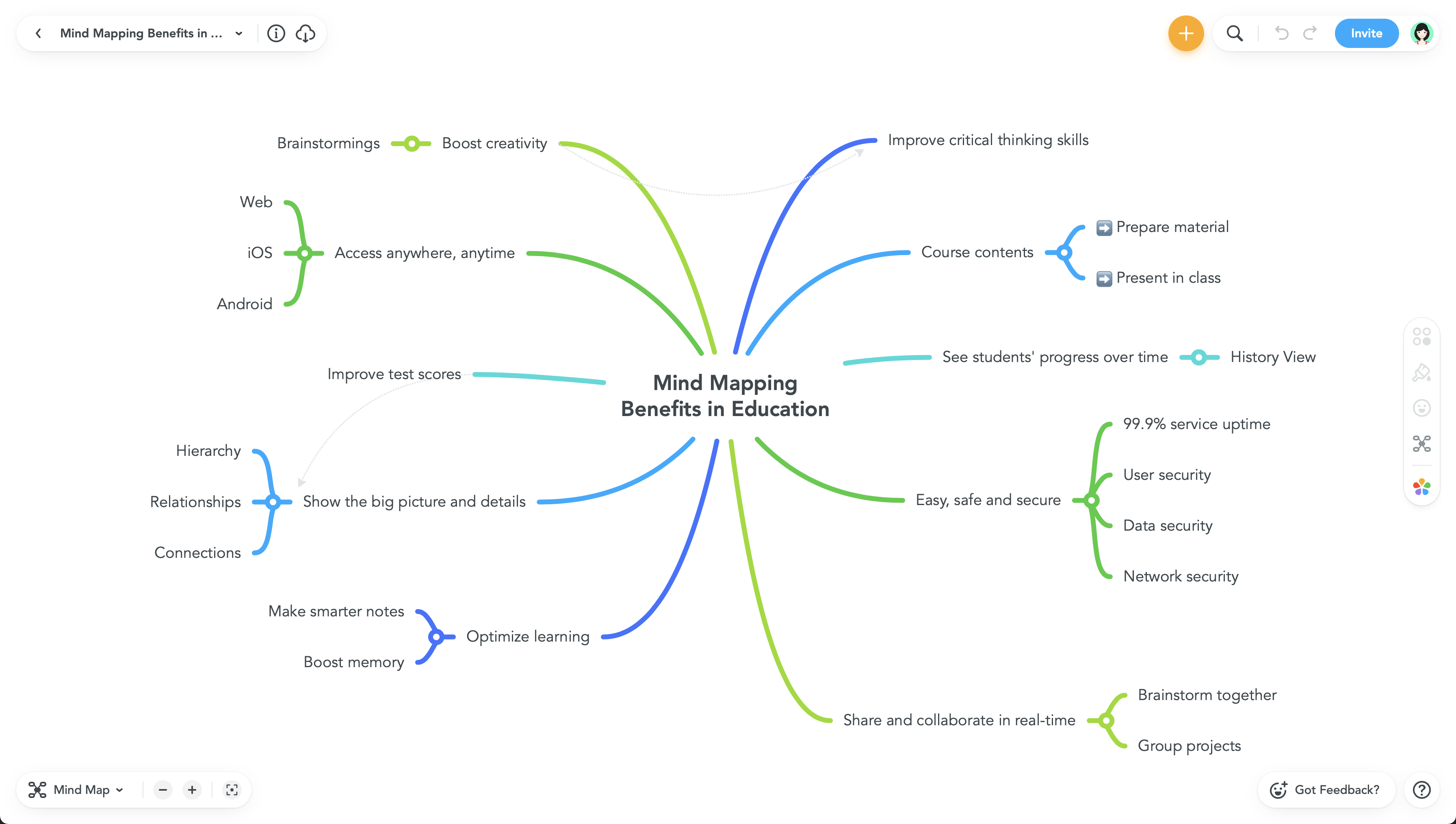
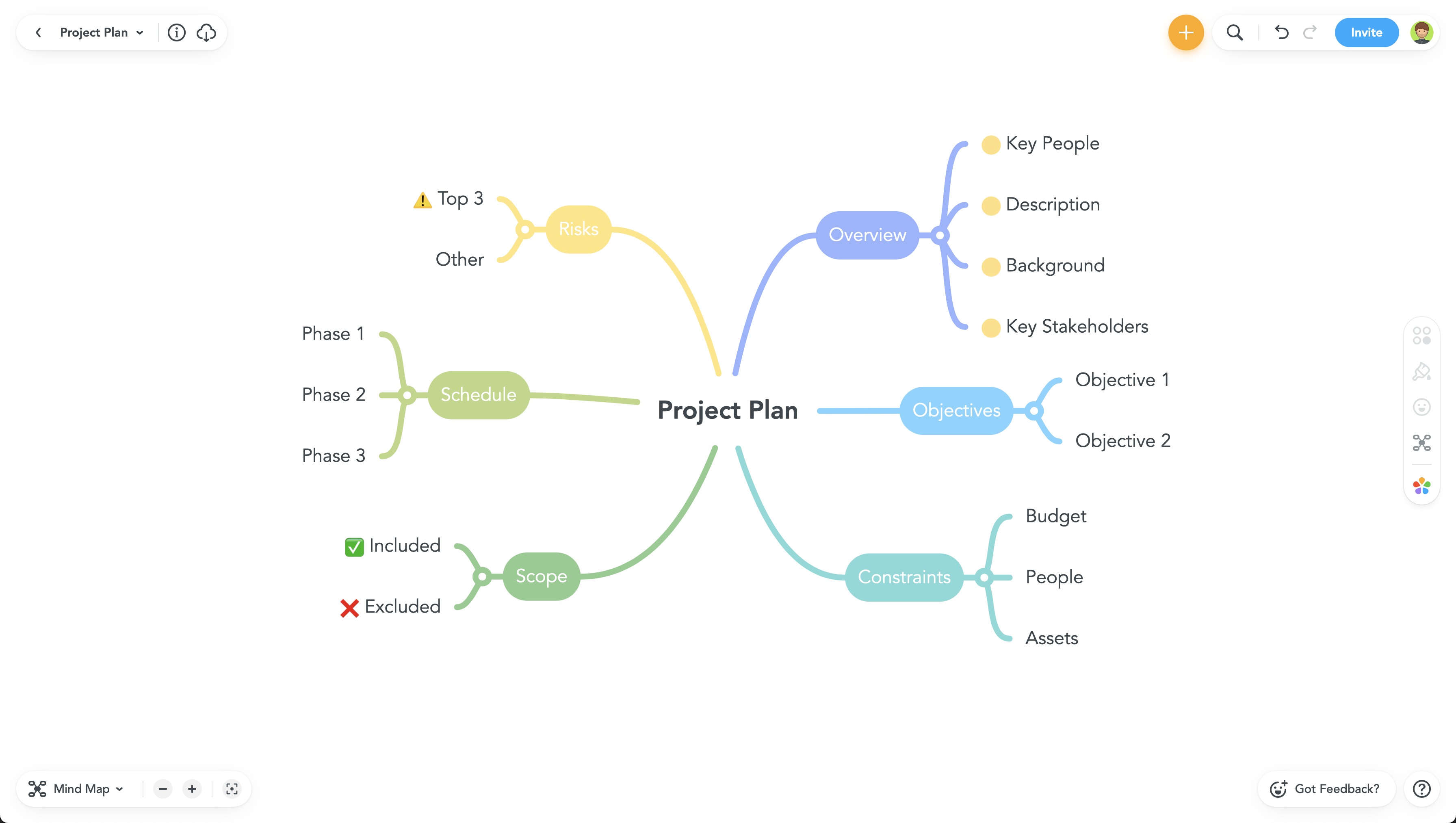
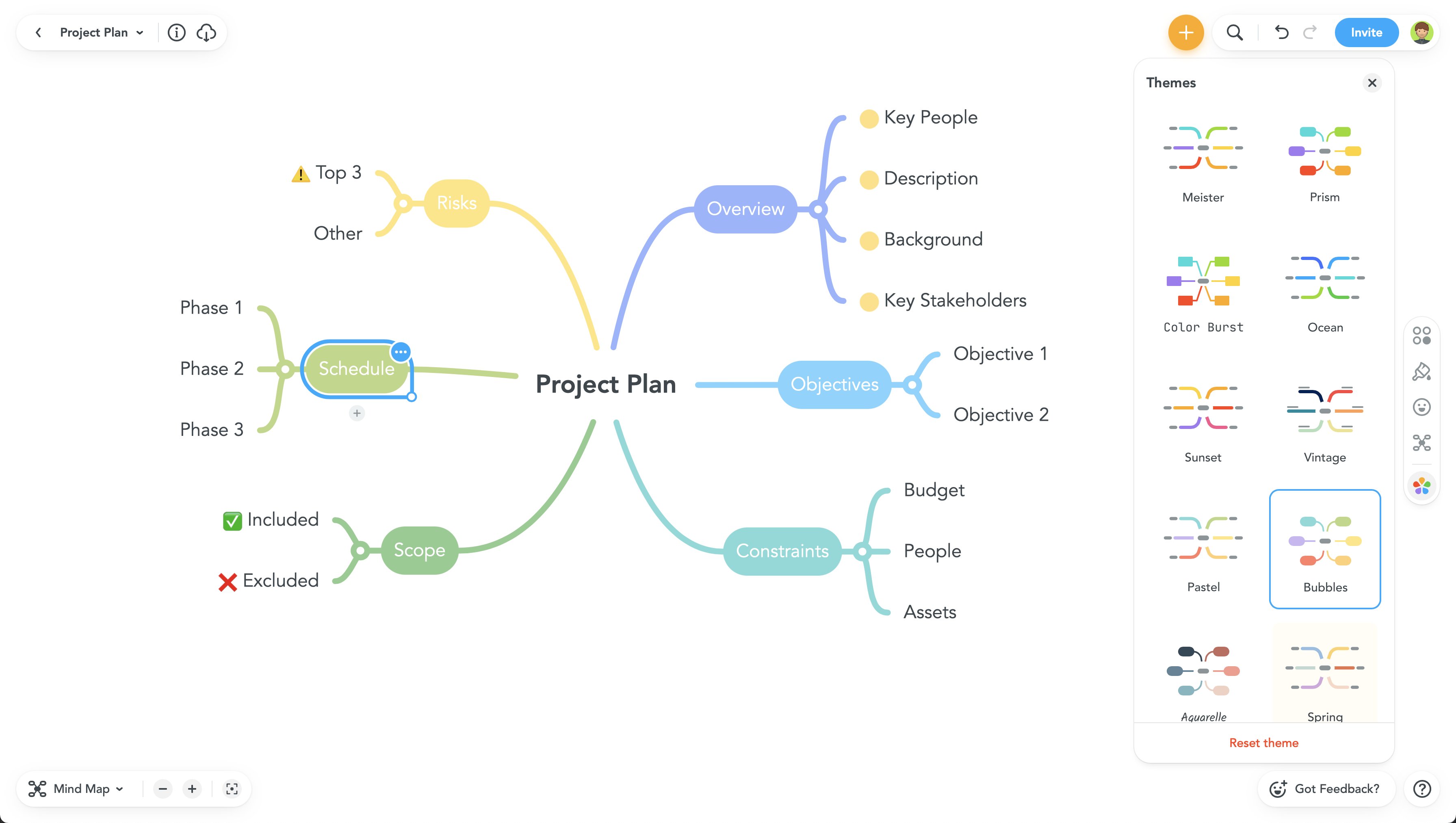
MindMeister Screenshots

Screenshot of Screenshot of Screenshot of Screenshot of