FitNesse is an open source fully integrated standalone wiki web server and acceptance testing framework.
N/A
NGINX
Score 9.1 out of 10
Mid-Size Companies (51-1,000 employees)
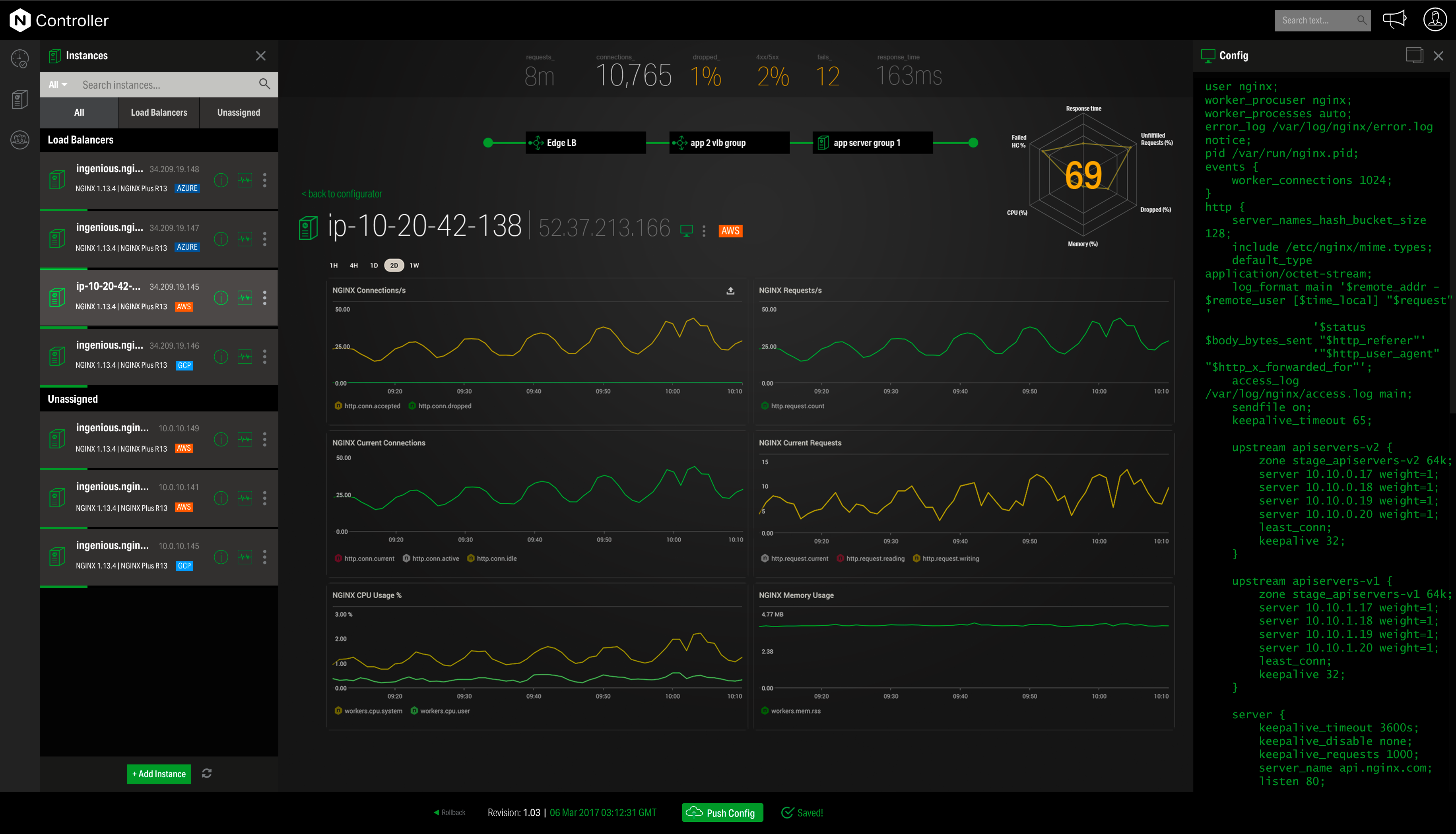
NGINX, a business unit of F5 Networks, powers over 65% of the world's busiest websites and web applications. NGINX started out as an open source web server and reverse proxy, built to be faster and more efficient than Apache. Over the years, NGINX has built a suite of infrastructure software products o tackle some of the biggest challenges in managing high-transaction applications. NGINX offers a suite of products to form the core of what organizations need to create…
N/A
Selenium
Score 8.3 out of 10
N/A
Selenium is open source software for browser automation, primarily used for functional, load, or performance testing of applications.
Useful and straightforward. Appian and other low-code BCM tools can be easily integrated. Writing a script for a test is similar to writing a script in English. So simple to use because it's a wrapper class for selenium. FitNesse is being implemented with the goal of doing it correctly the first time. As a result, migrations of both the client and the server are made easier.
Nginx is well-suited for any web server scenarios, such as web applications, backend or reverse proxy for both application and HTTP requests, and distribution. It is less appropriate for Windows-based applications that run directly on a Windows Server host. In any case, it is very easy to manage, through separate conf files for each application or site you want to host with it.
When you have to test the UI and how it behaves when certain actions are performed, you need something that can automate the browsers. This is where Selenium comes to the rescue. If you have to test APIs and not the frontend (UI), I would recommend going with other libraries that support HTTP Requests. Selenium is good only when you have no choice but to run the steps on a browser.
Customer support can be strangely condescending, perhaps it's a language issue?
I find it a little weird how the release versions used for Nginx+ aren't the same as for open source version. It can be very confusing to determine the cross-compatibility of modules, etc., because of this.
It seems like some (most?) modules on their own site are ancient and no longer supported, so their documentation in this area needs work.
It's difficult to navigate between nginx.com commercial site and customer support. They need to be integrated together.
I'd love to see more work done on nginx+ monitoring without requiring logging every request. I understand that many statistics can only be derived from logs, but plenty should work without that. Logging is not an option in many environments.
Selenium is pretty user-friendly but sometimes tests tend to flake out. I'd say roughly one out of twenty tests yields a false positive.
Selenium software cannot read images. This is a minor negative because a free plug-in is available from alternate sources.
Slowness may be a minor factor with Selenium, though this is an issue with basically any testing software since waiting on a site to execute JavaScript requires the browser to wait for a particular action.
We love this product mainly because of its high customization abilities and the ease of use. Moreover, its free and can be learned easily through online communities and videos. The tests are more consistent and reliable as compared to Manual tests. It has enabled us to test a large number of features all in one go, which would have impossible through manual tests. The reports generated at the end of the tests are really helpful for the QA and the development teams to get a fair view of the application.
This tool is really easy to use and configure. Consumes very less system resources. It is highly modular and configurable. You can easily use it with other tools like certbot for SSLs. You can configure basic security with configuration and headers
For those who are unfamiliar with coding, there is a bit of a learning curve. There is plenty of helpful documentation and resources but it can take a little time to get the software up and running. Once you get the hang of how Selenium works, and what it can do, you realize how many things you can use it for, and how many processes you can automate.
Community support is great, and they've also had a presence at conferences. Overall, there is no shortage of documentation and community support. We're currently using it to serve up some WordPress sites, and configuring NGINX for this purpose is well documented.
The Selenium app has a pretty fat community of users. For the problems we are experiencing, we are primarily receiving support from these communities. In addition, there is widespread service support. Instant support is given to the problems we experience when we need Online support. We and our team are happy to provide this support, especially before important deployment processes
We did everything we needed to use it. Now we can execute our tests on different operational systems and browsers running few tests simultaneously. We also implemented Appium framework to execute our tests on mobile devices, such as iPhones, iPads, Android phones and tablets. We use SauceLabs for our test execution and Jenkins for continuous integration.
The FitNesse testing automation framework is very simple to operate. It is simple to connect with the Jenkins and Bamboo environments. It is dependable, and it is simple and quick to include new tests. The process of debugging and fixing test failures is straightforward. FitNesse, including its installation, may be utilized with a minimum of fuss and difficulty. Maintaining scripts and monitoring their output is designed to be a relatively straightforward process.
I have found that [NGINX] seems to perform better throughout the years with less issues although I've used Apache more. I would definitely recommend [NGINX] for any high volume site and I've seen this to usually be the case from most provided web hosts who will pick [NGINX] over alternatives
At the time of adoption, there were not many other alternatives that were even close to being competitive when it comes to browser testing. As far as I know now to this day, there is still little competition to Selenium for what it does. Any other browser-based testing still utilises Selenium to interact with the browser.
By using Nginx, we can host multiple web services on a single server, keeping our infrastructure costs lower.
Nginx maintains our HTTPS connections, allowing us to keep our promise to our customers that their data is safe in transit.
Due to Nginx's extremely low failure rate, our web addresses always return something meaningful, even when individual services go down. In sense, this means we are "always online" and allows us to maintain brand and support our customers even in the face of catastrophe.