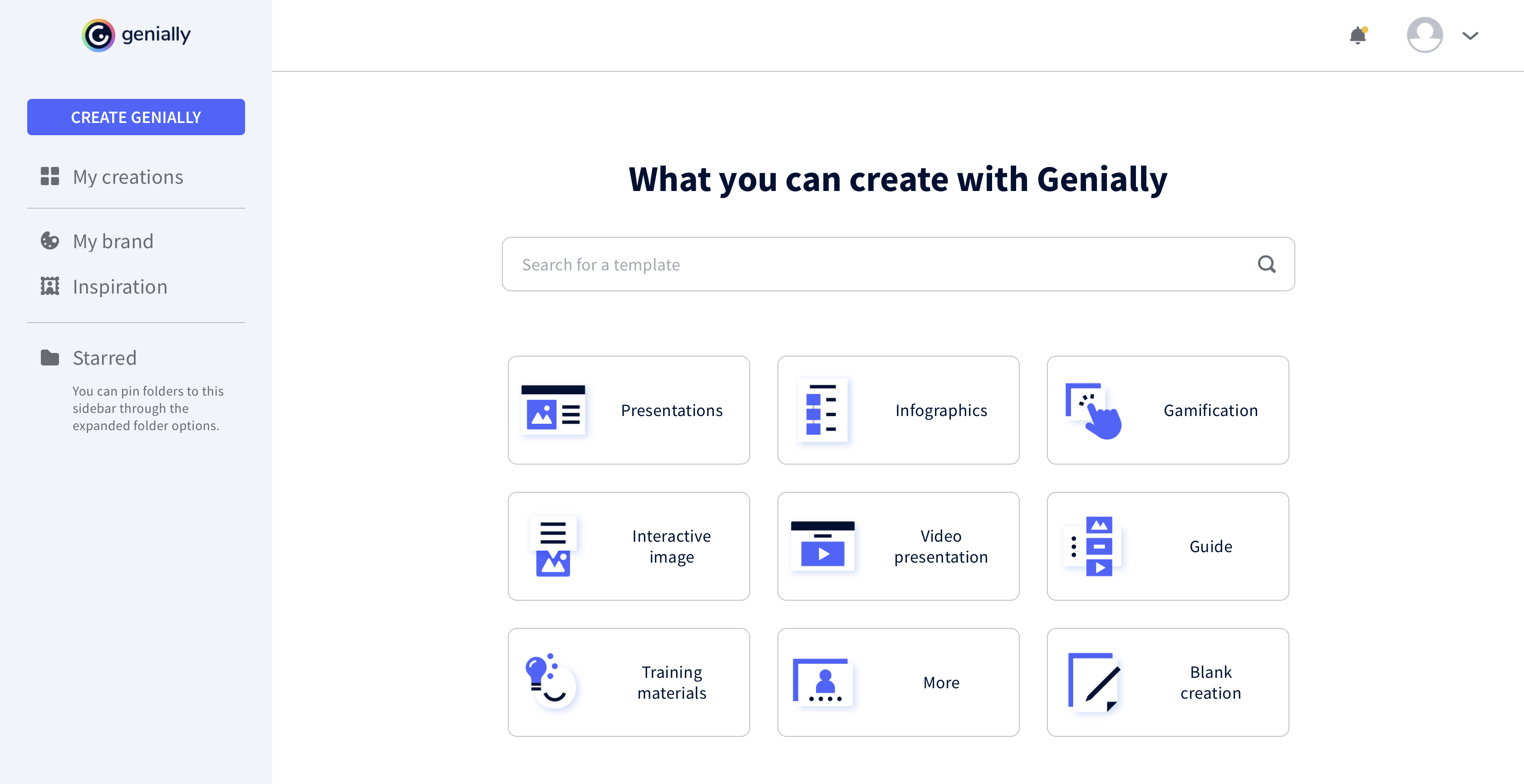
Genially is a provider of interactive visual communication and an online tool to create presentations, interactive images, infographics, dossiers, quizzes, resumes, etc. and enrich them with interactivity and animation effects. Without needing a team of designers and programmers, Genially is designed to allow enterprises to make an impact with striking, visual communication in a flash. It includes interactive and animated effects to distribute…
$7.49
per month (billed annually)
Microsoft Publisher
Score8.4 out of 10
N/A
Microsoft Publisher is a desktop publishing application available with an Office 365 subscription, or as a standalone download.
The main use of Genially is the creation of interactive multimedia learning modules: we start from an online linear course consisting of PowerPoint Slides, usually poorly designed, and the audio recording of the lecturer commenting these slides. We reorganise these contents to make a truly interactive experience for the learner, using interactive windows to reveal contents. Interactive questions and branching structures are used to allow learners to navigate through our content according to their own pace
A de minimis incentive was given to thank the reviewer for their time. The incentive was not used to bias or drive a particular response, nor was the incentive contingent on a positive endorsement. More Info
Microsoft Publisher is well suited for almost any situation. It is something that I'm sure has far more advanced tools than I use or am aware of, but it is also very simple for entry-level users to create professional documents quickly. I have used it for very involved brochures in real estate scenarios and I have also used it for very simple "Construction Zone" signs at a job site under construction. There are so many uses for this program!
A de minimis incentive was given to thank the reviewer for their time. The incentive was not used to bias or drive a particular response, nor was the incentive contingent on a positive endorsement. More Info
A de minimis incentive was given to thank the reviewer for their time. The incentive was not used to bias or drive a particular response, nor was the incentive contingent on a positive endorsement. More Info
A de minimis incentive was given to thank the reviewer for their time. The incentive was not used to bias or drive a particular response, nor was the incentive contingent on a positive endorsement. More Info
A de minimis incentive was given to thank the reviewer for their time. The incentive was not used to bias or drive a particular response, nor was the incentive contingent on a positive endorsement. More Info
Formatting in general. It's a pain to refine a layout in Publisher in my opinion.
Microsoft is so invested in their approach to software and making it look and feel like an Office 365 application that they inadvertantly cripple applications like Publisher.
Earlier versions of Publisher gave you a lot more latitude and creative freedom. They were also much easier to work with. Not everything has to look like it's part of Office 365. They did the same ... thing to Access.
A de minimis incentive was given to thank the reviewer for their time. The incentive was not used to bias or drive a particular response, nor was the incentive contingent on a positive endorsement. More Info
A de minimis incentive was given to thank the reviewer for their time. The incentive was not used to bias or drive a particular response, nor was the incentive contingent on a positive endorsement. More Info
It took a minute for me to understand how to use the product. Normally, I can just click around and figure things out. I had more questions on if the interactive element was accessible or not.
A de minimis incentive was given to thank the reviewer for their time. The incentive was not used to bias or drive a particular response, nor was the incentive contingent on a positive endorsement. More Info
There are a few quirks with Microsoft Publisher that make some functions a little tricky for new users at first, but most of our employees are able to figure out the quirks and work around them to use the product for their job. It is relatively high on the scale of usability.
A de minimis incentive was given to thank the reviewer for their time. The incentive was not used to bias or drive a particular response, nor was the incentive contingent on a positive endorsement. More Info
While I have not directly used support for Microsoft Publisher, I have used their help files and found them to be useful. I have also found that most answers that I need can be found through simple web searches and chat platforms. In all though, there are very few times when the preloaded help files have not given me the answers that I need.
A de minimis incentive was given to thank the reviewer for their time. The incentive was not used to bias or drive a particular response, nor was the incentive contingent on a positive endorsement. More Info
This web tool is designed to be broad and wide-reaching because it can be used in several ways such as attracting customers, circulating news, and teaching skills. You don't have to be a programmer to create stunning digital projects that are both unique and stunning.
A de minimis incentive was given to thank the reviewer for their time. The incentive was not used to bias or drive a particular response, nor was the incentive contingent on a positive endorsement. More Info
Microsoft Publisher is more for beginners, or for basic needs, anyone with some familiarity with the Microsoft suite should be able to use it easily. If you’re looking to create something more graphic and advanced, you’d probably want to look into something like InDesign, which is not as user friendly if you’re not familiar with it at all. For basic needs the average employee should be able to use Microsoft Publisher with ease.
A de minimis incentive was given to thank the reviewer for their time. The incentive was not used to bias or drive a particular response, nor was the incentive contingent on a positive endorsement. More Info
A de minimis incentive was given to thank the reviewer for their time. The incentive was not used to bias or drive a particular response, nor was the incentive contingent on a positive endorsement. More Info
we have invested on our Microsoft license for our team and that has made a very big productivity for making banners and holdings for our projects as making it from third party would cost much higher and the return is very well over the comparison with third-party vendors
Functionality is very easy, so we don’t have to train much to get it in production and use it efficiently so we don’t have to invest much on training and learning things and we can work on it directly with a very basic knowledge as well
It has functionality to get stored and share things directly to the OneDrive and using curated links, which is very secure and reliable to transfer files without losing picture and banners quality and share them in lossless quality.
A de minimis incentive was given to thank the reviewer for their time. The incentive was not used to bias or drive a particular response, nor was the incentive contingent on a positive endorsement. More Info