Google App Engine is Google Cloud's platform-as-a-service offering. It features pay-per-use pricing and support for a broad array of programming languages.
$0.05
Per Hour Per Instance
Ignite UI
Score7 out of 10
N/A
New Jersey based Infragistics offers .NET controls.
App Engine is such a good resource for our team both internally and externally. You have complete control over your app, how it runs, when it runs, and more while Google handles the back-end, scaling, orchestration, and so on. If you are serving a tool, system, or web page, it's perfect. If you are serving something back-end, like an automation or ETL workflow, you should be a little considerate or careful with how you are structuring that job. For instance, the Standard environment in Google App Engine will present you with a resource limit for your server calls. If your operations are known to take longer than, say, 10 minutes or so, you may be better off moving to the Flexible environment (which may be a little more expensive but certainly a little more powerful and a little less limited) or even moving that workflow to something like Google Compute Engine or another managed service.
A de minimis incentive was given to thank the reviewer for their time. The incentive was not used to bias or drive a particular response, nor was the incentive contingent on a positive endorsement. More Info
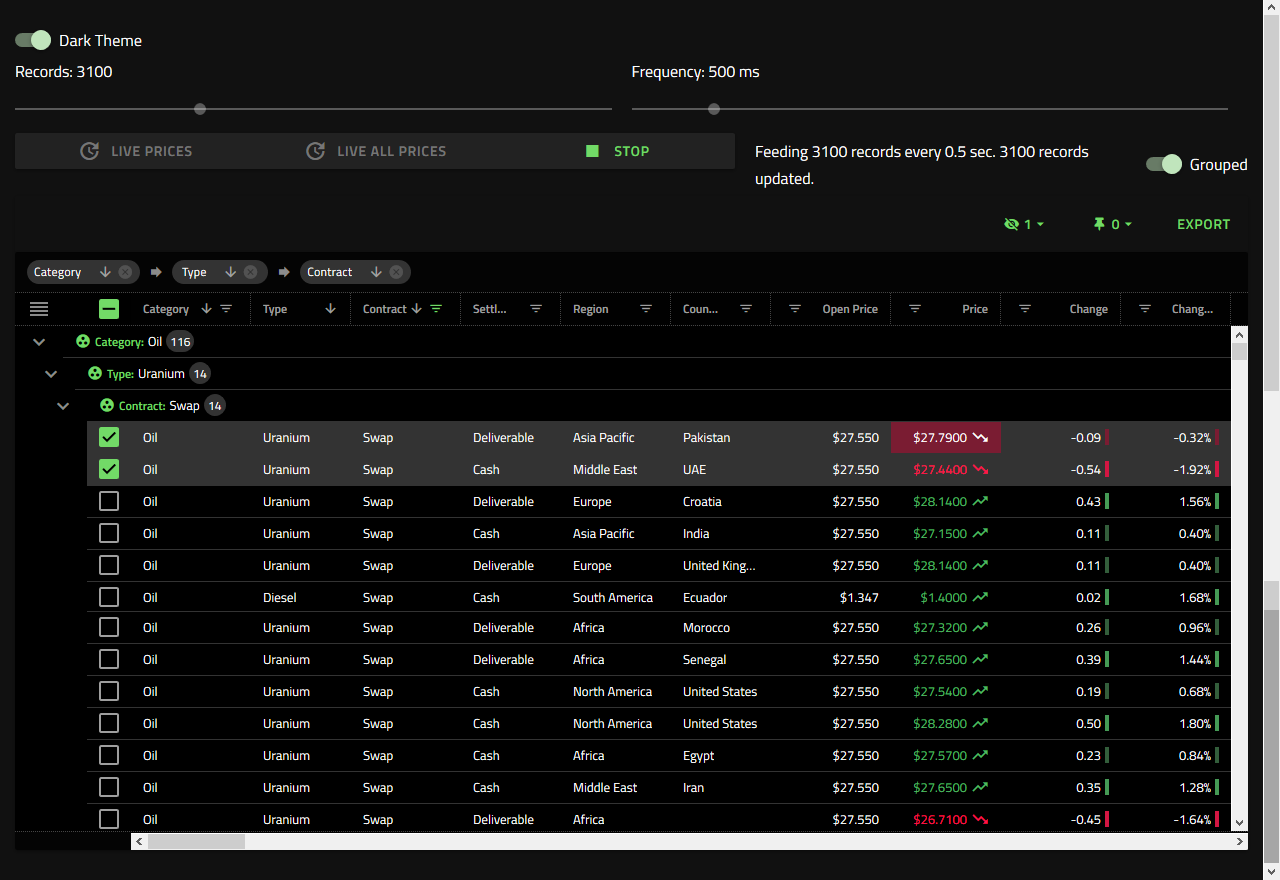
Angular is our framework of choice for a number of reasons. Business data is almost always displayed in a grid format. It makes sense to start with a strong widget that is powerful and fast when building applications. Ignite UI provides a complete toolset of widgets for other frameworks, but Angular is our focus. Ignite UI is helping us deliver a great UX/UI.
A de minimis incentive was given to thank the reviewer for their time. The incentive was not used to bias or drive a particular response, nor was the incentive contingent on a positive endorsement. More Info
A de minimis incentive was given to thank the reviewer for their time. The incentive was not used to bias or drive a particular response, nor was the incentive contingent on a positive endorsement. More Info
A de minimis incentive was given to thank the reviewer for their time. The incentive was not used to bias or drive a particular response, nor was the incentive contingent on a positive endorsement. More Info
There is a slight learning curve to getting used to code on Google App Engine.
Google Cloud Datastore is Google's NoSQL database in the cloud that your applications can use. NoSQL databases, by design, cannot give handle complex queries on the data. This means that sometimes you need to think carefully about your data structures - so that you can get the results you need in your code.
Setting up billing is a little annoying. It does not seem to save billing information to your account so you can re-use the same information across different Cloud projects. Each project requires you to re-enter all your billing information (if required)
A de minimis incentive was given to thank the reviewer for their time. The incentive was not used to bias or drive a particular response, nor was the incentive contingent on a positive endorsement. More Info
A de minimis incentive was given to thank the reviewer for their time. The incentive was not used to bias or drive a particular response, nor was the incentive contingent on a positive endorsement. More Info
App Engine is a solid choice for deployments to Google Cloud Platform that do not want to move entirely to a Kubernetes-based container architecture using a different Google product. For rapid prototyping of new applications and fairly straightforward web application deployments, we'll continue to leverage the capabilities that App Engine affords us.
A de minimis incentive was given to thank the reviewer for their time. The incentive was not used to bias or drive a particular response, nor was the incentive contingent on a positive endorsement. More Info
I had to revisit the UI after a year of just setting up and forgetting. The UI got some improvements but the amount of navigation we have to go through to setup a new app has increased but also got easier to setup. Gemini now is integrated and make getting answers faster
A de minimis incentive was given to thank the reviewer for their time. The incentive was not used to bias or drive a particular response, nor was the incentive contingent on a positive endorsement. More Info
Good amount of documentation available for Google App Engine and in general there is large developer community around Google App Engine and other products it interacts with. Lastly, Google support is great in general. No issues so far with them.
A de minimis incentive was given to thank the reviewer for their time. The incentive was not used to bias or drive a particular response, nor was the incentive contingent on a positive endorsement. More Info
We were on another much smaller cloud provider and decided to make the switch for several reasons - stability, breadth of services, and security. In reviewing options, GCP provided the best mixtures of meeting our needs while also balancing the overall cost of the service as compared to the other major players in Azure and AWS.
A de minimis incentive was given to thank the reviewer for their time. The incentive was not used to bias or drive a particular response, nor was the incentive contingent on a positive endorsement. More Info
We tried DevExpress when we started a project a couple of years ago. At the time, the documentation and ease of use went to Infragistics. When trying new or updated tools, the documentation and samples are everything. Having minimal documentation or documentation that seems to be written for people that already know how to use the product is just plain frustrating. Samples need to be something close to the real-life usage of the product.
A de minimis incentive was given to thank the reviewer for their time. The incentive was not used to bias or drive a particular response, nor was the incentive contingent on a positive endorsement. More Info
Effective integration to other java based frameworks.
Time to market is very quick. Build, test, deploy and use.
The GAE Whitelist for java is an important resource to know what works and what does not. So use it. It would also be nice for Google to expand on items that are allowed on GAE platform.
A de minimis incentive was given to thank the reviewer for their time. The incentive was not used to bias or drive a particular response, nor was the incentive contingent on a positive endorsement. More Info
A de minimis incentive was given to thank the reviewer for their time. The incentive was not used to bias or drive a particular response, nor was the incentive contingent on a positive endorsement. More Info