
Google Cloud SQL vs. Grist
| Product | Rating | Most Used By | Product Summary | Starting Price |
|---|---|---|---|---|
 Google Cloud SQL | Score8.7 out of 10 | N/A | Google Cloud SQL is a database-as-a-service (DBaaS) with the capability and functionality of MySQL. | $0 per core hour |
 Grist | Score9.9 out of 10 | N/A | Grist combines the capabilities of spreadsheets, databases and app builders. Using a familiar spreadsheet interface, information can be organized as a relational database, and dashboards built using drag-and-drop. Solving spreadsheet problems Ensures data is well-structured and stored in one place with no duplication, no spreadsheet-wrangling, no merging documents. Collaboration on sensitive data Data is protected… | $8 per month per user |
| Google Cloud SQL | Grist | |||||||||||||||
|---|---|---|---|---|---|---|---|---|---|---|---|---|---|---|---|---|
| Editions & Modules |
|
| ||||||||||||||
| Offerings |
| |||||||||||||||
| Entry-level Setup Fee | No setup fee | No setup fee | ||||||||||||||
| Additional Details | Pricing varies with editions, engine, and settings, including how much storage, memory, and CPU you provision. Cloud SQL offers per-second billing. | — | ||||||||||||||
| More Pricing Information | ||||||||||||||||
| Google Cloud SQL | Grist | |
|---|---|---|
| Considered Both Products | No answer on this topic | No answer on this topic |
| Key User Insights | ||
| Would buy again | ||
100% Would buy again 32 Answers | No answers on this topic | |
| Delivers good value for the price | ||
100% Delivers good value for the price 32 Answers | No answers on this topic | |
| Happy with the feature set | ||
100% Happy with the feature set 32 Answers | No answers on this topic | |
| Lived up to sales and marketing promises | ||
100% Lived up to sales and marketing promises 24 Answers | No answers on this topic | |
| Implementation went as expected | ||
100% Implementation went as expected 29 Answers | No answers on this topic | |
| Google Cloud SQL | Grist | ||||||||||||||||||||||
|---|---|---|---|---|---|---|---|---|---|---|---|---|---|---|---|---|---|---|---|---|---|---|---|
| Database-as-a-Service |
| ||||||||||||||||||||||
| Google Cloud SQL | Grist | |
|---|---|---|
| Small Businesses |  MongoDB Atlas Score7.8 out of 10 |  Stackby Score8.8 out of 10 |
| Medium-sized Companies |  Azure Database Score8.8 out of 10 |  Microsoft Excel Score9 out of 10 |
| Enterprises |  Google BigQuery Score8.8 out of 10 | Microsoft Excel Score9 out of 10 |
| All Alternatives | View all alternatives | View all alternatives |
| Google Cloud SQL | Grist | |
|---|---|---|
| Likelihood to Recommend | 8.4 | 9.9 |
| Likelihood to Renew | 9.1 | - |
| Usability | 8.6 | - |
| Support Rating | 9.1 | - |
| Implementation Rating | 9.1 | - |
| Ease of integration | 9.3 | - |
| Google Cloud SQL | Grist | |
|---|---|---|
| Likelihood to Recommend |
|
|
| Pros |
|
|
| Cons |
|
|
| Likelihood to Renew |
| No answers on this topic |
| Usability |
| No answers on this topic |
| Support Rating |
| No answers on this topic |
| Alternatives Considered |
|
|
| Return on Investment |
|
|
| ScreenShots | Google Cloud SQL Screenshots  | Grist Screenshots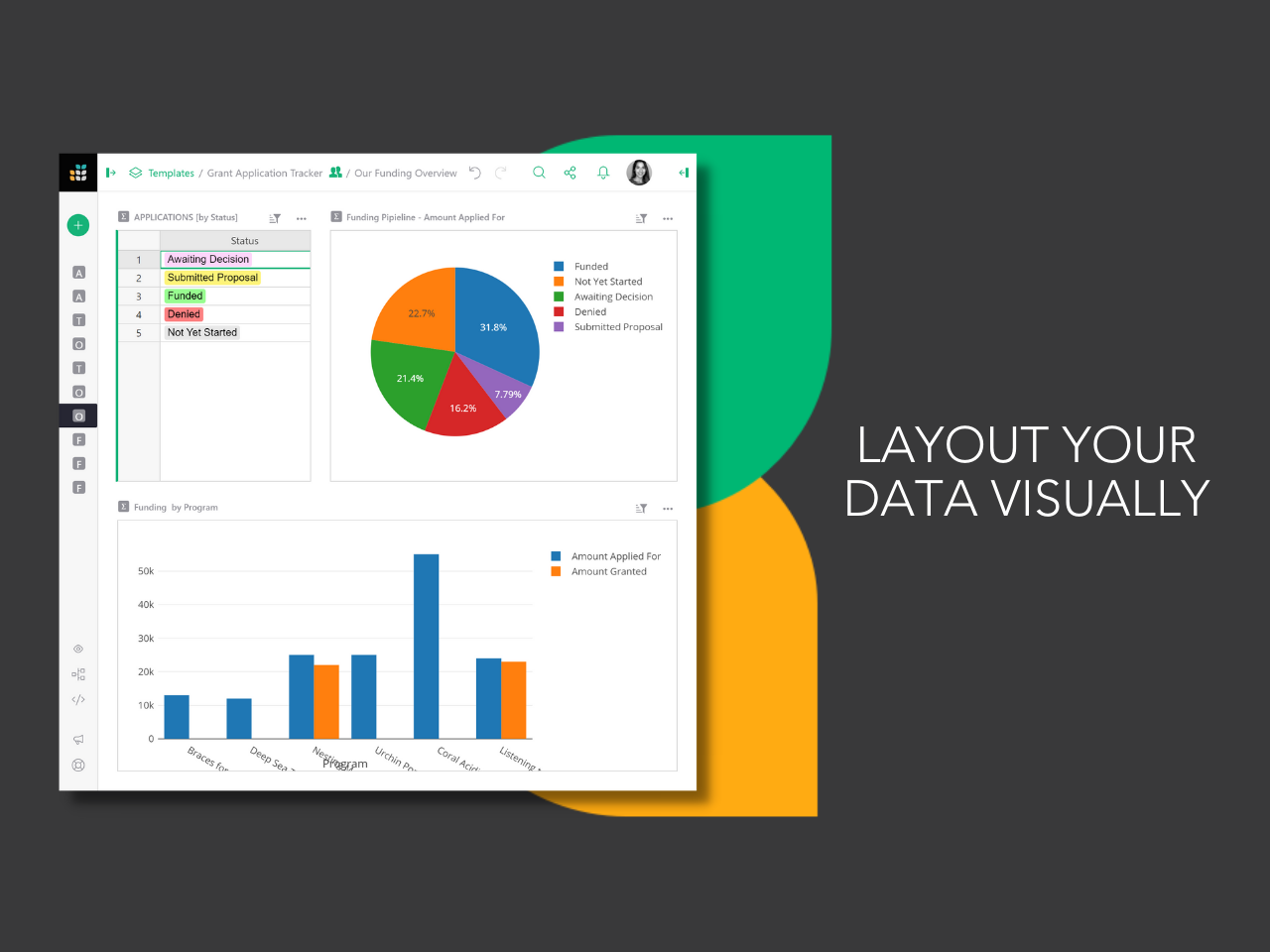  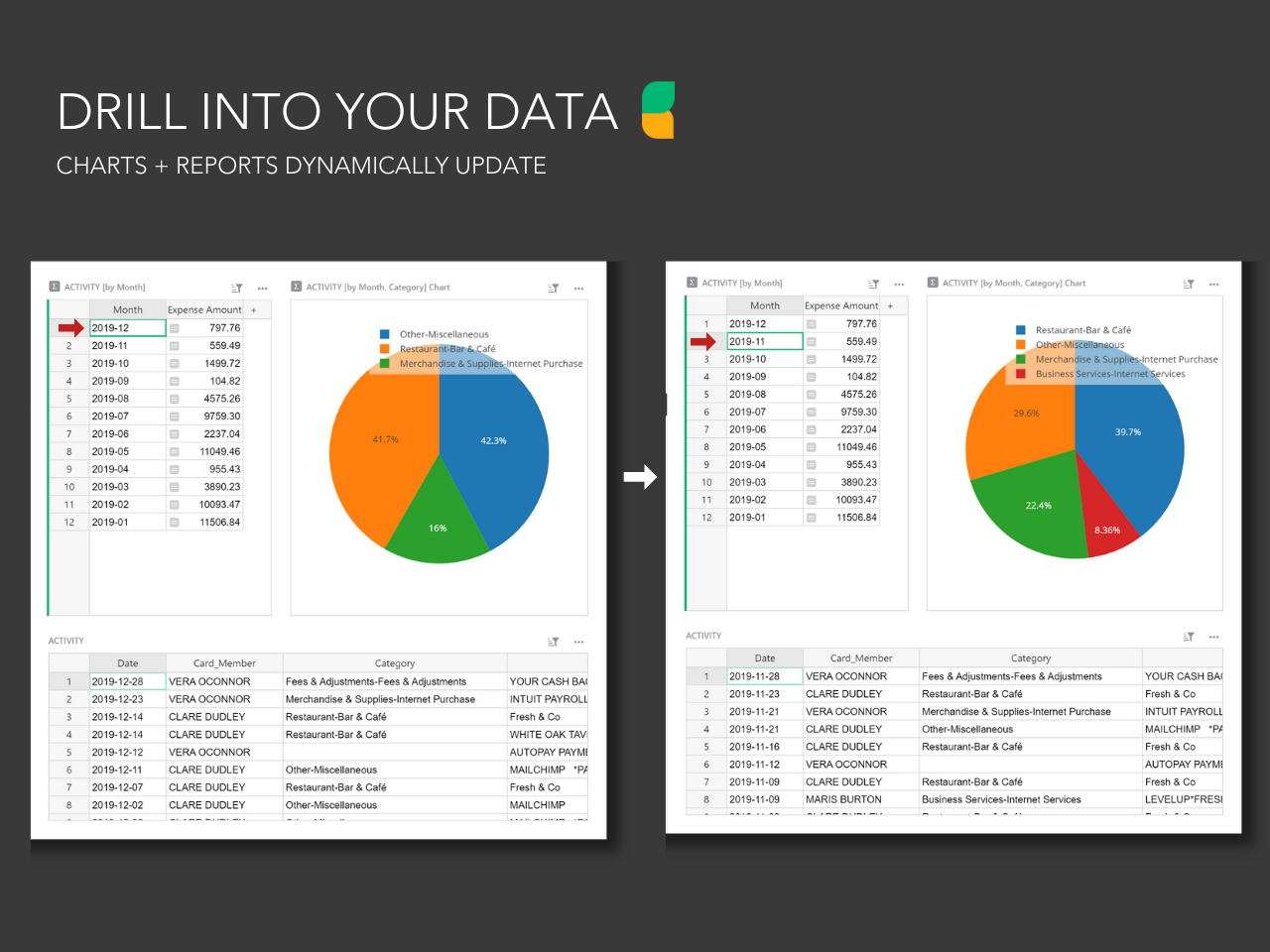  |


