
Google Jamboard vs. Ludi
| Product | Rating | Most Used By | Product Summary | Starting Price |
|---|---|---|---|---|
 Google Jamboard | Score7.5 out of 10 | N/A | Google Jamboard is a collaborative whiteboard, available as an add-on to Google Workspaces. | $4,999 |
 Ludi | Score9 out of 10 | N/A | Ludi is an online whiteboard for agile teams to run their planning, refinement, retrospectives, and workshops. It combines a realtime infinite canvas with meeting facilitation tools — including private writing, voting, timers, and host controls — and integrates directly with Jira. Scrum Masters, agile coaches, engineering managers, developers, and product owners can use Ludi to run structured agile ceremonies. | $5 per month per seat |
| Google Jamboard | Ludi | |||||||||||||||
|---|---|---|---|---|---|---|---|---|---|---|---|---|---|---|---|---|
| Editions & Modules |
| No answers on this topic | ||||||||||||||
| Offerings |
| |||||||||||||||
| Entry-level Setup Fee | No setup fee | No setup fee | ||||||||||||||
| Additional Details | — | Ludi uses per-seat pricing on Starter, Business, and Enterprise plans — every person who collaborates as a team member needs a licence. A team of 10 on Starter is $40/month (billed annually) or $50/month (billed monthly). Contact sales to learn about the Consultant plan for freelancers or individuals. | ||||||||||||||
| More Pricing Information | ||||||||||||||||
| Google Jamboard | Ludi | |
|---|---|---|
| Considered Both Products | No answer on this topic | No answer on this topic |
| Key User Insights | ||
| Would buy again | ||
100% Would buy again 7 Answers | No answers on this topic | |
| Delivers good value for the price | ||
86% Delivers good value for the price 6 Answers | No answers on this topic | |
| Happy with the feature set | ||
29% Happy with the feature set 2 Answers | No answers on this topic | |
| Lived up to sales and marketing promises | ||
No answers on this topic | No answers on this topic | |
| Implementation went as expected | ||
No answers on this topic | No answers on this topic | |
| Google Jamboard | Ludi | |
|---|---|---|
| Small Businesses |  Whimsical Score9.4 out of 10 | Whimsical Score9.4 out of 10 |
| Medium-sized Companies | Whimsical Score9.4 out of 10 | Whimsical Score9.4 out of 10 |
| Enterprises | Whimsical Score9.4 out of 10 | Whimsical Score9.4 out of 10 |
| All Alternatives | View all alternatives | View all alternatives |
| Google Jamboard | Ludi | |
|---|---|---|
| Likelihood to Recommend | 6.4 | - |
| Usability | 7.2 | - |
| Google Jamboard | Ludi | |
|---|---|---|
| Likelihood to Recommend |
| No answers on this topic |
| Pros |
| No answers on this topic |
| Cons |
| No answers on this topic |
| Usability |
| No answers on this topic |
| Alternatives Considered |
| No answers on this topic |
| Return on Investment |
| No answers on this topic |
| ScreenShots | Ludi Screenshots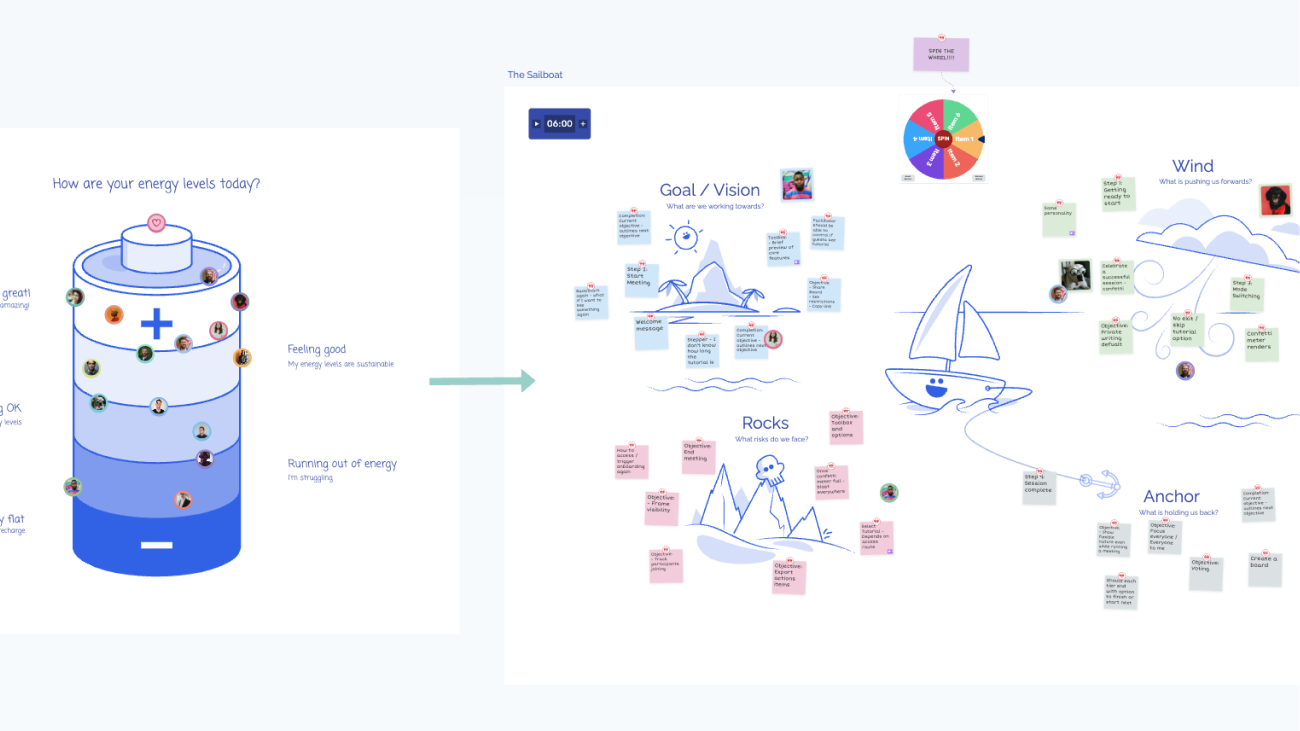 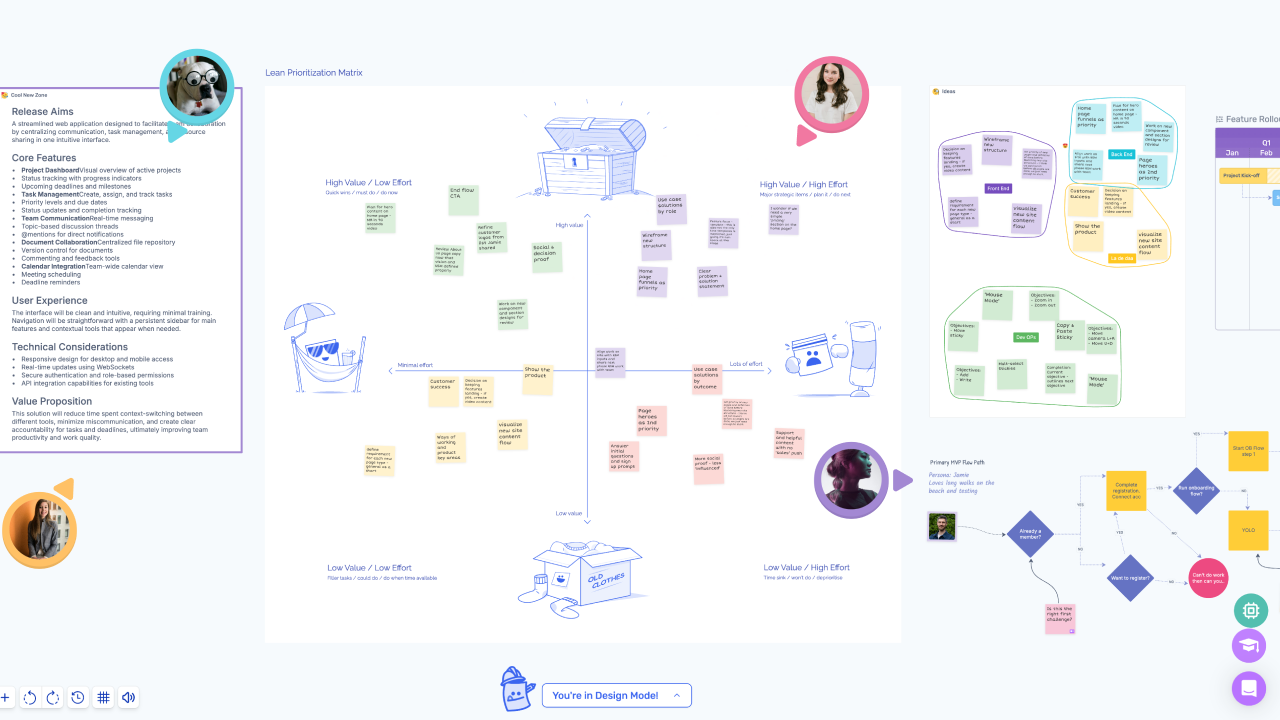 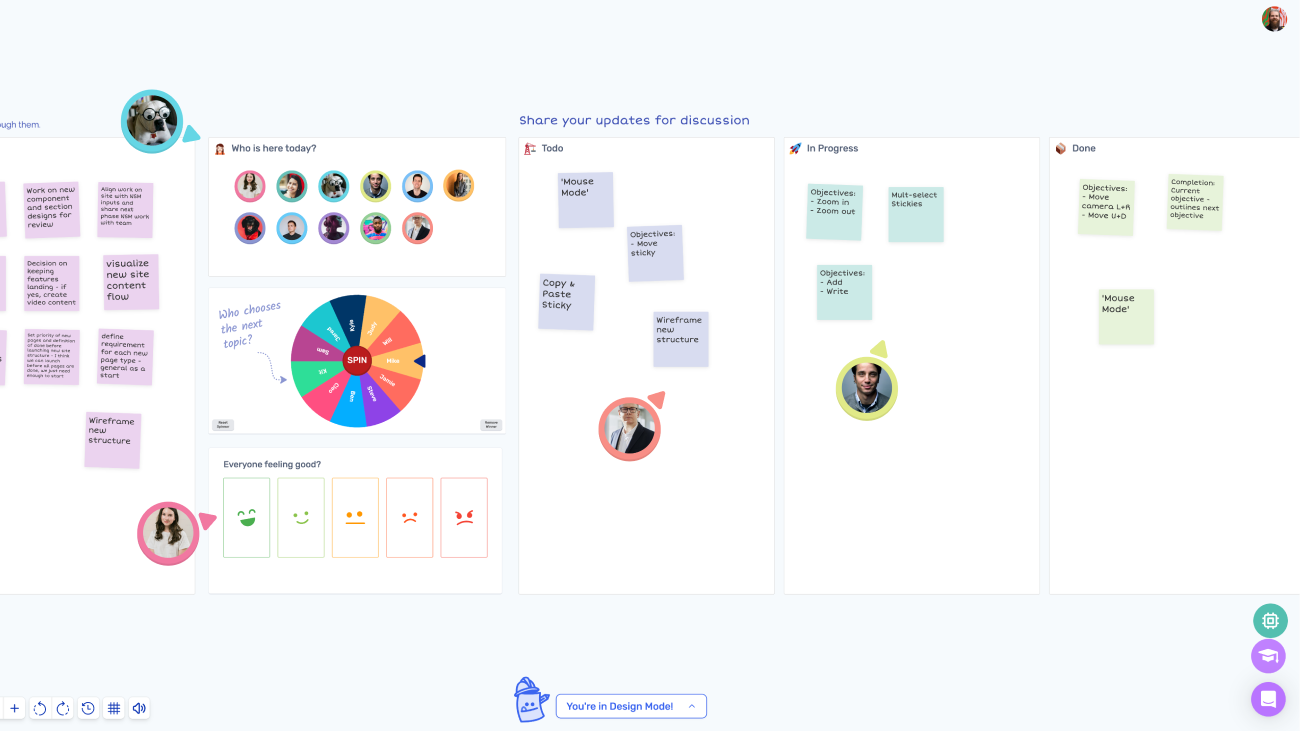 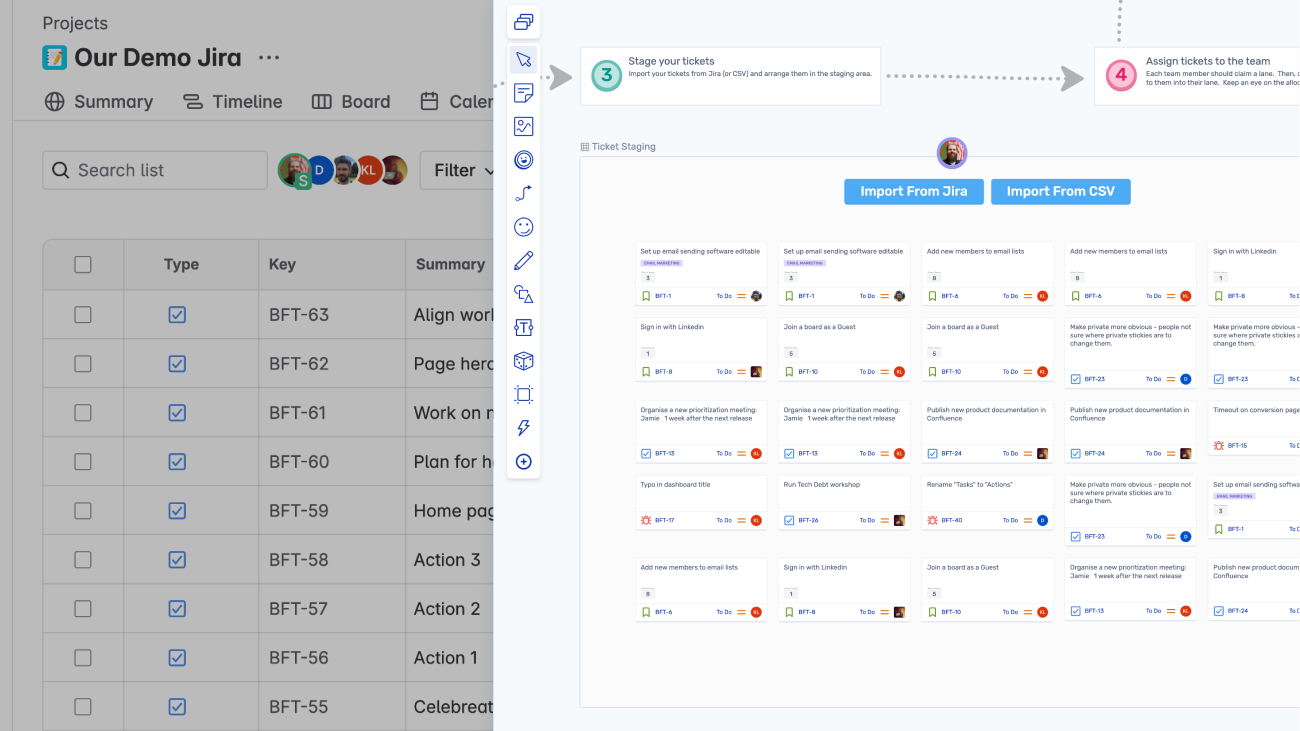 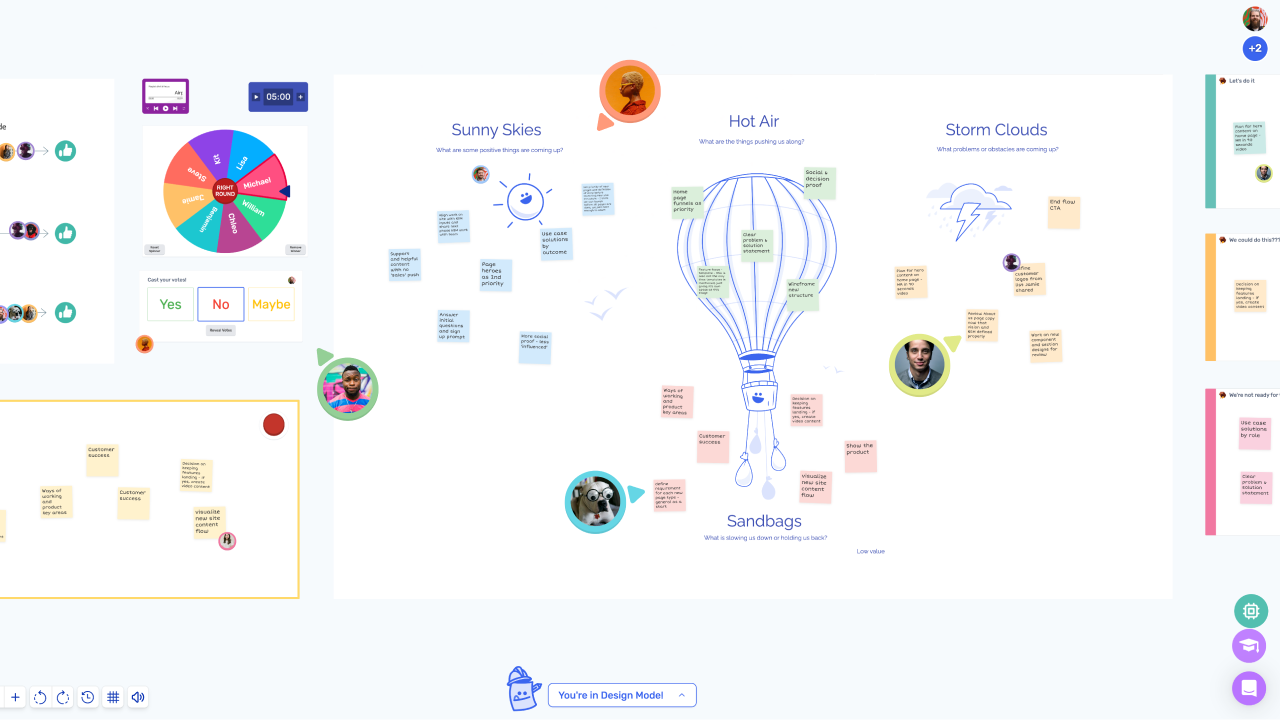 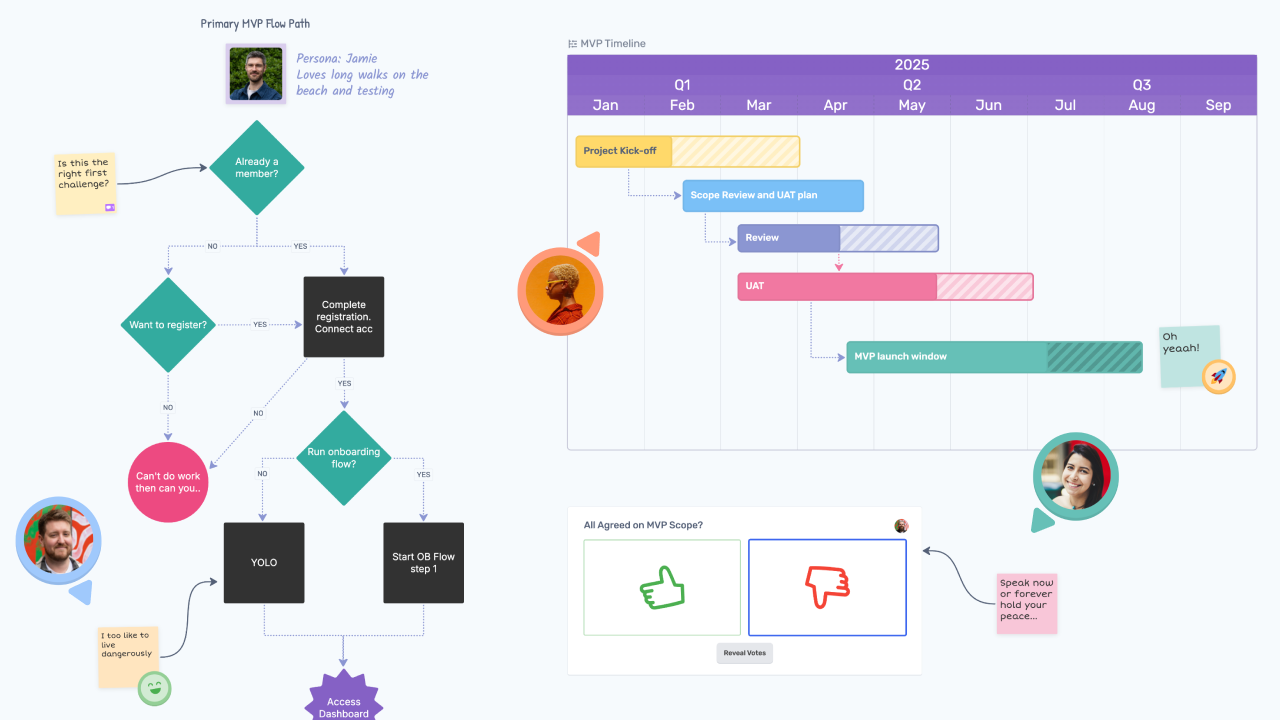 |

