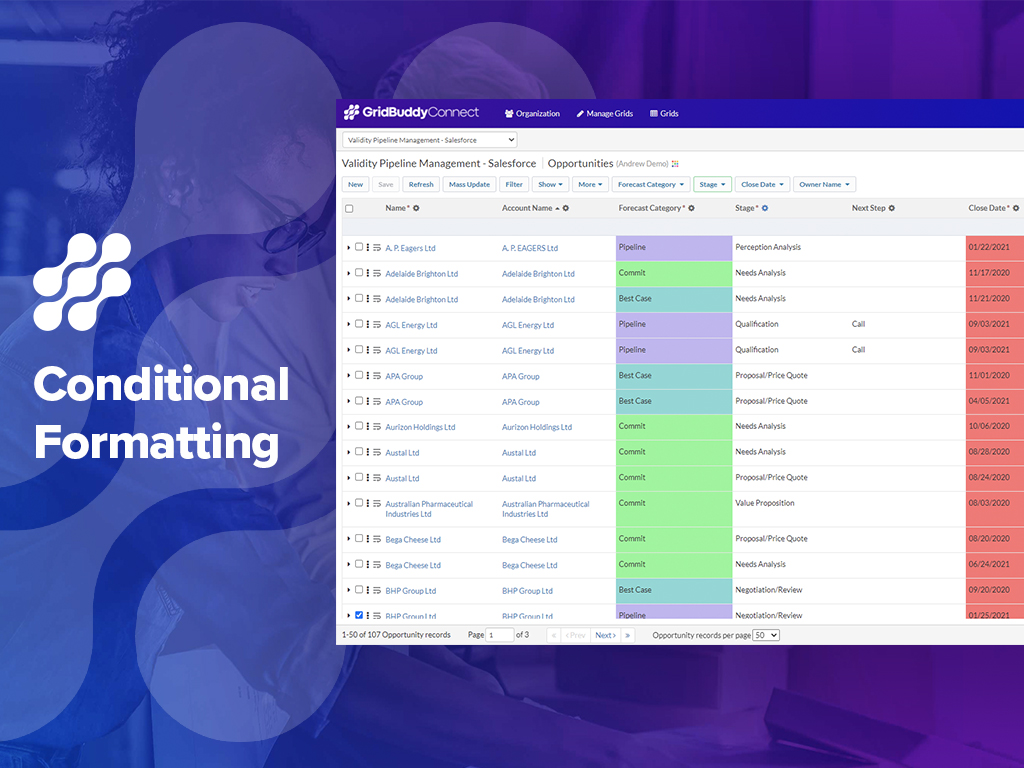
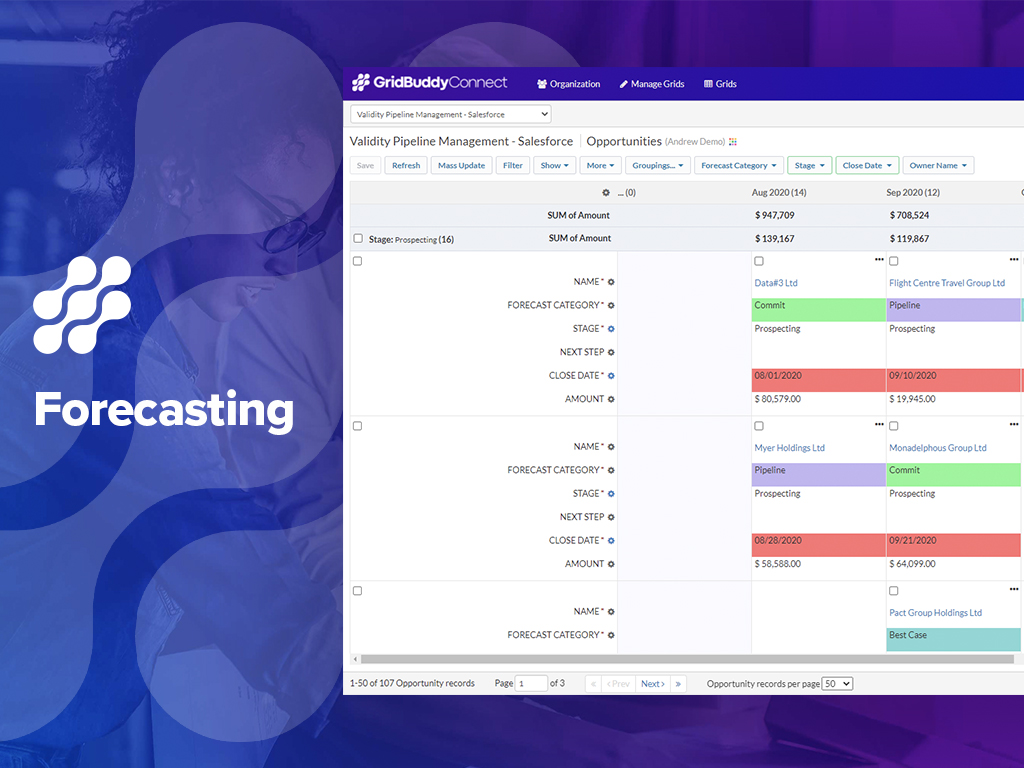
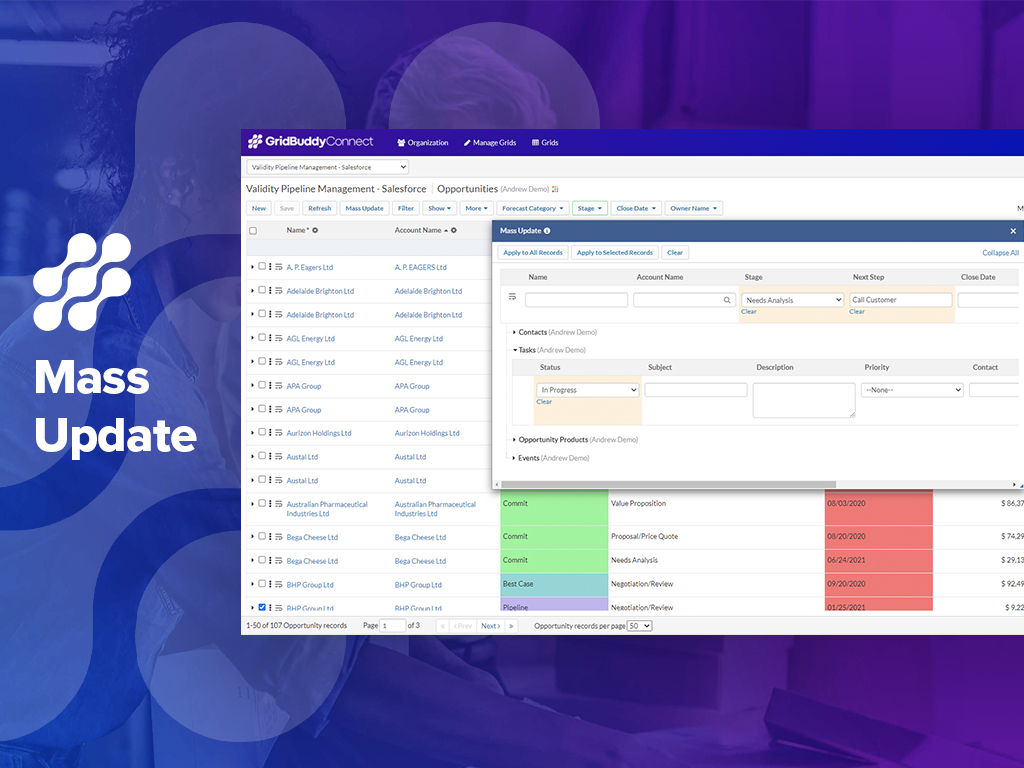
GridBuddy Connect was a contact data tool that combined data from separate systems into an editable, spreadsheet-simple view. Acquired by Validity in 2019, it is now a legacy tool.
N/A
LeadDelta
Score1 out of 10
N/A
LeadDelta is a LinkedIn CRM for networking that enriches contacts with business and personal emails, as well as phone numbers. Built for salespeople, marketers, executives, and recruiters who want to turn LinkedIn connections into revenue. Unlike a generic CRM, LeadDelta will auto-import and enrich contacts, and then let sales teams collaborate in a web browser. Features Centralizes and organizes networks in a lightweight CRM Team collaboration…
1. Making broad changes to data, like moving ownership of records from one user to another for a new Sales Rep or a moved Sales Rep. 2. Making broad changes to data for product changes, product introductions and such (product naming changes, product description changes, etc.). I recently had to make a change to the name of a Product Option. Product Options are a sub-object related to Product. This name change was in 22 places. Okay, 18 [is] not a lot, but to make this change individually 22 times is still very tedious and takes too much of my time. Instead, I set up my Grid with the Object and sub-Object and made all 22 changes at once with a mass change. Piece of cake. And I don't have to go back to several of the records to see if the change was made successfully (something you have to do with Dataloader). I could see the effective change all at once on my Grid screen.
A de minimis incentive was given to thank the reviewer for their time. The incentive was not used to bias or drive a particular response, nor was the incentive contingent on a positive endorsement. More Info
I signed up for LeadDelta because I heard they were the best CRM for business professionals using LinkedIn. I spent hours getting it set up and configured. I wanted to update my CRM contacts with the contact information from my Google account. So I went through the effort of migrating my Google contact data. But it created duplicates of all my contacts. I then tried to delete the duplicates, but the only option is to hide the imported contacts, there is no way to remove them. But hiding them does not remove them from the dashboard data. I reached out for help and had to argue with the customer support that my dashboard was indeed showing data for the hundreds of contacts I manually selected and hid. I was told they could not remove the contacts from their end. As a software engineer, I know it is not that hard to update a database. But I was told it was impossible. I politely asked for a refund, twice, but they refused, even though I had just subscribed 2 days prior and was never able to use the software to track my contacts. I had to contest the charges with the credit card company, and now LeadDelta is fighting the refund. I cannot believe their lack of customer service and care.
Reshapes the user Interface into an intuitive, clean, easy and thoughtful way, meaning Salesforce can be practically used for applications that (in my Opinion) salesforce was never designed for.
Mass updates are a God send, Leaving quick and meaningful notes, setting up meetings with clients or upcoming calls to maintain contact, all from the same screen without information overload... a real achievement.
Does not allow users to create new Campaign Member records; we would like to be able to add multiple Campaign Member records to a Campaign in a Grid.
Does not allow users to create new Task records; we would like to be able to add multiple Tasks records related to the same user but multiple Opportunities and Contacts.
A de minimis incentive was given to thank the reviewer for their time. The incentive was not used to bias or drive a particular response, nor was the incentive contingent on a positive endorsement. More Info
- Easy of use - Visual nature of using the product (as compared to Dataloader) - Quickness of making changes/updates/edits to long lists of records, live and real-time
A de minimis incentive was given to thank the reviewer for their time. The incentive was not used to bias or drive a particular response, nor was the incentive contingent on a positive endorsement. More Info
- Ease of use - Real-time and visible nature of making mass changes - Ease of setting up a Grid - Ease of filtering the Grid to see the records that I need to change
A de minimis incentive was given to thank the reviewer for their time. The incentive was not used to bias or drive a particular response, nor was the incentive contingent on a positive endorsement. More Info
A de minimis incentive was given to thank the reviewer for their time. The incentive was not used to bias or drive a particular response, nor was the incentive contingent on a positive endorsement. More Info
A de minimis incentive was given to thank the reviewer for their time. The incentive was not used to bias or drive a particular response, nor was the incentive contingent on a positive endorsement. More Info
LeadDelta was supposed to be easier to use and update. It was recommended to me as a better way to track my contacts and organize my followup. But with data corruption, LeadDelta became unusable for me, and they were unwilling to make it right.
A de minimis incentive was given to thank the reviewer for their time. The incentive was not used to bias or drive a particular response, nor was the incentive contingent on a positive endorsement. More Info