gSignature vs. Xink

Overview
ProductRatingMost Used ByProduct SummaryStarting Price
gSignature
Score 0.0 out of 10
Mid-Size Companies (51-1,000 employees)
gSignature helps businesses create professional email signatures for employees. It integrates with Google Workspace to automatically populate user information like names, titles, and contact details. Email signatures can be designed with logos, banners, disclaimers, and social media links. gSignature also offers features for managing large teams, including user acceptance of pre-installed signatures, CSV import/export for employee data, and scheduled signature updates for employees. This…
$1
per month per user
Xink
Score 8.0 out of 10
N/A
Xink is an email signature application from the Danish company of the same name with an office in Atlanta, Georgia.N/A
Pricing
gSignatureXink
Editions & Modules
Premium Plan
$1
per month per user
No answers on this topic
Offerings
Pricing Offerings
gSignatureXink
Free Trial
YesNo
Free/Freemium Version
NoNo
Premium Consulting/Integration Services
NoNo
Entry-level Setup FeeNo setup feeNo setup fee
Additional DetailsPremium package - Aligns employee data with the company's signature template. Supported by the automatic assignment of signatures for new hires in the company. Theconsole for central management of signatures is pay per use.
More Pricing Information
Community Pulse
gSignatureXink
Best Alternatives
gSignatureXink
Small Businesses
Terminus ABM Platform
Score 8.0 out of 10
Terminus ABM Platform
Score 8.0 out of 10
Medium-sized Companies
Terminus ABM Platform
Score 8.0 out of 10
Terminus ABM Platform
Score 8.0 out of 10
Enterprises

No answers on this topic

No answers on this topic

All AlternativesView all alternativesView all alternatives
User Ratings
gSignatureXink
Likelihood to Recommend
-
(0 ratings)
10.0
(1 ratings)
Support Rating
-
(0 ratings)
9.0
(1 ratings)
User Testimonials
gSignatureXink
Likelihood to Recommend
gSignature
No answers on this topic
Xink
We use Xink for every client that has a team and wants to remain "on brand" with any email correspondence regardless with whatever device they are sending from, be it phone, tablet, laptop or desktop. We setup all our Xink instances so that it is "fully server side" which means the email signature is injected while in transit and appear correctly at the recipients end. It does get some getting used to when composing emails and there is no signature but a few tests create the confidence needed.
Read full review
Pros
gSignature
No answers on this topic
Xink
  • Centralised email signature platform.
  • Email signature banner marketing tool.
Read full review
Cons
gSignature
No answers on this topic
Xink
  • Email signature creator is a little cumbersome when working with tablets.
Read full review
Support Rating
gSignature
No answers on this topic
Xink
Their primary method of support was via chat which is quite responsive and generally online. If it is outside their support time, support tickets are responded to within 24hrs. I also found the support docs helpful and relevant. They would have received a 10 if it wasn't for when we had a support query and it took a couple of different agents before the solution was found in an existing support doc. Would have though that all their agents would know their knowledge base a lot better.
Read full review
Alternatives Considered
gSignature
No answers on this topic
Xink
We used to use Simprex, and evaluated quite a few other email signature platforms such as Rocketseed/Parrot Digital and Exclaimer. We found Xink simply worked! First time and every time. It was also very cost effective and as a re-seller being able to view all out clients in a single pane of glass was also very convenient.
Read full review
Return on Investment
gSignature
No answers on this topic
Xink
  • Pricing is very fair and enables it to be added to every mailbox without question.
  • We are a reseller and also have the ability to view and administer all our clients/tenants under a single pane of glass which is very convenient.
Read full review
ScreenShots

gSignature Screenshots

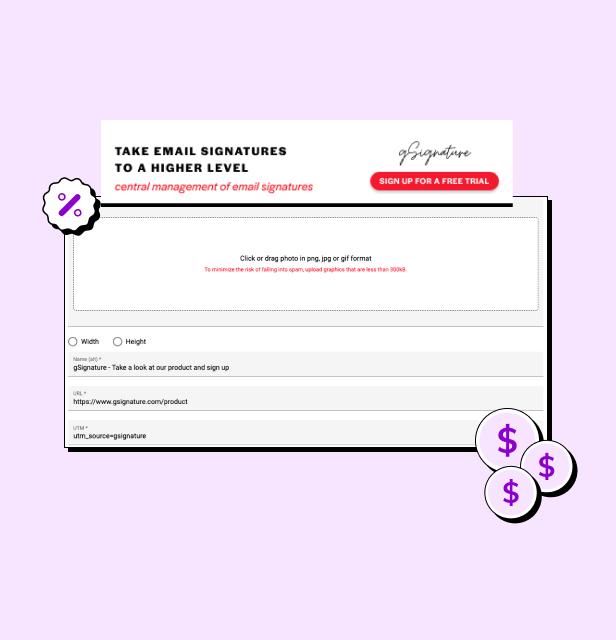
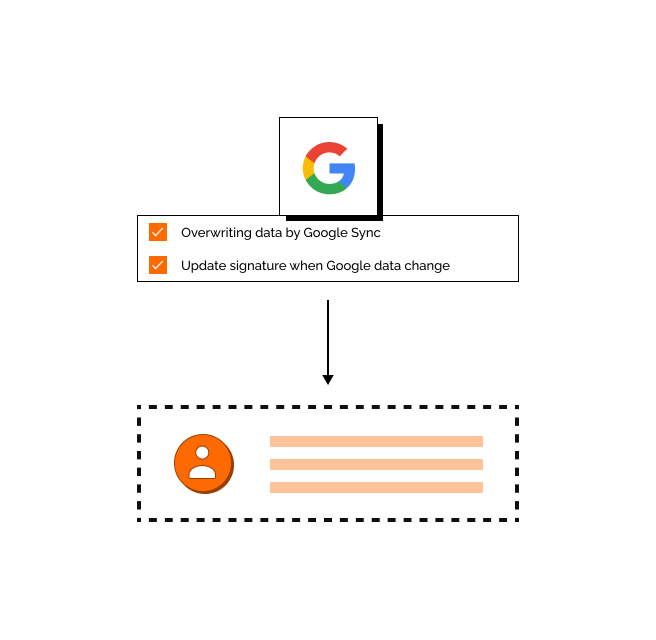
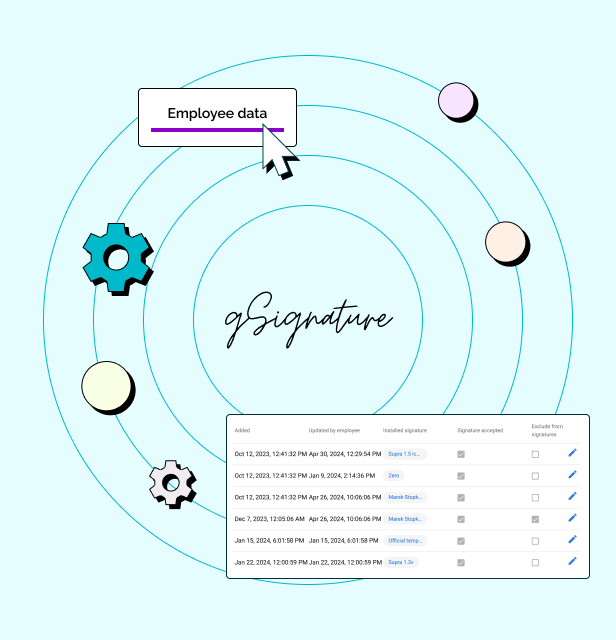
Screenshot of an example email signatureScreenshot of the company footer, which can be used as a tool to support marketing goals.Screenshot of how changes made in the Google Workspace admin console are immediately visible in employee signatures. Each new position added to Google Workspace and its email address, will receive the default signature set by the administrator.Screenshot of how in the system, each employee receives a file with information that can be presented in the footer. If there is no complete data in Google Workspace then no problem - it can be imported in bulk from a CSV file. The IT administrator or authorized persons from other departments can manage employee data, as well as data representing the company's image.