
Gusto vs. KEA
| Product | Rating | Most Used By | Product Summary | Starting Price |
|---|---|---|---|---|
 Gusto | Score8.9 out of 10 | N/A | Gusto offers payroll, benefits and compliance capabilities. Gusto is scaled for small to mid-sized businesses, and emphasizes an easy to use interface. | $49 per month |
 KEA | Score8 out of 10 | N/A | KEA is a talent management, corporate learning, and employee engagement solution. It personalizes user experience with the help of AI conversation engine and machine learning. According to the vendor, it is responsive, intelligent and track-able. KEA allows an employee to convert any document into ‘trackable’ training content. It uses AI and automation to create a smooth onboarding experience for customers. KEA platform empowers sales and customer support teams and improves their online training… | N/A |
| Gusto | KEA | |||||||||||||||
|---|---|---|---|---|---|---|---|---|---|---|---|---|---|---|---|---|
| Editions & Modules |
| No answers on this topic | ||||||||||||||
| Offerings |
| |||||||||||||||
| Entry-level Setup Fee | No setup fee | No setup fee | ||||||||||||||
| Additional Details | Gusto offers three pricing plans for payroll, benefits, and HR. | — | ||||||||||||||
| More Pricing Information | ||||||||||||||||
| Gusto | KEA | |
|---|---|---|
| Considered Both Products | No answer on this topic | No answer on this topic |
| Key User Insights | ||
| Would buy again | ||
92% Would buy again 563 Answers | No answers on this topic | |
| Delivers good value for the price | ||
93% Delivers good value for the price 464 Answers | No answers on this topic | |
| Happy with the feature set | ||
95% Happy with the feature set 576 Answers | No answers on this topic | |
| Lived up to sales and marketing promises | ||
91% Lived up to sales and marketing promises 316 Answers | No answers on this topic | |
| Implementation went as expected | ||
94% Implementation went as expected 376 Answers | No answers on this topic | |
| Gusto | KEA | ||||||||||||||||||||||
|---|---|---|---|---|---|---|---|---|---|---|---|---|---|---|---|---|---|---|---|---|---|---|---|
| Payroll Management |
| ||||||||||||||||||||||
| Gusto | KEA | |
|---|---|---|
| Small Businesses |  Patriot Payroll Score8.6 out of 10 | No answers on this topic |
| Medium-sized Companies |  APS Score5.7 out of 10 | No answers on this topic |
| Enterprises |  ADP Streamline Payroll Score6.1 out of 10 | No answers on this topic |
| All Alternatives | View all alternatives | View all alternatives |
| Gusto | KEA | |
|---|---|---|
| Likelihood to Recommend | 9.1 | 8.0 |
| Likelihood to Renew | 10.0 | - |
| Usability | 9.4 | - |
| Support Rating | 4.4 | - |
| Implementation Rating | 9.1 | - |
| Gusto | KEA | |
|---|---|---|
| Likelihood to Recommend |
|
|
| Pros |
|
|
| Cons |
|
|
| Likelihood to Renew |
| No answers on this topic |
| Usability |
| No answers on this topic |
| Support Rating |
| No answers on this topic |
| Implementation Rating |
| No answers on this topic |
| Alternatives Considered |
|
|
| Return on Investment |
|
|
| ScreenShots | Gusto Screenshots   | KEA Screenshots     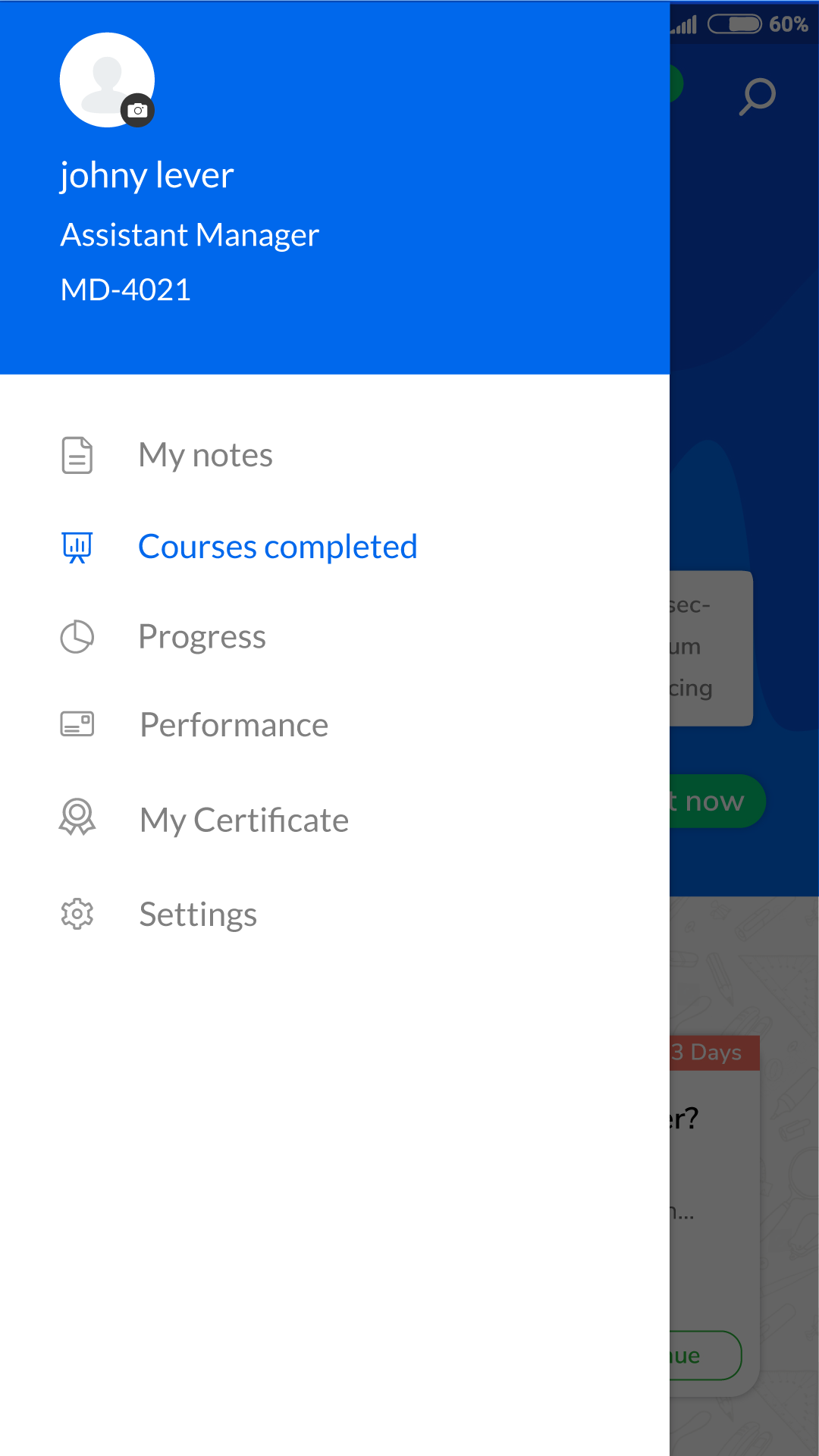 |




