Homebase in San Francisco offers restaurants, hotels, hospitals, and retailers their employee scheduling and time tracking tools with scheduling optimization and team messaging for coordinating shifts; service includes a free time tracking app.
$14
per month
ShiftPro
Score 0.0 out of 10
N/A
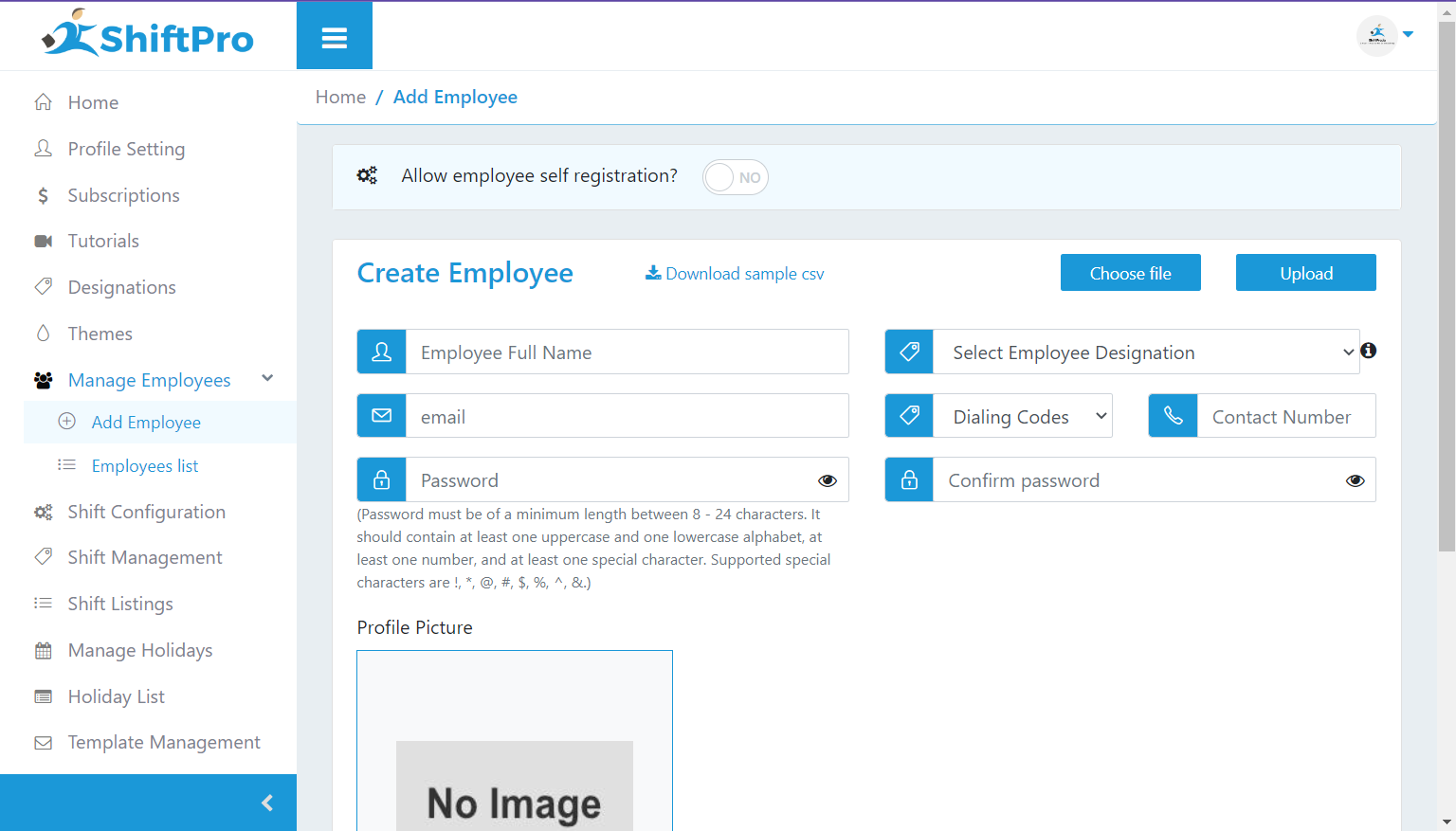
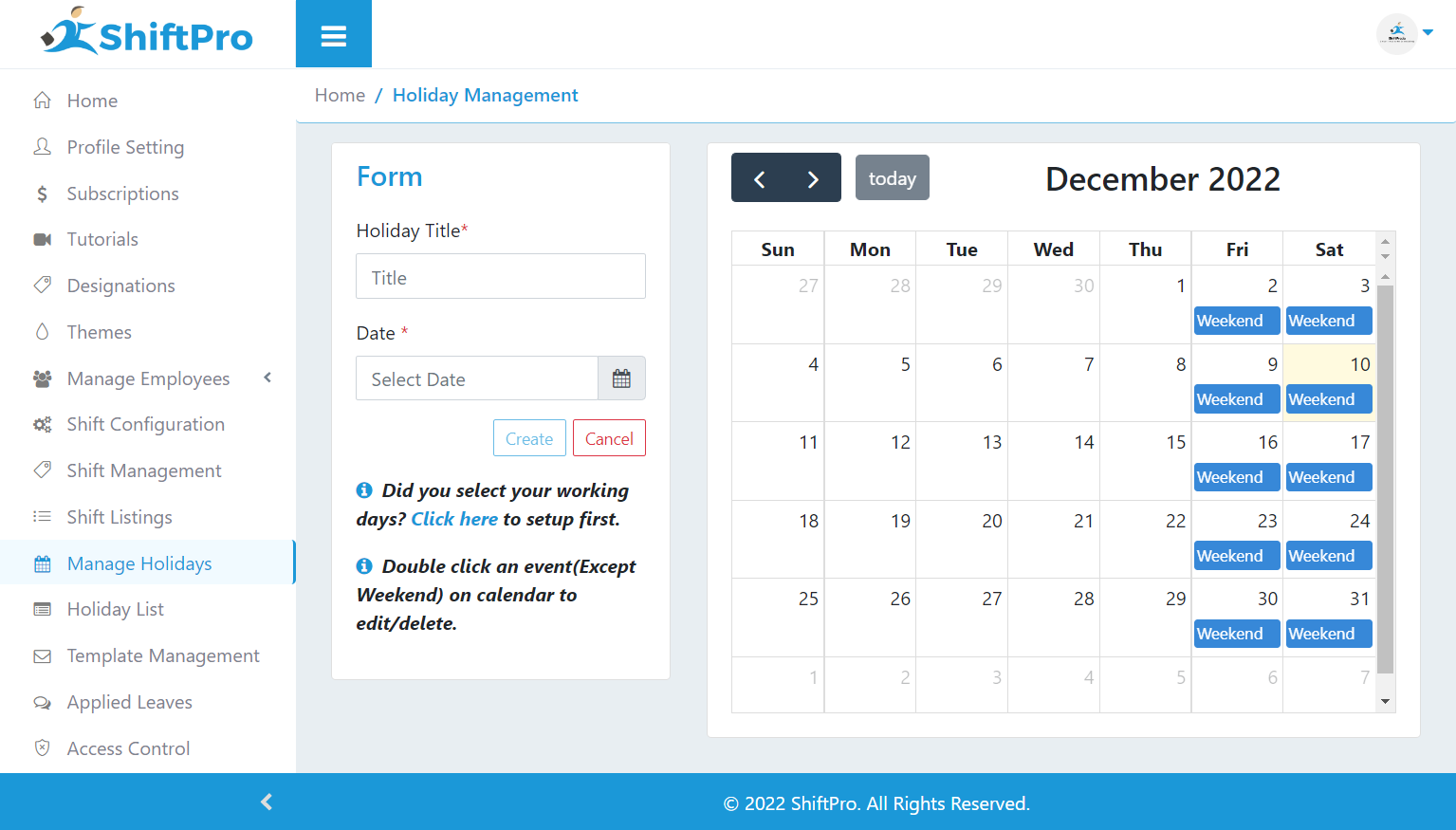
ShiftPro is a scheduling software designed to maintain a cohesive work environment through simplified shift scheduling. It aims to accomplish this by automating the scheduling and rescheduling process, Email and SMS alerts, Time off/leave requests management, and with an in-built chat feature where employees communicate with their supervisors and managers.
$170
per month
Pricing
Homebase
ShiftPro
Editions & Modules
Essentials
$14
per month
Plus
$35
per month
All-in-one
$70
per month
Basic
Free
Premium
$170
per month
Business
$375
per month
Enterprise
$560
per month
Offerings
Pricing Offerings
Homebase
ShiftPro
Free Trial
Yes
No
Free/Freemium Version
Yes
Yes
Premium Consulting/Integration Services
No
No
Entry-level Setup Fee
No setup fee
No setup fee
Additional Details
—
Premium - Max 100 Employees
Business - Max 250 Employees
Enterprise - Max 400 Employees
More Pricing Information
Community Pulse
Homebase
ShiftPro
Considered Both Products
Homebase
Verified User
Anonymous
Chose Homebase
Paycom has a time tracking feature that integrates seamlessly with payroll. Homebase is more useful as a standalone software where you don't need payroll. With Homebase, you are only paying for what you need, versus with Paycom, where you have to purchase a whole suite of …
Homebase is simpler to use. Easier to navigate and is much cheaper than other alternatives! We had trouble when I worked as they were harder to reach our ROI. Deputy was too expensive and it was the reason we decided on Homebase! Employees also find it easy to use on their end!
I loved using Homebase! The best feature, by far, is scheduling in shifts! It really could not be easier! For restaurants and bars it is the easiest and best software! Using the payroll feature can be very easy! The only downfall is trying to separate scheduled worked hours and overtime. The layout is simple and easy to navigate. The only real con I can think of is that lag.
Homebase is very easy to use. Not a lot of training or direction is needed to get it going. Easy feature to track employee hours. Able to use centrally located tablets for employees to clock in and out. A very cost-effective system that also saves time when processing payroll. Employees love its features.
Paycom has a time tracking feature that integrates seamlessly with payroll. Homebase is more useful as a standalone software where you don't need payroll. With Homebase, you are only paying for what you need, versus with Paycom, where you have to purchase a whole suite of products that you may or may not need or use.
Homebase has made the day to day management of employees easier, freeing up time for management to work on other things that help secure customer satisfaction.
It has also made payroll easier since it's implementation and allowed for fewer mistakes than the previous manual method, leading to less monetary mistakes and happier employees.
Homebase has made monitoring hours and overtime, as well as completion of internship and volunteer hours, much easier to monitor, leading to less confusion and more satisfied volunteers, interns, and payroll managers