Homebase in San Francisco offers restaurants, hotels, hospitals, and retailers their employee scheduling and time tracking tools with scheduling optimization and team messaging for coordinating shifts; service includes a free time tracking app.
$14
per month
TimeCamp
Score7.3 out of 10
Small Businesses (1-50 employees)
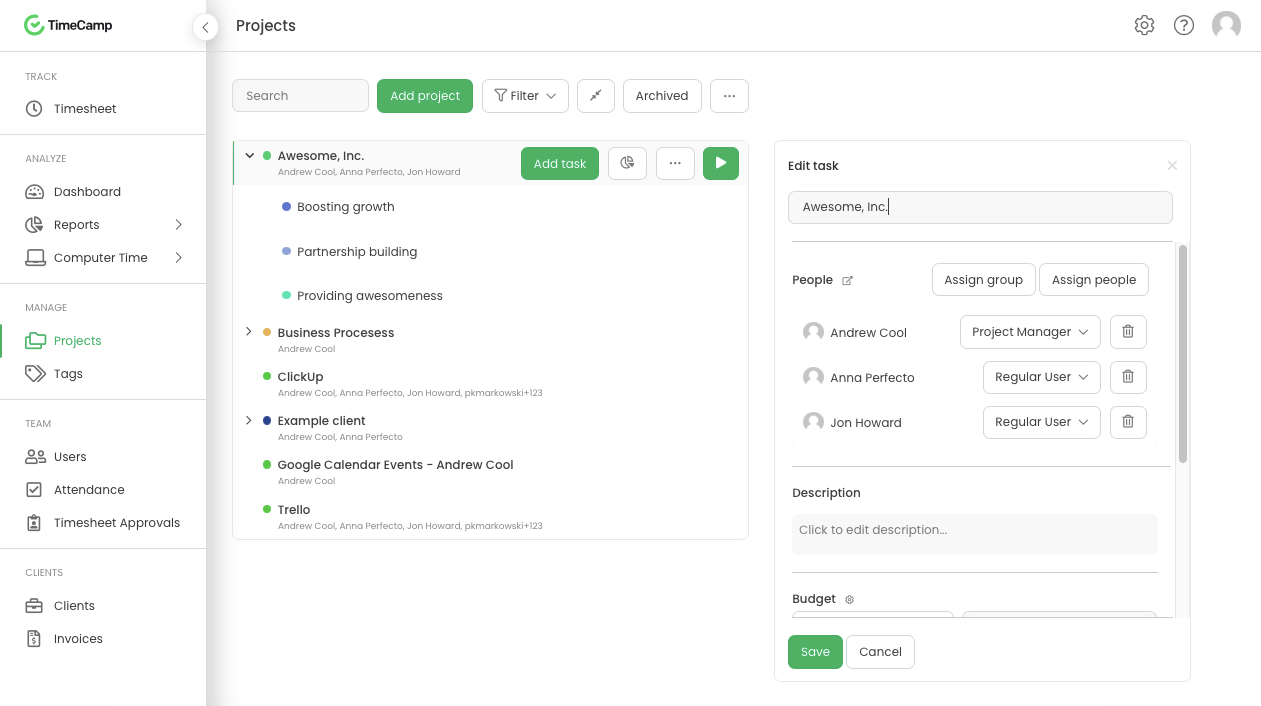
TimeCamp is cloud based, multi-platform (Windows, Mac, Linux, iOS, Android) time tracking and invoicing software.
$5.49
per month per user
Pricing
Homebase
TimeCamp
Editions & Modules
Essentials
$14
per month
Plus
$35
per month
All-in-one
$70
per month
Basic
Free
Free
$0
free with limited features.
Starter
$5.49
per month per user
Premium
$9.99
per month per user
Ultimate
$13.99
per month per user
Enterprise
Custom
Offerings
Pricing Offerings
Homebase
TimeCamp
Free Trial
Yes
Yes
Free/Freemium Version
Yes
Yes
Premium Consulting/Integration Services
No
Yes
Entry-level Setup Fee
No setup fee
No setup fee
Additional Details
—
Discount available for annual billing. The free plan encompass all basic time tracking features for unlimited users.
Homebase is a very cost-effective program that does a good job tracking employee hours as well as what employees are working on. It is extremely easy to use and has a lot of self-service features, which give employees information at their fingertips. Homebase integrates well with our payroll provider.
A de minimis incentive was given to thank the reviewer for their time. The incentive was not used to bias or drive a particular response, nor was the incentive contingent on a positive endorsement. More Info
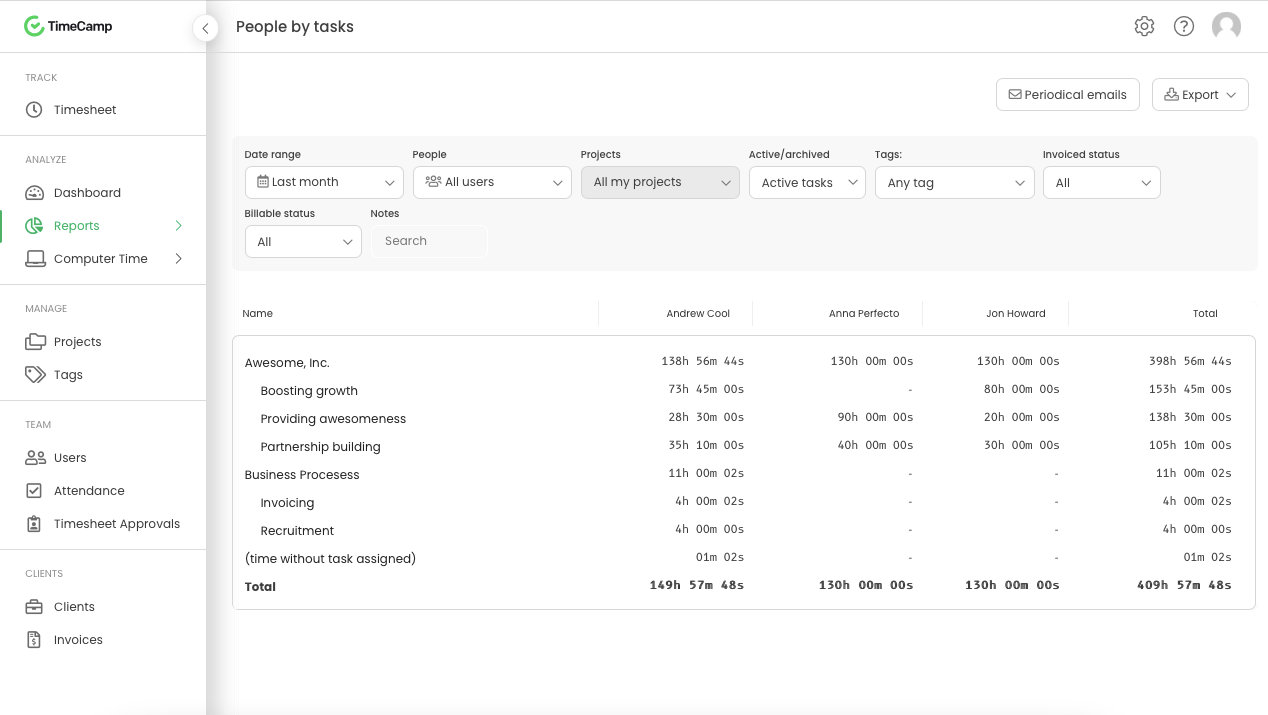
It is well suited for a company like ours, where we have different clients and can track hours per client/project. We charge hourly as well, so this is very important I wouldn't recommend it if you don't need to really track time of each task and that you are allowed to take your time with your daily tasks.
A de minimis incentive was given to thank the reviewer for their time. The incentive was not used to bias or drive a particular response, nor was the incentive contingent on a positive endorsement. More Info
A de minimis incentive was given to thank the reviewer for their time. The incentive was not used to bias or drive a particular response, nor was the incentive contingent on a positive endorsement. More Info
A de minimis incentive was given to thank the reviewer for their time. The incentive was not used to bias or drive a particular response, nor was the incentive contingent on a positive endorsement. More Info
The messaging features in Homebase are not consistent across the platform. In the app you can mass message everyone, however using the website you cannot, at least not at the price point that we are using.
The roles for employees and how to navigate them can be confusing especially when trying to schedule one employee in two different departments.
The separation of departments is a bit rigid and makes it difficult for universal employees to be scheduled easily.
A de minimis incentive was given to thank the reviewer for their time. The incentive was not used to bias or drive a particular response, nor was the incentive contingent on a positive endorsement. More Info
The interface is pretty good, but it could be better with some slight restructuring.
One thing that can be a bit annoying is the "Task" bar that displays on the screen showing the task and time. It is there to help you to remember to stop time when you end a task. It is needed but it would be nice if there were some design aspects to it so it could be made smaller.
A de minimis incentive was given to thank the reviewer for their time. The incentive was not used to bias or drive a particular response, nor was the incentive contingent on a positive endorsement. More Info
Homebase is very easy to use. Not a lot of training or direction is needed to get it going. Easy feature to track employee hours. Able to use centrally located tablets for employees to clock in and out. A very cost-effective system that also saves time when processing payroll. Employees love its features.
A de minimis incentive was given to thank the reviewer for their time. The incentive was not used to bias or drive a particular response, nor was the incentive contingent on a positive endorsement. More Info
Generally pretty easy to use and doesnt take too much training to get people started. Most of the main features are quite straightforward although some of the reporting and set up options can take a bit of time to figure out properly. The interface is a little cluttered in the browser but overall I think it is a pretty great tool
A de minimis incentive was given to thank the reviewer for their time. The incentive was not used to bias or drive a particular response, nor was the incentive contingent on a positive endorsement. More Info
I am giving support a rating of 8 but that is quite arbitrary. Honestly, we have never had the need to contact support for any reason. There has not been a situation where we became stuck and could not figure out how to work through it. Sign up was easy and billing is like clockwork so there has been no need to contact billing support. I think this is a testament to the ease of use of TimeCamp.
A de minimis incentive was given to thank the reviewer for their time. The incentive was not used to bias or drive a particular response, nor was the incentive contingent on a positive endorsement. More Info
Homebase is simpler to use. Easier to navigate and is much cheaper than other alternatives! We had trouble when I worked as they were harder to reach our ROI. Deputy was too expensive and it was the reason we decided on Homebase! Employees also find it easy to use on their end!
A de minimis incentive was given to thank the reviewer for their time. The incentive was not used to bias or drive a particular response, nor was the incentive contingent on a positive endorsement. More Info
Ultimately I selected Clockify instead of TimeCamp. As previously mentioned, I believe that TimeCamp wasn't that intuitive, and too many things were behind pay walls. Clockify offered the same features mostly for free. Although TimeCamps UX was sleeker than Clockify's I found that Clockify was a better fit for me.
A de minimis incentive was given to thank the reviewer for their time. The incentive was not used to bias or drive a particular response, nor was the incentive contingent on a positive endorsement. More Info
Homebase has made the day to day management of employees easier, freeing up time for management to work on other things that help secure customer satisfaction.
It has also made payroll easier since it's implementation and allowed for fewer mistakes than the previous manual method, leading to less monetary mistakes and happier employees.
Homebase has made monitoring hours and overtime, as well as completion of internship and volunteer hours, much easier to monitor, leading to less confusion and more satisfied volunteers, interns, and payroll managers
A de minimis incentive was given to thank the reviewer for their time. The incentive was not used to bias or drive a particular response, nor was the incentive contingent on a positive endorsement. More Info
A de minimis incentive was given to thank the reviewer for their time. The incentive was not used to bias or drive a particular response, nor was the incentive contingent on a positive endorsement. More Info