Hypersocket (formerly Nervepoint) enables organizations to efficiently manage and administer end users and their access to disparate systems by empowering end users to manage their own accounts across multiple systems both on-premise and in the cloud, while allowing IT to gain control over user sprawl, cut support and gain in-depth business insight.
N/A
Univention Corporate Server (UCS)
Score8.2 out of 10
N/A
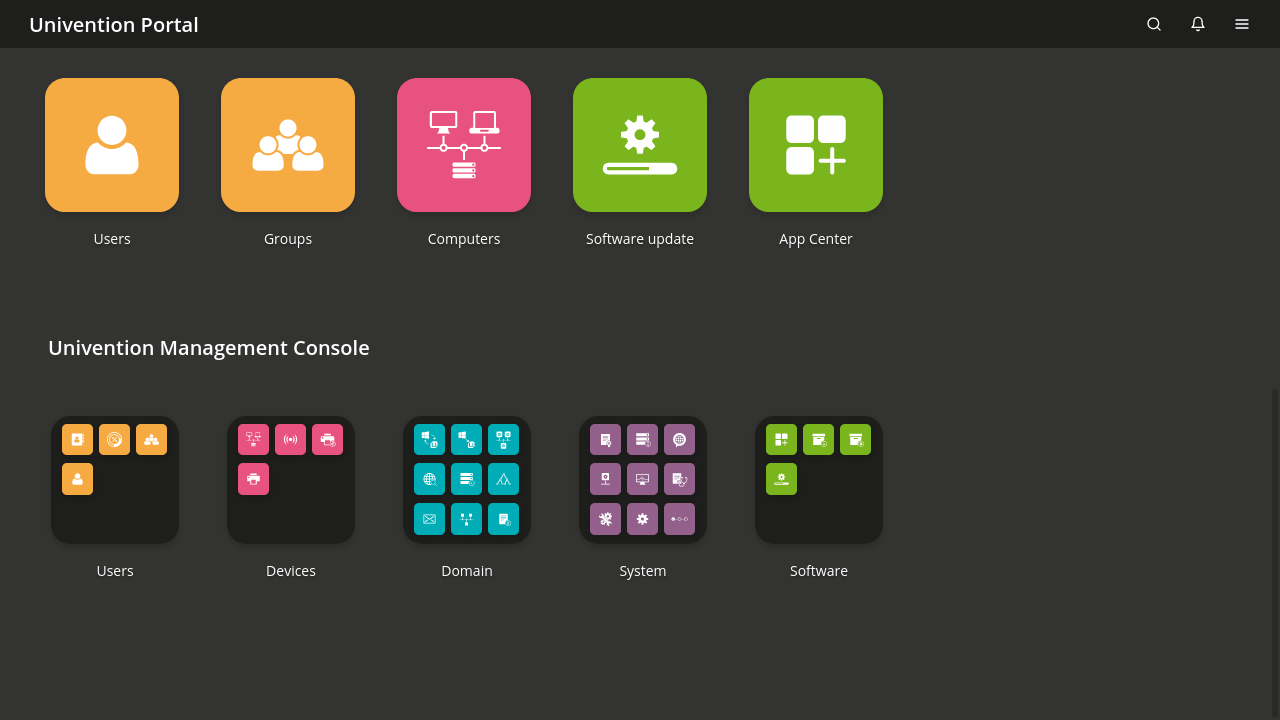
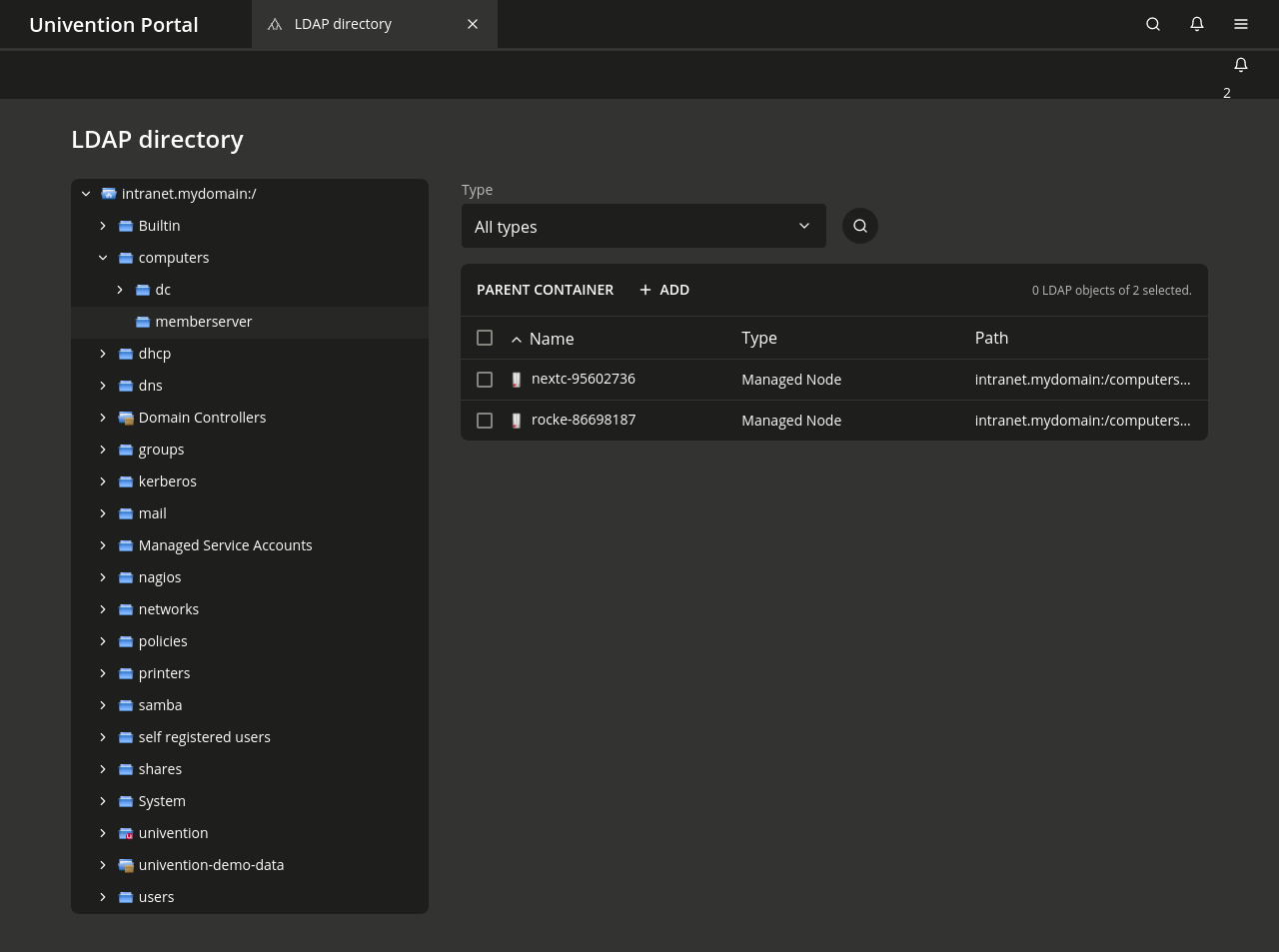
Univention Corporate Server (UCS) is an open integration platform which, with Nubus, offers centralized Identity and Access Management with a web portal for easy access to applications and enables the management of heterogeneous IT domains through comprehensive Active Directory functions. - Portal with Single Sign- On - Integrated Identity and Access Management - Packaged integrations - App Center with enterprise applications - Active Directory…
$0
per installation
Pricing
Hypersocket
Univention Corporate Server (UCS)
Editions & Modules
No answers on this topic
UCS Core Edition
$0.00
per installation
UCS Core Edition
$0.00
per installation
UCS Base Subscription
$382.00
per installation
UCS Base Subscription
$382.00
per installation
UCS Standard Subscription
$1295.00
per installation
UCS Standard Subscription
$1295.00
per installation
UCS Premium Subscription
$2250.00
per installation
UCS Premium Subscription
$2250.00
per installation
Offerings
Pricing Offerings
Hypersocket
Univention Corporate Server (UCS)
Free Trial
Yes
No
Free/Freemium Version
Yes
Yes
Premium Consulting/Integration Services
No
Yes
Entry-level Setup Fee
No setup fee
Optional
Additional Details
—
The core edition of UCS is free, but does not offer a great deal of support. There are three different subscription options (for either On-Premise- or SAAS deplyoment) which include the installation of UCS and apps, support and maintainance via phone, security updates and hotfixes, domain services and much more.
More Pricing Information
Features
Hypersocket
Univention Corporate Server (UCS)
Identity Management
Comparison of Identity Management features of Hypersocket and Univention Corporate Server (UCS)
HyperSocket is very well suited if the resources and budget are made available. There is not much a learning curve for the IT Department or for those users already familiar with two-factor authentication. There will be some education and training requirements for most end-users as the notifications and general verbiage can be confusing for some. It may also show some exploits within some end-users who are unaware of a notification but will use the email to reset an expired password without thinking twice if it may have been a phishing email or the opposite where an end-user deletes or ignores the expiration email notification expecting it to be spam/phishing.
A de minimis incentive was given to thank the reviewer for their time. The incentive was not used to bias or drive a particular response, nor was the incentive contingent on a positive endorsement. More Info
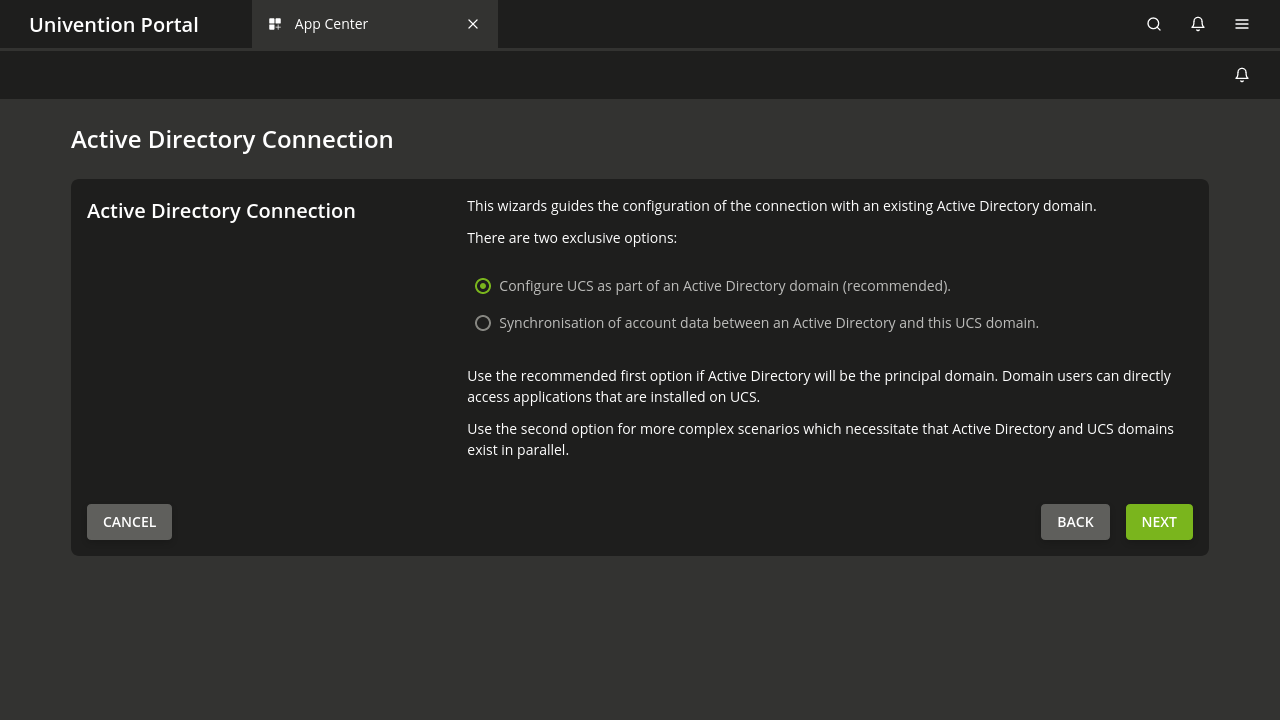
If an Organization would like to use it as a complete Active Directory Server.
If an Organization wants to deploy other applications which are important like SSO, Mail Server, 2FA etc., as with one click all these Apps will be integrated magically thus reducing the Admin job considerably.
Web based management which will be quite useful for the Admins who are from Windows background only.
Univention as a company which has close to 2 decades of experience.
A de minimis incentive was given to thank the reviewer for their time. The incentive was not used to bias or drive a particular response, nor was the incentive contingent on a positive endorsement. More Info
Help-Desk functionality similar to OneIdentity Self-Service Password Manager, as it provides additional users that do not require administrative access to assist with managing end-users who may have locked themselves out of HyperSocket Access Manager by forgetting their own security questions.
Too many features which become unusable and feel like the payment plans are not flexible since it's an all-in-one product with one price. It is not necessarily a bad thing as most subscription-based pricing forces a buyer to pay more for an integral service that is only available on the highest price-plan. You really do get what you pay for, but we found many of our use-case scenarios limited the product.
This isn't necessarily against the product, just a personal opinion around Multi-Factor authentication which is always primarily driven mobile devices. Not all companies or end-users have access to a multi-factor device, (or in our case, are allowed to have access to a cell phone while servicing members/clients). This creates a shortfall to allow multi-factor functionality to extend to all users unless there are hardware tokens, which can be miss placed or left out more easily as most users don't treat it the same way they would their personal smartphone.
A de minimis incentive was given to thank the reviewer for their time. The incentive was not used to bias or drive a particular response, nor was the incentive contingent on a positive endorsement. More Info
Nervepoint Access Manager (NAM) has the ability to deal with multiple domains. While ServiceNow at the time we looked at the solution did not (I do not know if it does now). NAM was a more polished, mature product.
A de minimis incentive was given to thank the reviewer for their time. The incentive was not used to bias or drive a particular response, nor was the incentive contingent on a positive endorsement. More Info
As with any IT Service or Solution, the investment will always be seen as a sunk cost. The only ROI would be the time and resources spent elsewhere rather than with Password Management through an IT Department or similar department. I found that the time spent on password management was about the same, as many users who are frequently forgetting a password are also forgetting their security question & answers.
There are some positives, as it was able to help manage the bulk of their non-windows passwords or passwords related to another online service. The centralized password manager doesn't feel like a true single sign-on but for most users, it replaces a hand-written copy they have taped to a monitor.
It can help with automating some of the active directory workflows with its own user provisioning functionality. Took more time to set up than it was to manage on its own.
A de minimis incentive was given to thank the reviewer for their time. The incentive was not used to bias or drive a particular response, nor was the incentive contingent on a positive endorsement. More Info