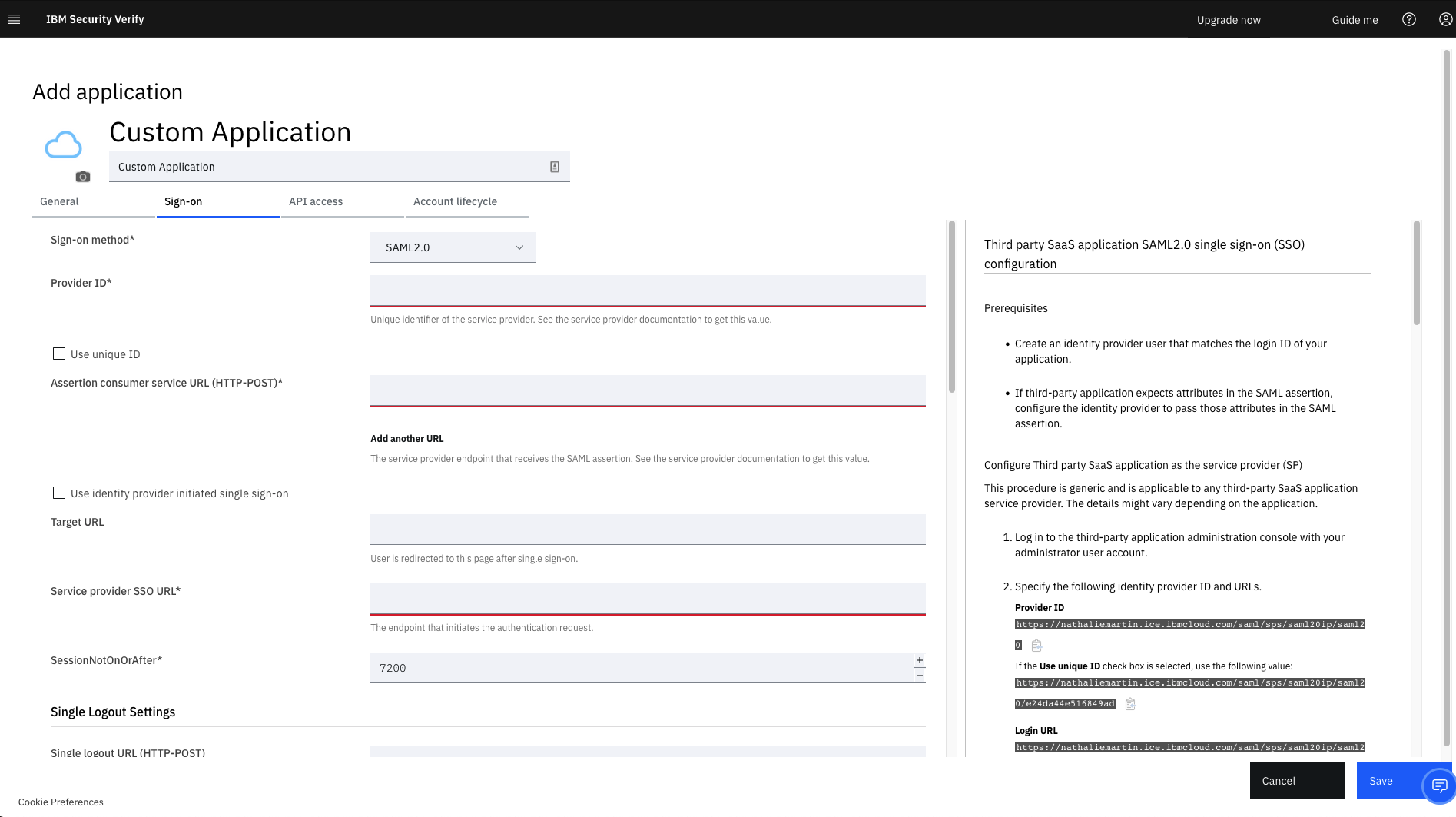
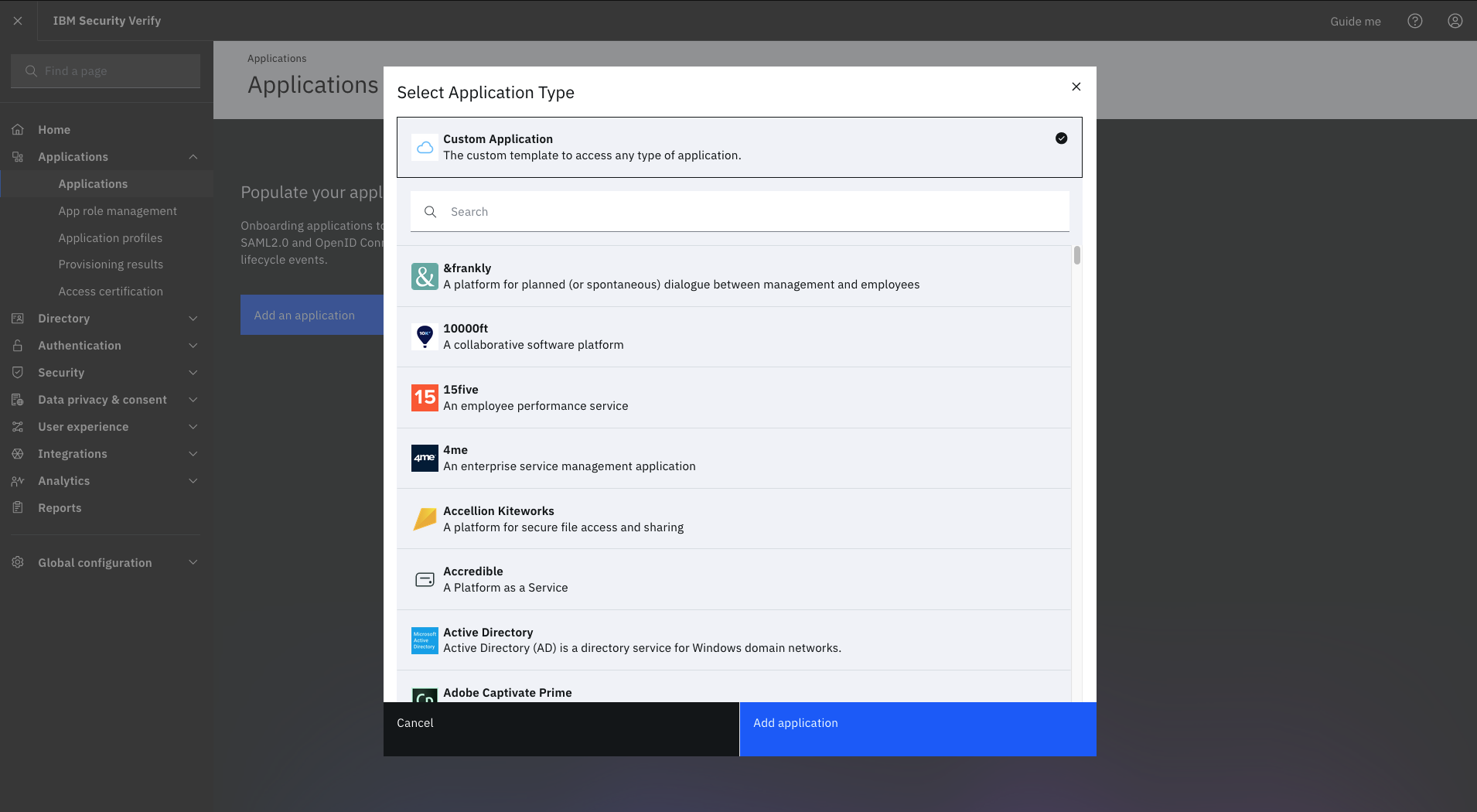
IBM Verify, formerly known as IBM Cloud Identity, is an identity-as-a-service (IDaaS) offering that aggregates dynamic user, device and environmental context to automate risk protection and continuously authenticate any user to any resource.
$1.81
per month per user
Microsoft Visual Studio Code
Score9.3 out of 10
N/A
Microsoft offers Visual Studio Code, an open source text editor that supports code editing, debugging, IntelliSense syntax highlighting, and other features.
$0
Pricing
IBM Verify
Microsoft Visual Studio Code
Editions & Modules
No answers on this topic
No answers on this topic
Offerings
Pricing Offerings
IBM Verify
Microsoft Visual Studio Code
Free Trial
Yes
No
Free/Freemium Version
No
Yes
Premium Consulting/Integration Services
Yes
No
Entry-level Setup Fee
Optional
No setup fee
Additional Details
Sample Pricing Breakdown (NOTE: for competitive pricing per contract, please consult with your IBM Security Account Rep)
Users: 5,000
SSO* -- USD 1.71 per user per month
MFA* -- USD 1.71 per user per month
Adaptive Access* -- USD 1.71 per user per month
Lifecycle and provisioning** -- USD 2.01 per user per month
Identity analytics** -- USD 2.13 per user per month
* Single sign-on (SSO), multifactor authentication (MFA) and adaptive access pricing based on total active monthly users per use case. Costs decrease if users are active less than once per month.
** Lifecycle and provisioning and identity analytics pricing based on total users per use case.
It is well-suited for managing different users and roles and assigning permissions based on their defined roles. It is well-suited when one needs to add extra layers of authentication for certain roles or users, create custom rules for some users, and so on.
A de minimis incentive was given to thank the reviewer for their time. The incentive was not used to bias or drive a particular response, nor was the incentive contingent on a positive endorsement. More Info
As a general workhorse IDE, Microsoft Visual Studio Codee is unmatched. Building on the early success of applications such as Atom, it has long been the standard for electron based IDEs. It can be outshone using IDEs that are dedicated to particular platforms, such as Microsoft Visual Studio Code for .net and the Jetbrains IDEs for Java, Python and others. For remote collaborative development, something like Zed is ahead of VSCode live share, which can be quite flakey.
A de minimis incentive was given to thank the reviewer for their time. The incentive was not used to bias or drive a particular response, nor was the incentive contingent on a positive endorsement. More Info
A de minimis incentive was given to thank the reviewer for their time. The incentive was not used to bias or drive a particular response, nor was the incentive contingent on a positive endorsement. More Info
A de minimis incentive was given to thank the reviewer for their time. The incentive was not used to bias or drive a particular response, nor was the incentive contingent on a positive endorsement. More Info
A de minimis incentive was given to thank the reviewer for their time. The incentive was not used to bias or drive a particular response, nor was the incentive contingent on a positive endorsement. More Info
The customization of key combinations should be more accessible and easier to change
The auxiliary panels could be minimized or as floating tabs which are displayed when you click on them
A monitoring panel of resources used by Microsoft Visual Studio Code or plugins and extensions would help a lot to be able to detect any malfunction of these
A de minimis incentive was given to thank the reviewer for their time. The incentive was not used to bias or drive a particular response, nor was the incentive contingent on a positive endorsement. More Info
It works flawlessly, i have never faced any major issues with this. It has all the features such as Iam and security management. I think its a good investment and the benefits we reap from this software are worth the price.
A de minimis incentive was given to thank the reviewer for their time. The incentive was not used to bias or drive a particular response, nor was the incentive contingent on a positive endorsement. More Info
Solid tool that provides everything you need to develop most types of applications. The only reason not a 10 is that if you are doing large distributed teams on Enterprise level, Professional does provide more tools to support that and would be worth the cost.
A de minimis incentive was given to thank the reviewer for their time. The incentive was not used to bias or drive a particular response, nor was the incentive contingent on a positive endorsement. TR verified that a representative sample of customers was invited. More Info
While setup and implementation takes work and time, the flexibility and possibilities make up for that in the long run. This is not a product you can just install and run, but if you design and implement your ruleset well, it will save you a lot of work afterwards. Just make sure that the systems you want to use it for have an existing and proven connector.
A de minimis incentive was given to thank the reviewer for their time. The incentive was not used to bias or drive a particular response, nor was the incentive contingent on a positive endorsement. More Info
Microsoft Visual Studio Code earns a 10 for its exceptional balance of power and simplicity. Its intuitive interface, robust extension ecosystem, and integrated terminal streamline development. With seamless Git integration and highly customizable settings, it adapts perfectly to any workflow, making complex coding tasks feel effortless for beginners and experts alike.
A de minimis incentive was given to thank the reviewer for their time. The incentive was not used to bias or drive a particular response, nor was the incentive contingent on a positive endorsement. More Info
It has never let us down since its inception and installation. User credentials and secure access have always been guaranteed. Ironclad security (through single sign-on, MFA, etc.) has ensured that our user credential details are safe as is our information/data. The correct access is given to users, based on role-based access with segregation of duty and the principle of least privilege being deployed. The IBM support has also been first class and they have proactively resolved any minor issues we have encountered.
A de minimis incentive was given to thank the reviewer for their time. The incentive was not used to bias or drive a particular response, nor was the incentive contingent on a positive endorsement. More Info
Overall, Microsoft Visual Studio Code is pretty reliable. Every so often, though, the app will experience an unexplained crash. Since it is a stand-alone app, connectivity or service issues don't occur in my experience. Restarting the app seems to always get around the problem, but I do make sure to save and backup current work.
A de minimis incentive was given to thank the reviewer for their time. The incentive was not used to bias or drive a particular response, nor was the incentive contingent on a positive endorsement. More Info
Microsoft Visual Studio Code is pretty snappy in performance terms. It launches quickly, and tasks are performed quickly. I don't have a lot of integrations other than CoPilot, but I suspect that if the integration partner is provisioned appropriately that any performance impact would be pretty minimal. It doesn't have a lot of bells and whistles (unless you start adding plugins left and right).
A de minimis incentive was given to thank the reviewer for their time. The incentive was not used to bias or drive a particular response, nor was the incentive contingent on a positive endorsement. More Info
The support team has always been the primary consultation base when we are faced by performance problems. From the deployment stage the team has managed to monitor the operation lifecycle and give best insights based on their observation. It works 24/7 to enhance productive service delivery to clients. The IBM Security Verify Support team has been the main player in the successful performance of this software.
A de minimis incentive was given to thank the reviewer for their time. The incentive was not used to bias or drive a particular response, nor was the incentive contingent on a positive endorsement. More Info
Active development means filing a bug on the GitHub repo typically gets you a response within 4 days. There are plugins for almost everything you need, whether it be linting, Vim emulation, even language servers (which I use to code in Scala). There is well-maintained official documentation. The only thing missing is forums. The closest thing is GitHub issues, which typically has the answers but is hard to sift through -- there are currently 78k issues.
A de minimis incentive was given to thank the reviewer for their time. The incentive was not used to bias or drive a particular response, nor was the incentive contingent on a positive endorsement. More Info
We conducted a comparison study between IBM Verify and Okta as well as Duo Security before making our selection. IBM Verify emerged as the perfect fit because its superior capability to integrate with our current system environment surpassed competitor security solutions. IBM Verify demonstrated superior reliability through its enterprise-class scalability and fully transparent auditing mechanisms.
A de minimis incentive was given to thank the reviewer for their time. The incentive was not used to bias or drive a particular response, nor was the incentive contingent on a positive endorsement. More Info
Visual Studio Code stacks up nicely against Visual Studio because of the price and because it can be installed without admin rights. We don't exclusively use Visual Studio Code, but rather use Visual Studio and Visual Studio code depending on the project and which version of source control the given project is wired up to.
A de minimis incentive was given to thank the reviewer for their time. The incentive was not used to bias or drive a particular response, nor was the incentive contingent on a positive endorsement. More Info
The licensing terms were favourable due to their flexibility based on the size and purpose of implementation. The billing frequency is done on quarterly basis. The vendor team has enacted best user policies that gives the company the full control of this platform. It is cost-effective as compared to most security verification tools in the market.
A de minimis incentive was given to thank the reviewer for their time. The incentive was not used to bias or drive a particular response, nor was the incentive contingent on a positive endorsement. More Info
It is easily deployed with our Jamf Pro instance. There is actually very little setup involved in getting the app deployed, and it is fairly well self-contained and does not deploy a large amount of associated files. However, it is not particularly conducive to large project, multi-developer/department projects that involve some form of central integration.
A de minimis incentive was given to thank the reviewer for their time. The incentive was not used to bias or drive a particular response, nor was the incentive contingent on a positive endorsement. More Info
In the case of adjustments, we were often able to carry them out completely on our own and only used professional services for new requirements. Particularly in the case of access management, it is very positive that we usually needed IBM for a task in less than an hour and then developed the solution further on our own.
A de minimis incentive was given to thank the reviewer for their time. The incentive was not used to bias or drive a particular response, nor was the incentive contingent on a positive endorsement. More Info
Use of the software has enabled us to track access to our premises and systems, which has, in turn, reduced unauthorised access.
The software has enabled us to centralize identify and access management.
IBM Verify use in our organisation has reduced security risks by ensuring compliance, streamlining, and automating all critical identity management processes.
A de minimis incentive was given to thank the reviewer for their time. The incentive was not used to bias or drive a particular response, nor was the incentive contingent on a positive endorsement. More Info
A de minimis incentive was given to thank the reviewer for their time. The incentive was not used to bias or drive a particular response, nor was the incentive contingent on a positive endorsement. More Info