Infogram is an online tool for creating infographics, charts, dashboards, and interactive reports. Users can upload spreadsheets containing the data they want to visualize, or set up a live integration from another data source using the Infogram API. From a graphics and layout perspective, Infogram includes a library of stock images, icons, etc. (or users can upload their own) and a drag and drop editor.
N/A
Markup Hero
Score9 out of 10
Small Businesses (1-50 employees)
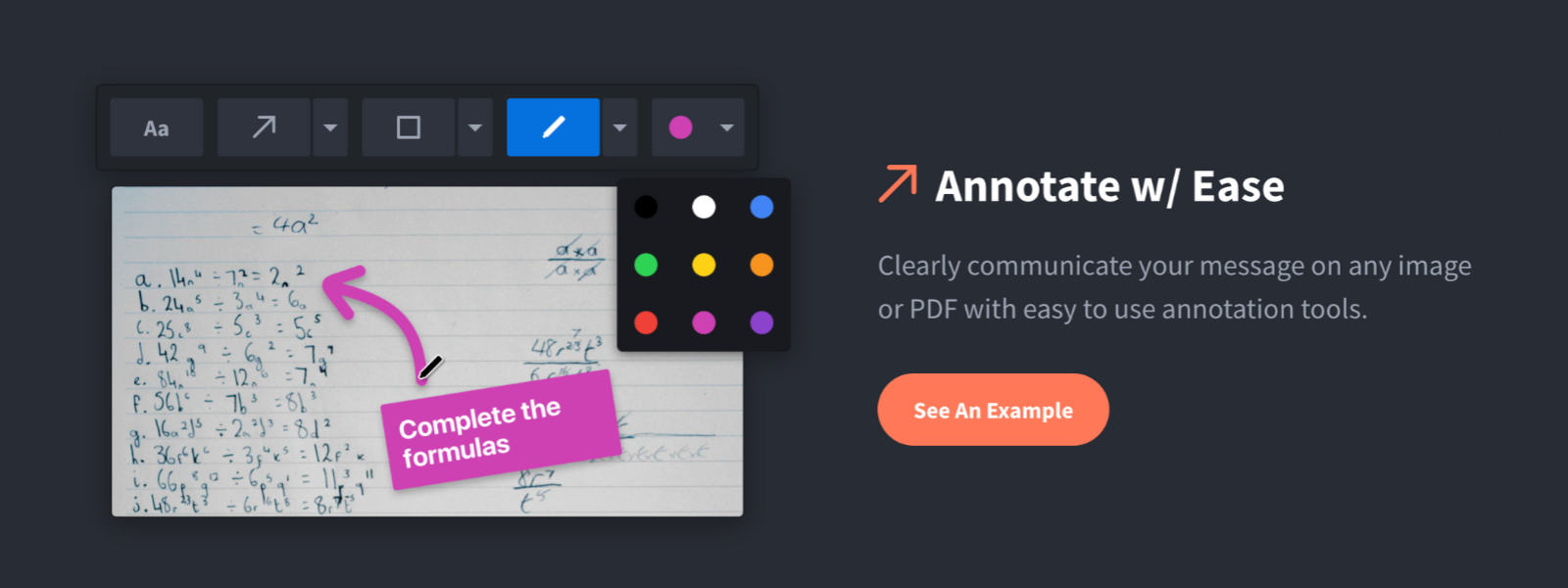
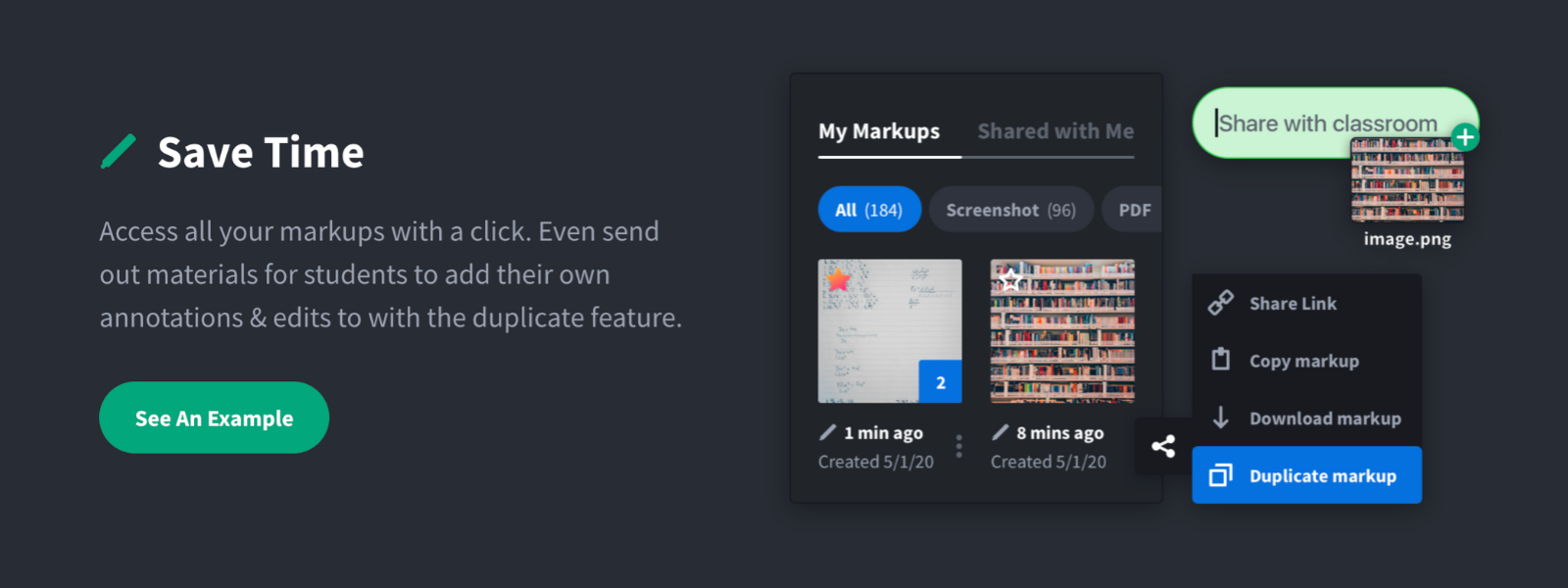
Screenshot, Annotate & Share Markup Hero is an annotation and screenshot tool designed to allow users to capture ideas, communicate clearly, and save time. Features Include: Screenshots Desktop app for Mac, Windows & Linux Works on any device including mobile Chrome extension Annotate screenshots, PDF's, images and URL's Always editable - annotations do not flatten permanently Arrow, text, rectangle, oval,…
$5
all features, unlimited markups, unlimited storage, unlimited bandwidth
Pricing
Infogram
Markup Hero
Editions & Modules
No answers on this topic
Superhero
$5/month
all features, unlimited markups, unlimited storage, unlimited bandwidth
Infogram is perfect for creating engaging and professional-looking infographics, data visualizations, and social media content with no technical knowledge required. I have worked with NGOs with no technical or design staff that need to get their message out there or raise awareness about something. Infogram is easy and quick to use and the results look great. Infogram is not heavyweight data visualization software, it's best for summarizing and explaining the results of data analysis to an audience or breaking down complex concepts to make them understandable to the general public.
For us, it's sending real estate setup sheets with multiple properties and lots of comments and feedback. It's great for quick feedback and shares. If I need to make a custom graphic tho its not quite powerful enough as Photoshop or other tools. The former is about 90% of my use cases, the latter only 10% so it's still worth it. But I can see they are adding more and more design oriented features so I suspect I won't need Photoshop much longer.
A de minimis incentive was given to thank the reviewer for their time. The incentive was not used to bias or drive a particular response, nor was the incentive contingent on a positive endorsement. More Info
A de minimis incentive was given to thank the reviewer for their time. The incentive was not used to bias or drive a particular response, nor was the incentive contingent on a positive endorsement. More Info
Infogram's most unique strength is its focus on infographics, providing a great number of templates and at the same time connecting such graphics with data sources. Prezi is great for presentation, but it provides static infographics. Illustrator and Photoshop have some possible ways to integrate data into their graphics, but they are rudimentary compared to Infogram's abilities. Despite the huge power of Photoshop and Illustrator for creating specific images, Infogram is easier and more powerful in conveying data, making it the best option for infographics.
A de minimis incentive was given to thank the reviewer for their time. The incentive was not used to bias or drive a particular response, nor was the incentive contingent on a positive endorsement. More Info
Markup Hero stands out because it is truly web based and supports PDFs (among a host of other file types). The annotation tools are significantly smoother and always editable. I don't know of any other products that provide a web experience that allows for edits at anytime. Plus the team is clearly working hard to iterate the product and regularly delivering new features.
A de minimis incentive was given to thank the reviewer for their time. The incentive was not used to bias or drive a particular response, nor was the incentive contingent on a positive endorsement. More Info