Formerly from Magnitude Software and now from Insightsoftware, Angles is a solution to accelerate the distribution of actionable, operational reports and analytics.
N/A
Logi Info
Score3 out of 10
Mid-Size Companies (51-1,000 employees)
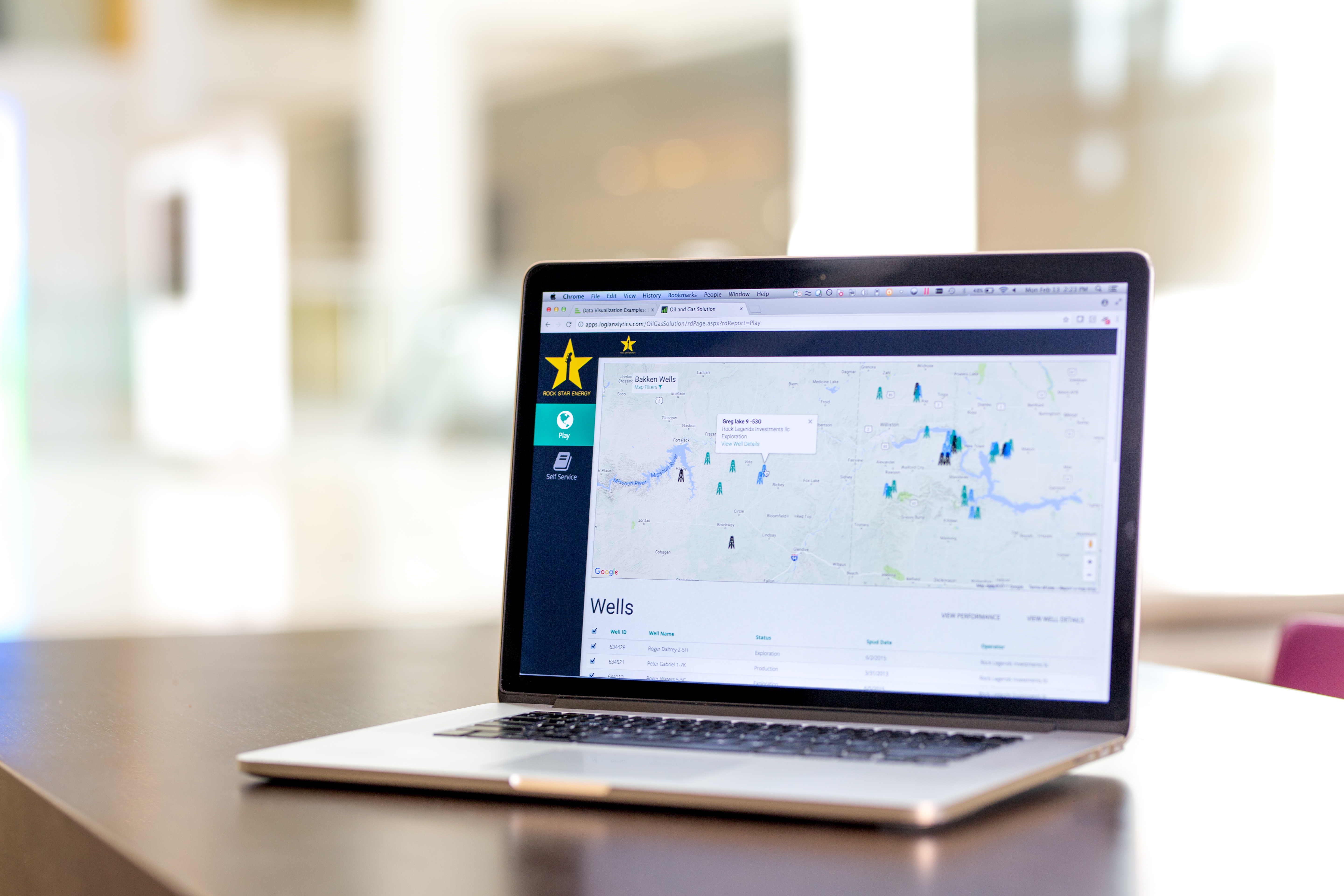
Logi Info (or the Logi Analytics Platform) is a developer-grade analytics platform designed for application teams needing to rapidly build, deploy, and maintain mission-critical applications. Logi serves the embedded model, so companies increase the
likelihood of building valuable, long lasting applications. The vendor focuses on enriching embedded analytics
capabilities so that their customers' applications become more valuable, faster. According to the vendor, Logi allows customers to…
N/A
Pricing
Angles by Insightsoftware
Logi Info
Editions & Modules
No answers on this topic
No answers on this topic
Offerings
Pricing Offerings
Angles by Insightsoftware
Logi Info
Free Trial
No
Yes
Free/Freemium Version
No
No
Premium Consulting/Integration Services
No
Yes
Entry-level Setup Fee
No setup fee
No setup fee
Additional Details
Contact vendor for pricing information.
Logi's pricing was developed with software vendors in mind and as such, we offer flexible, custom pricing aligned with your go-to-market approach and long-term growth plans. Our pricing objective is to ensure our partners can rapidly scale their analytics.
More Pricing Information
Features
Angles by Insightsoftware
Logi Info
BI Standard Reporting
Comparison of BI Standard Reporting features of Angles by Insightsoftware and Logi Info
Feature
Angles by Insightsoftware
-
Ratings
Logi Info
3.0
25 Ratings
93% below category average
Pixel Perfect reports
00 Ratings
5.01 Ratings
Customizable dashboards
00 Ratings
3.025 Ratings
Report Formatting Templates
00 Ratings
1.023 Ratings
Ad-hoc Reporting
Comparison of Ad-hoc Reporting features of Angles by Insightsoftware and Logi Info
Feature
Angles by Insightsoftware
-
Ratings
Logi Info
1.8
24 Ratings
127% below category average
Drill-down analysis
00 Ratings
2.023 Ratings
Formatting capabilities
00 Ratings
3.024 Ratings
Integration with R or other statistical packages
00 Ratings
1.01 Ratings
Report sharing and collaboration
00 Ratings
1.023 Ratings
Report Output and Scheduling
Comparison of Report Output and Scheduling features of Angles by Insightsoftware and Logi Info
Feature
Angles by Insightsoftware
-
Ratings
Logi Info
4.5
23 Ratings
58% below category average
Publish to Web
00 Ratings
8.419 Ratings
Publish to PDF
00 Ratings
4.020 Ratings
Report Delivery Scheduling
00 Ratings
1.018 Ratings
Data Discovery and Visualization
Comparison of Data Discovery and Visualization features of Angles by Insightsoftware and Logi Info
If you desire to 'empower' employees to create or edit their own reports, Noetix is a great tool, though I am not particularly an 'empowerment' person. In my experience most people have enough work of their own, so to tell them they now have to create their own reports can cause problems. If someone is available, like I am, to create the reports based on user requirements, then the report can be shared with the user and they can make changes as needed. I have several users who use the same report over and over for slightly different applications, and they are happy to make the small alterations, but creating whole new reports can seem like a daunting task. I tell my users I don't want them to become frustrated. If they want to try on their own, fine, but don't waste more than half an hour, and if you start to get frustrated, stop and IM me. Ninety-nine times out of 100 I already have a report that will give them exactly what they need. I've done extensive training, and find it's quite easy for users to pick up
A de minimis incentive was given to thank the reviewer for their time. The incentive was not used to bias or drive a particular response, nor was the incentive contingent on a positive endorsement. More Info
Logi Composer is the best of the product range that Logi Analytics offers; Logi Info is, in my mind, a terrible experience and should be discontinued. Logi Info is not a BI tool and many CEOs and product managers believe it is. Instead, it is a tool for web developers to create IIS apps with a library of BI-type components, and with everything else having to be hand-coded in JavaScript and CSS. Maybe this was cool back in the early 2000s when Logi Info came about, but today I'd recommend using Visual Studio, C#, .NET, and finding a NuGet package for your visualisations if you wanted to go the route of making your own web app. This said, where it is suited is if you have a burning desire to make a stand-alone IIS-based web application and you don't need or want to leverage any existing skills in .NET or PHP or other frameworks/languages. Instead, you want to use the Logi Info XML-based BI widgets and you're happy to make something quick without needing it to look really awesome.
A de minimis incentive was given to thank the reviewer for their time. The incentive was not used to bias or drive a particular response, nor was the incentive contingent on a positive endorsement. More Info
Noetix makes reporting easy. Users can combine vtables (the Noetix term for its views), add or delete columns, add filters or parameters, sort, add totals to columns, all from an easy to use interface. It comes with a very large number of already written reports for all areas of Oracle reporting, but it also allows for custom vtables to be written, for Oracle or any database, to expand the number of available reports.
Noetix has an Excel add-in that is marvelous. It eliminates the need to run a report in the web application and export to Excel. The add-in can run very large reports, up to a million lines. Once a report is run in Excel, it can be saved, and then refreshed whenever needed. It's a really good tool.
Noetix is flexible. Joins can be added to existing Noetix vtables and also to custom vtables, to give users a large amount of data configurations to choose from. It also allows users to create calculated fields to any report.
Noetix is easy to administer. Users can be added or removed and grouped by the level of permission. Although, in our case, it validates against Oracle, the level of security is dictated by Noetix.
A de minimis incentive was given to thank the reviewer for their time. The incentive was not used to bias or drive a particular response, nor was the incentive contingent on a positive endorsement. More Info
Clear/Concise view of data. Easily intuitive, amazing drill down capability, fully user configurable panels and dashboards.
Self-Service is such a powerful tool for facilities that want to create/design their own reports/dashboards, it's instantly recognized as being very powerful and agile.
Logi software makes the designer realize that they should think outside the box and not stick with "it's how we have always done it limitation". It allows you to be very creative.
I like the fact that the output is standard, but I would like to be able to move columns around on the output screen, rather than having to go back to the editing screen, move the columns, then rerun the report.
Drag and drop of columns would be nice on the edit screen. Currently if you add a column to a report, it automatically goes to the bottom. Relocation of the column has to be done a line at a time. I would prefer to be able to grab the field I want from those available, and drop it into the report where I want it.
When adding a filter (or parameter), the available fields automatically come up in alphabetical order, but on the columns screen, they don't. They come up in the order they actually are in the query. That means, when creating custom vtables, to have the fields in alphabetical order, one must put them that way. It would be nice if Noetix put the fields in alphabetical order for the user.
A de minimis incentive was given to thank the reviewer for their time. The incentive was not used to bias or drive a particular response, nor was the incentive contingent on a positive endorsement. More Info
It is not always intuitive to incorporate JavaScript into Logi Info. The tools are all available, but the process requires multiple resource in translating between Logi and JavaScript.
The toolbox is too vast for Logi to provide a 'quick implementation' or 'quick start guide'. There are so many tools that Logi expects the client to determine which fit their use case. There are purchasable 'Professional Services' options for implementation, but without these, the toolset is almost too big.
Logi Info is a very outdated, archaic product that tries to build .NET / Java web apps using an obscure XML-based markup language to implement BI widgets, with a lot of extra CSS/JavaScript needed on your own to make it do the best things. There are many other better tools. It is not a BI tool, and as a web development tool it's not great either. I'd recommend getting some good third-party .NET BI library if you want your web devs to make the reports, otherwise use a proper BI tool like Power BI or Tableau, or even Logi Composer (formerly ZoomData before Logi acquired it.)
A de minimis incentive was given to thank the reviewer for their time. The incentive was not used to bias or drive a particular response, nor was the incentive contingent on a positive endorsement. More Info
I am giving 9 rating because the Logi Info still needs to improve on the tutorials part and make it easy for the beginners. Otherwise, it's a very good analytics tool which offers more than 20 types of visualization. It's predictive analysis feature and easy to embed with technologies make it stand out in the market.
A de minimis incentive was given to thank the reviewer for their time. The incentive was not used to bias or drive a particular response, nor was the incentive contingent on a positive endorsement. More Info
The support process is bit slow and has a good scope improvement but overall it's good as team is very supportive. They generally take 1-2 days time to respond emails sent to them but some times a delay is also expected. Overall, I did not face any major issues using the service.
A de minimis incentive was given to thank the reviewer for their time. The incentive was not used to bias or drive a particular response, nor was the incentive contingent on a positive endorsement. More Info
I believe Noetix is much easier to use than either Crystal Reports or InfoMaker. When I worked with InfoMaker I used to say it took 5 minutes to get the data and 5 hours (and sometimes days) to make it look good. The same can be true for Crystal Reports. Noetix has a standard format, and most people export to Excel anyway. Who prints reports? So formatting is not all that important.
A de minimis incentive was given to thank the reviewer for their time. The incentive was not used to bias or drive a particular response, nor was the incentive contingent on a positive endorsement. More Info
Logi gave us the flexibility we needed to meet the configurable nature of our product and for the need to create custom reports. Other products did not allow flexbility to generate reports via script as was one of our primary requirements.
A de minimis incentive was given to thank the reviewer for their time. The incentive was not used to bias or drive a particular response, nor was the incentive contingent on a positive endorsement. More Info
By embedding Logi in our solution and using the Logi Self-Service Module we can provide this flexibility to our users without requiring custom development work for each new request.
We succeeded in developing embedded self-service analytics at scale with a combination of Logi analytics as front-end and a Cassandra data lake with Spark aggregation algorithms as back-end.
We analyze the insurance industry and need to replicate different data formats across hundreds of databases to support multi-tenant (customer) BI reports and "ad hoc" data review on millions or hundreds of millions of records per customer.
A de minimis incentive was given to thank the reviewer for their time. The incentive was not used to bias or drive a particular response, nor was the incentive contingent on a positive endorsement. More Info