Chose IntelliJ IDEA
Microsoft Visual Studio Code and Eclipse

| Product | Rating | Most Used By | Product Summary | Starting Price |
|---|---|---|---|---|
 IntelliJ IDEA | N/A | IntelliJ IDEA is an IDE that aims to give Java and Kotlin developers everything they need out of the box, including a smart code editor, built-in developer tools, framework support, database support, web development support, and much more. | $19.90 per month | |
 WebStorm | N/A | WebStorm is an integrated development environment (IDE) by JetBrains. Designed for JavaScript and TypeScript development, WebStorm also aims to make it easy to tackle the most challenging tasks. Whether resolving Git merge conflicts or renaming a symbol across multiple files, it takes just a few clicks. | $0 per year | |
 Vim | N/A | Vim (Vi IMproved) is a highly configurable, free to download and use, Modal Text Editor derived from the classic Unix vi editor. It is designed for terminal-based and graphical text manipulation, prioritizing keyboard-centric efficiency and high-fidelity control over source code and configuration files. | N/A |
| IntelliJ IDEA | WebStorm | Vim | ||||||||||||||||||||||
|---|---|---|---|---|---|---|---|---|---|---|---|---|---|---|---|---|---|---|---|---|---|---|---|---|
| Editions & Modules |
|
| No answers on this topic | |||||||||||||||||||||
| Offerings |
| |||||||||||||||||||||||
| Entry-level Setup Fee | No setup fee | No setup fee | No setup fee | |||||||||||||||||||||
| Additional Details | All Products Pack (For Individual Use) – $299 /1st year, $ 239 /2nd year and $ 179 /3d year onwards All Products Pack (For Organizations) – $979 / year | — | Vim is available as a free download. | |||||||||||||||||||||
| More Pricing Information | ||||||||||||||||||||||||
| IntelliJ IDEA | WebStorm | Vim | |
|---|---|---|---|
| Considered Multiple Products |  IntelliJ IDEA  Gaurav Gosavi Staff Software Engineer Chose IntelliJ IDEA In summary, IntelliJ is more polished and feature-rich out of the box, especially for Java development. Eclipse is extensible but can be rougher around the edges. IntelliJ costs money for advanced features, while Eclipse is free. IntelliJ offers many developers a better …  Animesh Kumar Senior Member of Technical Staff Chose IntelliJ IDEA IntelliJ stacks better against Eclipse or VS Code because it provides better code suggestions, out-of-the-box SonarLint integration, and built-in support for version control with git. It also has a vast collection of plugins that can increase developer productivity, reduce …  Dushyant Pathak (DKP) Technology Analyst Chose IntelliJ IDEA IntelliJ IDEA has several benefits over VS Code when it comes to Java applications, including in-built Java compilers, Maven lifecycle support, Lombok preprocessing, and sonar integration. While VS Code is largely generic, IntelliJ IDEA has focused primarily on Java …  Tung Vu Senior Software Engineer Chose IntelliJ IDEA Eclipse is just so old, like a dinosaur, compared to IntelliJ. There are still formats that Eclipse supports better, especially old and/or propriety ones. Still, most of the modern software development needs can be done on IntelliJ, & in a much better way, some of them are not …  Nitin Gupta Salesforce/Apttus Developer Chose IntelliJ IDEA Previously we were using Eclipse but due to the ease of understanding and easy to navigate user interface with drop downs, wizards they are better in IntelliJ moreover for experienced developers migrating to IntelliJ as compared to Eclipse. It has an easy to understand UI and …  Chris Barretto Engineering Manager Chose IntelliJ IDEA IntelliJ has the richest and most complete set of features out of all the IDEs I've tried. There is the most compatibility across different languages and caters to different compilation strategies. The updates come very regularly, so we know that the product is constantly …  David Tanner Sr Software Engineer Chose IntelliJ IDEA Microsoft Visual Studio Code (VS) requires a lot of textual configuration, where IntelliJ IDEA provides a graphical interface with configuration options displayed. This matters a lot to me as I don't want to hunt around the internet to remember how to set different parameters …  Tharsanan Kurukulasingam Software Engineer Chose IntelliJ IDEA UI--IntelliJ IDEA is the winner. IntelliSense--Again, IntelliJ IDEA is the winner. Performance and CPU usage - IntelliJ IDEA has a lot of room to improve on this. Eclipse handle the large projects more effectively than IntelliJ IDEA.  A. Kıvanç Güler Senior Solution Engineer - Tanzu Chose IntelliJ IDEA
|  WebStorm  Nir Levy VP R&D, DevOps, and Products Chose WebStorm While VSCode is a great product by itself, I prefer WebStorm as I found it more intuitive to use out of the box. I also feel error detection and linting is producing better results on WebStorm. Keeping an IDE with out-of-the-box keybinding and common plugins allows me …  Sagiv Frankel Software Engineer Chose WebStorm VS Code is free and more popular. Popularity helps in that you can do pair programming more easily because you all use the same [tool]. It's also easier when trying to guide someone (especially a junior developer). However, Webstorm comes with more out-of-the-box and is …  Hayk Baghdasaryan Full Stack Developer Chose WebStorm The only reason we sometimes use Sublime is that it manages to cover basic development needs while being to be very fast and light. WebStorm is heavier on resources, but you can't compare it with Sublime, because WebStorm is an IDE, and therefore it provides more features and …  Sarah Ciras Rousseau High School Special Educator Chose WebStorm I have loved using WebStorm because it has so many features that are helpful not only to those just starting out, but also to veteran programmers. WebStorm also has free educational licensing, which has been integral in creating a professional environment in my classroom. It …  Tim Hardy Senior Software Engineer Chose WebStorm For Javascript projects, particularly Angular projects, WebStorm is superior to any other IDE I've used. WebStorm has been easier to pick up and learn straight out of the box. Visual Studio Code might be able to do some of the same things, but not without a lot more setup and … Chose WebStorm I selected IntelliJ WebStorm mostly for legacy issues and I'm used/loyal to it. I guess if I started today, no strings attached I don't know if I'd be using it. It seems the main competitor is Visual Studio Code. Developers like it because it's fast and simple which is an area …  Anthony Aziz Senior Software Engineer Chose WebStorm WebStorm offers full IDE features for web development that surpasses the best text editors, and I find it has better features than even VS Code still.  Dhruba Jyoti Nag Associate Chose WebStorm WebStorm is an excellent option but for people who are already into IDEA products. It is costly and resource-intensive and hence might not be favorable to the open source developer groups out there. Though it has many enterprise features like version control integration and …  Dave Otis Web Developer Chose WebStorm While Visual Studio is a great toll to develop our C# back-end application, we found that using this one to develop our front-end web application was not suitable.  heather collins senior developer Chose WebStorm IntelliJ IDEA, Eclipse, Visual Studio IDE, NetBeans and PyCharm  Swapnil Pharate Sr.Analyst/Data Scientist/Engineer Chose WebStorm Others are free IntelliJ WebStorm is not. |  Vim  Greg Garnhart Research & Development: Product Intern Chose Vim Vim is a text editor that strives for simplicity. It does that well, but when you need something at the next level, take a look at the above two. Visual Studio Code is a fantastic, free code editor that makes most of my workflow easy.  Jake Tolbert Director of Development - Data Services Chose Vim Vim's keybindings are a lot more complex than Notepad++. With that, comes a whole bunch of capability that Notepad++ just can't match. Emacs is comparable, in terms of capabilities--because Vim is built into so many unix systems, I chose to learn it instead of Emacs. Knowing … |
| IntelliJ IDEA | WebStorm | Vim | |
|---|---|---|---|
| Small Businesses |  PyCharm Score 9.2 out of 10 | PyCharm Score 9.2 out of 10 |  BBEdit Score 10.0 out of 10 |
| Medium-sized Companies | PyCharm Score 9.2 out of 10 | PyCharm Score 9.2 out of 10 |  Microsoft Visual Studio Code Score 9.3 out of 10 |
| Enterprises | PyCharm Score 9.2 out of 10 | PyCharm Score 9.2 out of 10 | Microsoft Visual Studio Code Score 9.3 out of 10 |
| All Alternatives | View all alternatives | View all alternatives | View all alternatives |
| IntelliJ IDEA | WebStorm | Vim | |
|---|---|---|---|
| Likelihood to Recommend | 8.8 (0 ratings) | 9.2 (0 ratings) | 10.0 (0 ratings) |
| Likelihood to Renew | 5.0 (0 ratings) | 10.0 (0 ratings) | - (0 ratings) |
| Usability | 9.6 (0 ratings) | 9.0 (0 ratings) | 8.0 (0 ratings) |
| Support Rating | 8.9 (0 ratings) | 9.4 (0 ratings) | 6.0 (0 ratings) |
| Implementation Rating | 9.0 (0 ratings) | 10.0 (0 ratings) | - (0 ratings) |
| IntelliJ IDEA | WebStorm | Vim | |
|---|---|---|---|
| Likelihood to Recommend |
Animesh Kumar Senior Member of Technical Staff |
Sarah Ciras Rousseau High School Special Educator |
Jake Tolbert Director of Development - Data Services |
| Pros |
|
 Rahul Chaudhary Software Engineer |
|
| Cons |
Dhruba Jyoti Nag Associate |
|
|
| Likelihood to Renew |
|
| No answers on this topic |
| Usability |
|
|
|
| Support Rating |
|
Hayk Baghdasaryan Full Stack Developer |
|
| Implementation Rating |
|
| No answers on this topic |
| Alternatives Considered |
Gaurav Gosavi Staff Software Engineer |
Sagiv Frankel Software Engineer |
|
| Return on Investment |
|
Tim Hardy Senior Software Engineer |
|
| ScreenShots | IntelliJ IDEA Screenshots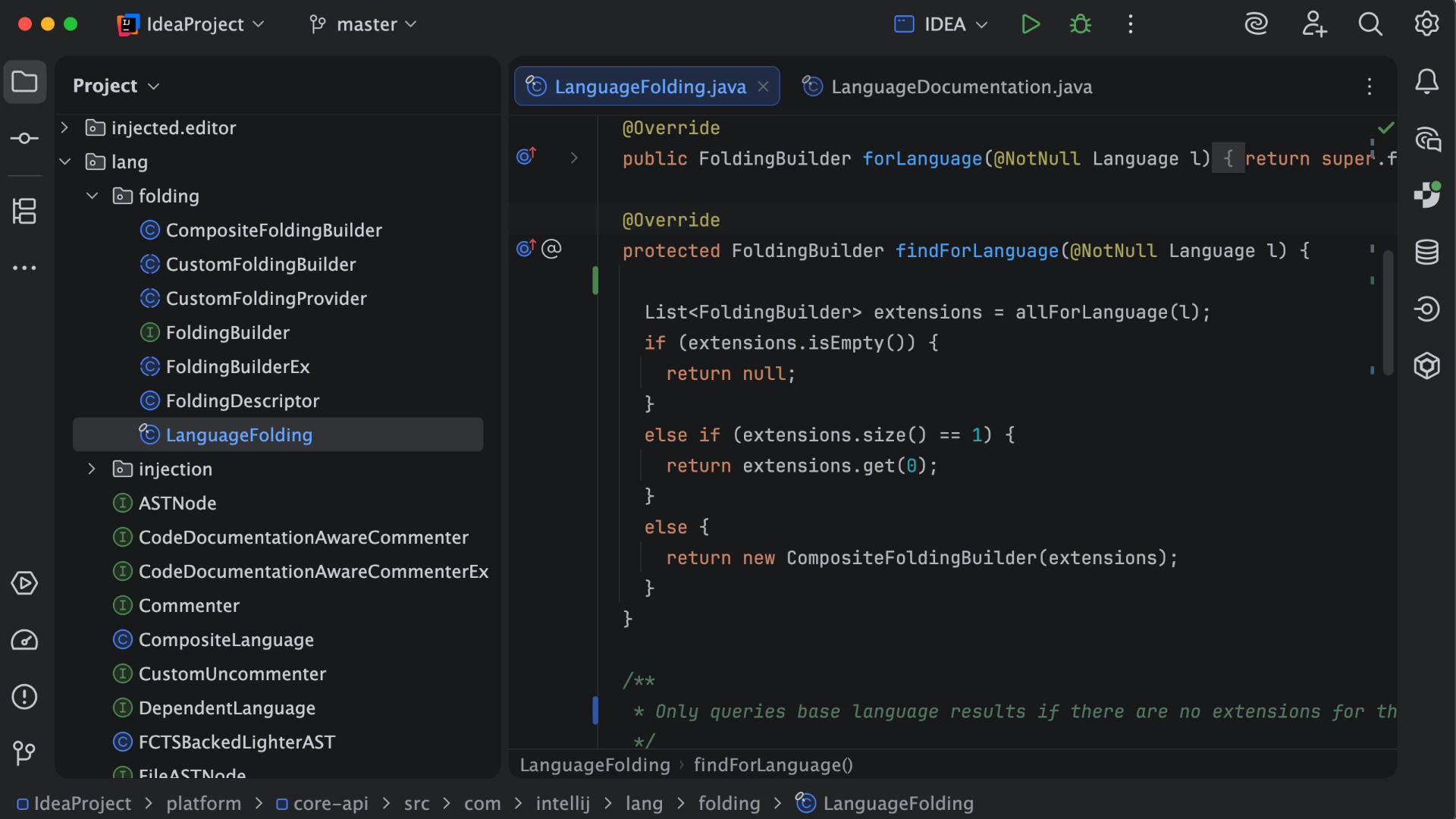 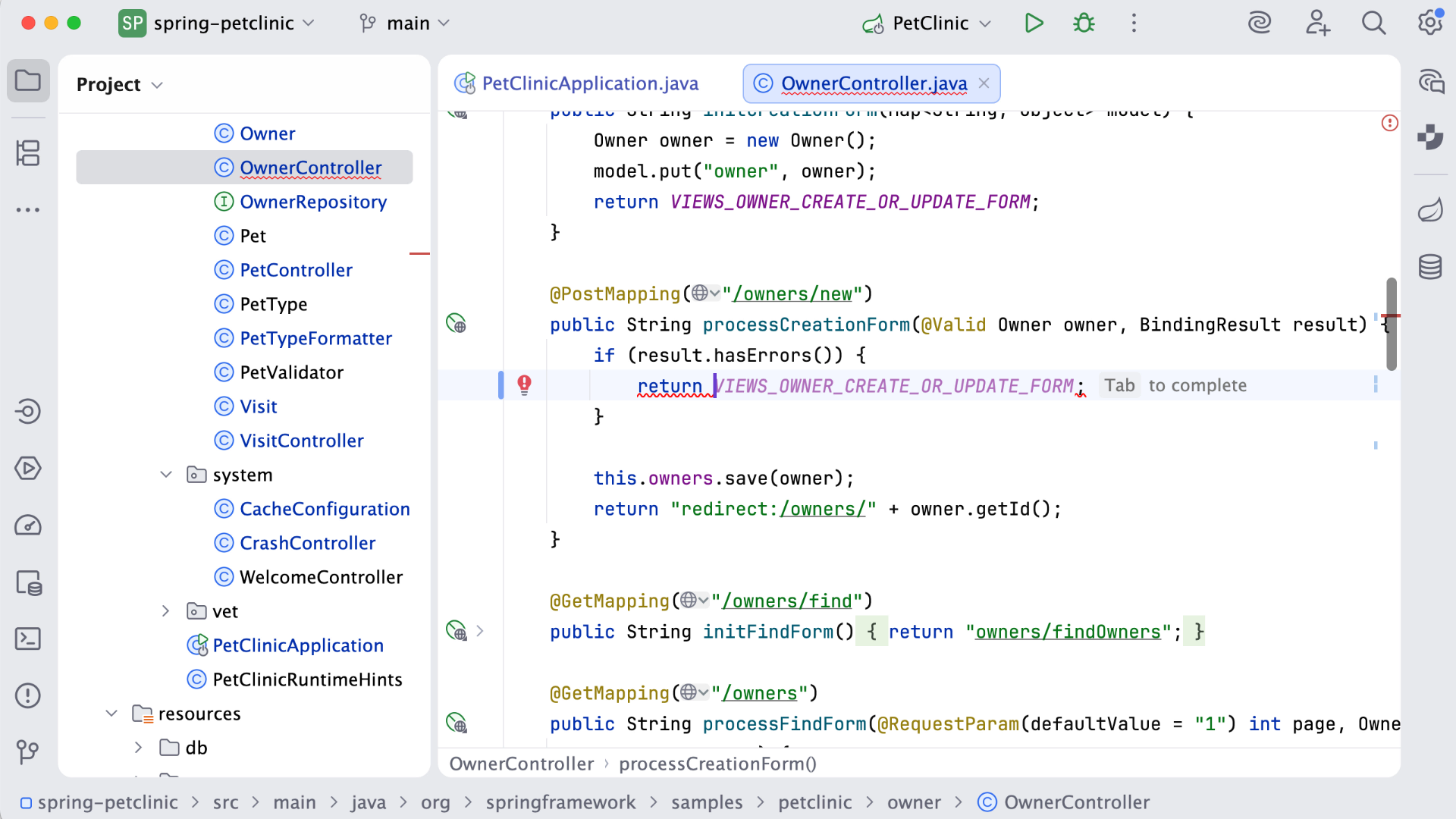 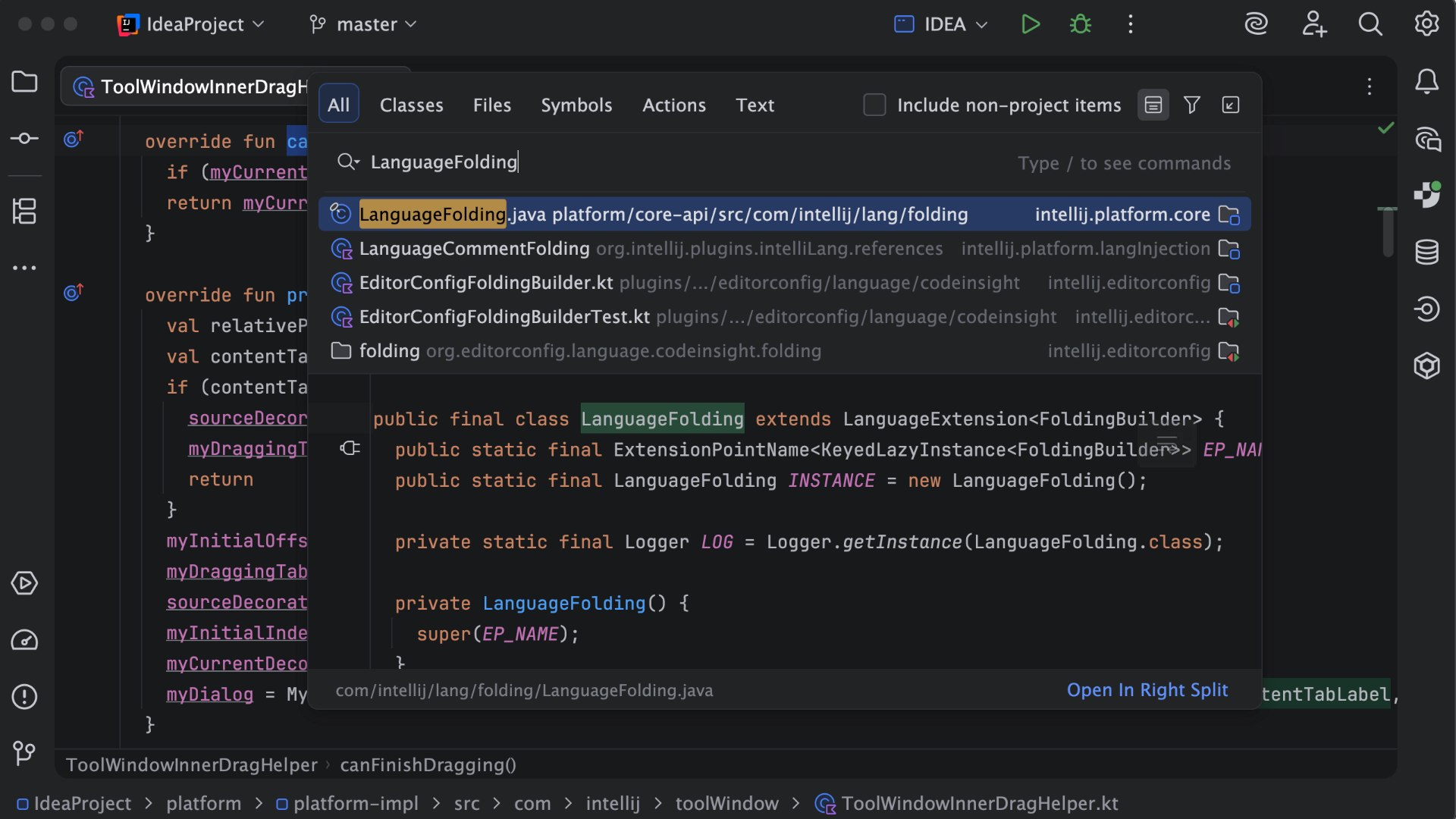 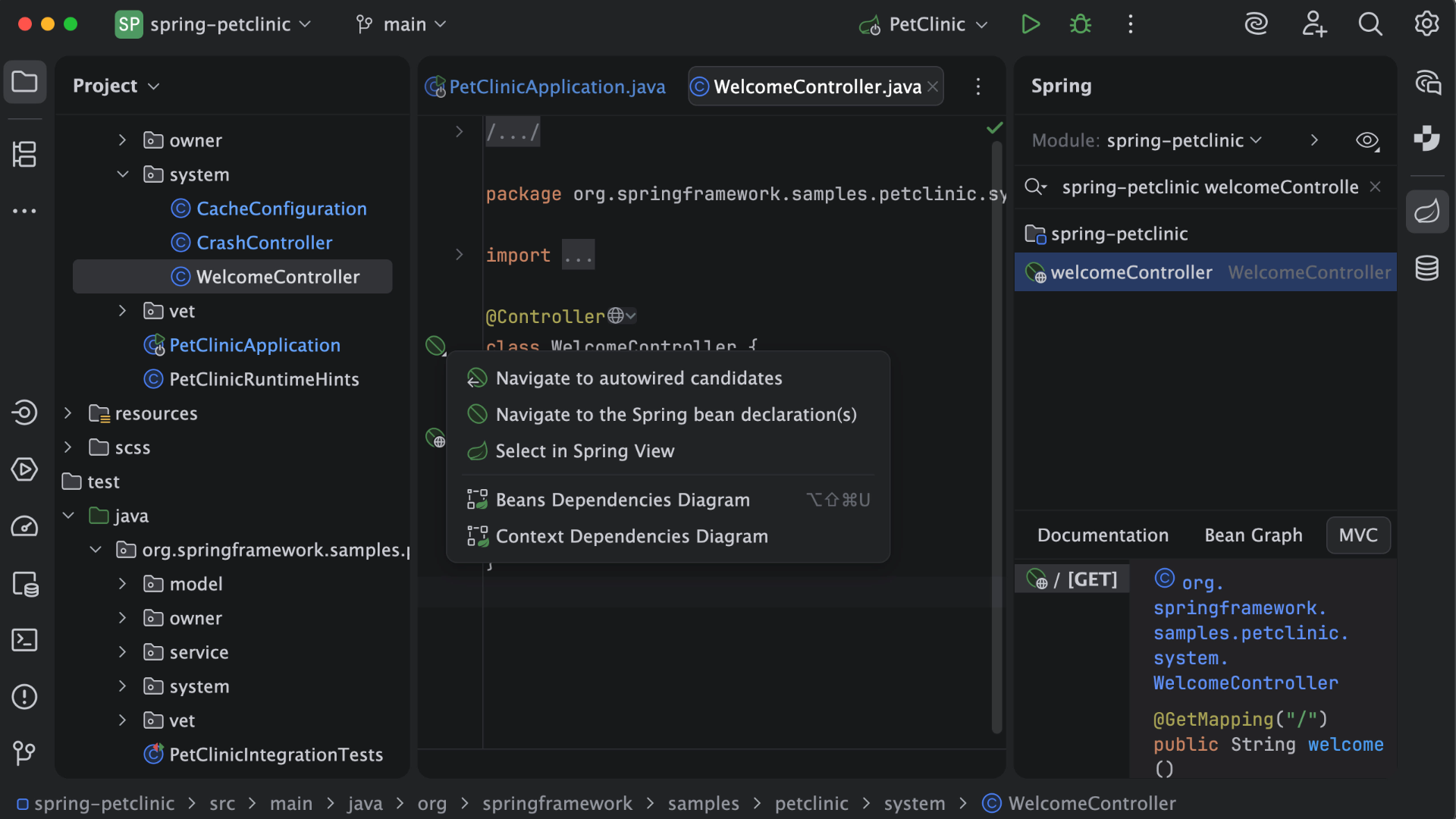  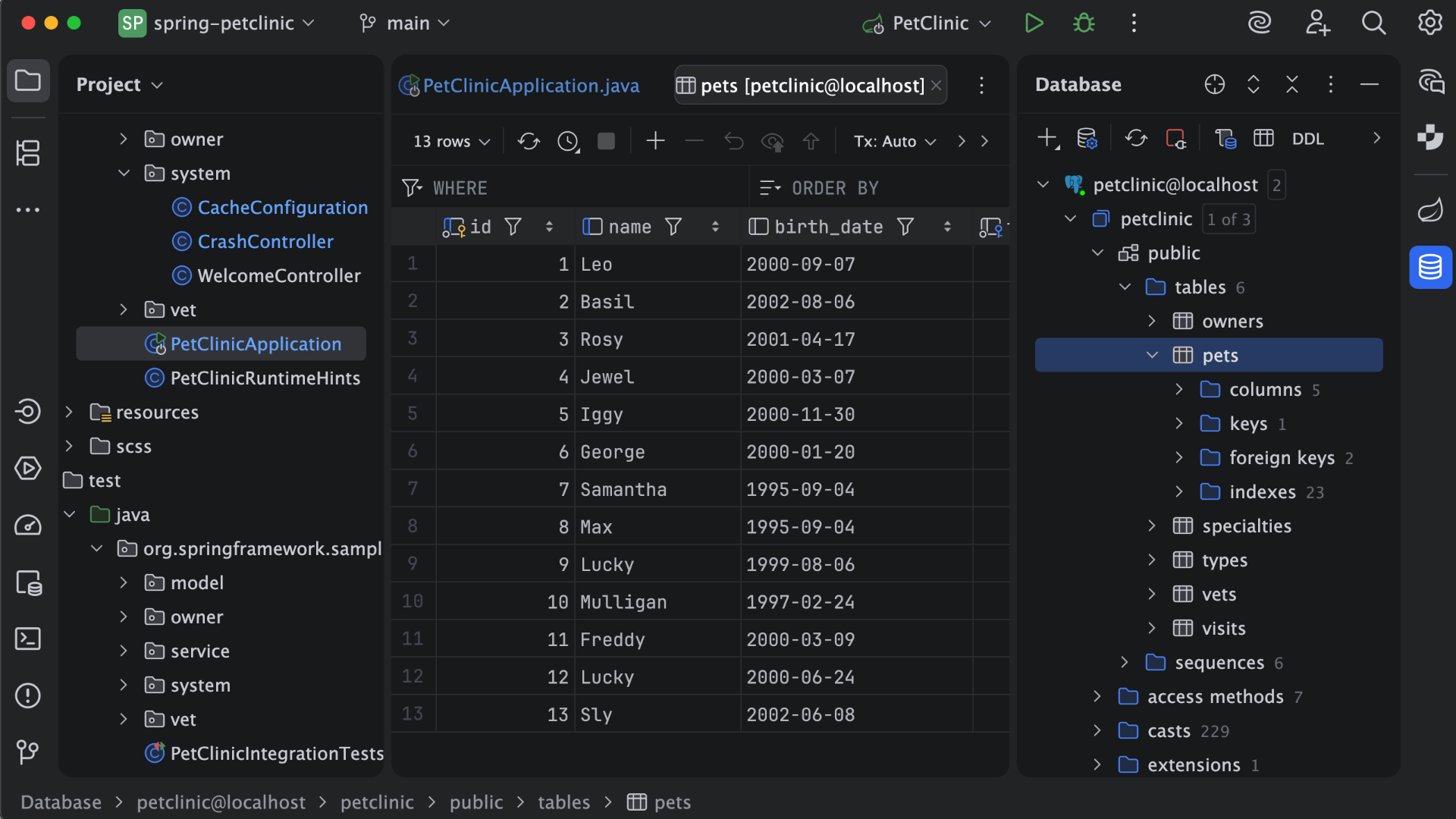 | WebStorm Screenshots     |
