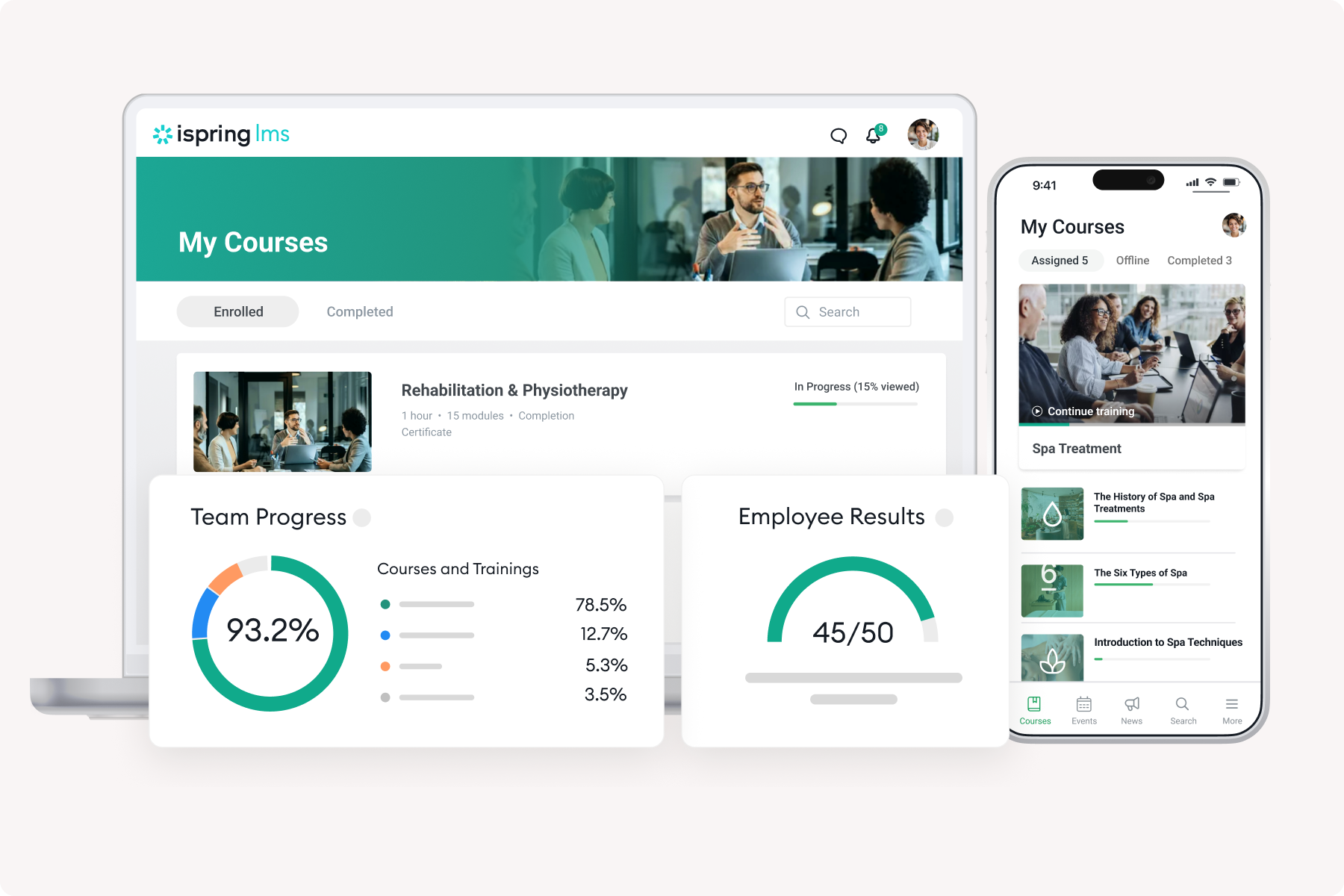
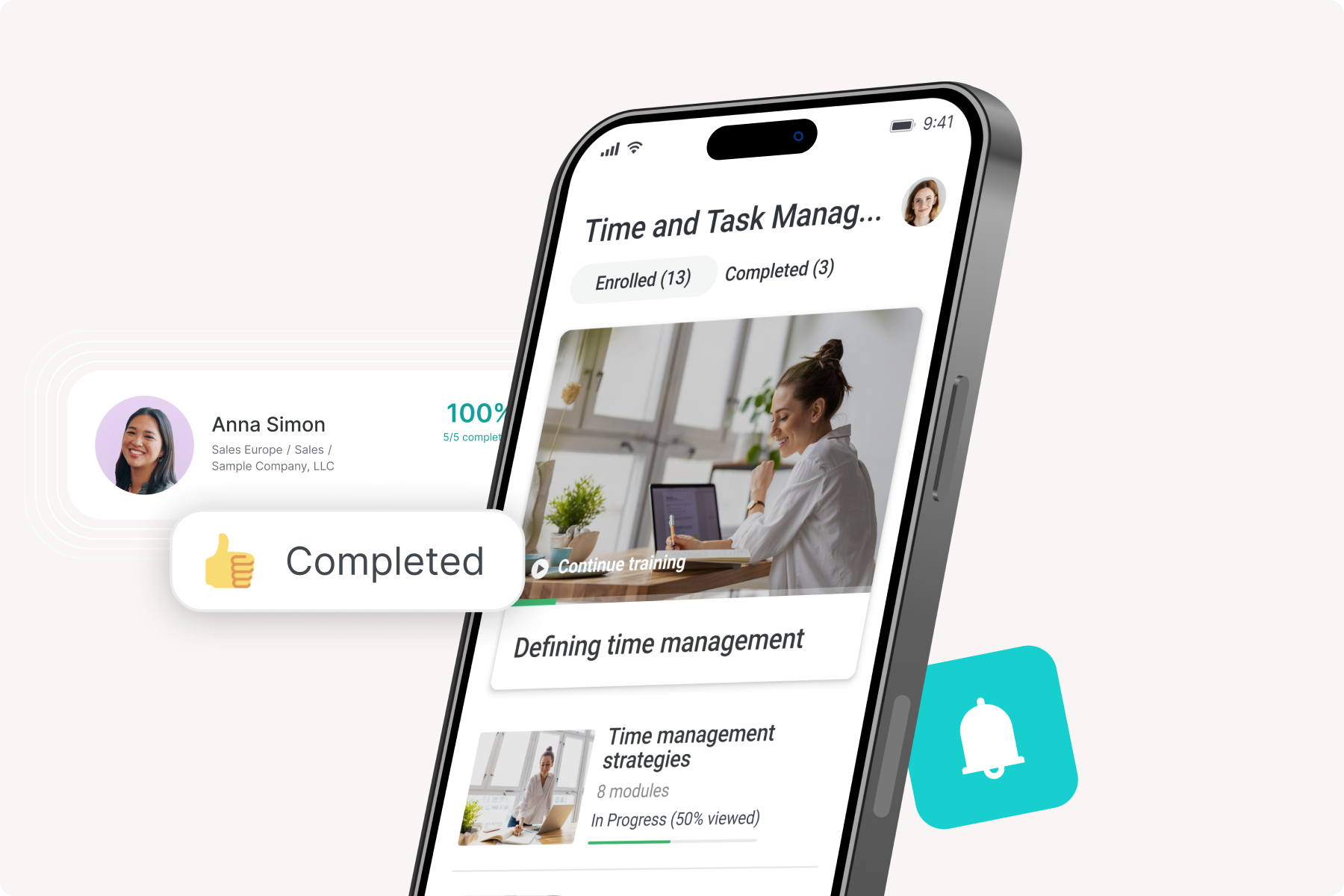
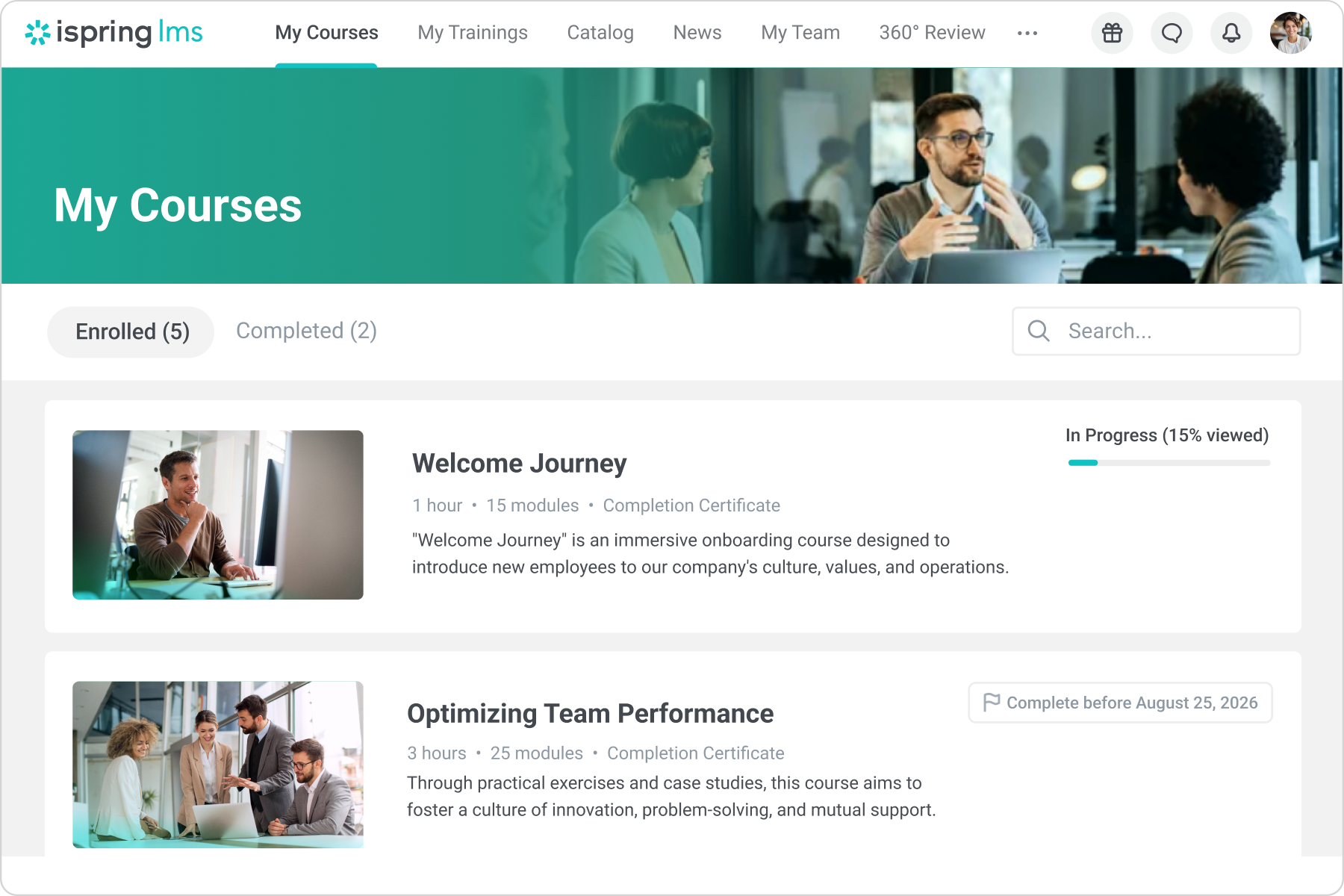
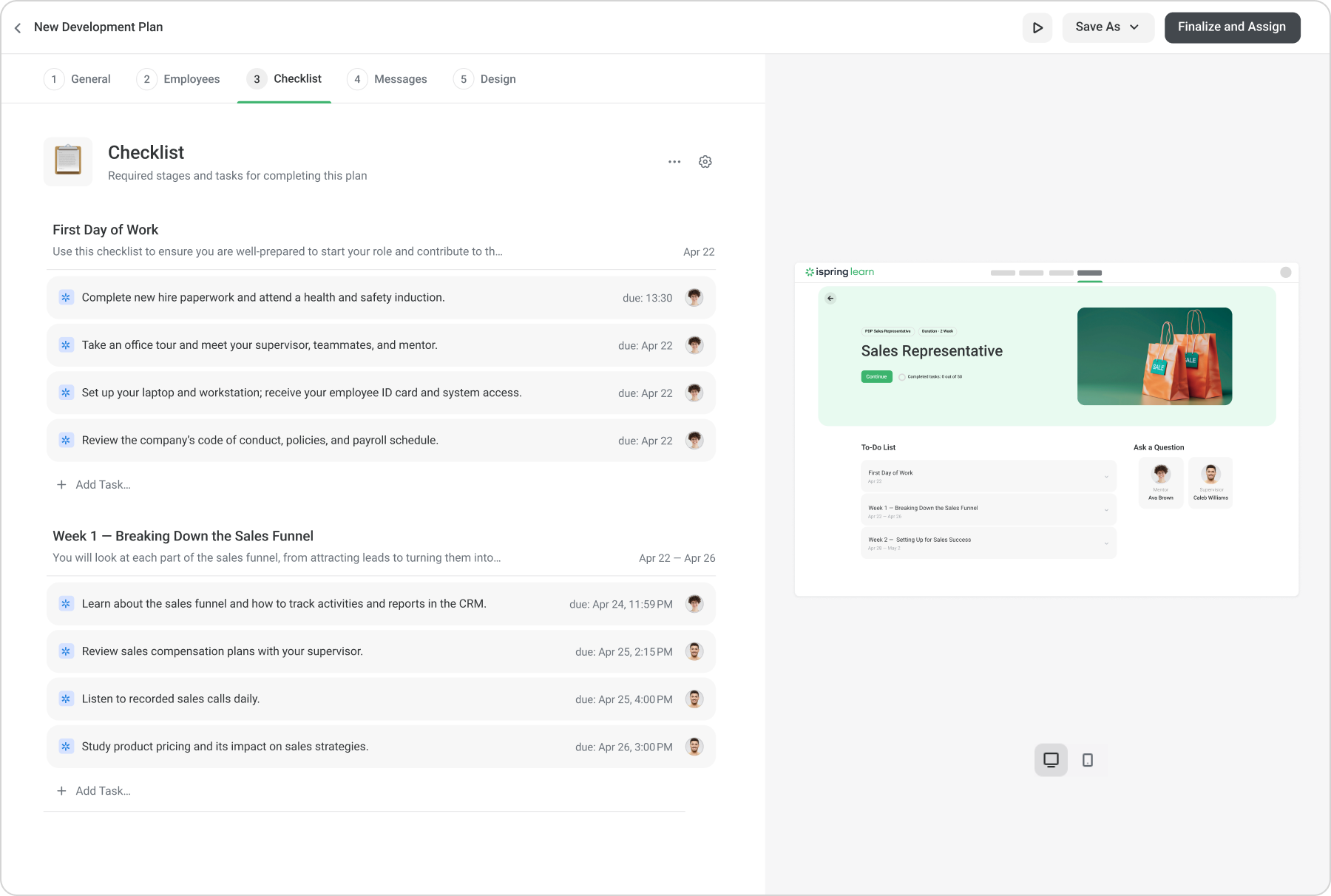
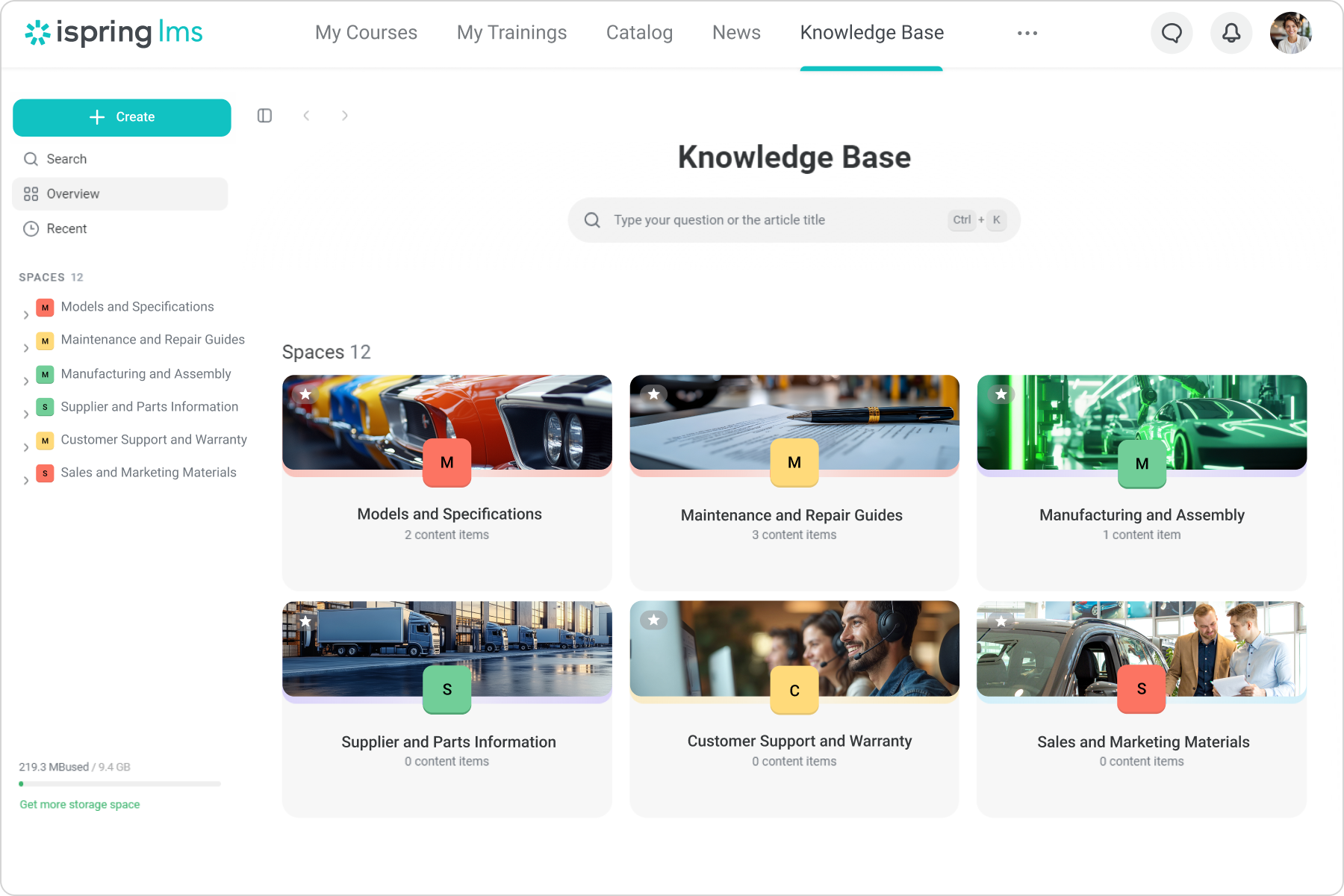
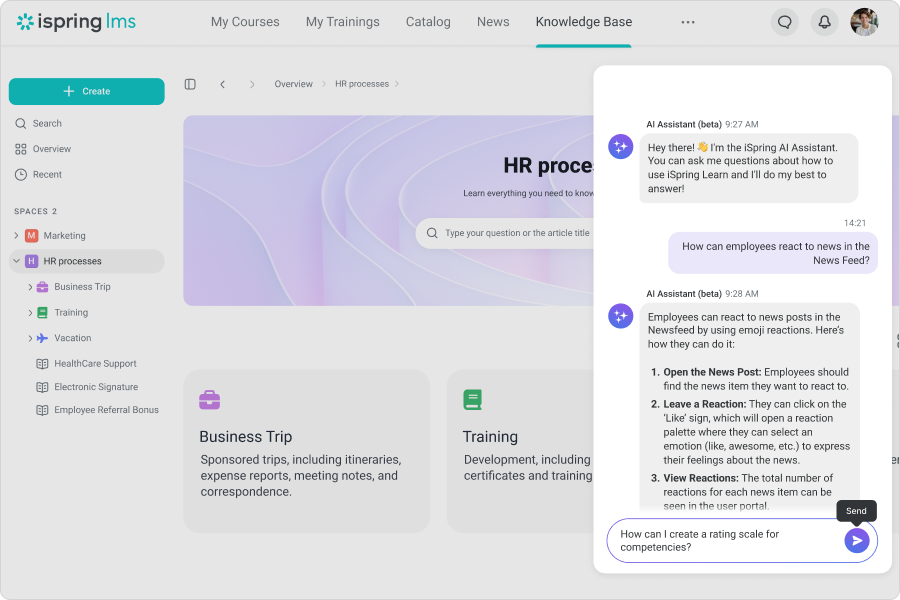
iSpring LMS is an LMS developed by iSpring Solutions. iSpring LMS automates corporate training and helps to improve employee retention through quality onboarding, on-the-job training, gamification and engagement mechanics. With iSpring LMS, training and development professionals can launch eLearning fast, without any technical skills. Also, account owners can customize or white-label the learner portal to reflect their corporate branding. iSpring LMS's features…
$16,050
per year for 300 users (minimum)
Open LMS
Score5.9 out of 10
N/A
Open LMS (formerly Moodlerooms) is an open source learning management system for educational institutions, formerly supported by Blackboard, and now part of the Learning Technologies Group.
My specific scenario is, that I need to deliver courses in two languages to multiple departments, so iSpring helps me with that from beginning and creating courses, to translating, and then enrolling people. What could be better is how reports works. Right now you can check report either by course or by department/person, but I would need to see everything on one page, like every single enrolment.
A de minimis incentive was given to thank the reviewer for their time. The incentive was not used to bias or drive a particular response, nor was the incentive contingent on a positive endorsement. More Info
I currently use, talk about and promote all educators using Moodlerooms. The functionality that Moodlerooms provides is unmatched in most software. It is well suited in all educational realms. Teachers that teach all online electronic courses could use this to post assignments online, separate the classes and post a variety of assignments, tasks, and activities. Additionally, in blended situations where some students are face to face and sometimes working at home, the Moodlerooms makes it easy to education and be a hands-on teacher and a hands-on learner. Less appropriately, I find using Moodlerooms in some of the private sector industries could be tougher. Moodlerooms provides people and content management, and to use it in advertising or marketing and accounting, it could be difficult to find an easy use and function for it.
A de minimis incentive was given to thank the reviewer for their time. The incentive was not used to bias or drive a particular response, nor was the incentive contingent on a positive endorsement. More Info
Automatically re-enrolling employees when a certificate expires. Set it and forget it!
If set up properly from the beginning, you don't have to do much, with the roles and groups settings, you can automate a large portion of the course management.
I can provide visibility to anyone about any employee necessary, allowing me to put more responsibility on my managers, instead of doing it all myself.
A de minimis incentive was given to thank the reviewer for their time. The incentive was not used to bias or drive a particular response, nor was the incentive contingent on a positive endorsement. TR verified that a representative sample of customers was invited. More Info
A de minimis incentive was given to thank the reviewer for their time. The incentive was not used to bias or drive a particular response, nor was the incentive contingent on a positive endorsement. More Info
Some limitations where you can't create exactly what you want either in the design of interactions or lack of varied interactions
Images cannot be moved to where you want them on the interaction slides
Layout of interactions can't be adjusted and overides your powerpoint background
If you have to edit a course and delete it off iSpring Learn then the records of all the people associated to that course are swiped and there's not a way of retrieving the information.
A de minimis incentive was given to thank the reviewer for their time. The incentive was not used to bias or drive a particular response, nor was the incentive contingent on a positive endorsement. More Info
A de minimis incentive was given to thank the reviewer for their time. The incentive was not used to bias or drive a particular response, nor was the incentive contingent on a positive endorsement. More Info
In the past I could not encourage my students to take online training. The results and the questions were hard to be given. When I used the iSpring Suite along with iSpring Learn, my dreams came through and most of the time my students are online and take good training with my programme.
A de minimis incentive was given to thank the reviewer for their time. The incentive was not used to bias or drive a particular response, nor was the incentive contingent on a positive endorsement. More Info
Sometimes, things just aren't intuitive enough. For example, burying the catalog in the settings area makes no sense at all. The same goes for permissions and year reviews. It was a massive oversight that really caused a lot of confusion for all of our managers. It caused distrust in the LMS simply because someone who designed and developed it did not think that an employee review should be private to them, their direct supervisor, or the supervisor above. Instead, ANY manager could read ANY employee review. I have mentioned this several times throughout these questionnaires, and as you can see, I still find it incomprehensible that a company that wants to promote its software as a multifaceted solution could be so blind to something so critical, especially in terms of privacy.
A de minimis incentive was given to thank the reviewer for their time. The incentive was not used to bias or drive a particular response, nor was the incentive contingent on a positive endorsement. More Info
A de minimis incentive was given to thank the reviewer for their time. The incentive was not used to bias or drive a particular response, nor was the incentive contingent on a positive endorsement. More Info
A de minimis incentive was given to thank the reviewer for their time. The incentive was not used to bias or drive a particular response, nor was the incentive contingent on a positive endorsement. More Info
iSpring Learn’s customer support receives high praise for responsiveness. Live chat and tutorials are noted as highly effective in promptly resolving technical issues. iSpring Learn is a strong LMS for organizations focused on efficiency, engagement, and ease of use, with excellent support to ensure adoption success. iSpring Learn is a strong LMS for organizations focused on efficiency, engagement, and ease of use, with excellent support to ensure adoption success.
A de minimis incentive was given to thank the reviewer for their time. The incentive was not used to bias or drive a particular response, nor was the incentive contingent on a positive endorsement. More Info
We can say that most of my students attend my classes twice a week and that's not enough for someone to learn. I put some training for them to do at home and they really enjoy doing them. The kind of progress they make is really satisfying for them and they are always learning.
A de minimis incentive was given to thank the reviewer for their time. The incentive was not used to bias or drive a particular response, nor was the incentive contingent on a positive endorsement. More Info
As a teacher, I used to spend a lot of time correcting my students' papers. Now with iSpring Learn, my time has been saved and everything is done automatically. All the time I can check my students' progress and I know which exams they have taken or they should take. On the whole, online training has really helped a lot of teachers
A de minimis incentive was given to thank the reviewer for their time. The incentive was not used to bias or drive a particular response, nor was the incentive contingent on a positive endorsement. More Info
When I talked to my colleagues or informed them to search for a programme before iSpring Learn, they were not successful in designing and implementing a programme like this. I am sure they have done a lot to implement it in the best and educational way. That was not that easy as we thought.
A de minimis incentive was given to thank the reviewer for their time. The incentive was not used to bias or drive a particular response, nor was the incentive contingent on a positive endorsement. More Info
iSpring is a more entry level LMS. It does not have the same level of features and benefits. For example, it does not have the same level of communication capability. It does not have the same level of reporting functionality. It does not have the same ability to build reporting. It also does not have the same level of communication capabilities
A de minimis incentive was given to thank the reviewer for their time. The incentive was not used to bias or drive a particular response, nor was the incentive contingent on a positive endorsement. More Info
I would select Moodlerooms over many competitors as a result of what it offers in terms of functionality and control. Google classrooms has a definite place in education; however, Moodlerooms provides significantly more control for authors. As the owner and manager of the content, and as someone familiar with technology, I can incorporate a lot more functions and create different layouts with functionality boxes
A de minimis incentive was given to thank the reviewer for their time. The incentive was not used to bias or drive a particular response, nor was the incentive contingent on a positive endorsement. More Info
A de minimis incentive was given to thank the reviewer for their time. The incentive was not used to bias or drive a particular response, nor was the incentive contingent on a positive endorsement. More Info
iSpring has enabled me to deliver professional education to very high-level learners.
Due to the reviews of my users, many more learners have purchased my courses.
Several professional colleagues have inquired about my experience setting up online courses on iSpring Learn. I told them it was easy, logical, and no hassle; they will love the level of support.
Moodlerooms has given classes of mine a positive ROI because it improves the educational experience for all students. It has helped all of our students, and with this, we can even help students who can not get to the classroom for some reason.
It helps to improve student scores, GPAs, and college attendance.
The positive impact can be directly correlated with the improvement of grades for students. Being able to access work in person and via Moodlerooms helps students to learn anywhere and any time. Grades have improved, and that is due to Moodlerooms.
A de minimis incentive was given to thank the reviewer for their time. The incentive was not used to bias or drive a particular response, nor was the incentive contingent on a positive endorsement. More Info