TrustRadius: an HG Insights company

Save this comparison

Save this comparison

Add Product

Recommended Comparisons

    Overview
    ProductRatingMost Used ByProduct SummaryStarting Price

    Jotform Tables

    Score8.4 out of 10
    N/AJotform Tables is a spreadsheet app with that enables users to collect, organize, and manage data in a shared workspace with collaboration features. Users can sync responses from connected forms, import data, or enter data manually into Jotform Tables. Then search and filter data, add formulas and calculations, and collaborate with teammates in the workspace.N/A

    Orangescrum

    Score7 out of 10
    Mid-Size Companies (51-1,000 employees)
    Orangescrum is an integrated project management platform providing tools for task tracking, resource allocation, and project lifecycle management. The platform is available via a cloud-based SaaS model (Orangescrum Cloud) or through on-premises deployment. Deployment Options Cloud (SaaS): Managed hosting with automated maintenance and updates. On-Premises: Self-managed deployment for organizations requiring local data control and specific infrastructure…

    $29

    per month

    Pricing
    Jotform TablesOrangescrum
    Editions & Modules
    No answers on this topic
    Basic Unlimited
    $29
    per month
    Pro Unlimited
    $69
    per month
    Premium Unlimited
    $349
    per month
    Startup
    starting at $2454
    per year 50 users (minimum)
    Professional
    starting at $4914
    per year 50 users (minimum)
    Enterprise
    starting at $9600
    per year 50 users (minimum)
    Enterprise
    Custom
    Offerings
    Pricing Offerings
    Jotform TablesOrangescrum
    Free Trial
    NoYes
    Free/Freemium Version
    YesYes
    Premium Consulting/Integration Services
    NoYes
    Entry-level Setup FeeNo setup feeNo setup fee
    Additional Details——
    More Pricing Information
    Features
    Jotform TablesOrangescrum
    Project Management
    Comparison of Project Management features of Jotform Tables and Orangescrum
    Feature
    Jotform Tables
    -
    Ratings
    Orangescrum
    8.1
    1 Ratings
    5% above category average
    Task Management00 Ratings10.01 Ratings
    Resource Management00 Ratings10.01 Ratings
    Gantt Charts00 Ratings10.01 Ratings
    Scheduling00 Ratings7.01 Ratings
    Workflow Automation00 Ratings5.01 Ratings
    Team Collaboration00 Ratings10.01 Ratings
    Support for Agile Methodology00 Ratings9.01 Ratings
    Document Management00 Ratings6.01 Ratings
    Email integration00 Ratings5.01 Ratings
    Mobile Access00 Ratings10.01 Ratings
    Timesheet Tracking00 Ratings10.01 Ratings
    Budget and Expense Management00 Ratings5.01 Ratings
    Best Alternatives
    Jotform TablesOrangescrum
    Small Businesses
    Stackby
    Score8.8 out of 10
    Any.do
    Score8 out of 10
    Medium-sized Companies
    Microsoft Excel
    Score9 out of 10
    KanbanFlow
    Score7.3 out of 10
    Enterprises
    Microsoft Excel
    Score9 out of 10
    Microsoft To Do
    Score7.9 out of 10
    All AlternativesView all alternativesView all alternatives
    User Ratings
    Jotform TablesOrangescrum
    Likelihood to Recommend
    10.0
    (1 ratings)
    5.0
    (1 ratings)
    User Testimonials
    Jotform TablesOrangescrum
    Likelihood to Recommend
    Jotform
    It worked well for me in managing students' data and enrollments in different courses. I also found it suited for managing emails for newsletters and trial classes that I posted on social media. I also ended up using it for accounting when I was managing my own startups. The customization of the whole experience makes it much better overall.
    Incentivized
    Read full review
    Andolasoft
    This is a good thing for medium/large companies for inside the company and/or for interacting with remote employees/freelancers. As the program facilitates the interaction between employees and managers it speeds up the distribution of tasks and allows managers to identify possible problems on the fly. For indie developers - it's a little expensive.
    Incentivized
    Read full review
    Pros
    Jotform
    • Flawless Integration with forms
    • Customization
    • Great user interface and user experience
    Incentivized
    Read full review
    Andolasoft
    • We tested the free version of the program. It improved communication within the team.
    • Allowed to trace performance and time spent on tasks. Each team member was aware of the status of the tasks and could plan their work.
    • Simplified interaction with managers, as it could present the results in the form of Gantt charts.
    Incentivized
    Read full review
    Cons
    Jotform
    • Mobile experience could be better
    • Maybe better experience with other forms
    • Version control
    Incentivized
    Read full review
    Andolasoft
    • The program interface is overloaded. Especially when there is little time for a detailed description of the tasks.
    • I would like a faster way to publish the result at the completion of the task.
    • Projects and tasks are two different workspaces/pages. Personally, it would be more convenient to combine these things.
    Incentivized
    Read full review
    Alternatives Considered
    Jotform
    I used Google Sheets and Google Forms before and was constantly frustrated with how clunky the overall experience was. The user interface in the other platforms is simply lacking, and this is where Jotform tables shine.
    Incentivized
    Read full review
    Andolasoft
    Trello was excellent, but we did not choose it because of the price and relatively positive feedback from employees using Orangescrum who wanted the easiest and fastest way to create reports so as not to be distracted from work (as a two-click report).
    Incentivized
    Read full review
    Return on Investment
    Jotform
    • Better data management
    • Better user experience for enrollments through Jotform forms and to Jotform tables
    • Simply a better visual experience that helped productivity
    Incentivized
    Read full review
    Andolasoft
    • It accelerated the work of the team, but the mastering of the program interface was slow.
    • The interface is not intuitive. It proved to be quite complicated.
    • For managers, the program has facilitated reporting and streamlined team tracking.
    Incentivized
    Read full review
    ScreenShots

    Jotform Tables Screenshots

    Product screenshotProduct screenshotProduct screenshot

    Orangescrum Screenshots

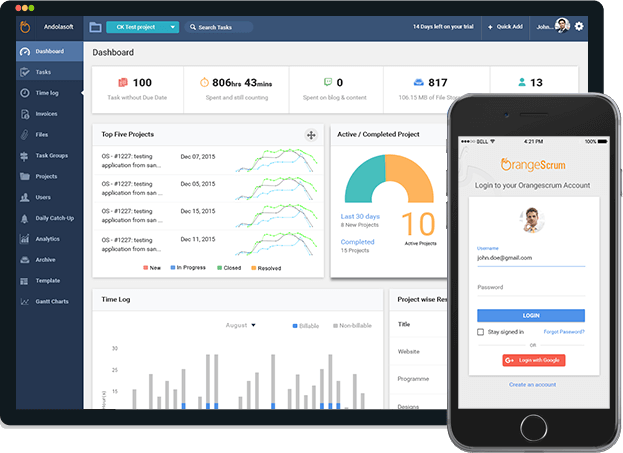
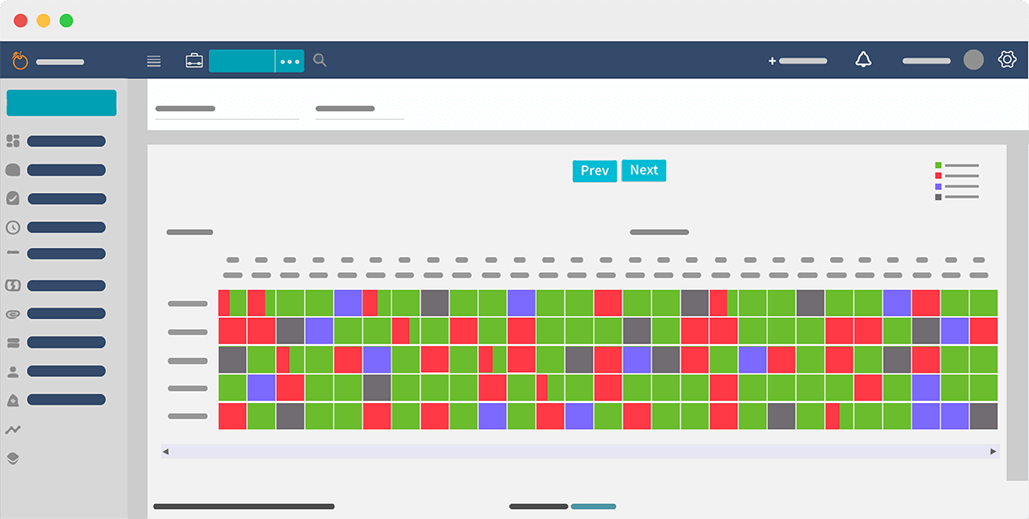
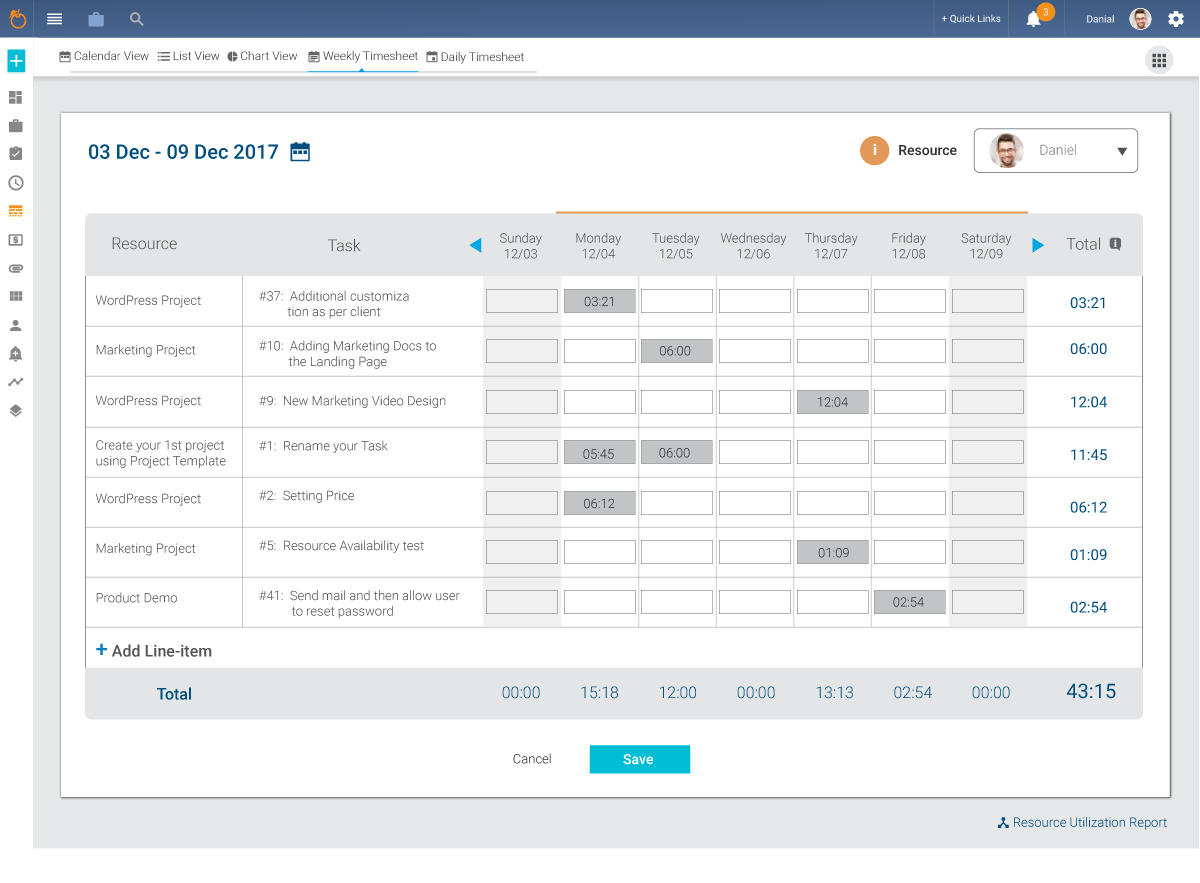
    Screenshot of the Web and Mobile ApplicationScreenshot of Instant messaging and chatScreenshot of the Projects dashboardScreenshot of Resource AvailabilityScreenshot of the Task Group Kanban ViewScreenshot of a Weekly Time Sheet