Kerkythea is a free graphical rendering software designed to produce graphics without requiring image licensing.
N/A
QuarkXPress
Score9 out of 10
N/A
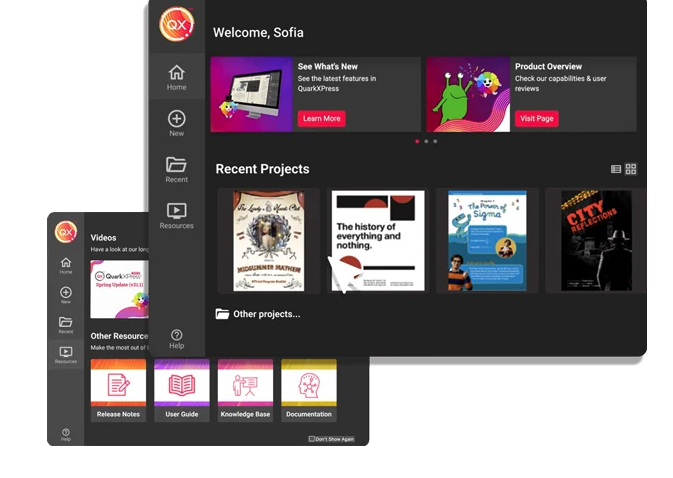
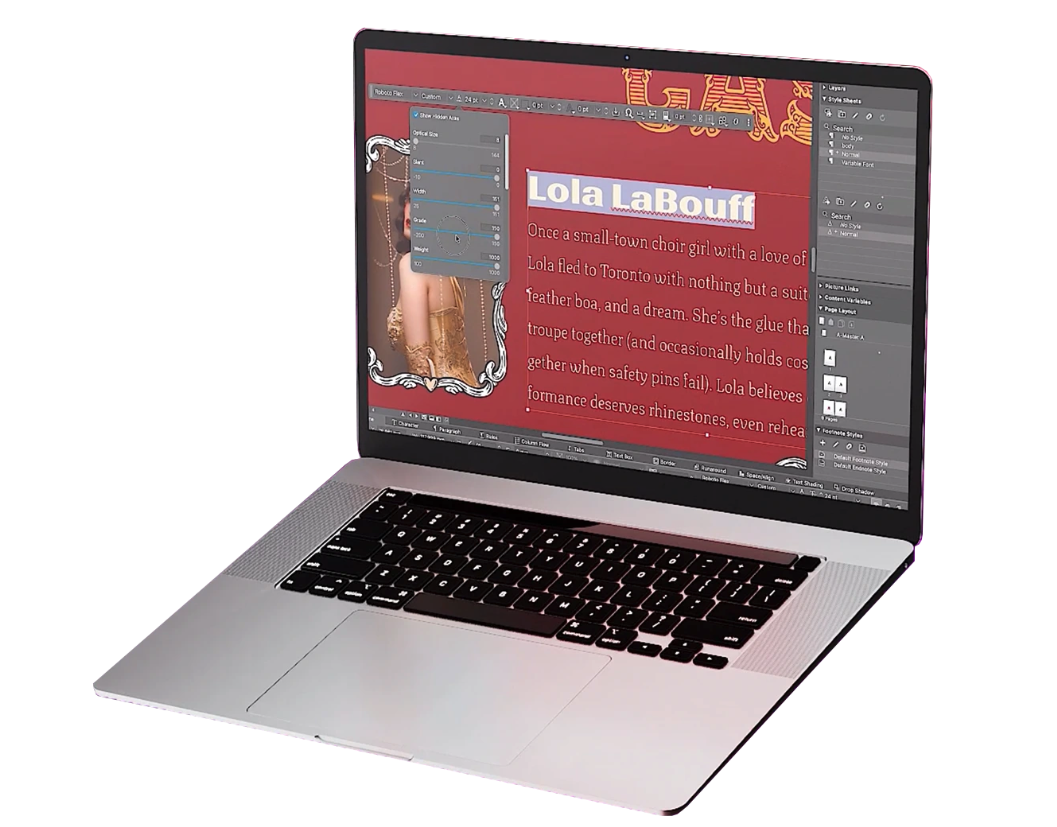
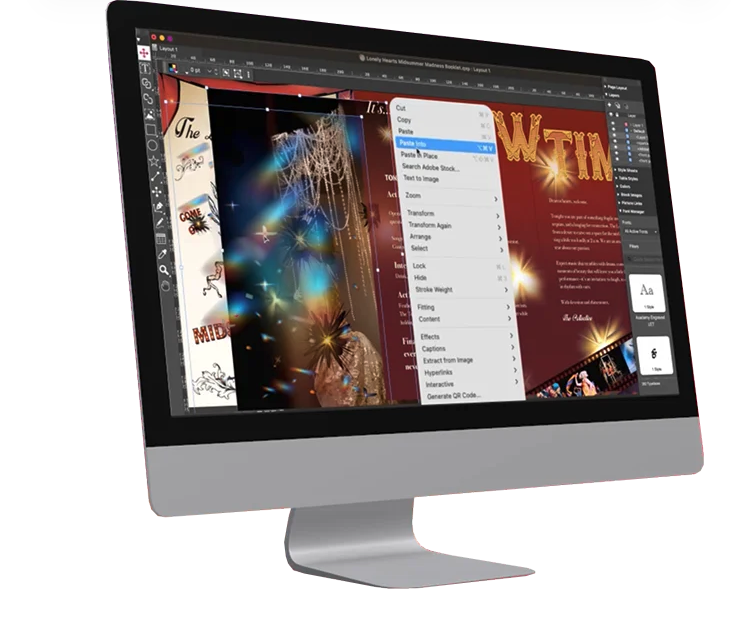
QuarkXPress from Quark Software headquartered in Denver introduces modern responsive web design with Flex Layouts, reimagined Tables, and productivity-boosting design features.
Kerkythea is a powerful, yet simple to use rendering package that integrates seamlessly into SketchUp and other modeling programs. My experience is only with SketchUp, but the combination of these two packages (I bought SketchUp Pro and use Kerkythea for free!) is the best bang-for-your-buck way that I have found to produce high quality images of 3D models. I have seen some extremely photo-realistic images online, but I am not sure if a paid rendering engine would be able to produce higher quality or be easier to use. If you are looking for a free way to get higher quality images from your SketchUp models I would highly recommend Kerkythea.
A de minimis incentive was given to thank the reviewer for their time. The incentive was not used to bias or drive a particular response, nor was the incentive contingent on a positive endorsement. More Info
I used QuarkXPress to maintain a proper page layout for the UI which I receive from a UIUX developer. I develop Graphic Illustrations on the digital canvas to create creative content on the page design set and to develop designer headlines and sub-headlines where writers and editors can amend the text and place the copped images.
Kerkythea seamlessly integrates with SketchUp, eliminating the need for costly and complex 3D modeling software.
Kerkythea has a simple to use interface and does not require extensive training to learn how to use.
Despite being easy to use out of the box, Kerkythea is also very powerful for advanced users. This allowed us to achieve fast results, but also to constantly improve the quality of our rendered images as we have gained knowledge and experience
The Kerkythea plug-in for SketchUp has an incredibly easy to use lighting feature. Spot lights and flood lights can be added, adjusted and manipulated easily, giving a much more professional looking end product.
The user community support for Kerkythea is vast. From tips and tricks to free, downloadable materials packages, there are an incredible number of peer-to-peer assistance options available.
A de minimis incentive was given to thank the reviewer for their time. The incentive was not used to bias or drive a particular response, nor was the incentive contingent on a positive endorsement. More Info
A de minimis incentive was given to thank the reviewer for their time. The incentive was not used to bias or drive a particular response, nor was the incentive contingent on a positive endorsement. More Info
The default viewing mode for Kerkythea is wireframe. This makes it hard to view the model upon opening, however it is easily changed using "View/Adjust/Solid Rendering" in the menu bar. My preference would be for the software to default to Solid Rendering from startup, or to have a way to save the interface settings (If that option exists, I am not aware of it).
When exporting a model to Kerkythea from SketchUp, it usually takes a very long time to open the Kerkythea software. This only happens when selecting "Yes" in the dialog box that asks, "Open exported model in Kerkythea?" The quickest way I've found is to answer "No", open Kerkythea manually and then open the desired file from Kerkythea.
While there are many free, user contributed materials packages available online, it would be nice to have a larger materials library pre-installed in the software.
A de minimis incentive was given to thank the reviewer for their time. The incentive was not used to bias or drive a particular response, nor was the incentive contingent on a positive endorsement. More Info
A de minimis incentive was given to thank the reviewer for their time. The incentive was not used to bias or drive a particular response, nor was the incentive contingent on a positive endorsement. More Info
At this point, I have not found myself limited by using Kerkythea. It is easy to use and has not required a huge amount of time investment to get results. I have been able to utilize 3D modeling software that I am already familiar with and that is also cost effective. The quality of the finished product that can be achieved using Kerkythea is still beyond the abilities that I have, however I continue to learn and grow in my competency as I use the software.
A de minimis incentive was given to thank the reviewer for their time. The incentive was not used to bias or drive a particular response, nor was the incentive contingent on a positive endorsement. More Info
This is an industry standard. It is intuitive and pretty simple. I have been using it for 40 years and by no means do I use its potential, rather it does just what I want it to do.
A de minimis incentive was given to thank the reviewer for their time. The incentive was not used to bias or drive a particular response, nor was the incentive contingent on a positive endorsement. More Info
Blender is a free 3D modeling and rendering package. What I liked about Kerkythea is that it integrates with SketchUp, while Blender does not. This allows me to use modeling software that I was already familiar with rather than having to learn something new.
Autodesk 3D Studio Max and Autodesk Maya are also very powerful 3D modeling and rendering packages, however they are not free. They do have free trials, and the software is excellent and powerful. Guaranteed these are both better modeling packages than SketchUp, however with the work I do, SketchUp is easier to use and lower cost. If you're looking at doing more free-form modeling as opposed to basic rectangular buildings like me, you will need different modeling software than SketchUp. While Kerkythea can be used for many model types (*.kzx, *.xml, *.obj and *.sia at the time of this review) from any modeling package, it might be easier to use the rendering features built into 3DS rather than exporting to Kerkythea.
A de minimis incentive was given to thank the reviewer for their time. The incentive was not used to bias or drive a particular response, nor was the incentive contingent on a positive endorsement. More Info
QuarkXPress simply blew the competition out of the water when it came to pricing and scalability in our business. Every employee that uses Quark always speaks very highly about using the software. We are not a large company but, the amount of money saved on the cost of each license was about 60% when compared to the competitors' products.
A de minimis incentive was given to thank the reviewer for their time. The incentive was not used to bias or drive a particular response, nor was the incentive contingent on a positive endorsement. More Info
While it is impossible for me to give a firm number, I can definitely say that the images produced by Kerkythea are an excellent selling tool for projects presented to potential clients.
As freeware, Kerkythea has allowed me to achieve quality results without spending a fortune on software. Being self-employed, this is wonderful.
Kerkythea has allowed me to display professional materials without a major cost or time investment in training. This has allowed me to focus on creating floorplans and designs rather than spending all of my time getting the presentation of said designs to look good.
A de minimis incentive was given to thank the reviewer for their time. The incentive was not used to bias or drive a particular response, nor was the incentive contingent on a positive endorsement. More Info