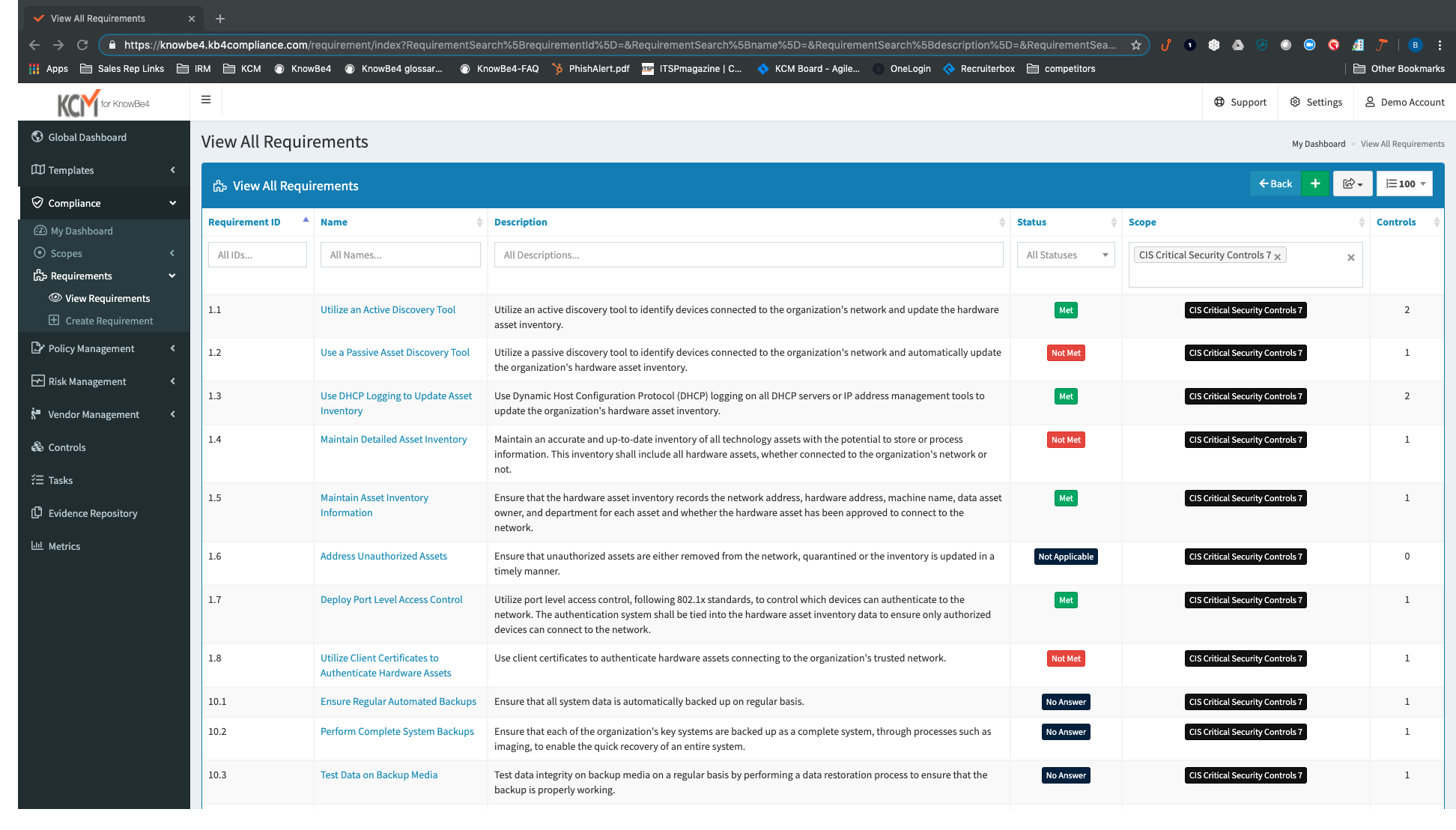
KnowBe4 KCM GRC Platform is well suited for a company that knows what they're doing compliance wise and needs to save time doing it. It won't be something you can spend a few hours on and then put on autopilot. It was made to create a rhythm within your own team, and you'll need to have the buy-in. It's useful for IT and Legal teams that already have a vendor risk management process, but want to have a better handle on it. Giving an outside auditor read-only access to a scope is also a huge time saver.
I strongly recommend it for general management of personal data privacy programs and risk and contract management, it complies with all major world legislation in addition to being easy and fast. Not recommended for data discovery still requires refinement.
Vendor management has a few kinks to work out. We want to be able to do internal questionnaires for vendors as a compliance checklist before we sign off on a contract. Nothing in the works yet, but there are a few workarounds.
The navigation between different tasks in scope is clunky, and it's easy to lose your place, and it forces you back to the main page of the scope to retrace your steps.
We have used a shared hosted tenant managed by OneTrust for over three years with only one instance of a lengthy (4+ hours) unexpected outage which happened years ago.
We selected a European hosting location based on our initial use case, however, our usage of the OneTrust platform has expanded globally to where the majority of users sit in the Americas or Asia-Pacific regions. There is a noticeable lag when navigating the platform for users located far away from the hosting location.
As a user, you can mitigate any sluggish response time by the aggressive use of multiple browser tabs. I commonly have one tab open on an Inventory detail screen, another tab on an Assessment window, and maybe another tab on a customized inventory list screen. If one tab is slow I hop to another tab and work on that tab while the first tab responds.
Support from KnowBe4 KCM GRC Platform is always great. It's always in-house localized support, with excellent response times, and dedicated Customer Success Managers to answer the bulk of your questions or take your suggestions and make them a feature request. They will also reach out at least quarterly and do health checks to make sure you're using the platform to the best of your ability.
Both our customer rights access and cookie consent advisors were responsive and helpful in getting us trained on using the platform and the various assets implemented on our website. We had multiple training sessions that were more than enough in getting all of the users on our team familiar with what we needed to do.
An implementation specialist worked with us remotely during our initial deployment. Due to the diverse geographic locations of my organization's participants, the implementation and training had to be done remotely (this was before COVID-driven remote work).
The implementation specialist was knowledgeable and helpful but to really get full benefit from the platform I encourage organizations to dedicate a specialist within your company to really study and learn the platform.
Quantivate and Fusion were the other two options we checked out. The quantity was high, and a good bit more expensive, but it was the best performing with its platform. They also had more modules that each cost extra to add to your subscription. KnowBe4 KCM GRC Platform was all-in-one and a little less mature, but the better buy. Fusion was hard to follow in the demo, and I was not overly impressed. I may have made my decision early enough in the demo to not pay much more attention to it.
First, when we compare OneTrust Privacy and Data Governance Cloud to the software I mentioned above, OneTrust Privacy and Data Governance Cloud software was way more affordable than the other 2. Also, along with the other 2 software, OnTrust was one of the most user friendly tool/software we've ever used.
The platform has exceptional capabilities to customize the user interface, reports, and recorded information. In most cases, the customization can be compartmentalized so that if the customization performed for Department A is determined to not impact Department B, the customization can be hidden from Department B.
We have four different departments using the IT Risk Management module. Three departments share their work in what we call the 'shared data risk management zone'. Another department is using IT Risk Management for a bespoke portfolio risk management task, and the customization for this department is largely hidden from the other departments.