
LeadMonk vs. Zoho Calendar
| Product | Rating | Most Used By | Product Summary | Starting Price |
|---|---|---|---|---|
 LeadMonk | N/A | N/A | Anonline appointment booking software that lets customers book time with using their mobile number or email address without the back-and-forth emails or messages. LeadMonk is an online appointment scheduling software for individuals or businesses who want to book time with their customers. Appointments can be in person or via video conference. The software offers a mix of flexibility and control to the customer and the business so that working closely together with email,… | $8 per month per user |
 Zoho Calendar | Score6.9 out of 10 | N/A | Zoho Calendar is an online business calendar designed to make scheduling easy. It can be used to stay on top of a schedule, or to share scheduled events with peers. | N/A |
| LeadMonk | Zoho Calendar | |||||||||||||||
|---|---|---|---|---|---|---|---|---|---|---|---|---|---|---|---|---|
| Editions & Modules | No answers on this topic | No answers on this topic | ||||||||||||||
| Offerings |
| |||||||||||||||
| Entry-level Setup Fee | No setup fee | No setup fee | ||||||||||||||
| Additional Details | — | — | ||||||||||||||
| More Pricing Information | ||||||||||||||||
| LeadMonk | Zoho Calendar | |
|---|---|---|
| Considered Both Products | No answer on this topic | No answer on this topic |
| Key User Insights | ||
| Would buy again | ||
No answers on this topic | 94% Would buy again 15 Answers | |
| Delivers good value for the price | ||
No answers on this topic | 94% Delivers good value for the price 15 Answers | |
| Happy with the feature set | ||
No answers on this topic | 88% Happy with the feature set 14 Answers | |
| Lived up to sales and marketing promises | ||
No answers on this topic | 100% Lived up to sales and marketing promises 9 Answers | |
| Implementation went as expected | ||
No answers on this topic | 100% Implementation went as expected 12 Answers | |
| LeadMonk | Zoho Calendar | |
|---|---|---|
| Small Businesses |  Square Appointments Score10 out of 10 |  Google Calendar Score9.2 out of 10 |
| Medium-sized Companies |  Chili Piper Score8.8 out of 10 | Google Calendar Score9.2 out of 10 |
| Enterprises |  Doodle Score8.5 out of 10 | Google Calendar Score9.2 out of 10 |
| All Alternatives | View all alternatives | View all alternatives |
| LeadMonk | Zoho Calendar | |
|---|---|---|
| Likelihood to Recommend | - | 7.0 |
| Likelihood to Renew | - | 9.0 |
| Usability | - | 9.0 |
| Support Rating | - | 10.0 |
| LeadMonk | Zoho Calendar | |
|---|---|---|
| Likelihood to Recommend | No answers on this topic |
|
| Pros | No answers on this topic |
|
| Cons | No answers on this topic |
|
| Likelihood to Renew | No answers on this topic |
|
| Usability | No answers on this topic |
|
| Support Rating | No answers on this topic |
|
| Alternatives Considered | No answers on this topic |
|
| Return on Investment | No answers on this topic |
|
| ScreenShots | LeadMonk Screenshots      | Zoho Calendar Screenshots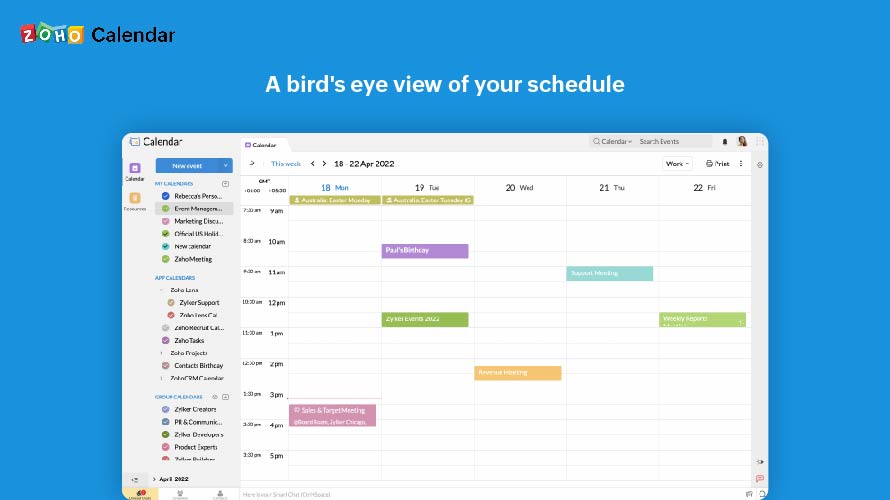 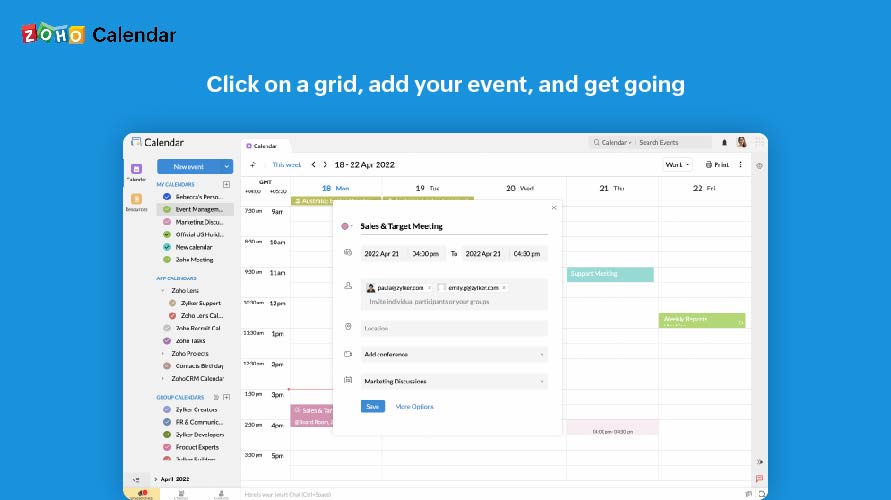  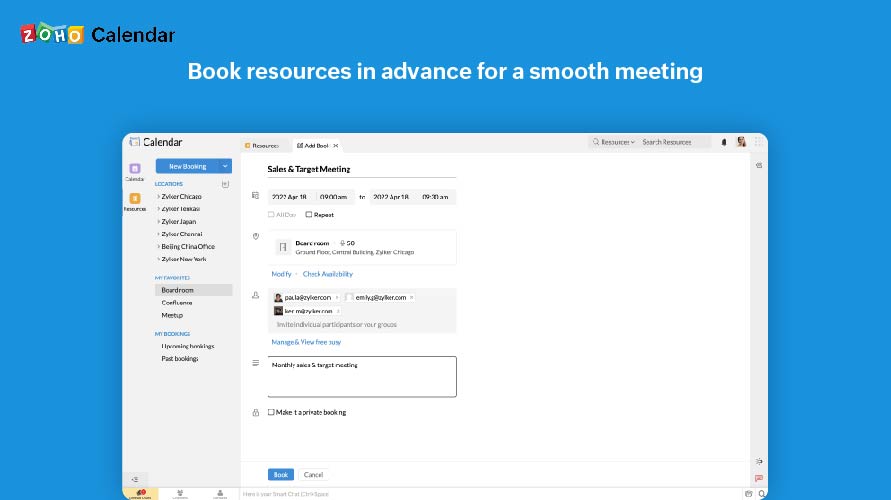  |

