LibreOffice vs. ThinkFree Office

Overview
ProductRatingMost Used ByProduct SummaryStarting Price
LibreOffice
Score 9.1 out of 10
N/A
LibreOffice is a free and open-source Office Suite from The Document Foundation, presented as the successor to OpenOffice.org. The suite includes Writer (word processing), Calc (spreadsheets), Impress (presentations), Draw (vector graphics and flowcharts), Base (databases), and Math (formula editing).
$0
free and open source under the Mozilla Public License v2.0
ThinkFree Office
Score 0.0 out of 10
N/A
Thinkfree Office is a web-based office suite that enables secure office document editing, including word processor, spreadsheets, and presentations. Thinkfree Office offers compatibility with MS Office, allowing users to open and use files in formats such as DOC, DOCX, XLS, XLSX, PPT and PPTX. Built on HTML5 and CSS3, Thinkfree Office delivers native-like performance, document rendering, and operation across major operating systems (Windows, macOS, Linux) and browsers…
$1.50
per month Billing based on the monthly active users (Pay-as-you-go)
Pricing
LibreOfficeThinkFree Office
Editions & Modules
No answers on this topic
MAU License
$1.50
per month Billing based on the monthly active users (Pay-as-you-go)
MCC License
$900
per year Billing based on the number of active browser tabs (Minimum: 30)
Site License
Custom
For unlimited usage
Offerings
Pricing Offerings
LibreOfficeThinkFree Office
Free Trial
NoYes
Free/Freemium Version
YesNo
Premium Consulting/Integration Services
NoNo
Entry-level Setup FeeNo setup feeNo setup fee
Additional Details
More Pricing Information
Community Pulse
LibreOfficeThinkFree Office
Best Alternatives
LibreOfficeThinkFree Office
Small Businesses
Google Workspace
Google Workspace
Score 9.1 out of 10
Google Workspace
Google Workspace
Score 9.1 out of 10
Medium-sized Companies
Google Workspace
Google Workspace
Score 9.1 out of 10
Google Workspace
Google Workspace
Score 9.1 out of 10
Enterprises
Microsoft 365 Business Premium
Score 8.9 out of 10
Microsoft 365 Business Premium
Score 8.9 out of 10
All AlternativesView all alternativesView all alternatives
User Ratings
LibreOfficeThinkFree Office
Likelihood to Recommend
10.0
(29 ratings)
-
(0 ratings)
Likelihood to Renew
9.0
(1 ratings)
-
(0 ratings)
Usability
6.1
(2 ratings)
-
(0 ratings)
Availability
10.0
(1 ratings)
-
(0 ratings)
Performance
6.0
(1 ratings)
-
(0 ratings)
Support Rating
7.3
(6 ratings)
-
(0 ratings)
Implementation Rating
9.0
(1 ratings)
-
(0 ratings)
Ease of integration
5.0
(1 ratings)
-
(0 ratings)
Product Scalability
7.0
(1 ratings)
-
(0 ratings)
User Testimonials
LibreOfficeThinkFree Office
Likelihood to Recommend
The Document Foundation
LibreOffice is well-suited for just about anyone who has used MS Office or Google Docs. I find it to be more powerful and feature-rich than both, and its ease of use and intuitiveness are far better. I've primarily used Writer and Calc, but also have some experience with Impress, Draw, and Base, and find them top-notch as well. On the other side of things, I find collaboration to be more difficult than with Google Docs, and to a degree, even MS Office. LibreOffice does have a fairly robust Tools > Share Spreadsheet… feature, but I've never been able to find one for Writer. I have little need for collaboration, but when I once did, I found it somewhat convoluted.
Read full review
Thinkfree Inc.
No answers on this topic
Pros
The Document Foundation
  • The text word processing (Writer) has come a long way and, if you are able to install your corporate fonts, there is basically nothing LibreOffice cannot handle. It works very well with document reviews and comments, and it can save in a variety of formats, making it compatible with the likes of Microsoft Word or Google Docs.
  • The spreadsheet software (Calc) can also handle most of the common tasks you may need, link various sheets, and perform some automated functions quite well. It is, I must say, somewhat less complete than the word processing side (Writer).
  • The Draw program allows you to do organizational charts and basic publications very well. It was a deficit in the past, but not anymore.
Read full review
Thinkfree Inc.
No answers on this topic
Cons
The Document Foundation
  • It doesn't provide all the functions it should with a paid subscription.
  • There are features that are only available with Premium and I have premium and they are still not available.
  • Paying for the premium version doesn't provide additional services than free version
  • Customer service is nonresponsive and has been nonresponsive for years even prior to COVID.
Read full review
Thinkfree Inc.
No answers on this topic
Likelihood to Renew
The Document Foundation
We use it consistently and have a lot of documents in the OpenDocument format so it will be necessary to use LibreOffice or a compatible product such as Openoffice in the future to be able to open these files. Because the license fee for Libreoffice is zero it is not very costly to keep using it - the costs are mostly for keeping it installed on the office PCs and regularly updated, and solving employee issues with the user support.
Read full review
Thinkfree Inc.
No answers on this topic
Usability
The Document Foundation
Its user interface is easy to navigate. Its right-click menus couldn't be more intuitive, at least for me. And, I find it has all the features I need for my business and for several of my clients' businesses, provided in a format that even non-savvy computer users can use with ease. Creating things like tables or forms is quite easy. And, every day business documents are inherently user-friendly.
Read full review
Thinkfree Inc.
No answers on this topic
Reliability and Availability
The Document Foundation
Libreoffice is a desktop app not requiring any server part so it is always available when the PC is working normally. Installing it on another machine if one PC fails is very quick and easy. This is a non-issue.
Read full review
Thinkfree Inc.
No answers on this topic
Performance
The Document Foundation
For big/imported tables or text documents with images loaded from the internet it is sometimes getting very slow, RAM and CPU intensive, and sometimes even hangs due to some memory leaks or other bugs. This is a long-term problem and is still not resolved perfectly.
Read full review
Thinkfree Inc.
No answers on this topic
Support Rating
The Document Foundation
Support is not officially offered. However, you can find answers to any usage questions or trouble-shooting online easily, typically starting with a Google search. (I believe that all forums / tips for OpenOffice apply equally to LibreOffice, and vice versa.) While Microsoft Office, for example, officially includes support, I find that typically you end up going to a Google search in any case. So, this is not really a downside. However, in all these cases, you end up doing a lot of figuring things out for yourself.
Read full review
Thinkfree Inc.
No answers on this topic
Implementation Rating
The Document Foundation
Generally easy to perform, issues are how to ensure regular automatic updates on Mac OS X. Fortunatly we have only a few machines with OS X run by management and we can do these updates manually occasionally. Windows updates are quite easy with the support of third party software such as Ninite or Chocolatey, and Linux updates are super-easy thanks to the package manager (apt-get).
Read full review
Thinkfree Inc.
No answers on this topic
Alternatives Considered
The Document Foundation
As noted previously, LibreOffice blows Google Docs (G Suite) out of the water in terms of singular application quality, and comes close but misses the mark as a drop-in replacement to Microsoft Office. We currently are evaluating the latest release of LibreOffice to see if we can replace Microsoft Office with it entirely as we've had more time to fill in the holes that were left when losing out on Outlook and OneNote and all of the integrations that come with Microsoft Office.
Read full review
Thinkfree Inc.
No answers on this topic
Scalability
The Document Foundation
With more users using it in the company there are more cases when a simultaneous editing of the same document is needed and this feature is lacking in Libreoffice even though the files concerned are shared and synced by some solution (we use ownCloud). Google Docs or MS Office365 via Sharepoint/Onedrive offer a better function for this.
Read full review
Thinkfree Inc.
No answers on this topic
Return on Investment
The Document Foundation
  • I am able to quickly create and edit word processing documents and spreadsheets which are for all intents and purposes equivalent to documents I could create and edit in other tools such as Microsoft Office and Google Docs/Sheets.
  • Lack of an online portal for sharing documents necessitates the use of Google Sheets for automation/integration. Ideal would be an all-in-one solution.
  • Having open-source software that provides common functionality eliminates the need for expensive licenses.
  • Lack of dedicated support is negligible. Most issues can be resolved using online search.
Read full review
Thinkfree Inc.
No answers on this topic
ScreenShots

ThinkFree Office Screenshots

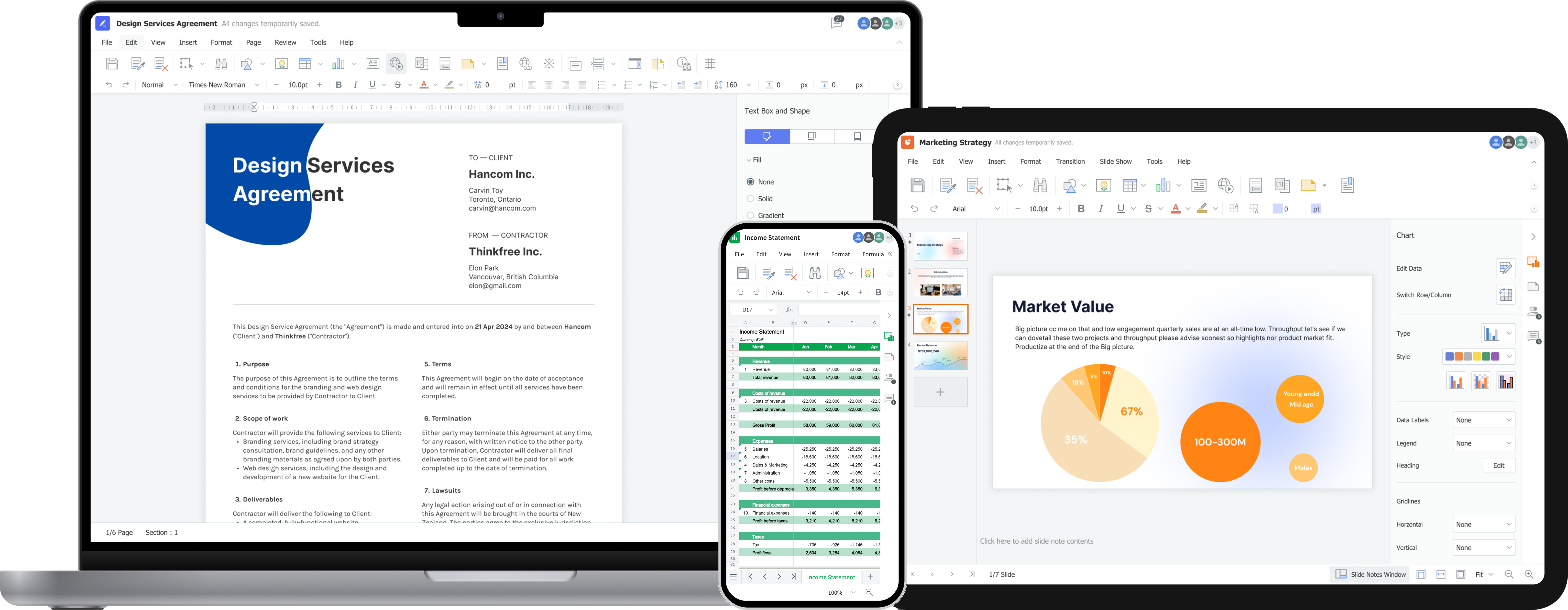
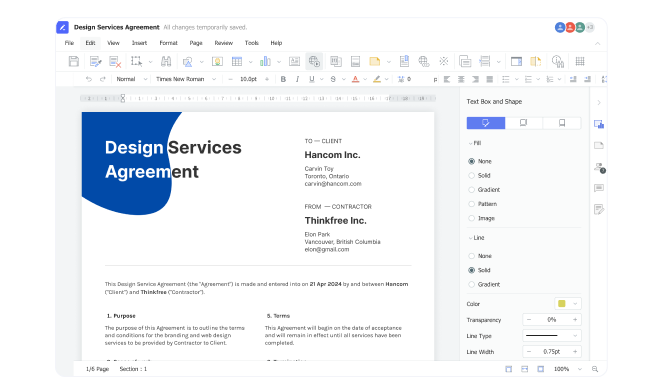
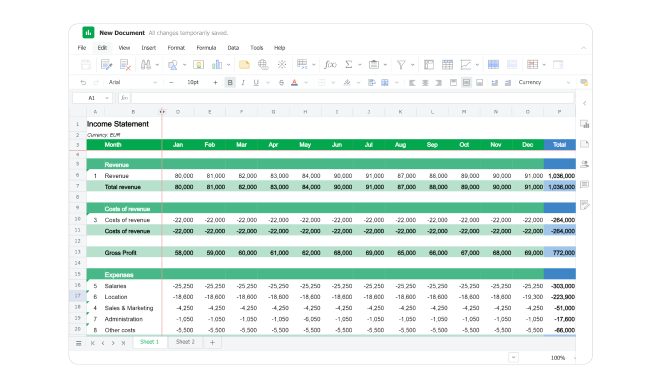
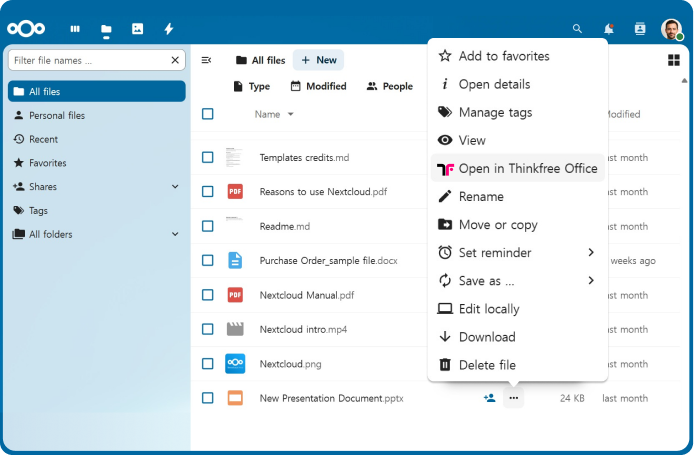
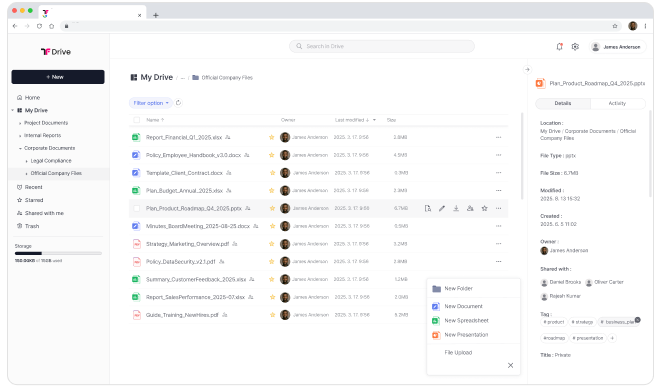
Screenshot of the on-premise Online Office Suite for Secure Document Editing.Screenshot of the enterprise-grade on-premise word processor for document creation, editing, and team collaboration with full data control.Screenshot of the on-premise online spreadsheet that delivers secure, real-time collaboration without compromising data privacy.Screenshot of the presentation software.Screenshot of Thinkfree Office appearing in Nextcloud, with integrated viewing, editing, and collaboration features available.Screenshot of Thinkfree's self-hosted cloud storage with integrated online office.