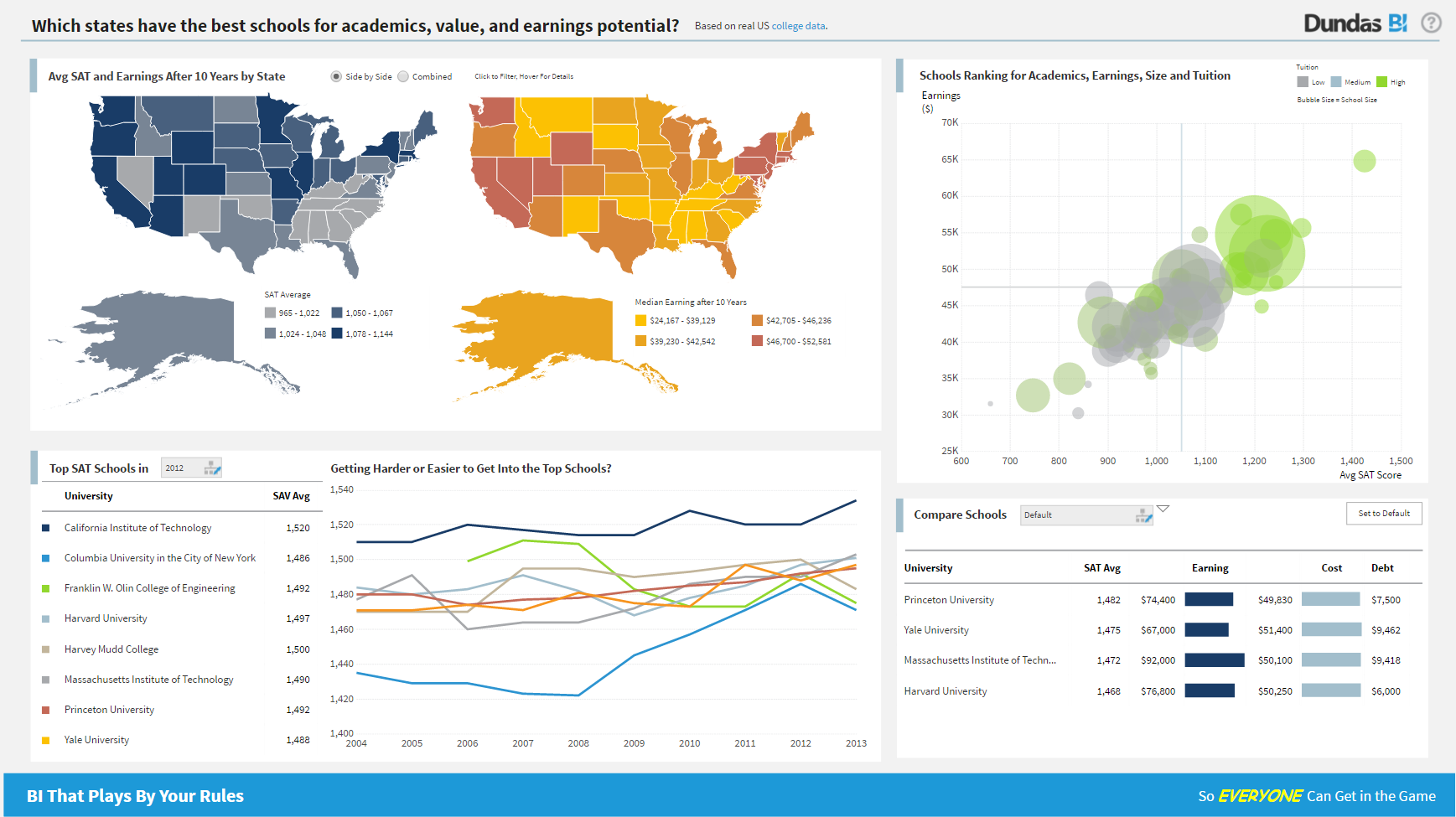
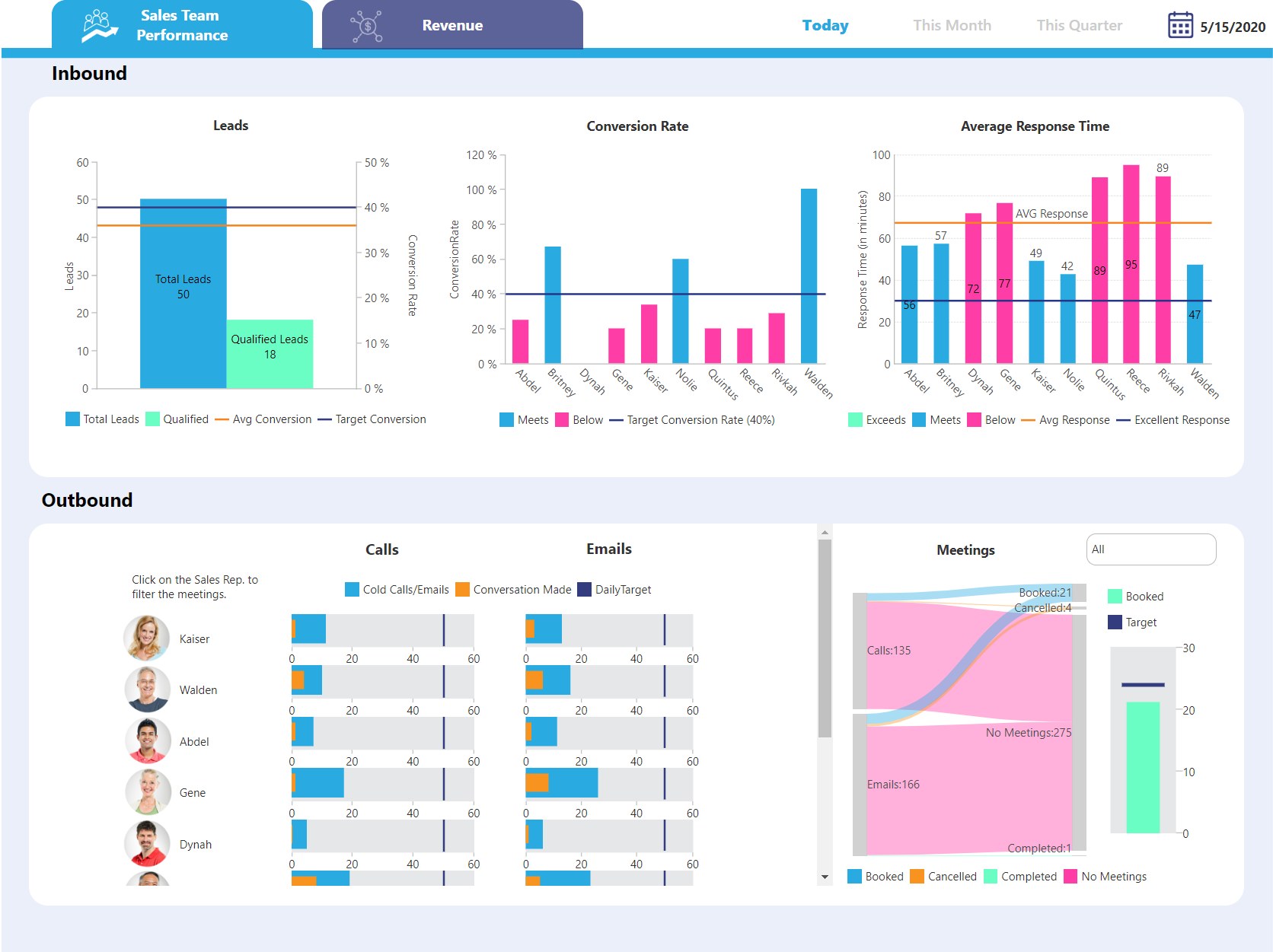
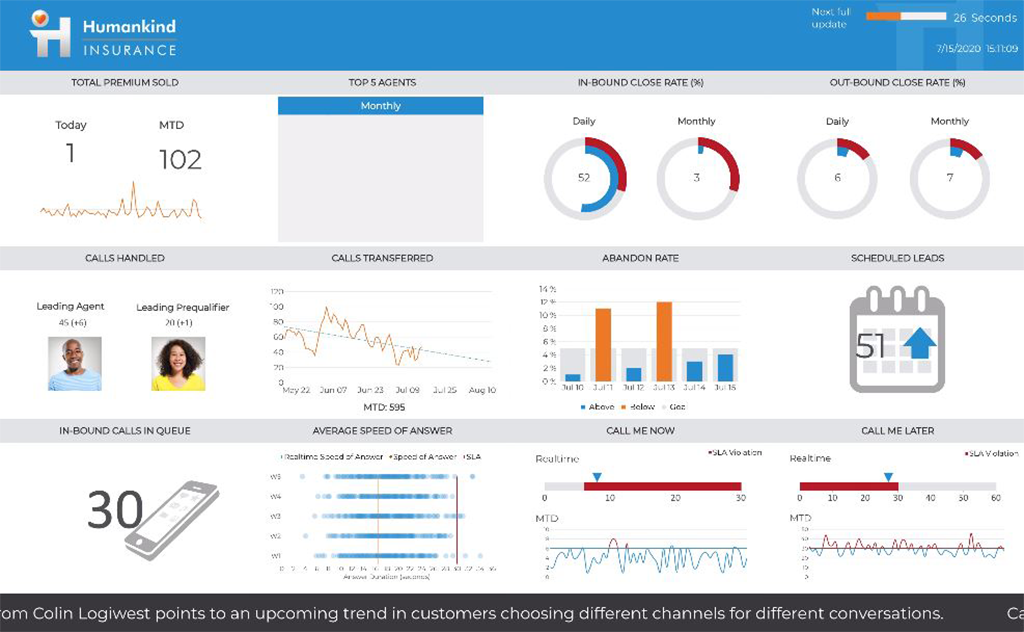
Logi Symphony is a business intelligence and data visualization software that includes customizable dashboards, reporting, and visual data analytics. It can be integrated into users’ existing business applications and its visualization and reporting tools can be customized.
N/A
Mathematica
Score7 out of 10
N/A
Wolfram's flagship product Mathematica is a modern technical computing application featuring a flexible symbolic coding language and a wide array of graphing and data visualization capabilities.
$1,520
per year
Pricing
Logi Symphony
Mathematica
Editions & Modules
No answers on this topic
Standard Cloud
$1,520
per year
Standard Desktop
$3,040
one-time fee
Standard Desktop & Cloud
$3,344
one-time fee
Mathematica Enterprise Edition
$8,150.00
one-time fee
Offerings
Pricing Offerings
Logi Symphony
Mathematica
Free Trial
Yes
No
Free/Freemium Version
No
No
Premium Consulting/Integration Services
Yes
No
Entry-level Setup Fee
No setup fee
No setup fee
Additional Details
—
Discounts available for students and educational institutions. The Network Edition reduce per-user license costs through shared deployment across any number of machines on a local-area network.
For all the scenarios I have so far worked on or I am currently working on, Dundas BI has proved to be more than adequate and apt to handle all of those. It is a very easy-to-use tool with quick shortcuts enabling you to prepare ad-hoc reports or dashboards in a matter of minutes.
A de minimis incentive was given to thank the reviewer for their time. The incentive was not used to bias or drive a particular response, nor was the incentive contingent on a positive endorsement. More Info
We are the judgement that Wolfram Mathematica is despite many critics based on the paradigms selected a mark in the fields of the markets for computations of all kind. Wolfram Mathematica is even a choice in fields where other bolide systems reign most of the market. Wolfram Mathematica offers rich flexibility and internally standardizes the right methodologies for his user community. Wolfram Mathematica is not cheap and in need of a hard an long learner journey. That makes it weak in comparison with of-the-shelf-solution packages or even other programming languages. But for systematization of methods Wolfram Mathematica is far in front of almost all the other. Scientist and interested people are able to develop themself further and Wolfram Matheamatica users are a human variant for themself. The reach out for modern mathematics based science is deep and a unique unified framework makes the whole field of mathematics accessable comparable to the brain of Albert Einstein. The paradigms incorporated are the most efficients and consist in assembly on the market. The mathematics is covering and fullfills not just education requirements but the demands and needs of experts.
Mathematica is incompatible with other systems for mCAx and therefore the borders between the systems are hard to overcome. Wolfram Mathematica should be consider one of the more open systems because other code can be imported and run but on the export side it is rathe incompatible by design purposes. A better standard for all that might solve the crisis but there is none in sight. Selection of knowledge of what works will be in the future even more focussed and general system might be one the lossy side. Knowledge of esthetics of what will be in the highest demand in necessary and Wolfram is not a leader in this field of science. Mathematics leves from gathering problems from application fields and less from the glory of itself and the formalization of this.
Project organization from Development to Production, you get a production and development license but I think the best way to do it is with DEV and Prod project in the Production box. Use the development box for testing updates and really crazy things. With the Dev and Prod projects on the same box, you just publish from Dev to Prod and you are done. Users only have access to the Prod projects so no one can mess up what you are working on.
Security - If you have a hierarchy (subsidiaries, divisions, department, teams) and you want each group to see only their data, then Security hierarchies are for you!
Dependent filters! What's this you ask? Here is an example of how it can be used, in your company you have departments and who works for what department is in your database. You make a dashboard that has a department filter (only show these departments), a managers filter, and employee filter. Not every manager or employee is in multiple departments usually only one. With dependent filters you can say that the manager and employee filter are dependent on what is selected in the departments filter so when you go to filter them they only show the managers or employees that are part of that department, and you can even it do so employees are not only dependent on department but on manager as well. Then it gets even better as it can be done in reverse as well so when you select a manager then go to the department it only shows the departments he works for (there are better situations where this is more useful).
It is scriptable! From calculate columns, null replacements, button actions, load actions, hover over events there a way to do what you want.
They are constantly improving and listens to your suggestions.
A de minimis incentive was given to thank the reviewer for their time. The incentive was not used to bias or drive a particular response, nor was the incentive contingent on a positive endorsement. More Info
It allows straightforward integration of analytic analysis of algebraic expressions and their numerical implemented.
Supports varying programmatic paradigms, so one can choose what best fits the problem or task: pure functions, procedural programming, list processing, and even (with a bit of setup) object-oriented programming.
The extensive and rich tools for graphical rendering make it very easy to not just get 2D and 3D renderings of final output, but also to do quick-and-dirty 2D and 3D rendering of intermediate results and/or debugging results.
A de minimis incentive was given to thank the reviewer for their time. The incentive was not used to bias or drive a particular response, nor was the incentive contingent on a positive endorsement. More Info
Not too many cons for how we use the application. It really is easy and powerful. Very powerful.
Licensing is one thing that could be looked into. It is simple, but a little confusing. For example, if I get a license today, but a new release comes out tomorrow, it seems that the license doesn't work with the new release. Maybe that is by design, but it would be nice to clearly understand.
A de minimis incentive was given to thank the reviewer for their time. The incentive was not used to bias or drive a particular response, nor was the incentive contingent on a positive endorsement. More Info
We are still in the implementation phase, but so far we are finding it to be easy to use and learn. The eLearning courses that they have made available for free, as well as User Forums and other training videos have made even difficult concepts easier to understand.
We have bi-weekly calls with our Success Manager, as well as access to support as needed. Any question that I have had, multiple people have been willing and able to jump on a call to talk me through it, or send an email with the solution
Wolfram Mathematica is a nice software package. It has very nice features and easy to install and use in your machine. Besides this, there is a nice support from Wolfram. They come to the university frequently to give seminars in Mathematica. I think this is the best thing they are doing. That is very helpful for graduate and undergraduate students who are using Mathematica in their research.
A de minimis incentive was given to thank the reviewer for their time. The incentive was not used to bias or drive a particular response, nor was the incentive contingent on a positive endorsement. More Info
Per dollar spent, it offers the widest range of features of the tools that we evaluated. It offers lots of options for how to configure your environment, though they are not always intuitive to figure out. Having an ETL layer was a must have for us, as well as the ability to host to secure HIPAA compliance. It is not a replacement for ad hoc reporting, but does a great job of creating parameterized reports and dashboards that look great.
A de minimis incentive was given to thank the reviewer for their time. The incentive was not used to bias or drive a particular response, nor was the incentive contingent on a positive endorsement. More Info
We have evaluated and are using in some cases the Python language in concert with the Jupyter notebook interface. For UI, we using libraries like React to create visually stunning visualizations of such models. Mathematica compares favorably to this alternative in terms of speed of development. Mathematica compares unfavorably to this alternative in terms of license costs.
A de minimis incentive was given to thank the reviewer for their time. The incentive was not used to bias or drive a particular response, nor was the incentive contingent on a positive endorsement. More Info
A de minimis incentive was given to thank the reviewer for their time. The incentive was not used to bias or drive a particular response, nor was the incentive contingent on a positive endorsement. More Info
A de minimis incentive was given to thank the reviewer for their time. The incentive was not used to bias or drive a particular response, nor was the incentive contingent on a positive endorsement. More Info