Chose Superhuman
Superhuman is far simpler to use and get started with. The UI is modern and suits all the needs. AI, although it has limited real-life use, is very much optimized and fits the use case. It is compatible and easy to configure.

| Product | Rating | Most Used By | Product Summary | Starting Price |
|---|---|---|---|---|
 MacroView Mail | Mid-Size Companies (51-1,000 employees) | MacroView Mail is a Microsoft Outlook add-in that simplifies the way organisations manage email as business records. It enables users to save emails and attachments directly to SharePoint Online, Microsoft Teams, and OneDrive from within Outlook, ensuring important communication is consistently captured in the right location. Its structured filing experience promotes accurate metadata entry, supports compliance, and reduces the risk of information being lost in personal… | N/A | |
 Superhuman | N/A | Superhuman for Business is an email management solution that helps to enhance team collaboration and help users maintain focus. Some features include timed sent, Unsend, conversation snooze, support for offline actions, Gmail shortcuts, etc. | $30 per month per user |
| MacroView Mail | Superhuman | |||||||||||||||
|---|---|---|---|---|---|---|---|---|---|---|---|---|---|---|---|---|
| Editions & Modules | No answers on this topic |
| ||||||||||||||
| Offerings |
| |||||||||||||||
| Entry-level Setup Fee | No setup fee | No setup fee | ||||||||||||||
| Additional Details | — | Up to 18% discount for annual billing on Starter and Business plans. | ||||||||||||||
| More Pricing Information | ||||||||||||||||
| MacroView Mail | Superhuman | |
|---|---|---|
| Considered Both Products |  MacroView Mail No answer on this topic |  Superhuman  Aviva Rosman Head of Revenue Chose Superhuman Superhuman overlays on top of Gmail, but it's just much faster and easier to use.  Gerardo Mendoza General BI Lead Chose Superhuman You could have information from your contacts right on your inbox. |
| MacroView Mail | Superhuman | |
|---|---|---|
| Small Businesses |  Zoho Mail Score 9.2 out of 10 | Zoho Mail Score 9.2 out of 10 |
| Medium-sized Companies |  Front Score 9.2 out of 10 | Front Score 9.2 out of 10 |
| Enterprises | Front Score 9.2 out of 10 | Front Score 9.2 out of 10 |
| All Alternatives | View all alternatives | View all alternatives |
| MacroView Mail | Superhuman | |
|---|---|---|
| Likelihood to Recommend | - (0 ratings) | 10.0 (0 ratings) |
| Usability | - (0 ratings) | 10.0 (0 ratings) |
| MacroView Mail | Superhuman | |
|---|---|---|
| Likelihood to Recommend | No answers on this topic |
Aviva Rosman Head of Revenue |
| Pros | No answers on this topic |
|
| Cons | No answers on this topic |
Gerardo Mendoza General BI Lead |
| Usability | No answers on this topic |
|
| Alternatives Considered | No answers on this topic |
|
| Return on Investment | No answers on this topic |
 Lee Berkman Enterprise Account Executive |
| ScreenShots | MacroView Mail Screenshots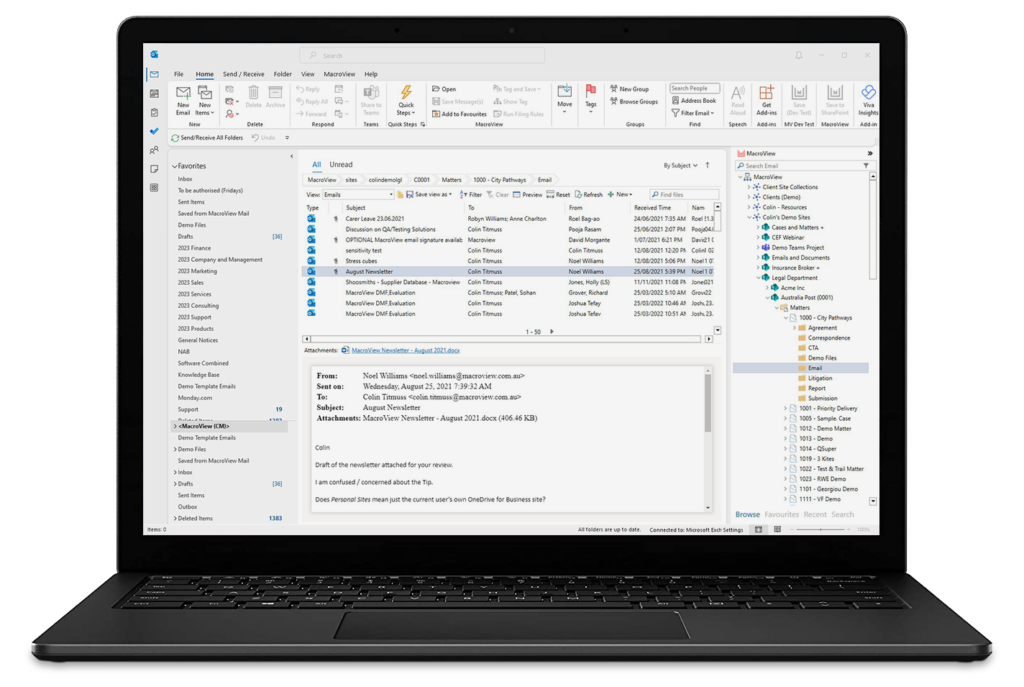 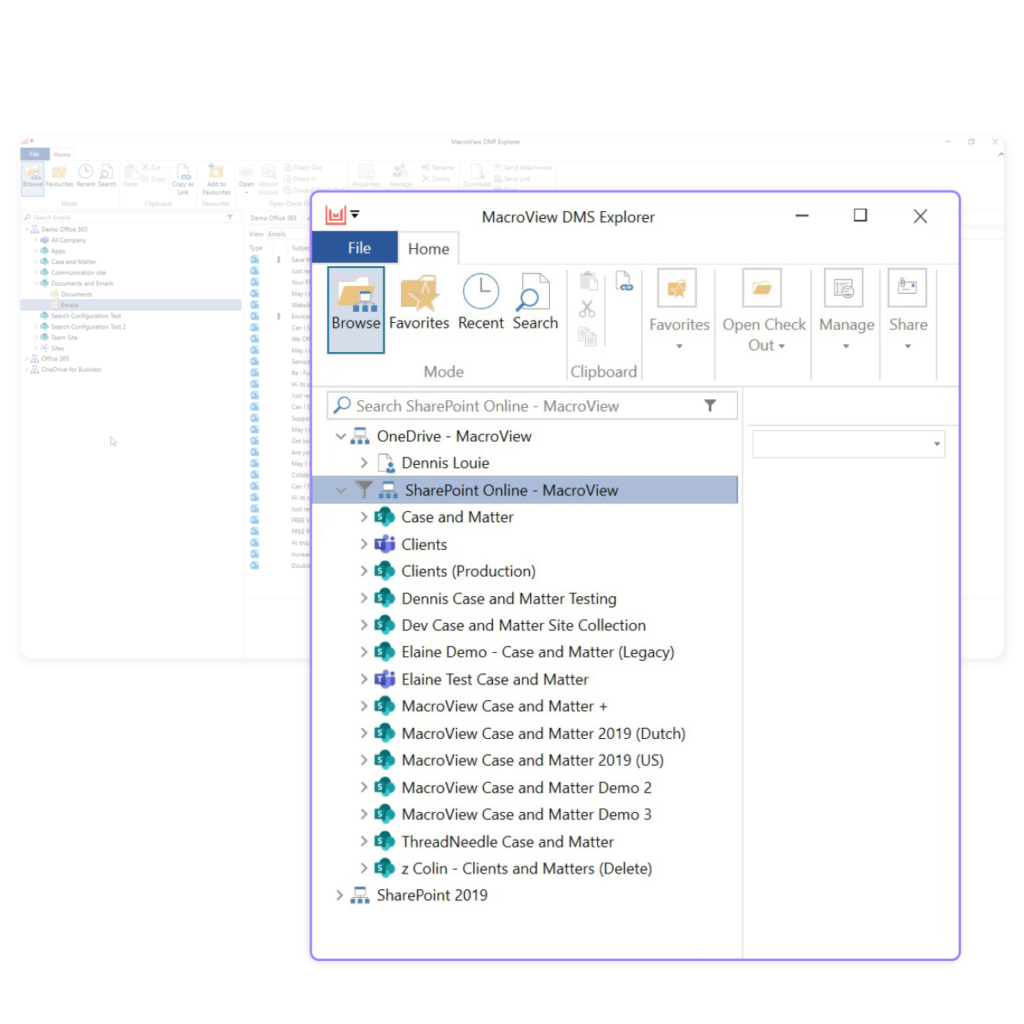 |