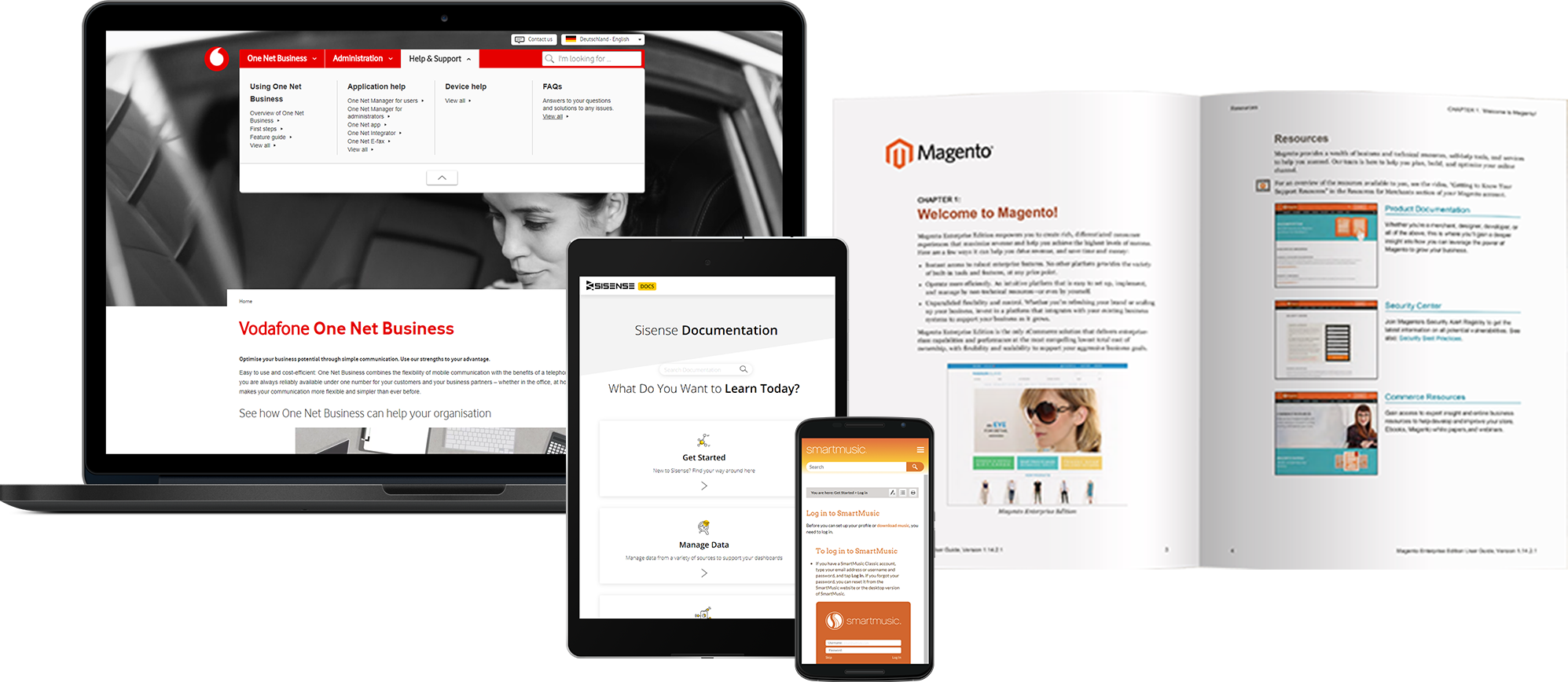
MadCap Software, headquartered in La Jolla, offers MadCap Flare, a help authoring and technical writing tool featuring onboarding and support from MadCap, and a set of modules for designing advanced guides, aids, and web or application help aids.
$167
per month
Microsoft Publisher
Score8.4 out of 10
N/A
Microsoft Publisher is a desktop publishing application available with an Office 365 subscription, or as a standalone download.
$139
one time purchase
Pricing
MadCap Flare
Microsoft Publisher
Editions & Modules
MadCap Central
$1,500
per year
MadCap Flare
$1,999
per year
MadCap AMS
$2,999
per year
Microsoft Publisher
$139
one time purchase
Offerings
Pricing Offerings
MadCap Flare
Microsoft Publisher
Free Trial
Yes
No
Free/Freemium Version
No
No
Premium Consulting/Integration Services
Yes
No
Entry-level Setup Fee
No setup fee
No setup fee
Additional Details
Includes a 12-month Platinum-level Maintenance Plan.
MadCap Flare has its problems, but it serves our team well as an authoring software. This would not be the case if we needed to regularly collaborate on articles, as Flare is prone to conflict issues when another person dares to breathe near an open topic. When working individually, though, it's fine. I'd love to see improvements to design, performance, and stability, but Flare remains one of the best softwares on the market for our needs as an authoring team. MadCap Central is well-suited to internal reviewing when every member is comfortable with Flare (the errors it tends to introduce set aside). SMEs, though, tend to find it hard to use. It's cluttered, some styles don't render, and it just seems like a failed attempt to reproduce Google Docs. I'd love to see improvements there, to help get our SMEs to want to use Central.
A de minimis incentive was given to thank the reviewer for their time. The incentive was not used to bias or drive a particular response, nor was the incentive contingent on a positive endorsement. More Info
Microsoft Publisher is well suited for almost any situation. It is something that I'm sure has far more advanced tools than I use or am aware of, but it is also very simple for entry-level users to create professional documents quickly. I have used it for very involved brochures in real estate scenarios and I have also used it for very simple "Construction Zone" signs at a job site under construction. There are so many uses for this program!
A de minimis incentive was given to thank the reviewer for their time. The incentive was not used to bias or drive a particular response, nor was the incentive contingent on a positive endorsement. More Info
A de minimis incentive was given to thank the reviewer for their time. The incentive was not used to bias or drive a particular response, nor was the incentive contingent on a positive endorsement. More Info
A de minimis incentive was given to thank the reviewer for their time. The incentive was not used to bias or drive a particular response, nor was the incentive contingent on a positive endorsement. More Info
Formatting in general. It's a pain to refine a layout in Publisher in my opinion.
Microsoft is so invested in their approach to software and making it look and feel like an Office 365 application that they inadvertantly cripple applications like Publisher.
Earlier versions of Publisher gave you a lot more latitude and creative freedom. They were also much easier to work with. Not everything has to look like it's part of Office 365. They did the same ... thing to Access.
A de minimis incentive was given to thank the reviewer for their time. The incentive was not used to bias or drive a particular response, nor was the incentive contingent on a positive endorsement. More Info
A de minimis incentive was given to thank the reviewer for their time. The incentive was not used to bias or drive a particular response, nor was the incentive contingent on a positive endorsement. More Info
MadCap Flare is in desperate need of an overall redesign. It relies heavily on dozens and dozens of tiny buttons that contain dozens of nested features. Clicking the wrong button can cause your software to freeze and crash. Building targets can be an absolute mystery, as far as all the files involved. It also has a tendency to freeze and crash. There's typically a huge learning curve for new hires who've never used it--nothing is intuitive.
A de minimis incentive was given to thank the reviewer for their time. The incentive was not used to bias or drive a particular response, nor was the incentive contingent on a positive endorsement. More Info
There are a few quirks with Microsoft Publisher that make some functions a little tricky for new users at first, but most of our employees are able to figure out the quirks and work around them to use the product for their job. It is relatively high on the scale of usability.
A de minimis incentive was given to thank the reviewer for their time. The incentive was not used to bias or drive a particular response, nor was the incentive contingent on a positive endorsement. More Info
While I have not directly used support for Microsoft Publisher, I have used their help files and found them to be useful. I have also found that most answers that I need can be found through simple web searches and chat platforms. In all though, there are very few times when the preloaded help files have not given me the answers that I need.
A de minimis incentive was given to thank the reviewer for their time. The incentive was not used to bias or drive a particular response, nor was the incentive contingent on a positive endorsement. More Info
MadCap software does offer quite a few more technical features than Google Drive, but the user experience is far inferior. Google Drive is much less buggy to work with, and it's much more accessible. MadCap only being available on Windows operating systems makes it difficult to work with teammates who may not have such a device available.
A de minimis incentive was given to thank the reviewer for their time. The incentive was not used to bias or drive a particular response, nor was the incentive contingent on a positive endorsement. More Info
Microsoft Publisher is more for beginners, or for basic needs, anyone with some familiarity with the Microsoft suite should be able to use it easily. If you’re looking to create something more graphic and advanced, you’d probably want to look into something like InDesign, which is not as user friendly if you’re not familiar with it at all. For basic needs the average employee should be able to use Microsoft Publisher with ease.
A de minimis incentive was given to thank the reviewer for their time. The incentive was not used to bias or drive a particular response, nor was the incentive contingent on a positive endorsement. More Info
we have invested on our Microsoft license for our team and that has made a very big productivity for making banners and holdings for our projects as making it from third party would cost much higher and the return is very well over the comparison with third-party vendors
Functionality is very easy, so we don’t have to train much to get it in production and use it efficiently so we don’t have to invest much on training and learning things and we can work on it directly with a very basic knowledge as well
It has functionality to get stored and share things directly to the OneDrive and using curated links, which is very secure and reliable to transfer files without losing picture and banners quality and share them in lossless quality.
A de minimis incentive was given to thank the reviewer for their time. The incentive was not used to bias or drive a particular response, nor was the incentive contingent on a positive endorsement. More Info