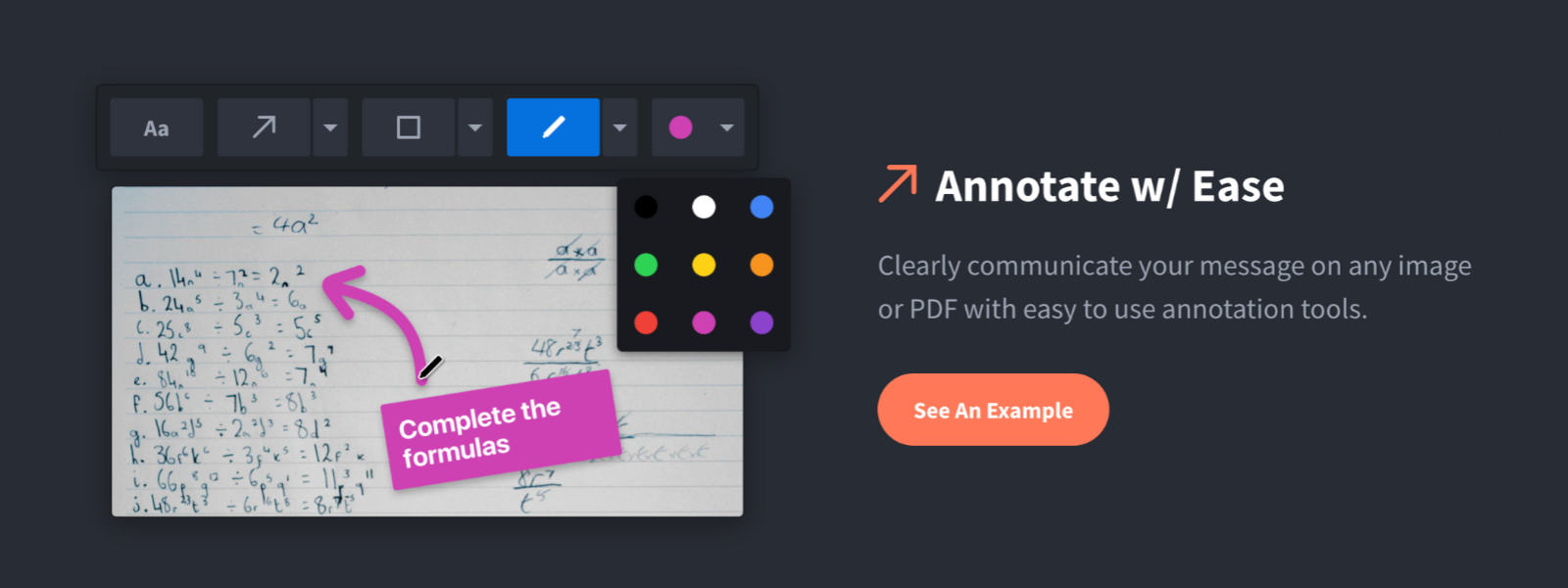
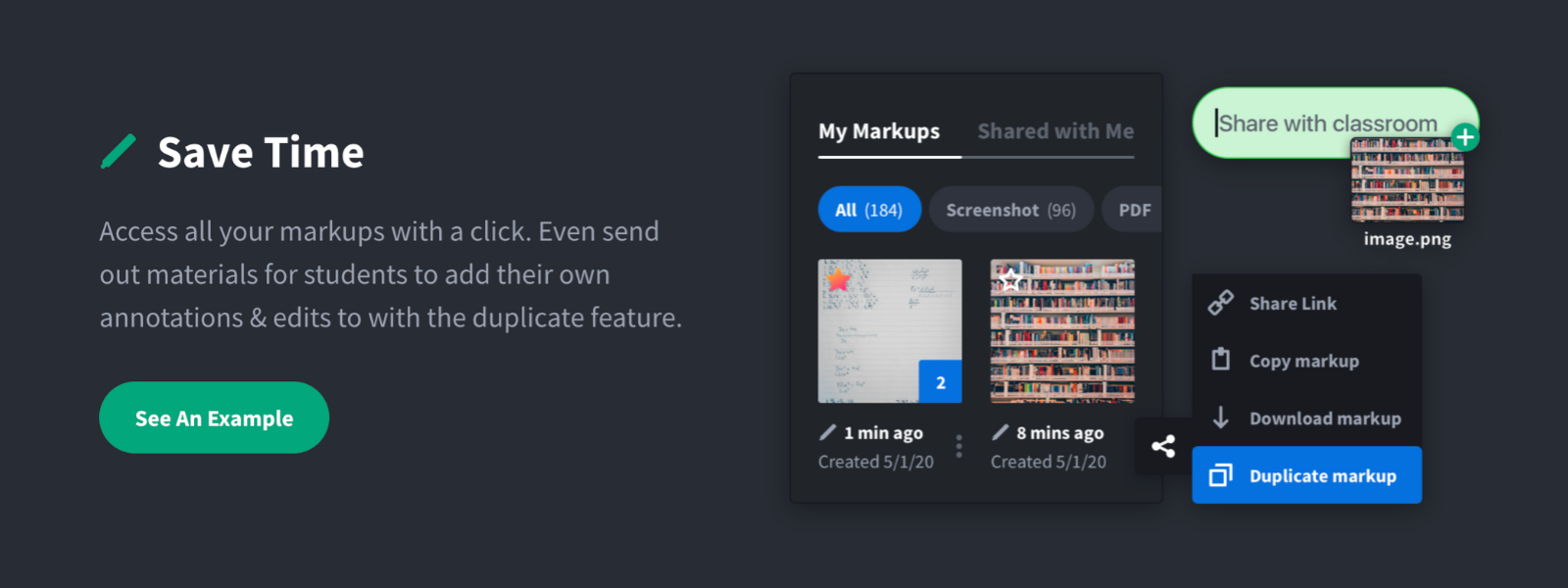
Screenshot, Annotate & Share Markup Hero is an annotation and screenshot tool designed to allow users to capture ideas, communicate clearly, and save time. Features Include: Screenshots Desktop app for Mac, Windows & Linux Works on any device including mobile Chrome extension Annotate screenshots, PDF's, images and URL's Always editable - annotations do not flatten permanently Arrow, text, rectangle, oval,…
$5
all features, unlimited markups, unlimited storage, unlimited bandwidth
Pixelied
Score9.2 out of 10
N/A
Pixelied is presented as a fast and easy to use online design tool from the company of the same name in Walnut, California, that helps users quickly create images and graphics. It has a set of tools that aim to enable the novice and the advanced user to create stunning designs.
$97
one-time fee
Pricing
Markup Hero
Pixelied
Editions & Modules
Superhero
$5/month
all features, unlimited markups, unlimited storage, unlimited bandwidth
For us, it's sending real estate setup sheets with multiple properties and lots of comments and feedback. It's great for quick feedback and shares. If I need to make a custom graphic tho its not quite powerful enough as Photoshop or other tools. The former is about 90% of my use cases, the latter only 10% so it's still worth it. But I can see they are adding more and more design oriented features so I suspect I won't need Photoshop much longer.
Pixelied is an online graphic design suite that makes it easy to create posters, ads, and branded designs for blogs, social media, and other publishing platforms. I am utilizing Pixelied to promote my social media accounts and to get thumbnails created for my YouTube channel. I use the photo filters to adjust the color of my photos, the mockup generator to piece together images with different backdrops, and the stock images and vector elements collection to add more detail and dimension to my designs. The templates allow me to create banners, image posters, and quotes. I found it easy to use because I could edit my own content without having to learn advanced design features. The templates helped me get started quickly and had everything I needed, from fonts down to icons. The photo filters were fun—they gave me an idea of how photos would look with different colors or patterns applied before I actually used them on my final designs. The only thing I didn't like about this tool was that adding images could slow down a layout if there were too many of them at once (like when you're trying to make a collage).
A de minimis incentive was given to thank the reviewer for their time. The incentive was not used to bias or drive a particular response, nor was the incentive contingent on a positive endorsement. More Info
A de minimis incentive was given to thank the reviewer for their time. The incentive was not used to bias or drive a particular response, nor was the incentive contingent on a positive endorsement. More Info
Performance can become sluggish, particularly when adding new photos or vector elements to the layout design.
Pixelied can incorporate a broader assortment of creative stock assets, similar to Canva.
The options for modifying the composition's color scheme, adding customized elements, and personalizing the brand can be enhanced.
The basic options for moving, scaling, and rearranging layers and backgrounds should be accessible by right-clicking in the composition itself rather than through tool sets in the upper right sidebar.
A de minimis incentive was given to thank the reviewer for their time. The incentive was not used to bias or drive a particular response, nor was the incentive contingent on a positive endorsement. More Info
Markup Hero stands out because it is truly web based and supports PDFs (among a host of other file types). The annotation tools are significantly smoother and always editable. I don't know of any other products that provide a web experience that allows for edits at anytime. Plus the team is clearly working hard to iterate the product and regularly delivering new features.
Pixelied offers a more straightforward and brisk workflow for designing and editing images compared to Canva and VistaCreate. This is despite the fact that Pixelied has a somewhat more limited choice of stock photographs and vector elements, in addition to readymade design templates. Additionally, it lacks several fundamental features and functionalities, such as the capability to personalize the different layers and color themes. It also has a restricted number of color themes. Pixelied, in contrast to InVideo and OFFEO, does not yet have any animation or video editing features. However, it does have the capability to design image layouts that can serve as a base for video slideshows and presentations, and it does offer photo mockups. Pixelied is an alternative to 123rf that provides an in-built stock photo and vectors library that is included in the subscription price. Additionally, you do not have to pay an extra fee for each new image that you download. 123rf, on the other hand, is a dedicated website for licensing and downloading stock images; therefore, its collection and diversity are significantly more extensive than those of Pixelied.
A de minimis incentive was given to thank the reviewer for their time. The incentive was not used to bias or drive a particular response, nor was the incentive contingent on a positive endorsement. More Info
A de minimis incentive was given to thank the reviewer for their time. The incentive was not used to bias or drive a particular response, nor was the incentive contingent on a positive endorsement. More Info