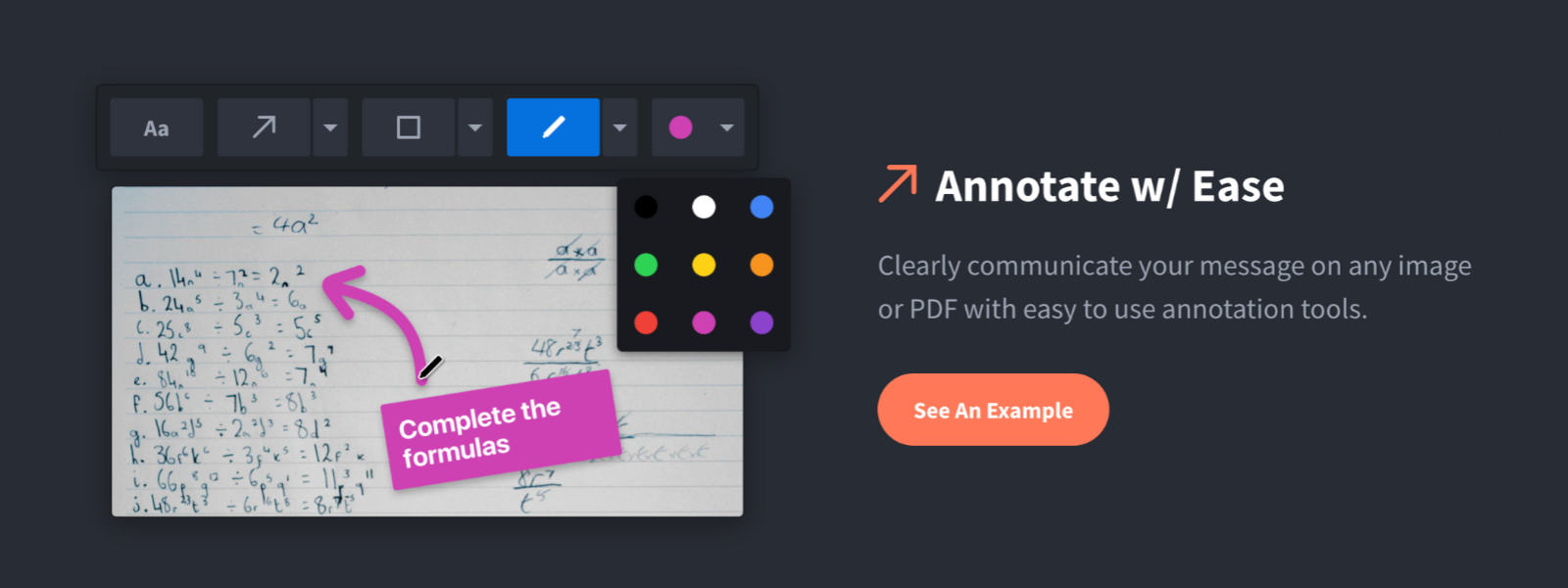
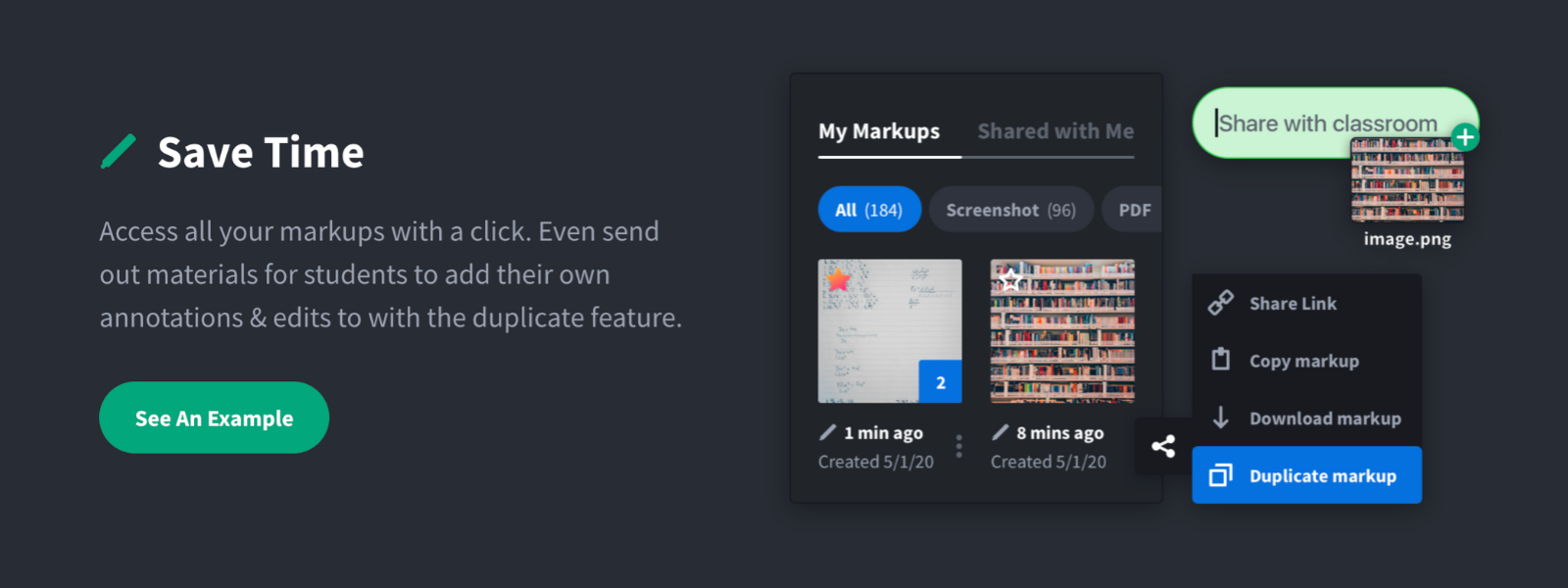
Screenshot, Annotate & Share Markup Hero is an annotation and screenshot tool designed to allow users to capture ideas, communicate clearly, and save time. Features Include: Screenshots Desktop app for Mac, Windows & Linux Works on any device including mobile Chrome extension Annotate screenshots, PDF's, images and URL's Always editable - annotations do not flatten permanently Arrow, text, rectangle, oval,…
$5
all features, unlimited markups, unlimited storage, unlimited bandwidth
Prezi
Score7.2 out of 10
N/A
Prezi’s advantage over static slides is that its interactive, zoomable canvas shows the relationship between the big picture and the fine details. The vendor’s value proposition is that this puts ideas in context, and makes them more likely to resonate, motivate, and be remembered.
$3
per month
Pricing
Markup Hero
Prezi
Editions & Modules
Superhero
$5/month
all features, unlimited markups, unlimited storage, unlimited bandwidth
For us, it's sending real estate setup sheets with multiple properties and lots of comments and feedback. It's great for quick feedback and shares. If I need to make a custom graphic tho its not quite powerful enough as Photoshop or other tools. The former is about 90% of my use cases, the latter only 10% so it's still worth it. But I can see they are adding more and more design oriented features so I suspect I won't need Photoshop much longer.
When you have to present complex hierarchical structures, and if your audience would require navigation in and out of the hierarchy, then Prezi is a good candidate for you. But be prepared, Prezi is not as intuitive as a standard presentation tool, and it may take some time to get used to.
A de minimis incentive was given to thank the reviewer for their time. The incentive was not used to bias or drive a particular response, nor was the incentive contingent on a positive endorsement. More Info
A de minimis incentive was given to thank the reviewer for their time. The incentive was not used to bias or drive a particular response, nor was the incentive contingent on a positive endorsement. More Info
Linux support is non-existent. With Android/Chrome OS being based on the linux kernel but also with lots of tech-savvy and influencers using non-Windows and non iOS platforms, I feel a pariah.
As far as I know for Android phones and tablets you can only present but not edit prezis in its native app. Again an Android users, it is a sub-par experience the app in general is lacking functionality.
Using the browser version (because I have no other alternative) uploading multiple images is very buggy
Having a version history would be great when you are editing a large presentation over several days
A de minimis incentive was given to thank the reviewer for their time. The incentive was not used to bias or drive a particular response, nor was the incentive contingent on a positive endorsement. More Info
Learning to use Prezi and create new presentations is very simple and easy to do. It does not require new skills or a long training process, since in general the use is quite intuitive (and if you have any questions there are many videos on how to use it). Its operation in both the browser version and the app is very good and fluid, managing to perform all the tasks you want properly.
It is a modern and easy-to-use tool (after a while) that allows you to make dynamic and trained presentations without the need to be an expert user. It has allowed me to improve the attention and motivational processes of my students. In addition, it has many [community users] who make videos and teach the many uses that you can use Prezi. And because, despite the restrictions of the free version, everyone can access and make use of Prezi and thus improve their boring ppt and inject some vitality into them.
Markup Hero stands out because it is truly web based and supports PDFs (among a host of other file types). The annotation tools are significantly smoother and always editable. I don't know of any other products that provide a web experience that allows for edits at anytime. Plus the team is clearly working hard to iterate the product and regularly delivering new features.
Other solutions for presentations all fall on the typical slideshow paradigm. So far, only Prezi walked away from this path. Its expanding canvas and freeform path are refreshing in this scenario. In this sense, Prezi is unique in its style of presentation, which makes difficult to establish comparisons based on costs. The still ongoing migration to Prezi Next has been a bit troubled, according to some old users, but it seems the company is working to give Prezi Next the same flexibility that Prezi Classic. And Prezi already has a huge user base that do not want to go back working with the limits of slides.
A de minimis incentive was given to thank the reviewer for their time. The incentive was not used to bias or drive a particular response, nor was the incentive contingent on a positive endorsement. More Info
Prezi provided us with a unique selling factor when it came to pitching our services to new prospects.
While creating a presentation from scratch might be time-consuming, Prezi allows you to easily reuse and utilize old designs to create new presentations with a different vibe and content.
An easy way to impress upper management and stakeholders, especially when presenting to the management of our clients.
A de minimis incentive was given to thank the reviewer for their time. The incentive was not used to bias or drive a particular response, nor was the incentive contingent on a positive endorsement. More Info