MEGA vs. Workshop

Overview
ProductRatingMost Used ByProduct SummaryStarting Price
MEGA
Score 7.8 out of 10
N/A
Launched in 2013, MEGA is a zero-knowledge cloud storage provider that delivers user-controlled end-to-end encryption, with an emphasis on easy accessibility.N/A
Workshop
Score 10.0 out of 10
N/A
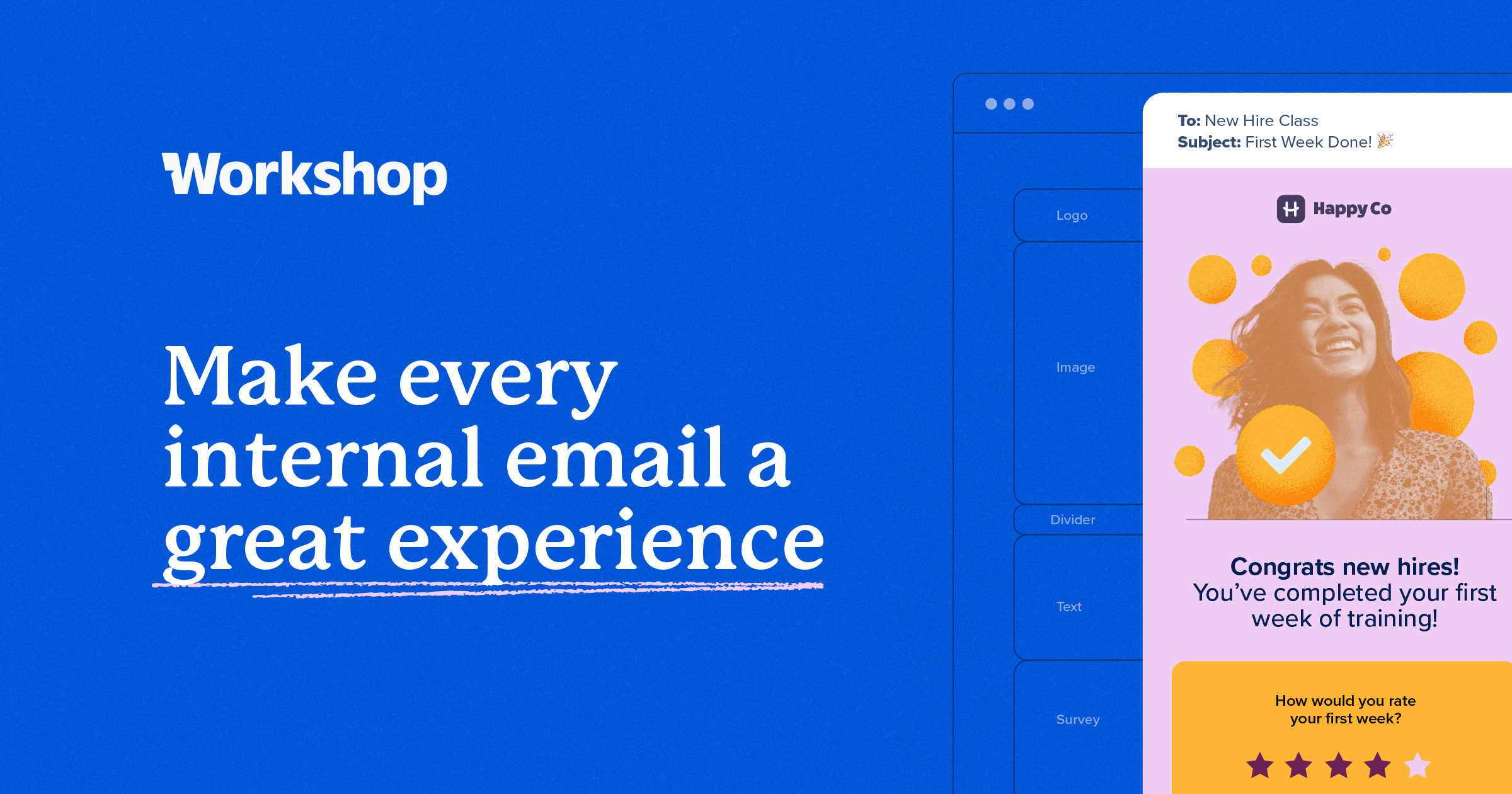
Workshop is an email-first internal communications platform built to help users to engage employees, elevate content, streamline comms, and measure the impact. It is for internal communications teams who want to move beyond Outlook, Mailchimp, plugins, or patchwoek systems to deliver high-impact employee emails, newsletters, CEO updates, and HR communications that truly land. Workshop aims to give its users: Branded, on-message emails that are easy to…N/A
Pricing
MEGAWorkshop
Editions & Modules
No answers on this topic
Offerings
Pricing Offerings
MEGAWorkshop
Free Trial
YesNo
Free/Freemium Version
YesNo
Premium Consulting/Integration Services
NoNo
Entry-level Setup FeeNo setup feeNo setup fee
Additional Details
More Pricing Information
Community Pulse
MEGAWorkshop
Considered Both Products
MEGA
Chose MEGA
The two apps Google Drive and MEGA provided free cloud storage but Google drive grants just 15 GB not more as free to try, At that time MEGA granted us 50 GB at the beginning of use, which gave us a chance to use it with high capacity.
Chose MEGA
Mega is a must go to first when expanding cloud storage capabilities and security. Mega can store any file types beyond that of Google Drive and iCloud. Mega is competitively priced to be a suitable option to replace or augment other cloud storage options depending on your …
Chose MEGA
MEGA has a great user interface that I prefer to some of its competitors, although it is mostly par for the course, modeled after conventional file explorers such as you would find in the Windows Explorer, classic File Manager application, or OS X Finder. I do prefer some of …
Chose MEGA
From my experience both are very good, but they are also very different. Mediafire has managed to survive regardless of all the problems that it's had, but at some point it fell short, not in speed because it is really fast, but in the space that provides. That's where MEGA …
Workshop

No answer on this topic

Features
MEGAWorkshop
File Sharing & Management
Comparison of File Sharing & Management features of Product A and Product B
MEGA
8.7
Ratings
4% above category average
Workshop
-
Ratings
Versioning7.00 Ratings00 Ratings
Video files10.00 Ratings00 Ratings
Audio files10.00 Ratings00 Ratings
Document collaboration7.00 Ratings00 Ratings
Access control8.00 Ratings00 Ratings
File search9.00 Ratings00 Ratings
Device sync10.00 Ratings00 Ratings
Cloud Storage Security & Administration
Comparison of Cloud Storage Security & Administration features of Product A and Product B
MEGA
8.7
Ratings
1% above category average
Workshop
-
Ratings
User and role management9.00 Ratings00 Ratings
File organization9.00 Ratings00 Ratings
Device management8.00 Ratings00 Ratings
Cloud Storage Platform
Comparison of Cloud Storage Platform features of Product A and Product B
MEGA
9.7
Ratings
11% above category average
Workshop
-
Ratings
Performance10.00 Ratings00 Ratings
Reliability10.00 Ratings00 Ratings
Storage Reports9.00 Ratings00 Ratings
Best Alternatives
MEGAWorkshop
Small Businesses
SugarSync
SugarSync
Score 3.9 out of 10
Flock
Flock
Score 9.4 out of 10
Medium-sized Companies
Druva Security Cloud
Score 9.4 out of 10
Zoho Cliq
Zoho Cliq
Score 9.0 out of 10
Enterprises
Druva Security Cloud
Score 9.4 out of 10
Axonify
Axonify
Score 10.0 out of 10
All AlternativesView all alternativesView all alternatives
User Ratings
MEGAWorkshop
Likelihood to Recommend
9.0
(0 ratings)
-
(0 ratings)
Usability
10.0
(0 ratings)
-
(0 ratings)
Support Rating
10.0
(0 ratings)
-
(0 ratings)
User Testimonials
MEGAWorkshop
Likelihood to Recommend
Mega is well suited for expanding cloud storage with advanced encryption, while still being the easiest to use of all the cloud storage apps. It’s Mega’s substantial free tier and solid referral program it’s a great addition to any growing business utilizing cloud storage. I’d recommend mega to my colleagues to backup, share, messages, videos, documents, anything!
Read full review
No answers on this topic
Pros
  • Biggest free size.
  • Availability of multible copy or versions.
  • Many client access web, app and desktop application.
Read full review
No answers on this topic
Cons
  • Takes a long time to log in using the web interface, upwards of 15 or 20 seconds.
  • User Interface affordances can get in the way (popup hints).
Read full review
No answers on this topic
Usability
Clean, contemporary UI that is heavily polished and works great. You can tell they did a lot of user testing with this, and have a top notch UI design team that really cares about the customer. A highly user-friendly service across platforms and form factors, I found their web, desktop and mobile apps to all be impeccably designed and consistent.
Read full review
No answers on this topic
Support Rating
While I have never contacted customer support, there is a large user community that has posted solutions on third party websites to a number of common questions like how to share files, and how to access files that have been shared with you. When I received a 40 GB shared file, I was not able to find how to access it until I searched on Google to find a solution, which was easy to find. The large user community helps with support tremendously.
Read full review
No answers on this topic
Alternatives Considered
MEGA has a great user interface that I prefer to some of its competitors, although it is mostly par for the course, modeled after conventional file explorers such as you would find in the Windows Explorer, classic File Manager application, or OS X Finder. I do prefer some of its user interface decisions and clean, sleek design, and I find it more user-friendly than Google Drive, iCloud, or OneDrive. However, I feel that it lacks capabilities in the file sharing department because some of its sharing features are hidden in different tabs.
Read full review
No answers on this topic
Return on Investment
  • You can create backups without needing to occupy the cloud you share with other workers.
  • You can share large files quite quickly. Also, those who receive the link can access the file in just a few minutes.
Read full review
No answers on this topic
ScreenShots

Workshop Screenshots

Screenshot of about the Workshop about the internal comms platform — built for employee engagement.Screenshot of an example of a Workshop product. Users can send branded, trackable employee emails with Workshop, the email platform for internal communications.