Microsoft Defender External Attack Surface Management
Score9.7 out of 10
N/A
Microsoft Defender External Attack Surface Management is a service available on Microsoft's Azure, that provides insights into vulnerabilities, risks, and exposures for web-based resources. It defines an organization’s unique internet-exposed attack surface and discovers unknown resources to help users proactively manage security posture.
$0.01
per day per asset
ServiceMax
Score7.9 out of 10
N/A
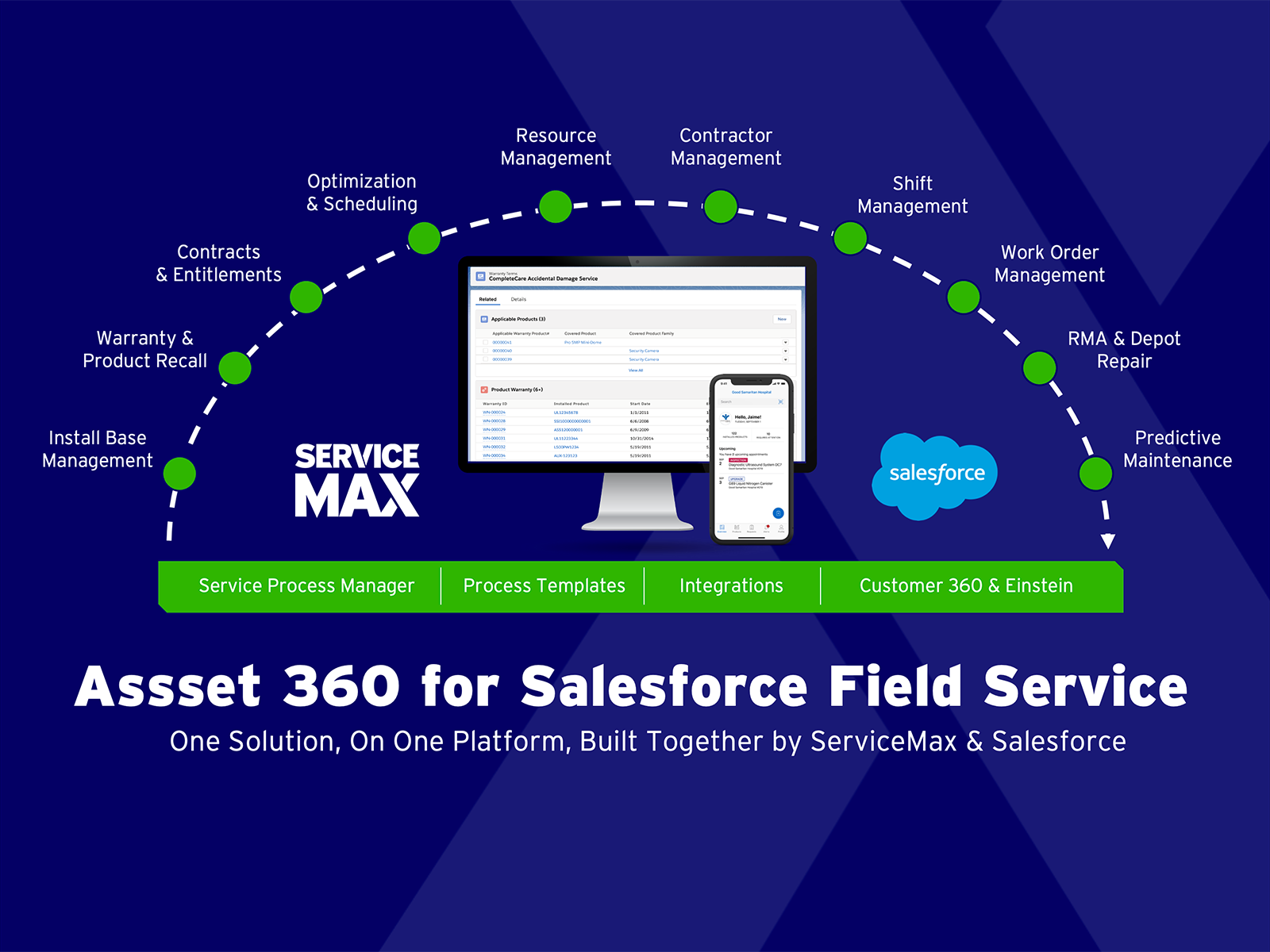
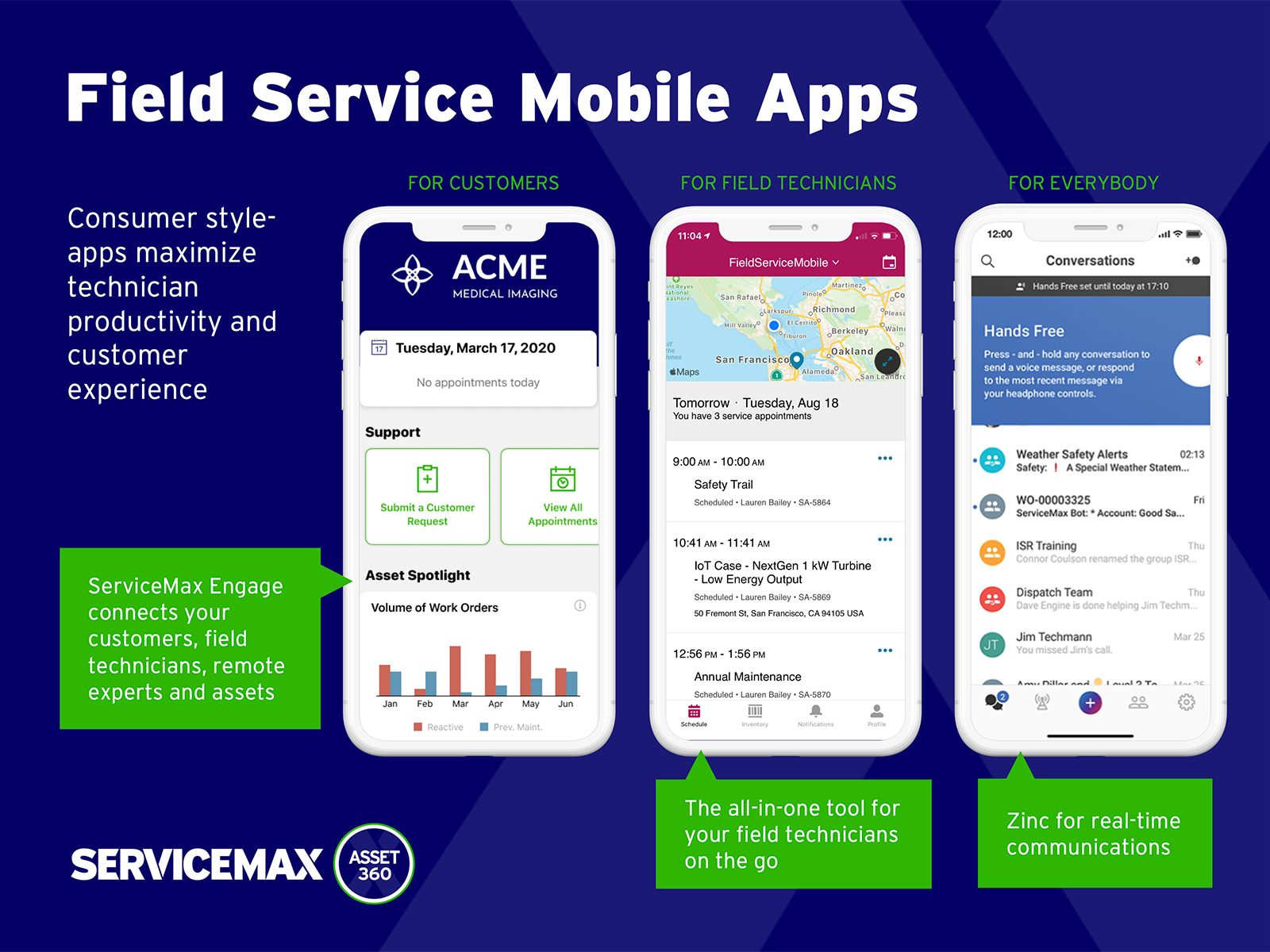
ServiceMax’s mission is to help customers with asset-centric field service management software. ServiceMax’s mobile apps and cloud-based software provide an overview of assets to field service teams. By optimizing field service operations, customers across all industries can better manage the complexities of service, support faster growth and run more profitable, outcome-centric businesses.
$100
per month
Pricing
Microsoft Defender External Attack Surface Management
ServiceMax
Editions & Modules
No answers on this topic
Subscription
$100.00
per month
Offerings
Pricing Offerings
Microsoft Defender External Attack Surface Management
ServiceMax
Free Trial
No
Yes
Free/Freemium Version
No
Yes
Premium Consulting/Integration Services
No
Yes
Entry-level Setup Fee
No setup fee
Required
Additional Details
—
—
More Pricing Information
Features
Microsoft Defender External Attack Surface Management
ServiceMax
Threat Intelligence
Comparison of Threat Intelligence features of Microsoft Defender External Attack Surface Management and ServiceMax
Feature
Microsoft Defender External Attack Surface Management
9.7
1 Ratings
18% above category average
ServiceMax
-
Ratings
Network Analytics
9.01 Ratings
00 Ratings
Threat Recognition
10.01 Ratings
00 Ratings
Vulnerability Classification
10.01 Ratings
00 Ratings
Automated Alerts and Reporting
10.01 Ratings
00 Ratings
Threat Analysis
10.01 Ratings
00 Ratings
Threat Intelligence Reporting
9.01 Ratings
00 Ratings
Automated Threat Identification
10.01 Ratings
00 Ratings
Vulnerability Management Tools
Comparison of Vulnerability Management Tools features of Microsoft Defender External Attack Surface Management and ServiceMax
Feature
Microsoft Defender External Attack Surface Management
9.4
1 Ratings
12% above category average
ServiceMax
-
Ratings
IT Asset Realization
8.01 Ratings
00 Ratings
Authentication
9.01 Ratings
00 Ratings
Configuration Monitoring
10.01 Ratings
00 Ratings
Web Scanning
10.01 Ratings
00 Ratings
Vulnerability Intelligence
10.01 Ratings
00 Ratings
Best Alternatives
Microsoft Defender External Attack Surface Management
Microsoft Defender External Attack Surface Management
ServiceMax
Likelihood to Recommend
Microsoft
Microsoft Defender External Attack Surface Management is particularly well-suited for discovering, inventorying, and continuously monitoring the external attack surface, especially in environments with heavy Microsoft adoption. It is less suitable as a standalone solution for internal scanning, real-time attack detection, automated remediation, or advanced application testing. Microsoft Defender External Attack Surface Management es especialmente adecuado para descubrir, inventariar y monitorear continuamente la superficie de ataque externa, sobre todo en entornos con fuerte adopción de Microsoft. Es menos adecuado como solución única para escaneo interno, detección de ataques en tiempo real, remediación automática o pruebas avanzadas de aplicaciones. Parts of this review were originally written in Spanish and have been translated into English using a third-party translation tool. While we strive for accuracy, some nuances or meanings may not be perfectly captured.
A de minimis incentive was given to thank the reviewer for their time. The incentive was not used to bias or drive a particular response, nor was the incentive contingent on a positive endorsement. More Info
Small deployments, where you have some specific need for ServiceMax and absolutely need offline capabilities, and are willing to deal with the problems. Otherwise, you may be better off looking at the built-in Work Orders and field service module that Salesforce is now providing. Their app is direct competition for ServiceMax and integrates much better with cases and knowledge articles.
A de minimis incentive was given to thank the reviewer for their time. The incentive was not used to bias or drive a particular response, nor was the incentive contingent on a positive endorsement. More Info
A de minimis incentive was given to thank the reviewer for their time. The incentive was not used to bias or drive a particular response, nor was the incentive contingent on a positive endorsement. More Info
A de minimis incentive was given to thank the reviewer for their time. The incentive was not used to bias or drive a particular response, nor was the incentive contingent on a positive endorsement. More Info
A de minimis incentive was given to thank the reviewer for their time. The incentive was not used to bias or drive a particular response, nor was the incentive contingent on a positive endorsement. More Info
A de minimis incentive was given to thank the reviewer for their time. The incentive was not used to bias or drive a particular response, nor was the incentive contingent on a positive endorsement. More Info
We rate Microsoft Defender External Attack Surface Management’s overall usability as 10 out of 10 because it delivers a strong balance between depth of capability and ease of use, particularly within organizations already operating in the Microsoft security ecosystem.
A de minimis incentive was given to thank the reviewer for their time. The incentive was not used to bias or drive a particular response, nor was the incentive contingent on a positive endorsement. More Info
A de minimis incentive was given to thank the reviewer for their time. The incentive was not used to bias or drive a particular response, nor was the incentive contingent on a positive endorsement. More Info
Because Microsoft Defender External Attack Surface Management is part of the broader Microsoft Defender family (including Defender XDR, Entra ID, Azure Security, Sentinel, etc.), it: Shares identity, endpoint, and threat context across tools Reduces the need for custom integrations or connectors Works in a “single pane of glass” experience for SOC analysts Why it matters: Organizations already invested in Microsoft security tools gain greater contextual insight and lower operational overhead.
A de minimis incentive was given to thank the reviewer for their time. The incentive was not used to bias or drive a particular response, nor was the incentive contingent on a positive endorsement. More Info
ServiceMax has an offline capability, and also integrates with our Salesforce side of business. At the time, Salesforce did not have a field service application so we could not consider it, but if we could now, we would probably go with that instead. ServiceMax is also expensive. But at the time, ServiceMax was the only offering out there that integrated with Salesforce, had mobile offline capability, and could operate at the scale we needed.
A de minimis incentive was given to thank the reviewer for their time. The incentive was not used to bias or drive a particular response, nor was the incentive contingent on a positive endorsement. More Info
A de minimis incentive was given to thank the reviewer for their time. The incentive was not used to bias or drive a particular response, nor was the incentive contingent on a positive endorsement. More Info
ROI for ServiceMax is mostly dependent on how in depth the organization wants the software. Our ROI is expected within the second year of operation due to the complexity of integration and the initial training requirements for in-house programmers.
Inventory control ROI is expected within year three or four due to the number of technicians and creating the foundation of information to import into ServiceMax. Expectations are the front end programming will be complete and our programmers will be better acquainted with the modules and architecture to make the inventory integration smoother than the initial integration.
Our organization has been working with ServiceMax for ten months and beginning to incorporate the financials to the work orders. This process has not been as seamless as once projected and the root causes are under investigation. It appears the original fields available to track time between employees were not in depth nor segregated sufficiently for granularity.
A de minimis incentive was given to thank the reviewer for their time. The incentive was not used to bias or drive a particular response, nor was the incentive contingent on a positive endorsement. More Info