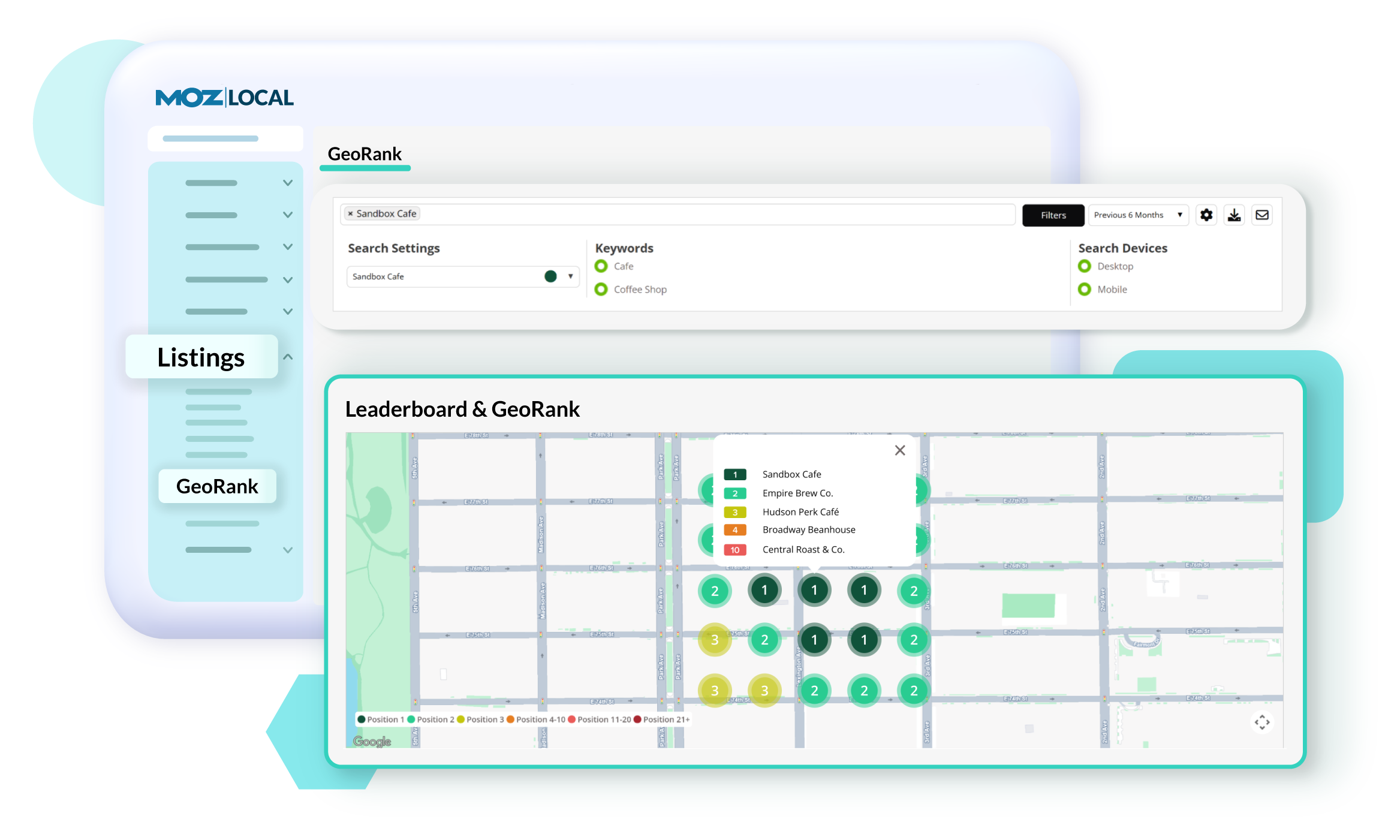
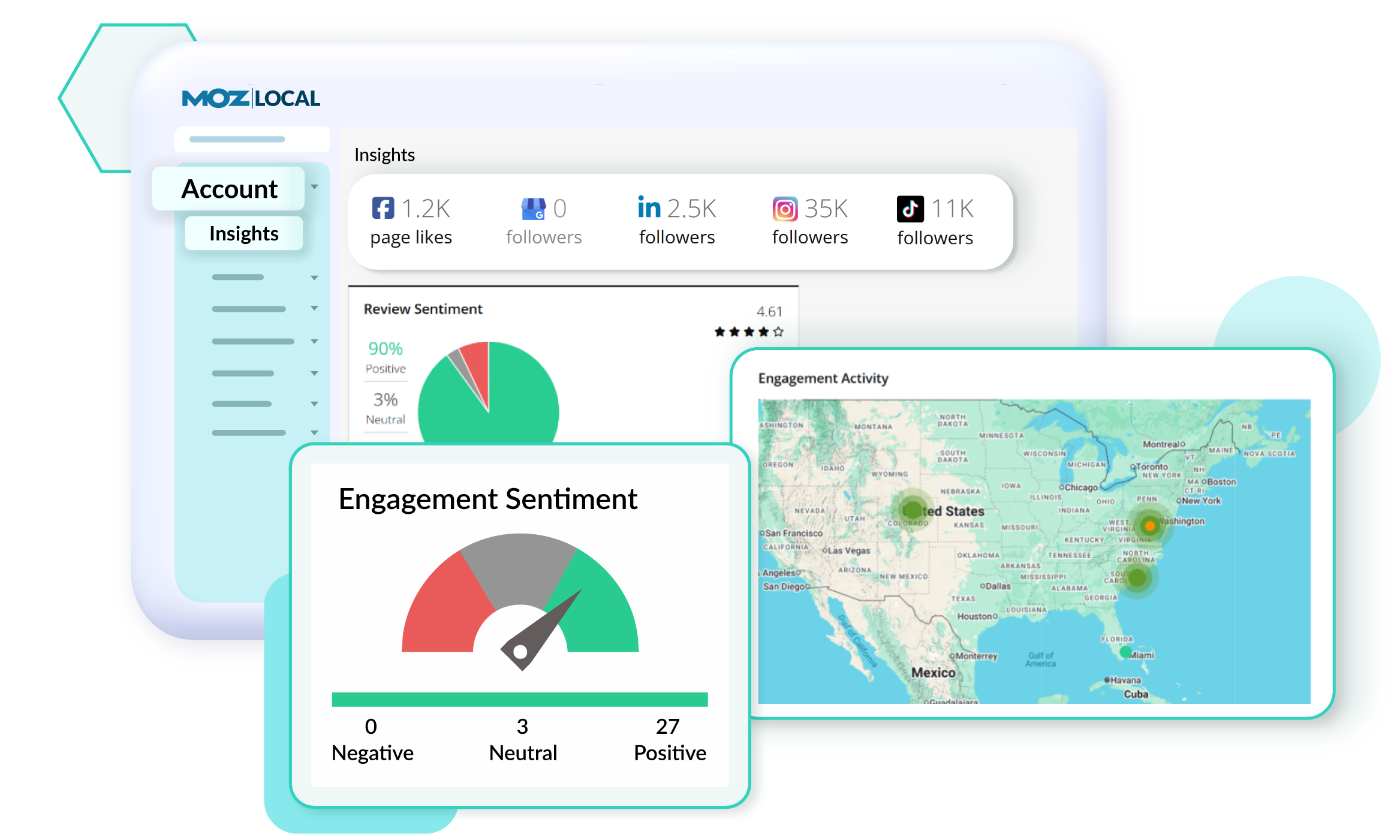
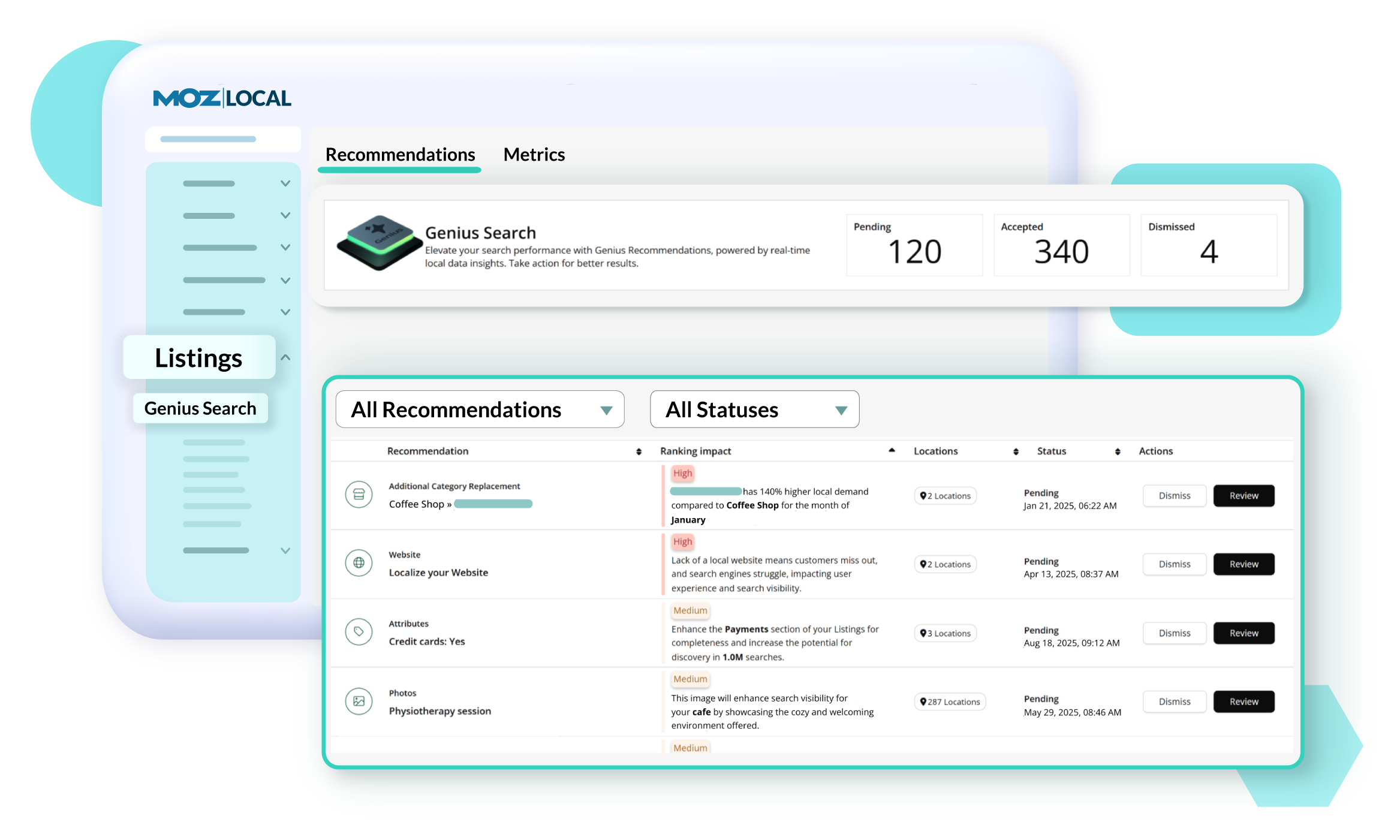
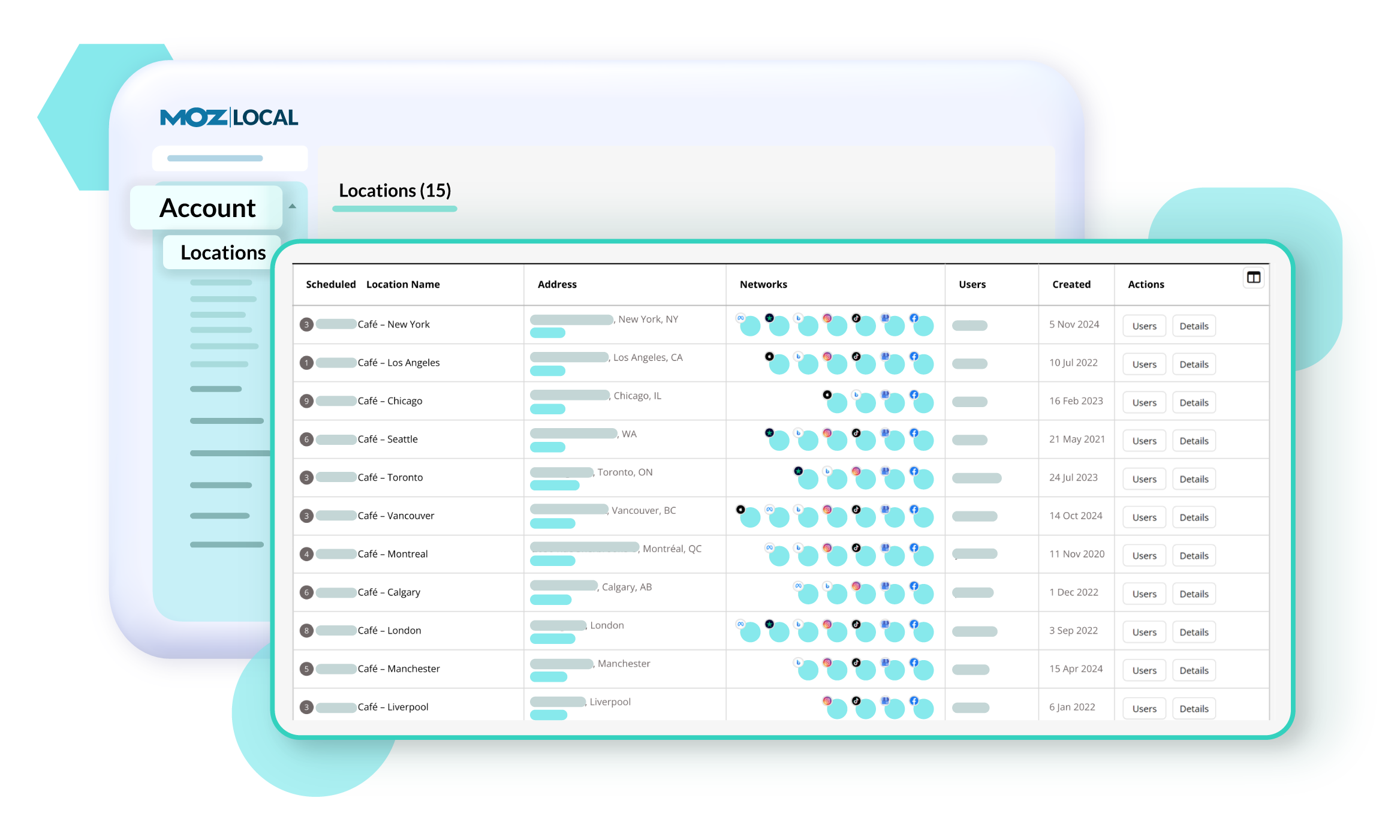
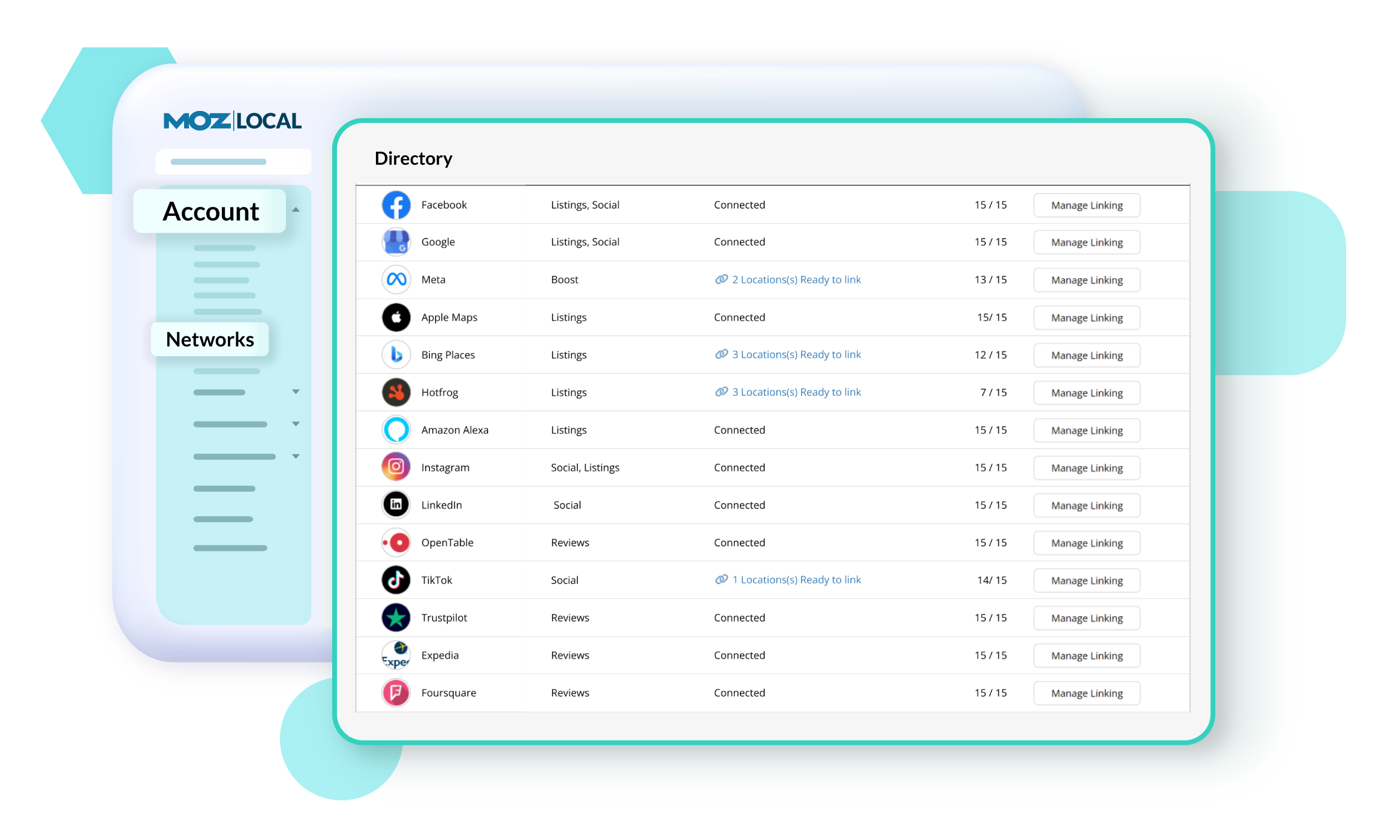
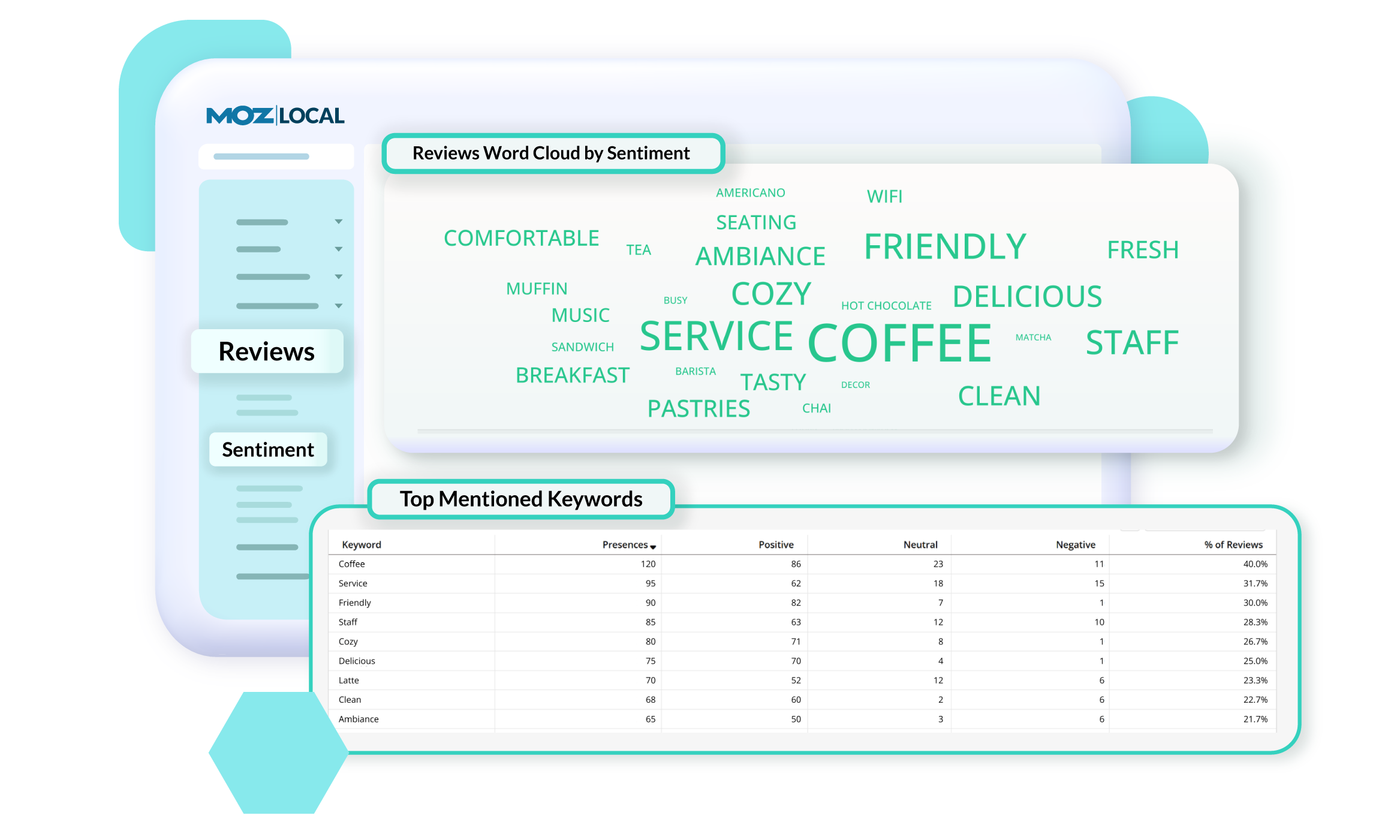
Moz Local is a Listing Management & Distribution software solution that enables users to actively manage location data to optimize local search performance. The solution also enables users to respond to reviews and analyze review sentiment on the most popular sites without having to visit them individually, delete duplicate listings, and engage with consumers to share news, offers, and updates across Google, Facebook and other directories.
$20
per month
Screaming Frog
Score9.2 out of 10
N/A
N/A
$149
per year
Pricing
Moz Local
Screaming Frog
Editions & Modules
Lite
$20
per month
Preferred
$30
per month
Elite
$40
per month
Paid Version
$149.00
per year
Offerings
Pricing Offerings
Moz Local
Screaming Frog
Free Trial
No
No
Free/Freemium Version
No
Yes
Premium Consulting/Integration Services
No
No
Entry-level Setup Fee
No setup fee
No setup fee
Additional Details
Discounts are available for annual billing. Add-ons like Reviews AI and Listings AI are available on certain plans. A discount of up to 20% is available for annual billing.
Moz Local is a great alternative as well as a compliment to Yext. The service has a smaller network but is just as powerful. The dashboard is super easy to load your location information into and allows the product to do the work by distributing the data across platforms. Issues are easily identifiable and can easily be corrected. Depending on your service level package, you also can have access to reviews and be able to monitor those as you see fit. I would strongly recommend this service to anyone who has a local business they are looking to get seen across the web. For a larger business, I'd consider a larger company with a bigger network.
A de minimis incentive was given to thank the reviewer for their time. The incentive was not used to bias or drive a particular response, nor was the incentive contingent on a positive endorsement. More Info
Screaming Frog SEO Spider is well suited to auditing brand new websites, when you need a quick, holistic view of the websites technical issues. Its great for providing a top line view of a websites architecture, perhaps for a new business approach where you need to assess the scale of work to maintain a website. Its also a useful tool in situations where you might need to see whether a large scale change in the website has taken place, you can see word counts, pages and their https response codes. Screaming Frog may be less useful if you need an idea of the customer experience on a website, it doesn't really provide information that helps assess how fast a website loads, what issues might come up when trying to convert or faults with the payment process. Screaming Frog is largely a technical SEO focused tool, it also can't assess the quality of a websites, layout or the quality of the content used on the website. As mentioned, its niche, but very useful within that niche.
A de minimis incentive was given to thank the reviewer for their time. The incentive was not used to bias or drive a particular response, nor was the incentive contingent on a positive endorsement. More Info
A de minimis incentive was given to thank the reviewer for their time. The incentive was not used to bias or drive a particular response, nor was the incentive contingent on a positive endorsement. More Info
A de minimis incentive was given to thank the reviewer for their time. The incentive was not used to bias or drive a particular response, nor was the incentive contingent on a positive endorsement. More Info
Requires Java. This isn't a huge deal as many computers already have it installed, but it's yet another 3rd party component.
The free version has a crawl limit of 500 pages per site. This is fine for smaller sites, but if you're running a big e-commerce site then you'll need to pay for Pro version.
The user interface isn't very pretty. This is an analytics tool so it doesn't really have to be, but it might be helpful for improving the overall user experience.
A de minimis incentive was given to thank the reviewer for their time. The incentive was not used to bias or drive a particular response, nor was the incentive contingent on a positive endorsement. More Info
The tool has become integrated into our teams daily workings and I have yet to find a tool other than scremaing frog to replicate all of our use cases for it. It's a great tool and we're sticking with it
A de minimis incentive was given to thank the reviewer for their time. The incentive was not used to bias or drive a particular response, nor was the incentive contingent on a positive endorsement. More Info
The main problem of Screaming Frog SEO Spider is it being an offline software which limits itself to a single pc and that creates problem when multi user agents want to get involved or even work on it, it’s a difficult task to collaborate on it and do research for keywords at one place
A de minimis incentive was given to thank the reviewer for their time. The incentive was not used to bias or drive a particular response, nor was the incentive contingent on a positive endorsement. More Info
Screaming Frog is a relatively primitive system, and doesn't need to be supported by devs or other software. Screaming Frog does interface directly with some programs that are most needed (Google Analytics, Search Console, Page Speed Insights), so that's convenient. It isn't widely supported by other programs, but it also doesn't need to be.
A de minimis incentive was given to thank the reviewer for their time. The incentive was not used to bias or drive a particular response, nor was the incentive contingent on a positive endorsement. More Info
A de minimis incentive was given to thank the reviewer for their time. The incentive was not used to bias or drive a particular response, nor was the incentive contingent on a positive endorsement. More Info
A de minimis incentive was given to thank the reviewer for their time. The incentive was not used to bias or drive a particular response, nor was the incentive contingent on a positive endorsement. More Info
Screaming Frog SEO Spider is probably the best non-client facing SEO audit tool in terms of technical SEO. There are other tools on the market that do a more complete job of keyword tracking, competitive analysis, and backlink profiles...however, for analyzing the technical SEO health of any website, Screaming Frog is the best
A de minimis incentive was given to thank the reviewer for their time. The incentive was not used to bias or drive a particular response, nor was the incentive contingent on a positive endorsement. More Info
A de minimis incentive was given to thank the reviewer for their time. The incentive was not used to bias or drive a particular response, nor was the incentive contingent on a positive endorsement. More Info
Increased employee efficiency - We spend many less hours tracking down and reporting simple meta tags.
Better Client Servicing - We are able to ensure we have a total look at a client's site before we recommend anything.
True Pricing Structure - We are able to more accurately predict how much help a client may need based on factors such as size of site, number of redirects, proper use of meta tags, etc.
A de minimis incentive was given to thank the reviewer for their time. The incentive was not used to bias or drive a particular response, nor was the incentive contingent on a positive endorsement. More Info