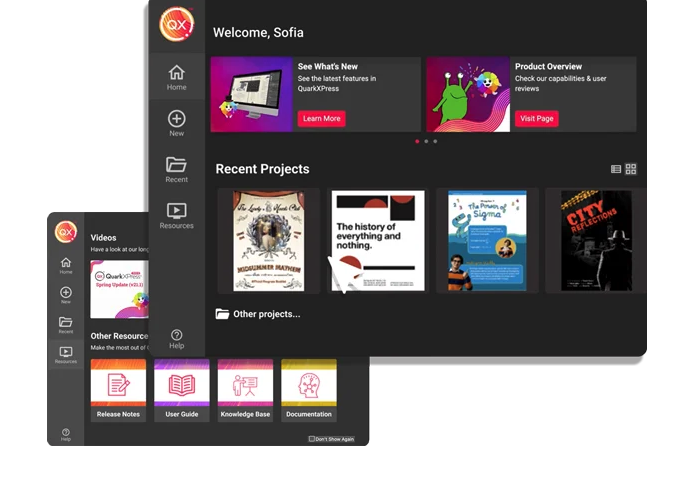
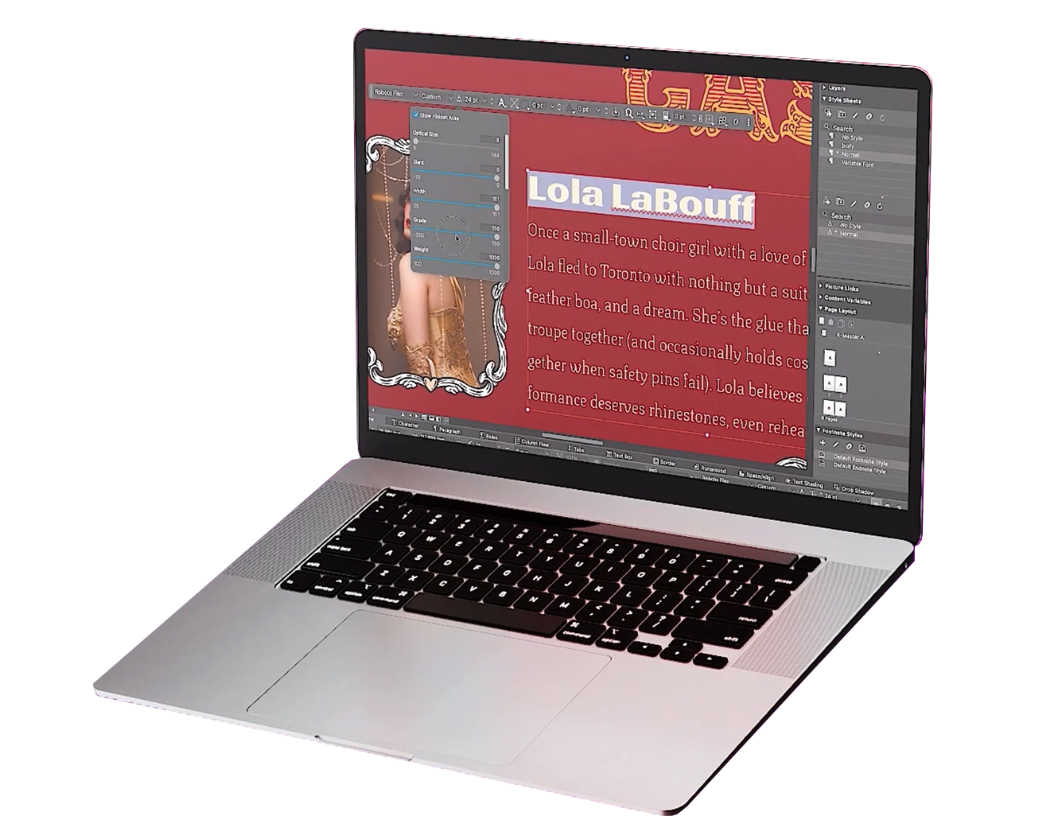
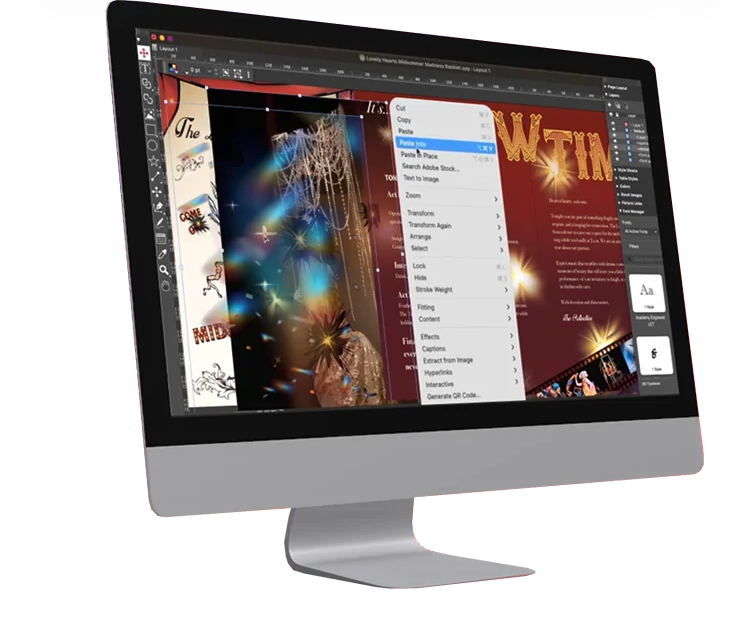
QuarkXPress from Quark Software headquartered in Denver introduces modern responsive web design with Flex Layouts, reimagined Tables, and productivity-boosting design features.
Omnigraffle is great for documentation, mapping, flowcharting, and other technical diagramming scenarios. It's simple enough to bang out a quick illustration and powerful enough to build complex blueprints for complicated technical systems. If you need cross-platform compatibility, though, you're probably better off looking elsewhere. If you want complex integration with data sources (ala Visio's SQL Server integration for shape metadata), OmniGraffle also falls short — but those scenarios are few and far between in my experience.
A de minimis incentive was given to thank the reviewer for their time. The incentive was not used to bias or drive a particular response, nor was the incentive contingent on a positive endorsement. More Info
I used QuarkXPress to maintain a proper page layout for the UI which I receive from a UIUX developer. I develop Graphic Illustrations on the digital canvas to create creative content on the page design set and to develop designer headlines and sub-headlines where writers and editors can amend the text and place the copped images.
OmniGraffle is fairly simple to use, but the one thing I think it does best is working with curved lines, particularly if you are using some of the available arc templates. Drop an arc onto your page, then tell it the dimensions it needs to be, and viola! Done. Manipulating the arcs is as simple as clicking and dragging offset points.
OmniGraffle has also done an excellent job in stirring up the creative minds of many people who create templates and tools to work with OmniGraffle (not that Microsoft hasn't done so either), and managed to get the bulk of those into well organized repositories.
What it all boils down to for me is: it just works. One doesn't need to have a computer science degree to work with it either. It is as simple or complex as you want it to be.
A de minimis incentive was given to thank the reviewer for their time. The incentive was not used to bias or drive a particular response, nor was the incentive contingent on a positive endorsement. More Info
A de minimis incentive was given to thank the reviewer for their time. The incentive was not used to bias or drive a particular response, nor was the incentive contingent on a positive endorsement. More Info
I'd love to be able to keep more than one of the different tool tabs open at a time.
The stencils are amazing. Would be great if a whole lot more of the free ones came standard as opposed to having to download them from Graffletopia or other sites.
A de minimis incentive was given to thank the reviewer for their time. The incentive was not used to bias or drive a particular response, nor was the incentive contingent on a positive endorsement. More Info
A de minimis incentive was given to thank the reviewer for their time. The incentive was not used to bias or drive a particular response, nor was the incentive contingent on a positive endorsement. More Info
A de minimis incentive was given to thank the reviewer for their time. The incentive was not used to bias or drive a particular response, nor was the incentive contingent on a positive endorsement. More Info
This is an industry standard. It is intuitive and pretty simple. I have been using it for 40 years and by no means do I use its potential, rather it does just what I want it to do.
A de minimis incentive was given to thank the reviewer for their time. The incentive was not used to bias or drive a particular response, nor was the incentive contingent on a positive endorsement. More Info
A de minimis incentive was given to thank the reviewer for their time. The incentive was not used to bias or drive a particular response, nor was the incentive contingent on a positive endorsement. More Info
While these other tools are great for what they are, OmniGraffle’s solid focus on and support for diagramming makes it our tool of choice for communicating workflows and concept relationships, creating documentation, and creating other diagrams. Its libraries allow us to create designs quickly, and its ease of use enables us to use the tool widely across the company without much time or effort spent on onboarding.
A de minimis incentive was given to thank the reviewer for their time. The incentive was not used to bias or drive a particular response, nor was the incentive contingent on a positive endorsement. More Info
QuarkXPress simply blew the competition out of the water when it came to pricing and scalability in our business. Every employee that uses Quark always speaks very highly about using the software. We are not a large company but, the amount of money saved on the cost of each license was about 60% when compared to the competitors' products.
A de minimis incentive was given to thank the reviewer for their time. The incentive was not used to bias or drive a particular response, nor was the incentive contingent on a positive endorsement. More Info
Omnigraffle isn't an expensive software tool, so there isn't really any negative from the perspective of raw cost. Thinking in terms of time spent using it on a project - what you create in omnigraffle will inevitably lead to a dead end. It's useful only as documentation. There are other tools like Sketch that integrate into prototyping software and can create useable visual assets for applications in addition to being able to create wireframes.
A de minimis incentive was given to thank the reviewer for their time. The incentive was not used to bias or drive a particular response, nor was the incentive contingent on a positive endorsement. More Info