Oracle Secure Global Desktop vs. RemoteCall PC/Mobile/Visual

Overview
ProductRatingMost Used ByProduct SummaryStarting Price
Oracle SGD
Score 6.0 out of 10
N/A
Oracle Secure Global Desktop is a secure remote access solution for enterprises for use within and without the corporate firewall, also for virtualization.N/A
RemoteCall PC/Mobile/Visual
Score 9.7 out of 10
Enterprise companies (1,001+ employees)
RemoteCall is a cloud based remote support solution bridging the agents and clients. Support client PCs, mobile devices and via camera using the cloud based service or in-house server solution. It is a solution for IT professionals and it can be used from PCs, mobile devices, websites and apps with 100% RSUPPORTs remote service technology. The vendor's flagship products, RemoteCall WebViewer boasts users among all types of companies, governments, public institutions, manufacturers, as well as…
$30
per installation
Pricing
Oracle Secure Global DesktopRemoteCall PC/Mobile/Visual
Editions & Modules
No answers on this topic
RemoteCall Server
30k+ USD
per installation
RemoteCall PC
59.90 / month
per seat
RemoteCall PC + visual
74.90 / month
per seat
RemoteCall PC + mobile
79.90 / month
per seat
RemoteCall PC + mobile + visual
129.90 / month
per seat
Offerings
Pricing Offerings
Oracle SGDRemoteCall PC/Mobile/Visual
Free Trial
NoYes
Free/Freemium Version
NoNo
Premium Consulting/Integration Services
NoNo
Entry-level Setup FeeNo setup feeNo setup fee
Additional Details** RemoteCall Server pricing is calculated as [one-time server software fee] + [one-time per device license fee] + [optional yearly maintenance] ** SaaS plan's device can be Windows / Mac PC or Android / iOS mobile devices.
More Pricing Information
Community Pulse
Oracle Secure Global DesktopRemoteCall PC/Mobile/Visual
Features
Oracle Secure Global DesktopRemoteCall PC/Mobile/Visual
Remote Administration
Comparison of Remote Administration features of Product A and Product B
Oracle Secure Global Desktop
7.4
1 Ratings
6% below category average
RemoteCall PC/Mobile/Visual
-
Ratings
Screen sharing9.01 Ratings00 Ratings
File transfer9.01 Ratings00 Ratings
Instant message1.01 Ratings00 Ratings
Secure remote access with Smart Card authentication10.01 Ratings00 Ratings
Access to sleeping/powered-off computers8.01 Ratings00 Ratings
Over-the-Internet remote session10.01 Ratings00 Ratings
Initiate remote control from mobile5.01 Ratings00 Ratings
Remote management of servers & workstations10.01 Ratings00 Ratings
Remote Active Directory® management7.01 Ratings00 Ratings
Centralized management dashboard8.01 Ratings00 Ratings
Session record8.01 Ratings00 Ratings
Annotations6.01 Ratings00 Ratings
Monitoring and Alerts3.01 Ratings00 Ratings
Multi-platform remote control9.01 Ratings00 Ratings
Best Alternatives
Oracle Secure Global DesktopRemoteCall PC/Mobile/Visual
Small Businesses
Getscreen.me
Getscreen.me
Score 9.6 out of 10
Getscreen.me
Getscreen.me
Score 9.6 out of 10
Medium-sized Companies
Remote Desktop Manager
Score 9.5 out of 10
Action1
Action1
Score 9.5 out of 10
Enterprises
Remote Desktop Manager
Score 9.5 out of 10
Remote Desktop Manager
Score 9.5 out of 10
All AlternativesView all alternativesView all alternatives
User Ratings
Oracle Secure Global DesktopRemoteCall PC/Mobile/Visual
Likelihood to Recommend
8.0
(1 ratings)
10.0
(1 ratings)
User Testimonials
Oracle Secure Global DesktopRemoteCall PC/Mobile/Visual
Likelihood to Recommend
Oracle
I believe Oracle Secure Global Desktop is better used on a larger device such as a desktop or laptop, as the Android platform is a bit confusing when initially introduced to fellow employees who were familiar with the other layout.
Read full review
Rsupport
There was an engineer call due to an emergency failure at the customer. It took an hour for the engineer to move and get to the site. So, using RemoteCall, I immediately supported the problem while moving. The customer's problems were resolved before arriving on-site, and the customer was satisfied thanks to the quick handling and response. Without RemoteCall, the golden hour would have been missed.
Read full review
Pros
Oracle
  • Very secure.
  • Simple layout that is easily understood by different levels of experience.
  • My company works with Linux and Windows - Oracle Secure Global Desktop easily operates on both platforms.
Read full review
Rsupport
  • low cost.
  • fast access.
  • Remote mobile service.
Read full review
Cons
Oracle
  • Is not supported on Apple devices.
  • Support on Android - the functionality feels flimsy and the layout isn't as user friendly as I thought it would be in comparison to when it is used on a desktop platform.
  • Initially, when first using the product a year or so ago, I received a lot of complaints of random error messages. Though that problem seems to have been solved in the interim.
Read full review
Rsupport
  • They need to invest more in advertising.
  • Fewer users than competitors.
Read full review
Alternatives Considered
Oracle
Tarantella gave us a lot of issues, but with Oracle Secure Global Desktop [we got] the huge portfolio of Oracle applications from almost any browser, without the headache of application dependencies, plugins, java etc. My fellow employees like the way Oracle Secure Global Desktop gives us the "feel" of many little desktops but with one machine.
Read full review
Rsupport
RemoteCall and TeamViewer are both good products. However, technical support for TeamViewer is difficult. When a problem occurred, it did not respond immediately and took a long time and it took too much time and money to customize it for the company. On the other hand, RemoteCall provided various services at a low cost. In particular, it was customized to satisfy 100% of our requirements with a demanding customer.RemoteCall is the best value for money.
Read full review
Return on Investment
Oracle
  • Efficiency is definitely a good description. The easy to use platform allows fellow employees to move through their online apps with ease.
  • Applying new online apps is a lot easier, as we do not have to rely on a central server to pull information.
  • As our client is national, it's good to have quick, reliable cloud access to all sensitive materials without worrying about security issues.
Read full review
Rsupport
  • Saved a lot of time and money.
  • Low cost.
Read full review
ScreenShots

RemoteCall PC/Mobile/Visual Screenshots

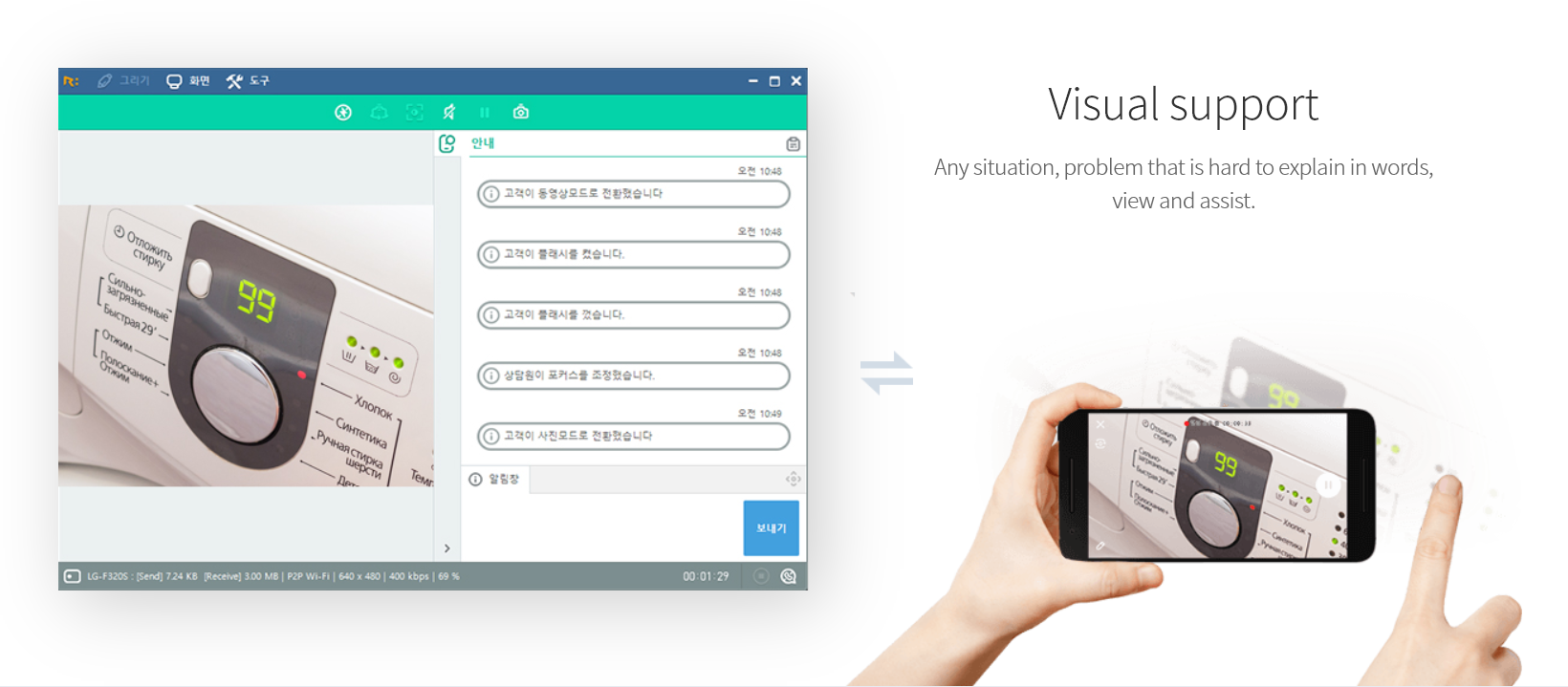
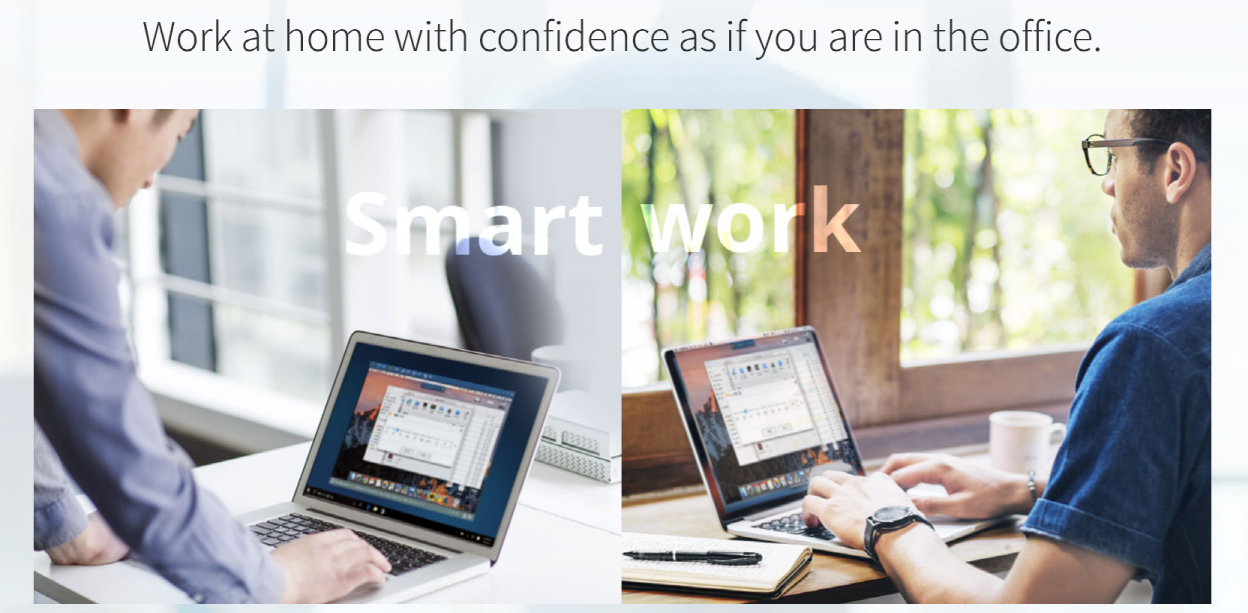
Screenshot of PC supportScreenshot of Mobile supportScreenshot of Visual supportScreenshot of Remote support work-from-homeScreenshot of RemoteCall WebViewer