For visuals and product listings, Picsart's photo editing tools offer solutions for a variety of businesses. While Picsart's capabilities are available through web or mobile, Picsart Enterprise offers photo and video editing APIs and SDKs, integrated through a variety of services (e.g. Zapier, Make, etc.) for a variety of additional use cases.
$13
per month
QuarkXPress
Score9 out of 10
N/A
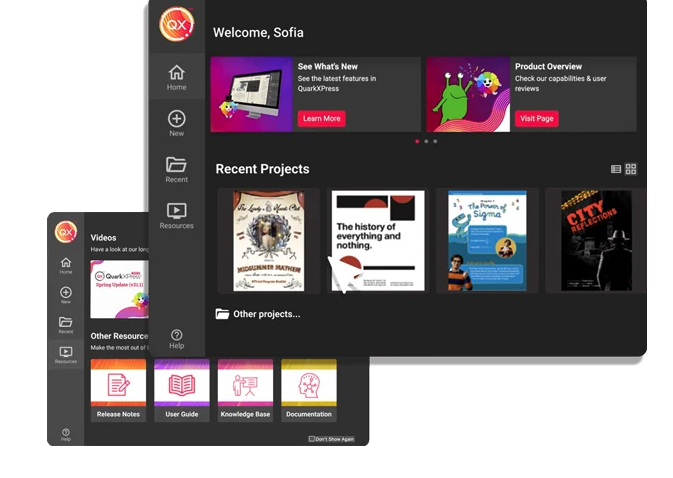
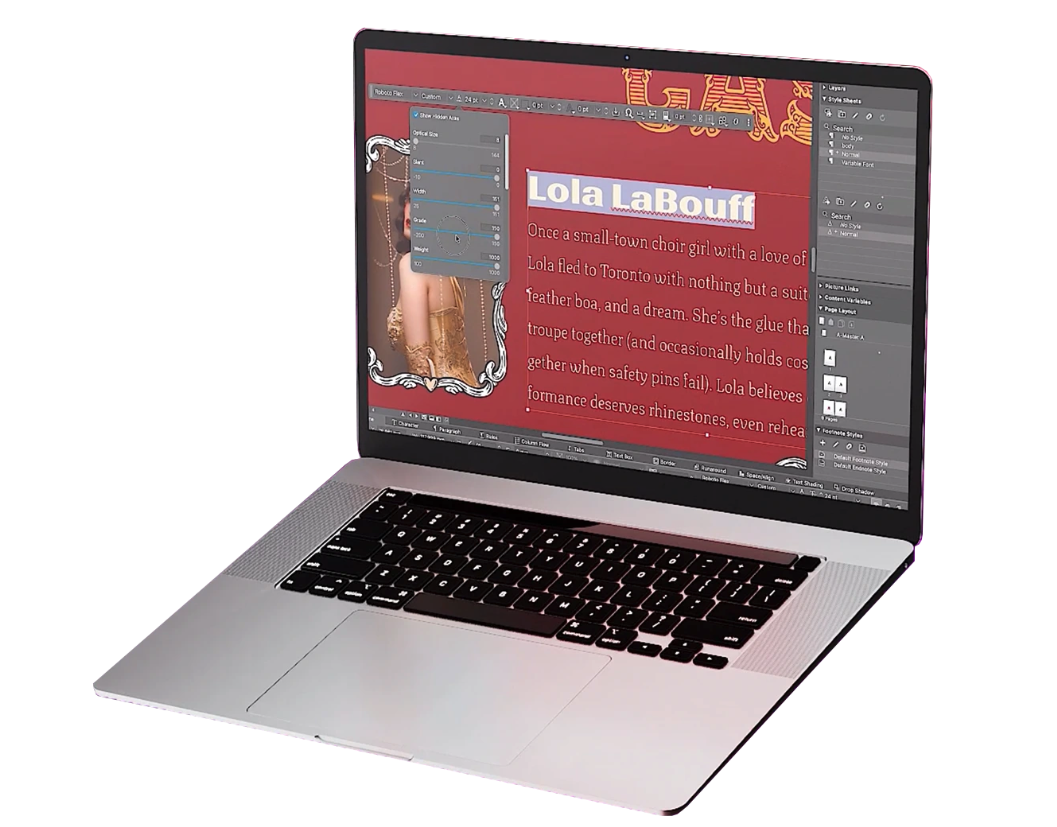
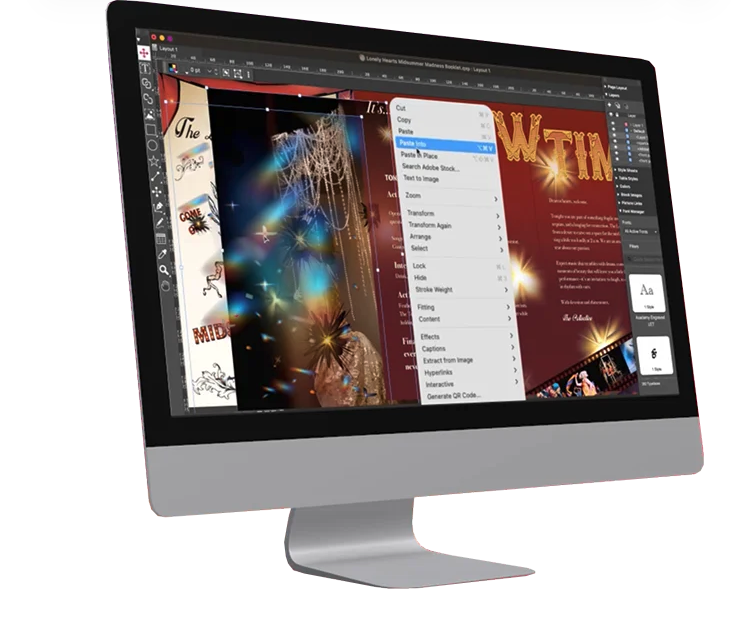
QuarkXPress from Quark Software headquartered in Denver introduces modern responsive web design with Flex Layouts, reimagined Tables, and productivity-boosting design features.
$279
per year
Pricing
Picsart
QuarkXPress
Editions & Modules
Picsart Plus
$13
per month
Picsart Pro
$15
per month
Picsart Enterprise - API Services
$95
per month 10k credits
Picsart Enterprise - Print Solutions
from $99
per month 1000 credits included
Picsart Enterprise - Marketing Solutions
from $99
per month 1000 credits included
QuarkXPress Subscription License
$279
per year
QuarkXPress Perpetual License
$629
one-time fee
Offerings
Pricing Offerings
Picsart
QuarkXPress
Free Trial
Yes
Yes
Free/Freemium Version
Yes
No
Premium Consulting/Integration Services
No
No
Entry-level Setup Fee
No setup fee
Optional
Additional Details
—
—
More Pricing Information
Community Pulse
Picsart
QuarkXPress
Considered Both Products
Picsart, Inc
No answer on this topic
Quark Software Inc.
Verified User
Chose QuarkXPress
QuarkXPress has more user-friendly features compared to Adobe InDesign where we can set up the page layout for any sort of medium. We can compress the pdf size here as per the requirement. Also, we can export pdf in a quicker manner by choosing it as a default output format.
A de minimis incentive was given to thank the reviewer for their time. The incentive was not used to bias or drive a particular response, nor was the incentive contingent on a positive endorsement. More Info
In my experience, I have used PicsArt in lots of projects which helped me to complete the projects on time with satisfactory results. Mostly I use the Android app which is super easy to use. I have created multiple templates for my business. But I think it should remove the watermark on video editing also in the free version. It helped us to create unique pre-designed templates with step by step process. Apart from that, I have never faced any issues with this tool.
A de minimis incentive was given to thank the reviewer for their time. The incentive was not used to bias or drive a particular response, nor was the incentive contingent on a positive endorsement. More Info
I used QuarkXPress to maintain a proper page layout for the UI which I receive from a UIUX developer. I develop Graphic Illustrations on the digital canvas to create creative content on the page design set and to develop designer headlines and sub-headlines where writers and editors can amend the text and place the copped images.
Basic Photo Editing - more robust than your basic iPhone photo editing tools, but much simpler (yet still powerful) and user-friendly than Adobe Photoshop and Lightroom.
Filters - a large variety of simple and complex photo filters with the ability to adjust the strength. A nice blend of filters can really enhance a photo without making it look heavily filtered.
User friendly - all across the board, this app is super easy to use and really powerful too. I can't imagine editing a photo on my phone without it.
A de minimis incentive was given to thank the reviewer for their time. The incentive was not used to bias or drive a particular response, nor was the incentive contingent on a positive endorsement. More Info
A de minimis incentive was given to thank the reviewer for their time. The incentive was not used to bias or drive a particular response, nor was the incentive contingent on a positive endorsement. More Info
There are a lot of features available to only paying subscribers, but all those features still appear for the nonpaying user, marked by the crown icon. Particularly with filters and stickers, it can be annoying to scroll through the majority of locked options to find the handful that is free. A filter option would be nice.
It would be nice to have access to previous projects where you could still go back and undo edits you've made. The draft feature seems to only be good for one project at a time.
Layers would be nice. That way when you use a sticker or add a photo on top and go on to make more edits, you could still move them around instead of just having to undo everything and re-add the stick or additional photo.
A de minimis incentive was given to thank the reviewer for their time. The incentive was not used to bias or drive a particular response, nor was the incentive contingent on a positive endorsement. More Info
A de minimis incentive was given to thank the reviewer for their time. The incentive was not used to bias or drive a particular response, nor was the incentive contingent on a positive endorsement. More Info
This is an industry standard. It is intuitive and pretty simple. I have been using it for 40 years and by no means do I use its potential, rather it does just what I want it to do.
A de minimis incentive was given to thank the reviewer for their time. The incentive was not used to bias or drive a particular response, nor was the incentive contingent on a positive endorsement. More Info
I used Lucidchart to develop architect-level integration flow diagrams to visualise integration flow. But Picsart has a user-friendly UI to develop and edit HQ pictures as per business requirements but some options are an enterprise where we need to pay and purchase those features and filters to use them while editing images.
A de minimis incentive was given to thank the reviewer for their time. The incentive was not used to bias or drive a particular response, nor was the incentive contingent on a positive endorsement. More Info
QuarkXPress simply blew the competition out of the water when it came to pricing and scalability in our business. Every employee that uses Quark always speaks very highly about using the software. We are not a large company but, the amount of money saved on the cost of each license was about 60% when compared to the competitors' products.
A de minimis incentive was given to thank the reviewer for their time. The incentive was not used to bias or drive a particular response, nor was the incentive contingent on a positive endorsement. More Info