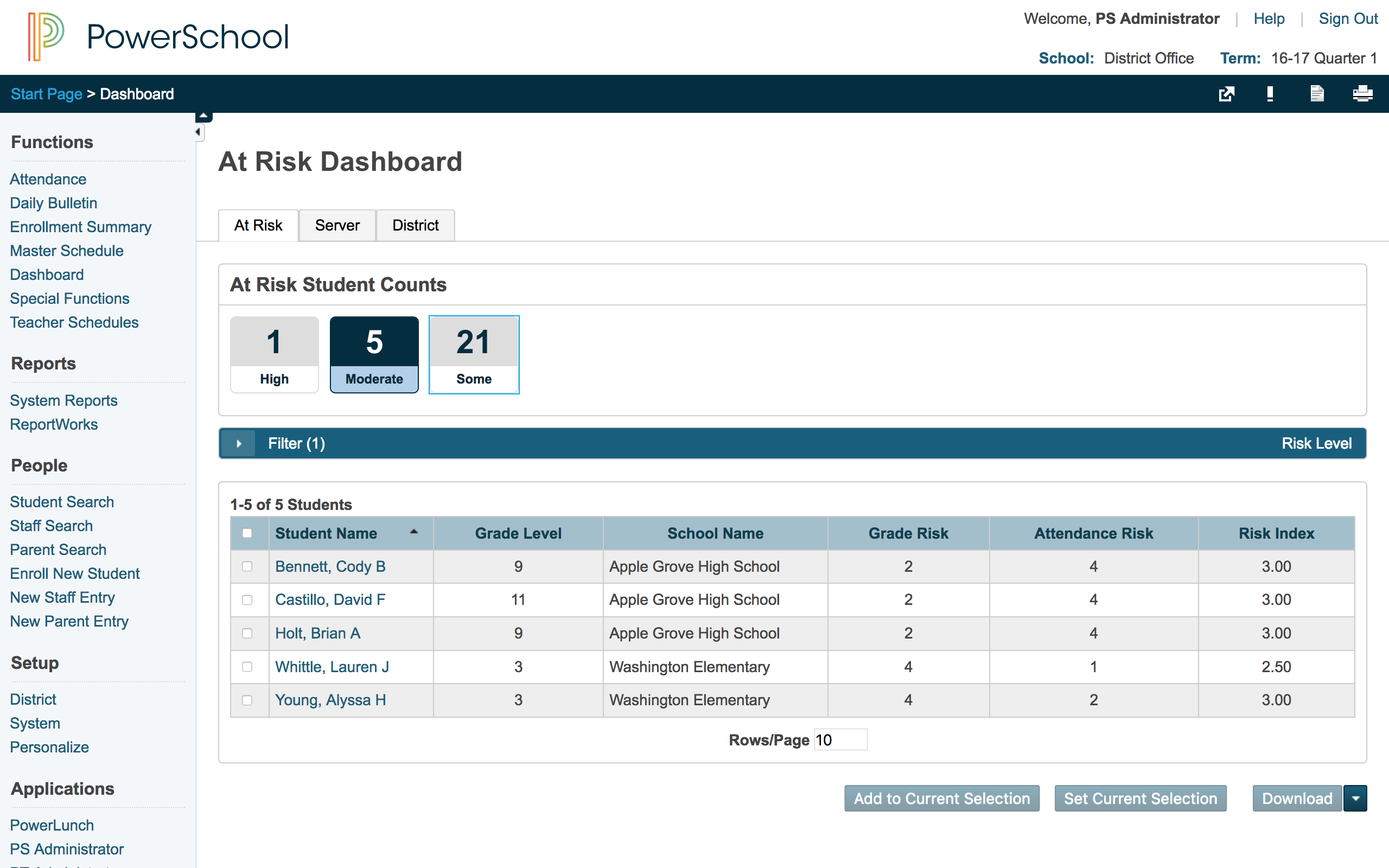
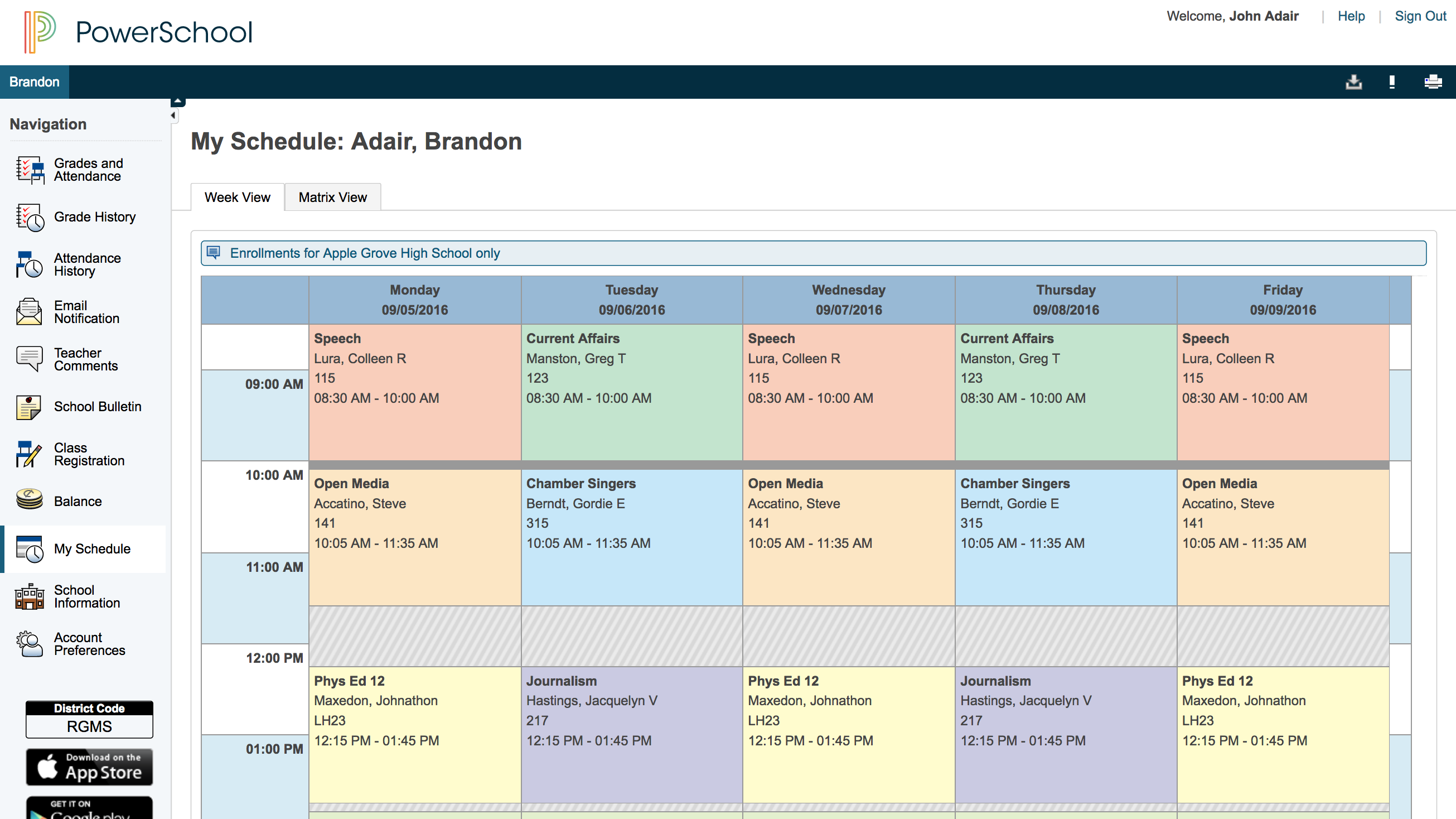
The PowerSchool Student
Information System covers administrative needs, such as scheduling, attendance,
reporting, data management, faculty management, emergency/medical and health
management, registration, and more for K-12 schools and districts. It is easy
to use and boasts an industry-leading gradebook, PowerTeacher Pro. Users enjoy
a fully web-based SIS that is flexible, configurable, and scalable with
real-time updates on any operating system, browser or device.
N/A
Taskstream-Tk20 (discontinued)
Score6 out of 10
N/A
Taskstream-Tk20 was software for higher education institutions, designed to help users manage institutional effectiveness. It has been discontinued.
PowerSchool Student Information System is a cool software that can be highly recommended to anyone who is living in the educational management space. It is proven that this software can reduce your manual workload massively if you use it right. Plus it is really worth the price you pay. Especially if you are in the administrative field, this software will help you to minimize manual efforts put into student registrations, staffing recruitment, and main resource management processes.
A de minimis incentive was given to thank the reviewer for their time. The incentive was not used to bias or drive a particular response, nor was the incentive contingent on a positive endorsement. More Info
TS is well suited as an eportfolio system when documents need to be archived for accreditation or long term assessment profiles. It would not be suited for routine classroom assessment or daily integration into a mobile or online platform. It is also not suited for non-technology oriented students, faculty, or staff. The user needs some level of confidence when using TS
A de minimis incentive was given to thank the reviewer for their time. The incentive was not used to bias or drive a particular response, nor was the incentive contingent on a positive endorsement. More Info
PowerSchool houses student or staff information that can be easily accessed by those teachers and administrators who need the information. This allows everyone to go to one place to access information.
Parents can view their child's grades at any time with their protected login on a parent portal. This allows teachers to keep parents informed and involved in their child's progress at school. When everyone works together it increases our students' chance for success.
PowerSchool offers videos to train new users. When we have new employees, the videos can be accessed at any time the employee needs as opposed to them waiting for someone to help them.
A de minimis incentive was given to thank the reviewer for their time. The incentive was not used to bias or drive a particular response, nor was the incentive contingent on a positive endorsement. More Info
Students can be searched via department or program so that I can search for a specific student. I can scroll through all students and find the one I need to evaluate or I can choose the option to "show all work waiting evaluation" and it will bring up student submissions that I have waiting for me.
TaskStream easily links or embeds into online classroom portals. We use BlackBoard now and students have an ePortfolio link that takes them directly to their menu of student instructions etc.
TaskStream actually serves its purpose well of archiving portfolio assignments so they can be referenced for an individual reason or for accreditation or reporting. It accomplishes this important goal for educational institutions.
A de minimis incentive was given to thank the reviewer for their time. The incentive was not used to bias or drive a particular response, nor was the incentive contingent on a positive endorsement. More Info
A de minimis incentive was given to thank the reviewer for their time. The incentive was not used to bias or drive a particular response, nor was the incentive contingent on a positive endorsement. More Info
There is a steep learning curve with TaskStream as the searching and even evaluating process is not intuitive. Although it is visual like a flowchart or grid--which I think is an asset--sometimes I can lock others out of the document or I have choices of "returning to student and deleting all instances of this submission" or "returning to student later" or "returning to student now and not deleting this submission" . . . I am unsure what these different options MEAN to the programmer. What I think they mean has not always proved to be correct. As a result, it creates confusion or frustration in the process.
The way TaskStream is used in the education department, multiple people may evaluate a capstone project in order to verify approval to progress to the next step--or next capstone activity. If a faculty or staff user inappropriately marks a document inside TaskStream, it can undo the submissions and make the process begin all over again. I have had this happen accidentally--a colleague returned a document the wrong way. The student then had to resubmit, two other colleagues had to approve indvidually, and then the 3rd party had to approve it the correct way. So although some aspects or tools/buttons in TS may not be intuitive, making errors in process can be time-consuming and create frustrations as they affect other people's work as well.
TaskStream does not work on a mobile device very efficiently. Because it has pop up windows, I often cannot get it to cooperate on a tablet, ipad, or mobile device. This is problematic when I am travelling and need to attend to a document in TS.
A de minimis incentive was given to thank the reviewer for their time. The incentive was not used to bias or drive a particular response, nor was the incentive contingent on a positive endorsement. More Info
We would be starting over at square one if we did not continue our PowerSchool subscription. We do not have a program in a place that would take its place.
A de minimis incentive was given to thank the reviewer for their time. The incentive was not used to bias or drive a particular response, nor was the incentive contingent on a positive endorsement. More Info
A de minimis incentive was given to thank the reviewer for their time. The incentive was not used to bias or drive a particular response, nor was the incentive contingent on a positive endorsement. More Info
Overall, I have not had to use support for PowerSchool Student Information System because our school district gives us training in each area in which we will be utilizing PowerSchool Student Information System. In terms of in-user support, I feel that there is mild to moderate user support that is built into PowerSchool SIS.
A de minimis incentive was given to thank the reviewer for their time. The incentive was not used to bias or drive a particular response, nor was the incentive contingent on a positive endorsement. More Info
I have heard good things for Infinite Campus and Skyward. I would [evaluate] each of them and see what fits your needs. Each has their strengths and weaknesses and so picking the right one for your needs is important. PowerSchool [Student Information System] does have some great features, but lacks some fundamental reports and functions to make it top notch.
A de minimis incentive was given to thank the reviewer for their time. The incentive was not used to bias or drive a particular response, nor was the incentive contingent on a positive endorsement. More Info
TS is the only e-portfolio system I have used for students. I have used Kenobi as a wiki for holding data that was interactive with other faculty members. I found it to be simple but lacking in ability to be robust or host dynamic data. Kenobi does not have the ability to score or complete rubrics in the same fashion--there is a place for rubrics, but it is not as dynamic as TS
A de minimis incentive was given to thank the reviewer for their time. The incentive was not used to bias or drive a particular response, nor was the incentive contingent on a positive endorsement. More Info
It has created shortcuts for all staff members, saving us time.
In creating shortcuts and combining many different systems into one, it is saving our school money.
It has created a safety net for teachers because grades and student information is stored electronically, which means teachers not having to worry about losing or misplacing their grade books.
A de minimis incentive was given to thank the reviewer for their time. The incentive was not used to bias or drive a particular response, nor was the incentive contingent on a positive endorsement. More Info
Although I am not on the administrative side of my department, it has been and continues to be the e-portfolio management system of choice for Walden University. Walden is now a for-profit school that is trading on the market. With that in mind, they would not invest in a system that was not functioning to its expectations.
If you view TS from a faculty or user perspective, I have colleagues who are frustrated with TS and its not "intuitive" nature, and they have eventually quit working for Walden and TS and the multiple systems we have to use was cited as a reason.
it would be ideal if there was one overall system that could manage all the different data artifacts we have to collect as faculty in higher ed. Due to accreditation and liability standards, we have to maintain faculty quality, classroom quality, student-learning quality and many other aspects of the educational system. TS is ONE of the systems we use. In the perfect world, there would be just one or two that completed the job.
A de minimis incentive was given to thank the reviewer for their time. The incentive was not used to bias or drive a particular response, nor was the incentive contingent on a positive endorsement. More Info