Prezi’s advantage over static slides is that its interactive, zoomable canvas shows the relationship between the big picture and the fine details. The vendor’s value proposition is that this puts ideas in context, and makes them more likely to resonate, motivate, and be remembered.
$3
per month
QuarkXPress
Score9 out of 10
N/A
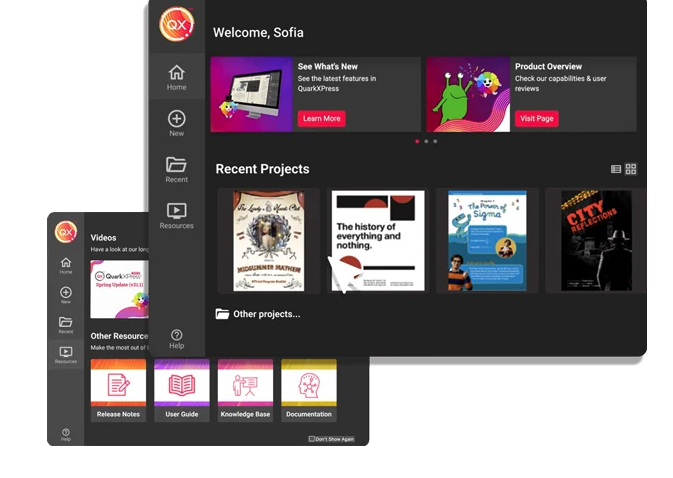
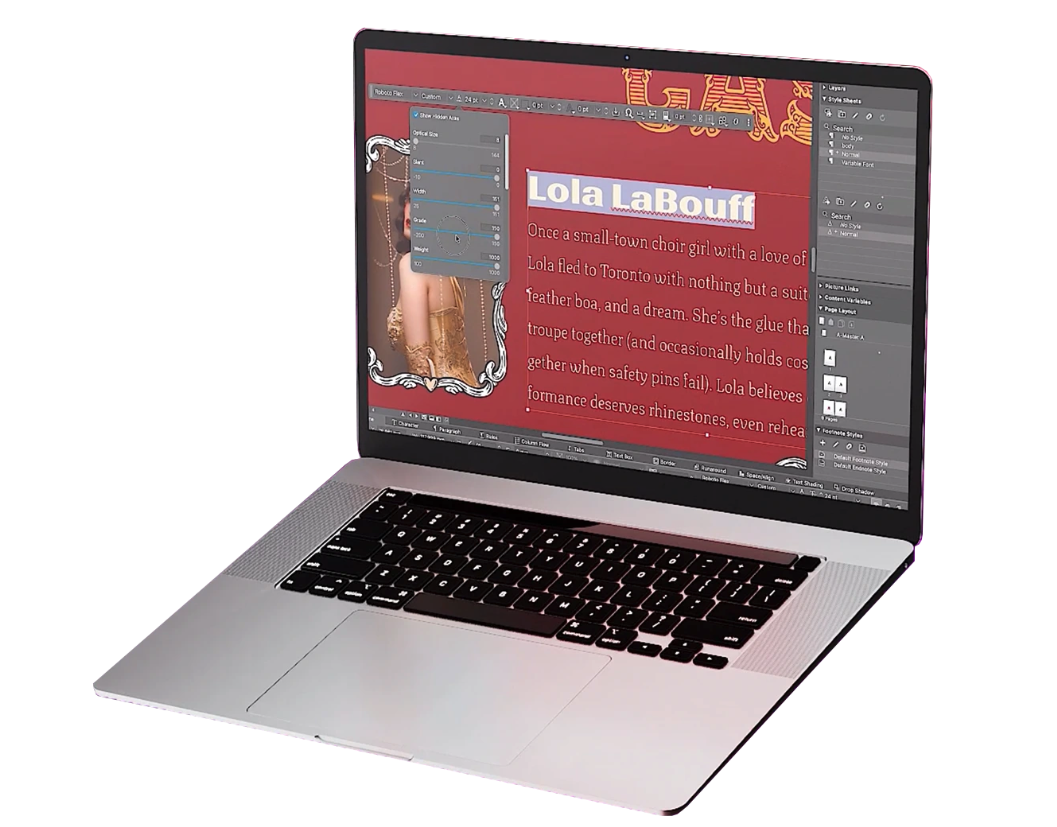
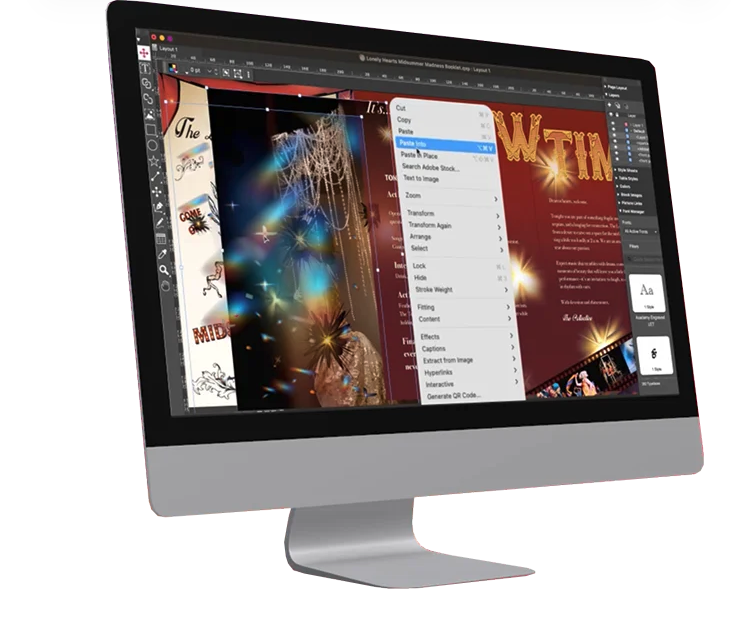
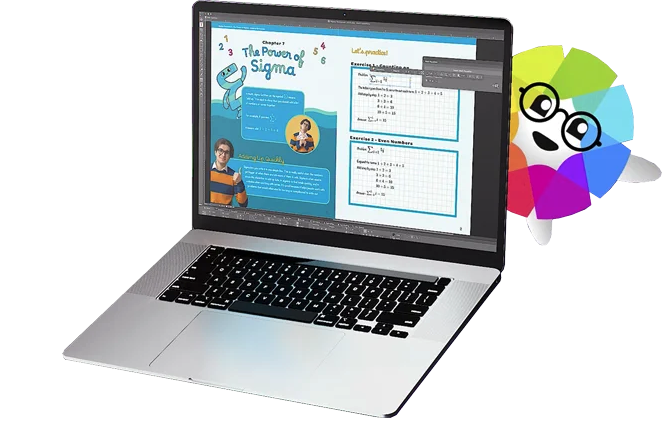
QuarkXPress from Quark Software headquartered in Denver introduces modern responsive web design with Flex Layouts, reimagined Tables, and productivity-boosting design features.
When you have to present complex hierarchical structures, and if your audience would require navigation in and out of the hierarchy, then Prezi is a good candidate for you. But be prepared, Prezi is not as intuitive as a standard presentation tool, and it may take some time to get used to.
A de minimis incentive was given to thank the reviewer for their time. The incentive was not used to bias or drive a particular response, nor was the incentive contingent on a positive endorsement. More Info
I used QuarkXPress to maintain a proper page layout for the UI which I receive from a UIUX developer. I develop Graphic Illustrations on the digital canvas to create creative content on the page design set and to develop designer headlines and sub-headlines where writers and editors can amend the text and place the copped images.
A de minimis incentive was given to thank the reviewer for their time. The incentive was not used to bias or drive a particular response, nor was the incentive contingent on a positive endorsement. More Info
A de minimis incentive was given to thank the reviewer for their time. The incentive was not used to bias or drive a particular response, nor was the incentive contingent on a positive endorsement. More Info
Linux support is non-existent. With Android/Chrome OS being based on the linux kernel but also with lots of tech-savvy and influencers using non-Windows and non iOS platforms, I feel a pariah.
As far as I know for Android phones and tablets you can only present but not edit prezis in its native app. Again an Android users, it is a sub-par experience the app in general is lacking functionality.
Using the browser version (because I have no other alternative) uploading multiple images is very buggy
Having a version history would be great when you are editing a large presentation over several days
A de minimis incentive was given to thank the reviewer for their time. The incentive was not used to bias or drive a particular response, nor was the incentive contingent on a positive endorsement. More Info
A de minimis incentive was given to thank the reviewer for their time. The incentive was not used to bias or drive a particular response, nor was the incentive contingent on a positive endorsement. More Info
Learning to use Prezi and create new presentations is very simple and easy to do. It does not require new skills or a long training process, since in general the use is quite intuitive (and if you have any questions there are many videos on how to use it). Its operation in both the browser version and the app is very good and fluid, managing to perform all the tasks you want properly.
This is an industry standard. It is intuitive and pretty simple. I have been using it for 40 years and by no means do I use its potential, rather it does just what I want it to do.
A de minimis incentive was given to thank the reviewer for their time. The incentive was not used to bias or drive a particular response, nor was the incentive contingent on a positive endorsement. More Info
It is a modern and easy-to-use tool (after a while) that allows you to make dynamic and trained presentations without the need to be an expert user. It has allowed me to improve the attention and motivational processes of my students. In addition, it has many [community users] who make videos and teach the many uses that you can use Prezi. And because, despite the restrictions of the free version, everyone can access and make use of Prezi and thus improve their boring ppt and inject some vitality into them.
Other solutions for presentations all fall on the typical slideshow paradigm. So far, only Prezi walked away from this path. Its expanding canvas and freeform path are refreshing in this scenario. In this sense, Prezi is unique in its style of presentation, which makes difficult to establish comparisons based on costs. The still ongoing migration to Prezi Next has been a bit troubled, according to some old users, but it seems the company is working to give Prezi Next the same flexibility that Prezi Classic. And Prezi already has a huge user base that do not want to go back working with the limits of slides.
A de minimis incentive was given to thank the reviewer for their time. The incentive was not used to bias or drive a particular response, nor was the incentive contingent on a positive endorsement. More Info
QuarkXPress simply blew the competition out of the water when it came to pricing and scalability in our business. Every employee that uses Quark always speaks very highly about using the software. We are not a large company but, the amount of money saved on the cost of each license was about 60% when compared to the competitors' products.
A de minimis incentive was given to thank the reviewer for their time. The incentive was not used to bias or drive a particular response, nor was the incentive contingent on a positive endorsement. More Info
Prezi provided us with a unique selling factor when it came to pitching our services to new prospects.
While creating a presentation from scratch might be time-consuming, Prezi allows you to easily reuse and utilize old designs to create new presentations with a different vibe and content.
An easy way to impress upper management and stakeholders, especially when presenting to the management of our clients.
A de minimis incentive was given to thank the reviewer for their time. The incentive was not used to bias or drive a particular response, nor was the incentive contingent on a positive endorsement. More Info