
PTC Creo vs. Vectorworks Spotlight
| Product | Rating | Most Used By | Product Summary | Starting Price |
|---|---|---|---|---|
 PTC Creo | Score7.6 out of 10 | N/A | PTC offers Creo, the company's line of computer-aided design (CAD) products that support the product lifecycle management (PLM) process with 2D and 3D design kits (Creo Elements and Creo Direct), an augmented reality module, Creo Illustrate for technical illustrations, Creo Sketch, Creo Schematics and Creo View for diagramming and sharing information, Creo simulate for running simulations, and other modules. | $2,480 |
 Vectorworks Spotlight | Score10 out of 10 | N/A | Vectorworks Spotlight is a solution used to design, document, previsualize, and produce shows and events. With an extensive suite of drawing, modeling, database, documentation, and collaboration tools, Spotlight helps users go from concept to fully created model within a single workflow. Evolved to meet the needs of entertainment industry professionals, Vectorworks Spotlight 2025 opens a new world of visual understanding and communication, delivering features implemented to address the most-used… | $153 per month per user |
| PTC Creo | Vectorworks Spotlight | |||||||||||||||
|---|---|---|---|---|---|---|---|---|---|---|---|---|---|---|---|---|
| Editions & Modules |
|
| ||||||||||||||
| Offerings |
| |||||||||||||||
| Entry-level Setup Fee | No setup fee | Optional | ||||||||||||||
| Additional Details | — | $153/M: Monthly, 2 GB of cloud storage, Basic tech support, Immediate access to new versions $128/M: $1530 billed annually | Saves $306 over monthly billing, 2 GB of cloud storage, Basic tech support, Immediate access to new versions | ||||||||||||||
| More Pricing Information | ||||||||||||||||
| PTC Creo | Vectorworks Spotlight | |
|---|---|---|
| Considered Both Products | No answer on this topic | No answer on this topic |
| Key User Insights | ||
| Would buy again | ||
90% Would buy again 9 Answers | No answers on this topic | |
| Delivers good value for the price | ||
80% Delivers good value for the price 8 Answers | No answers on this topic | |
| Happy with the feature set | ||
80% Happy with the feature set 8 Answers | No answers on this topic | |
| Lived up to sales and marketing promises | ||
100% Lived up to sales and marketing promises 5 Answers | No answers on this topic | |
| Implementation went as expected | ||
100% Implementation went as expected 7 Answers | No answers on this topic | |
| PTC Creo | Vectorworks Spotlight | ||||||||||||||||||||||||||||
|---|---|---|---|---|---|---|---|---|---|---|---|---|---|---|---|---|---|---|---|---|---|---|---|---|---|---|---|---|---|
| Computer-Aided Design Software |
| ||||||||||||||||||||||||||||
| PTC Creo | Vectorworks Spotlight | |
|---|---|---|
| Small Businesses |  Onshape Score6.4 out of 10 | Onshape Score6.4 out of 10 |
| Medium-sized Companies | Onshape Score6.4 out of 10 | Onshape Score6.4 out of 10 |
| Enterprises |  Rhino Score8.7 out of 10 | PTC Creo Score7.6 out of 10 |
| All Alternatives | View all alternatives | View all alternatives |
| PTC Creo | Vectorworks Spotlight | |
|---|---|---|
| Likelihood to Recommend | 2.2 | - |
| Support Rating | 8.0 | - |
| PTC Creo | Vectorworks Spotlight | |
|---|---|---|
| Likelihood to Recommend |
| No answers on this topic |
| Pros |
| No answers on this topic |
| Cons |
| No answers on this topic |
| Support Rating |
| No answers on this topic |
| Alternatives Considered |
| No answers on this topic |
| Return on Investment |
| No answers on this topic |
| ScreenShots | Vectorworks Spotlight Screenshots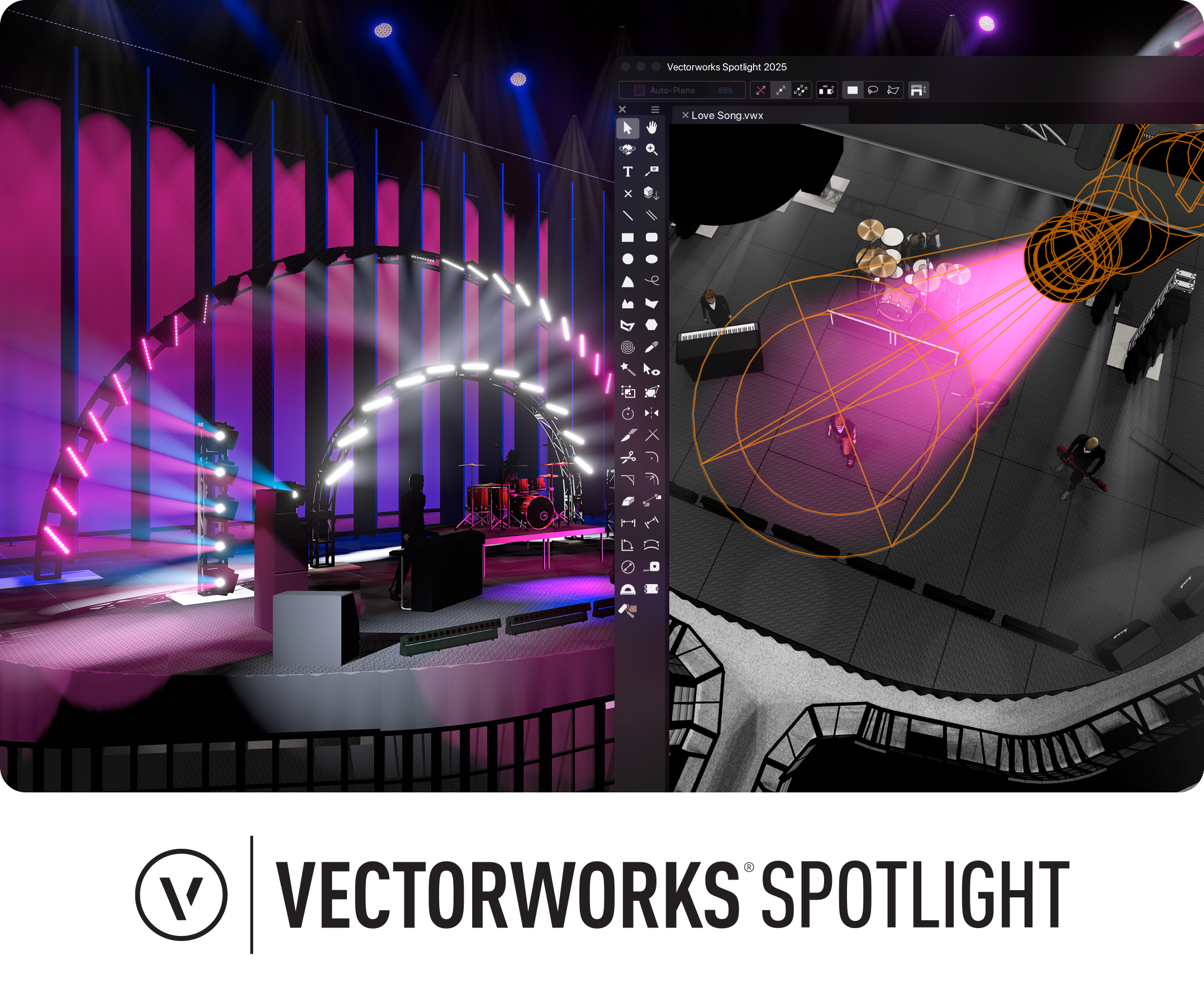 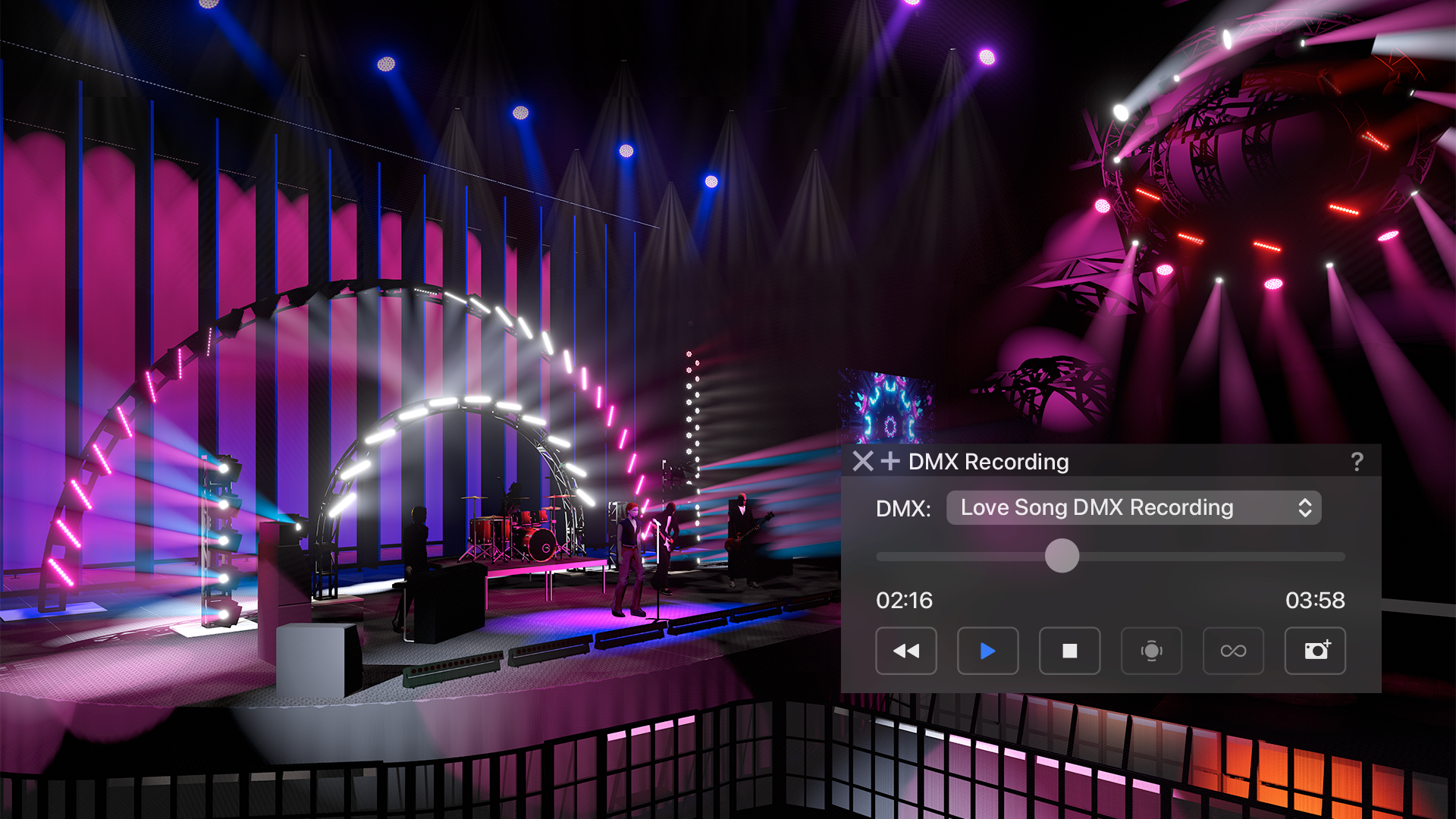 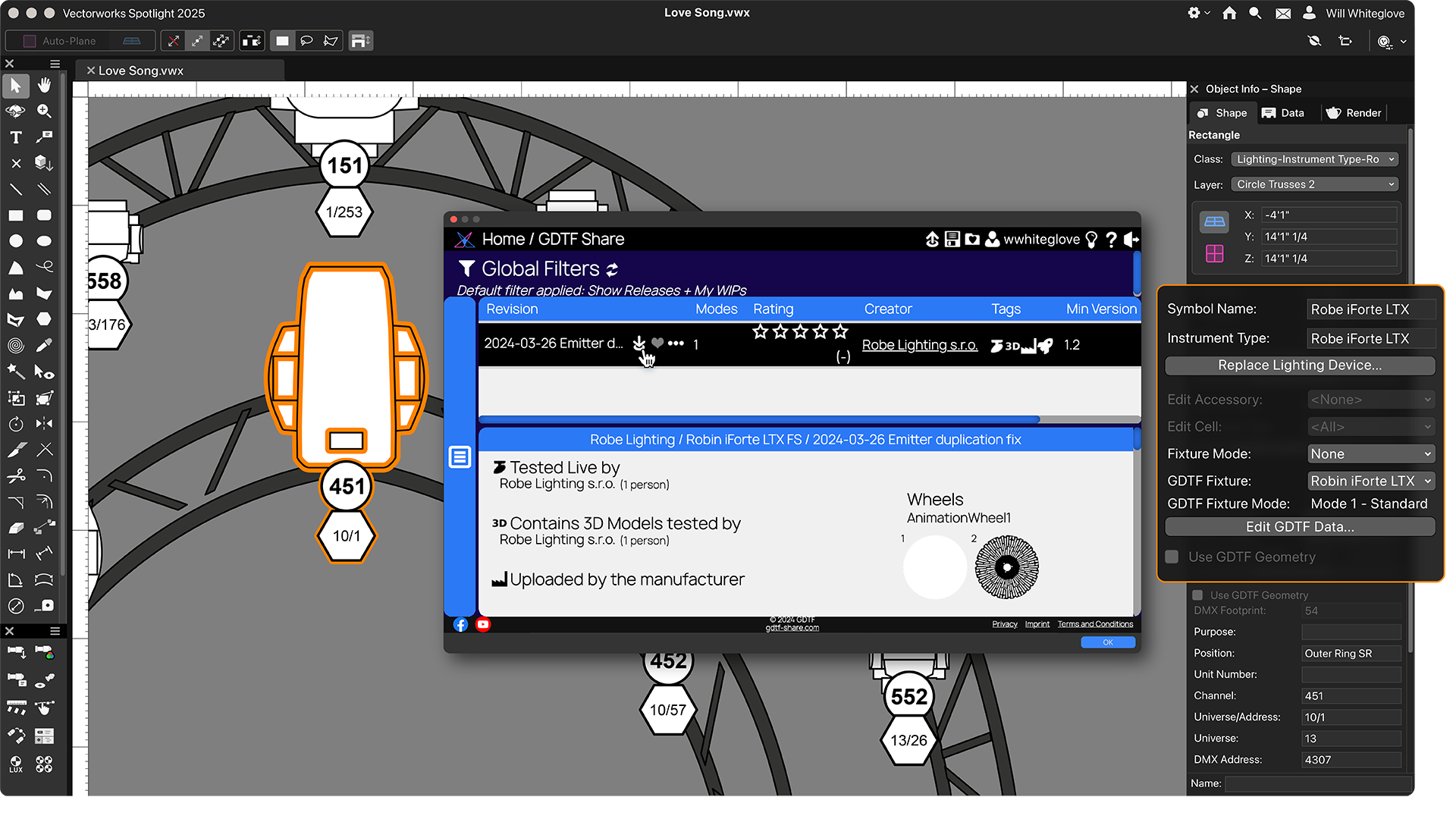 |


