
QA Sphere vs. Visual Studio Test Professional
| Product | Rating | Most Used By | Product Summary | Starting Price |
|---|---|---|---|---|
 QA Sphere | N/A | N/A | QA Sphere is a cloud-based Test Management system for planning, organizing, executing, and reporting on manual and exploratory software tests. The platform centralizes test cases, test runs, results, requirements, and linked defects. Key Capabilities Test case management: Teams can organize test cases by folder, tag, priority, and project. Parameterized cases support multiple data variations without duplicating the test steps. Test suites can be imported and… | $12 per month per user |
 Visual Studio Test Professional | Score7 out of 10 | N/A | An add-on for the Visual Studio IDE, Visual Studio Test Professional subscription helps teams drive quality and speed. It includes test case management and collaboration features that streamline quality control and support continuous delivery. | $2,169 for the first year (renews at $869) |
| QA Sphere | Visual Studio Test Professional | |||||||||||||||
|---|---|---|---|---|---|---|---|---|---|---|---|---|---|---|---|---|
| Editions & Modules |
| No answers on this topic | ||||||||||||||
| Offerings |
| |||||||||||||||
| Entry-level Setup Fee | No setup fee | No setup fee | ||||||||||||||
| Additional Details | QA Sphere is priced per user per month. The Free plan covers up to 3 users with 1 GB of attachment storage, full API and integration access, and a capped allowance of AI generations. Standard is $12 per user per month and adds unlimited projects, 20 GB of attachment storage, Google SSO, unlimited free read-only viewer seats for stakeholders, and AI test case generation and bug reporting without credit metering. Business is $24 per user per month for teams needing higher limits and additional administrative controls. Custom enterprise terms are available, and a 30-day trial requires no credit card. | — | ||||||||||||||
| More Pricing Information | ||||||||||||||||
| QA Sphere | Visual Studio Test Professional | |
|---|---|---|
| Considered Both Products | No answer on this topic | No answer on this topic |
| Key User Insights | ||
| Would buy again | ||
No answers on this topic | 100% Would buy again 12 Answers | |
| Delivers good value for the price | ||
No answers on this topic | 91% Delivers good value for the price 10 Answers | |
| Happy with the feature set | ||
No answers on this topic | 100% Happy with the feature set 12 Answers | |
| Lived up to sales and marketing promises | ||
No answers on this topic | 100% Lived up to sales and marketing promises 9 Answers | |
| Implementation went as expected | ||
No answers on this topic | 100% Implementation went as expected 12 Answers | |
| QA Sphere | Visual Studio Test Professional | |
|---|---|---|
| Likelihood to Recommend | - | 7.0 |
| Usability | - | 7.0 |
| Support Rating | - | 8.5 |
| QA Sphere | Visual Studio Test Professional | |
|---|---|---|
| Likelihood to Recommend | No answers on this topic |
|
| Pros | No answers on this topic |
|
| Cons | No answers on this topic |
|
| Usability | No answers on this topic |
|
| Support Rating | No answers on this topic |
|
| Alternatives Considered | No answers on this topic |
|
| Return on Investment | No answers on this topic |
|
| ScreenShots | QA Sphere Screenshots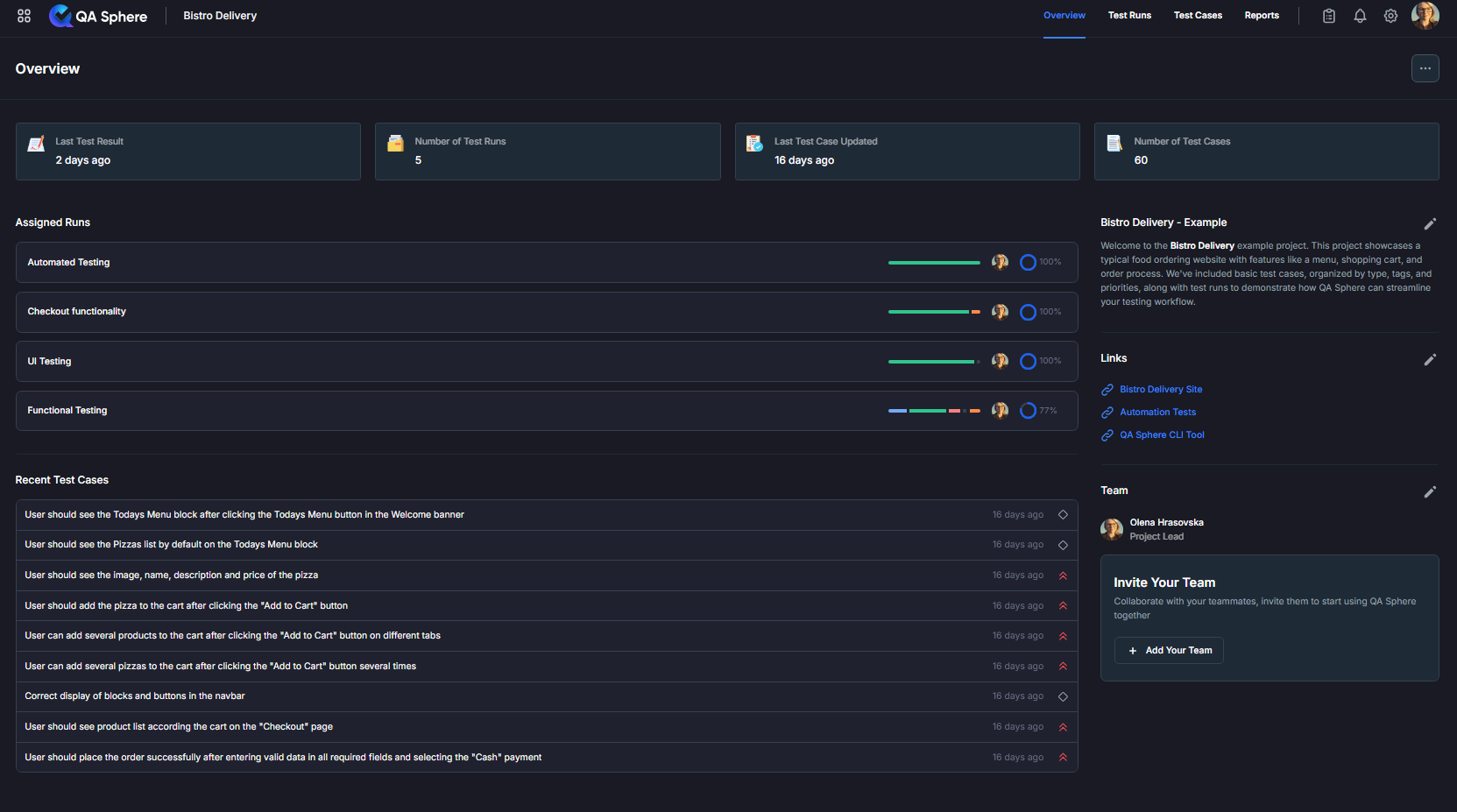 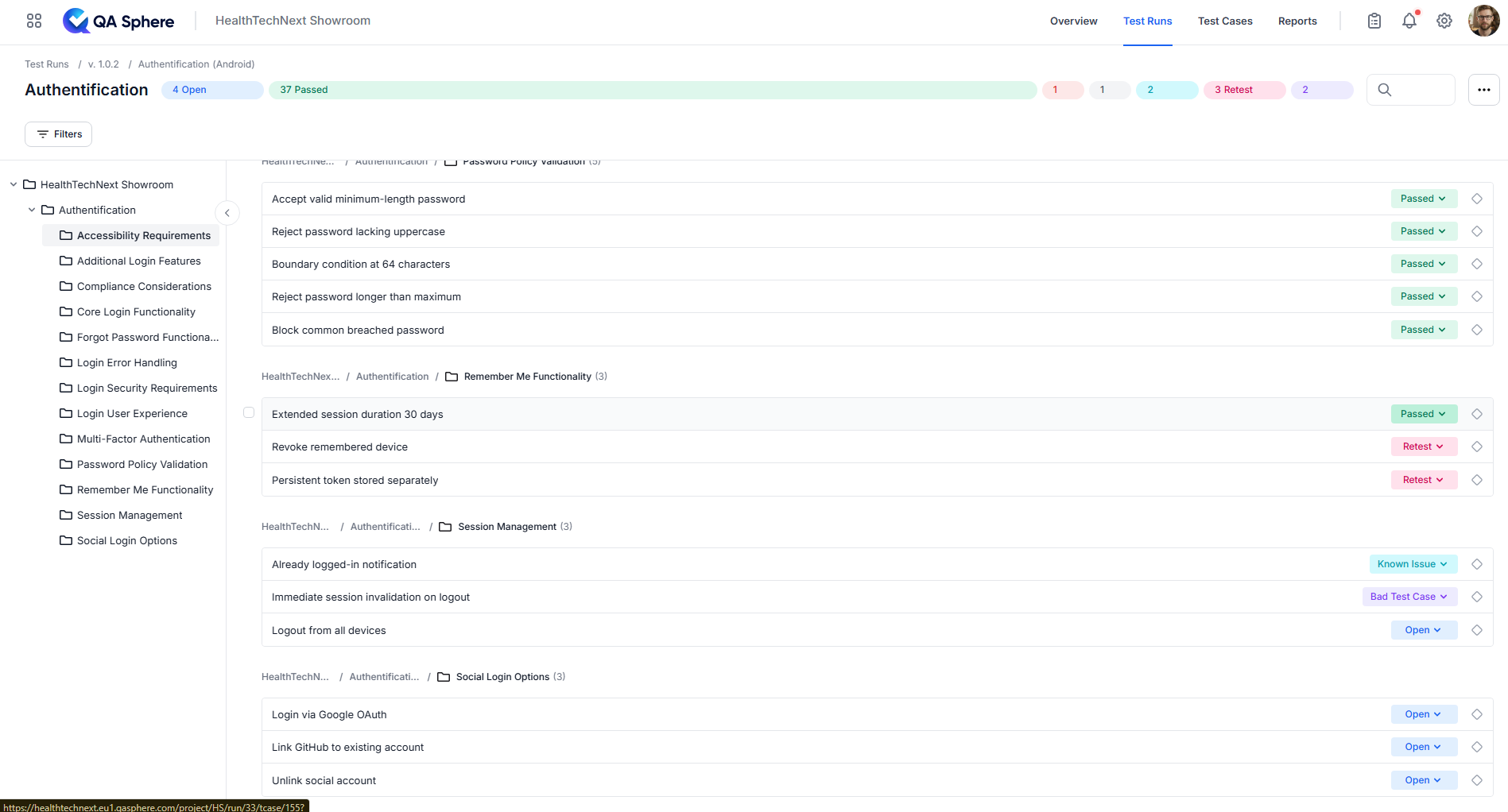 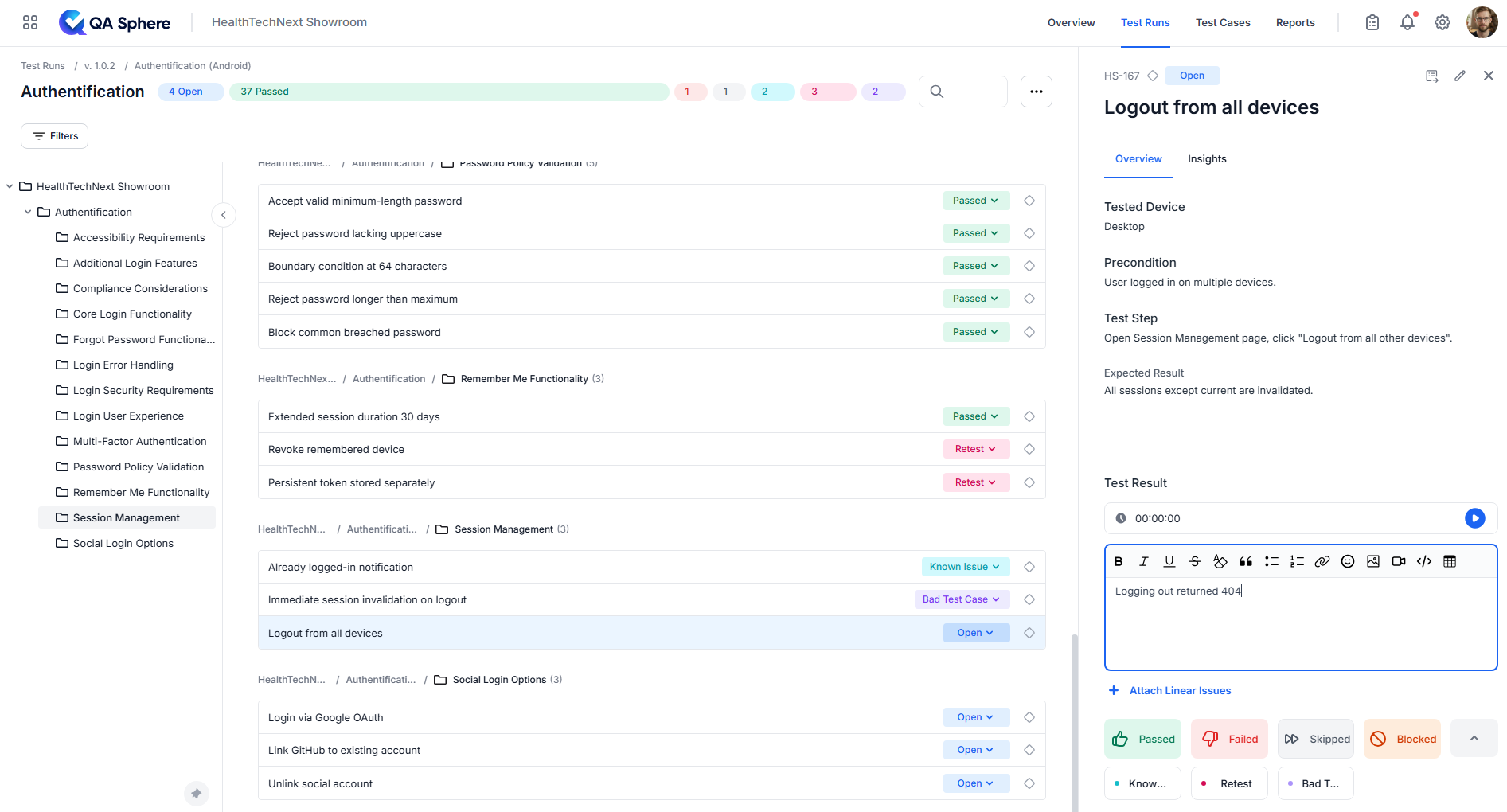 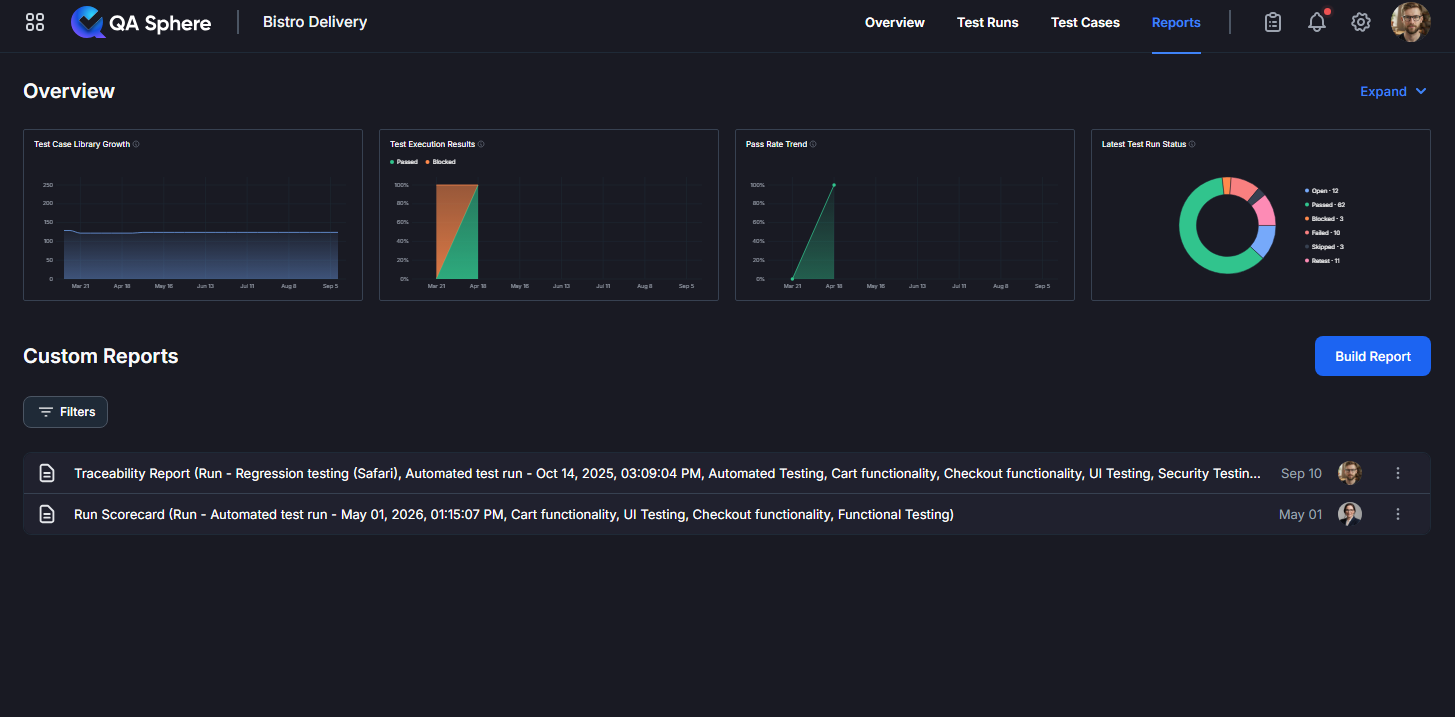 |

