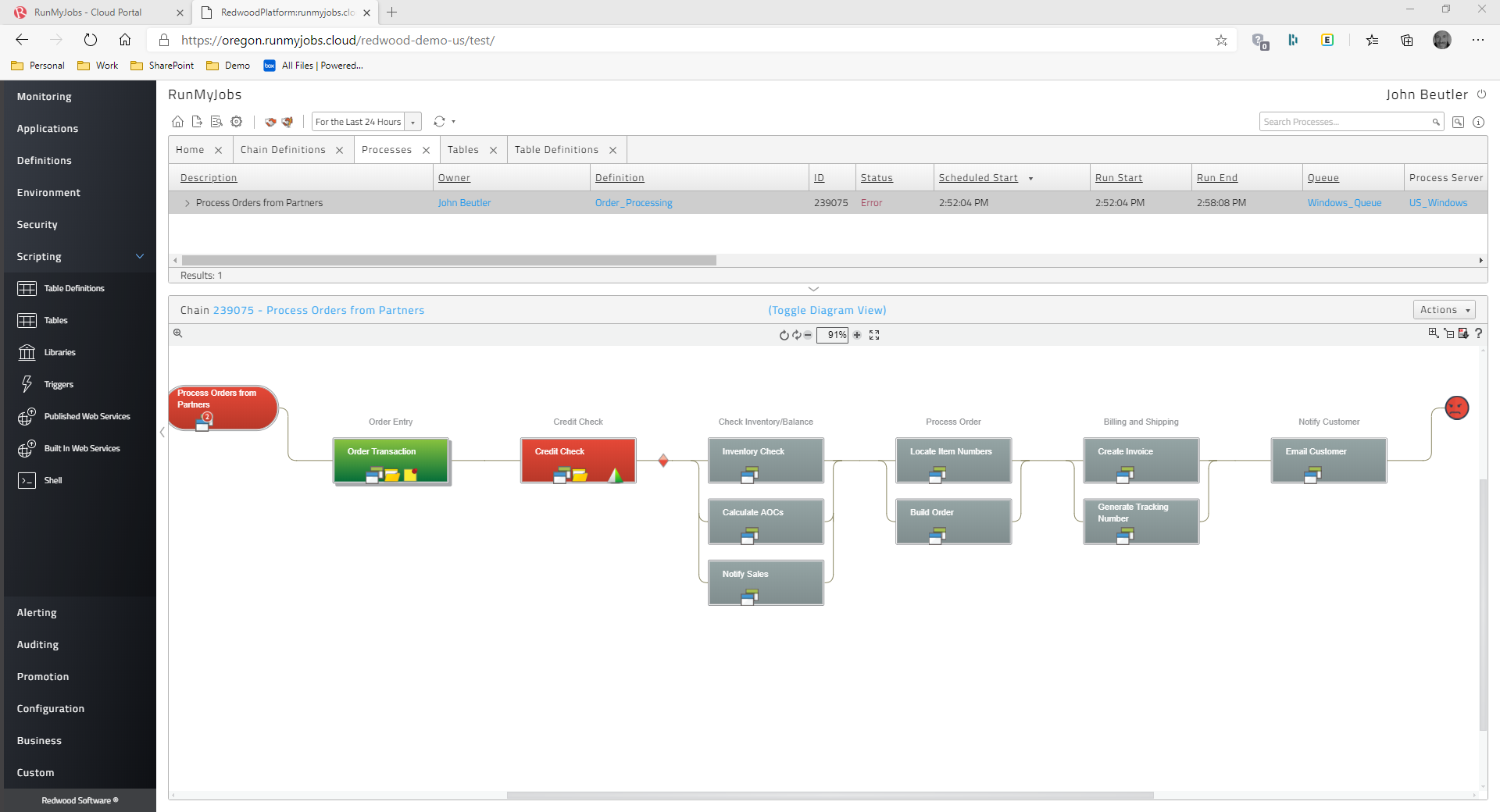
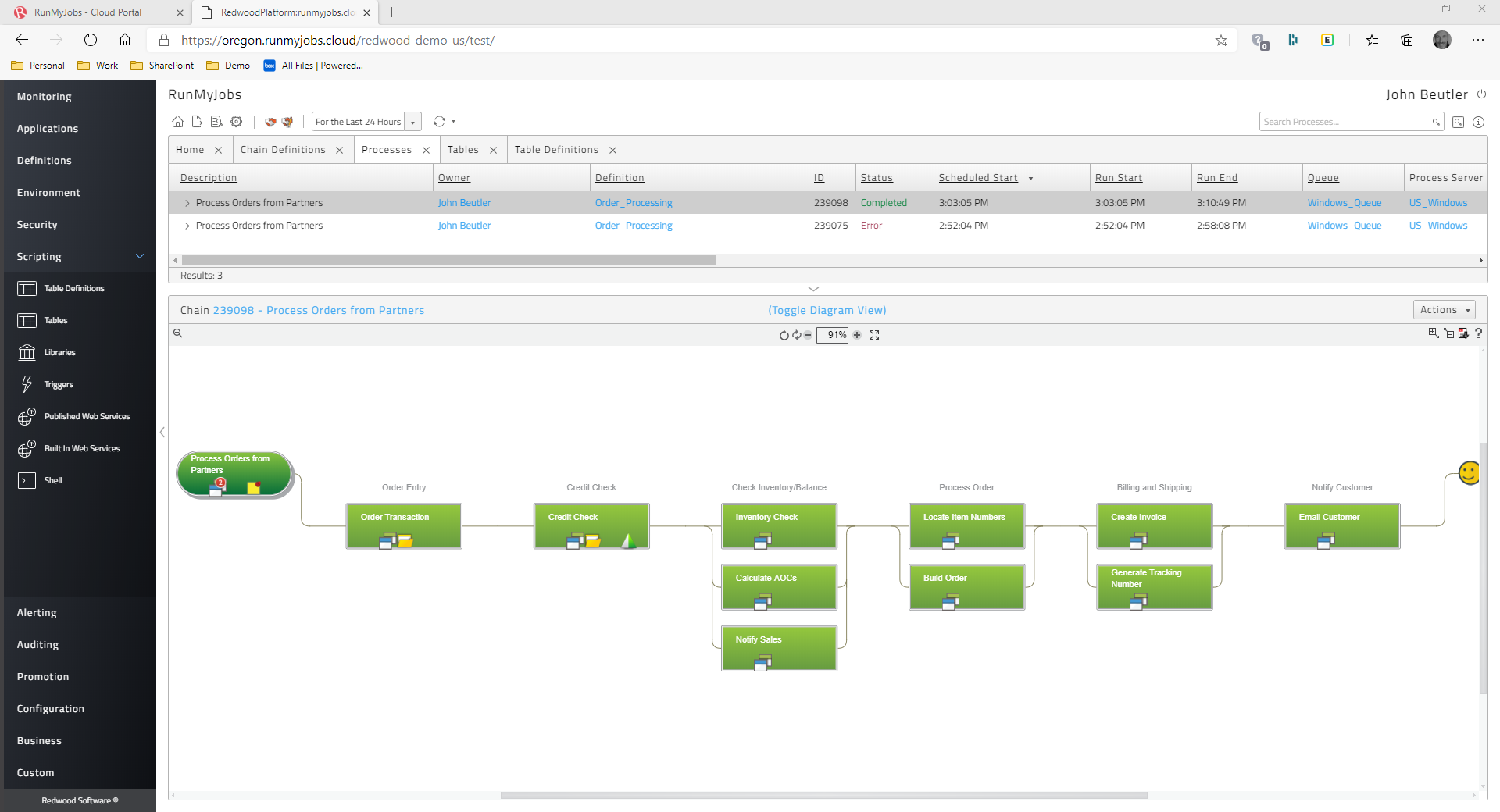
Redwood Business Process Automation is a workload automation and job scheduling solution designed for and
delivered via Software-as-a-Service (SaaS). It transforms the digital
enterprise with scalability and integration with all
technologies in the modern enterprise. Redwood unifies workflows across
on-premises, private, hybrid and public cloud environments. It bridges gaps in
complex processes that function between mainframe, distributed, virtual and
cloud resources. Clients use Redwood to…
N/A
IBM Turbonomic
Score 8.9 out of 10
Enterprise companies (1,001+ employees)
IBM Turbonomic is a performance and cost optimization platform for public, private, and hybrid clouds used by cloud, infrastructure operations, and architecture to assure application performance while eliminating inefficiencies by dynamically resourcing applications through automated actions. One of the key features of IBM Turbonomic is its ability to continuously adjust application resources in real time. By monitoring resource utilization and application performance,…
N/A
Pricing
Redwood RunMyJobs
IBM Turbonomic
Editions & Modules
No answers on this topic
IBM® Turbonomic On-Prem
Varies - Request a Quote
per month IBM Turbonomic On-prem optimizes data center resources in real time, ensuring app performance at the lowest cost by aligning infrastructure supply with dynamic application demand.
IBM® Turbonomic Cloud Standard
Varies - Request a Quote
per month For customers with more than USD 1.6 million in annual cloud spend or 50 Managed Virtual Servers (MVS) or greater
IBM® Turbonomic Hybrid Standard
Varies - Request a Quote
per month Advanced hybrid cloud optimization capabilities for customers with 200 managed virtual servers (MVS) or more
The automation of batch processing operations like file transfers, data backups, and report production is a good fit for Redwood Workload Automation. Organizations' IT operations can be streamlined and made more efficient because to its capacity to automate and schedule these procedures across a variety of platforms. Redwood Workload Automation is highly suited for automating complicated business operations within SAP settings and has a close interaction with SAP systems. Organizations may automate and streamline their SAP processes with the help of its ability to handle SAP tasks, spools, and workflows. Redwood Workload Automation excels at automating workloads on a variety of operating systems, including Windows, Linux, Unix, and other cloud environments. This makes it a viable option for businesses that need automation across numerous systems and have complex IT infrastructures. For large businesses with complicated IT environments, Redwood Workload Automation was created. It is the perfect option for enterprises with high-volume transaction processing requirements due to its scalability and capacity for handling large-scale workloads.
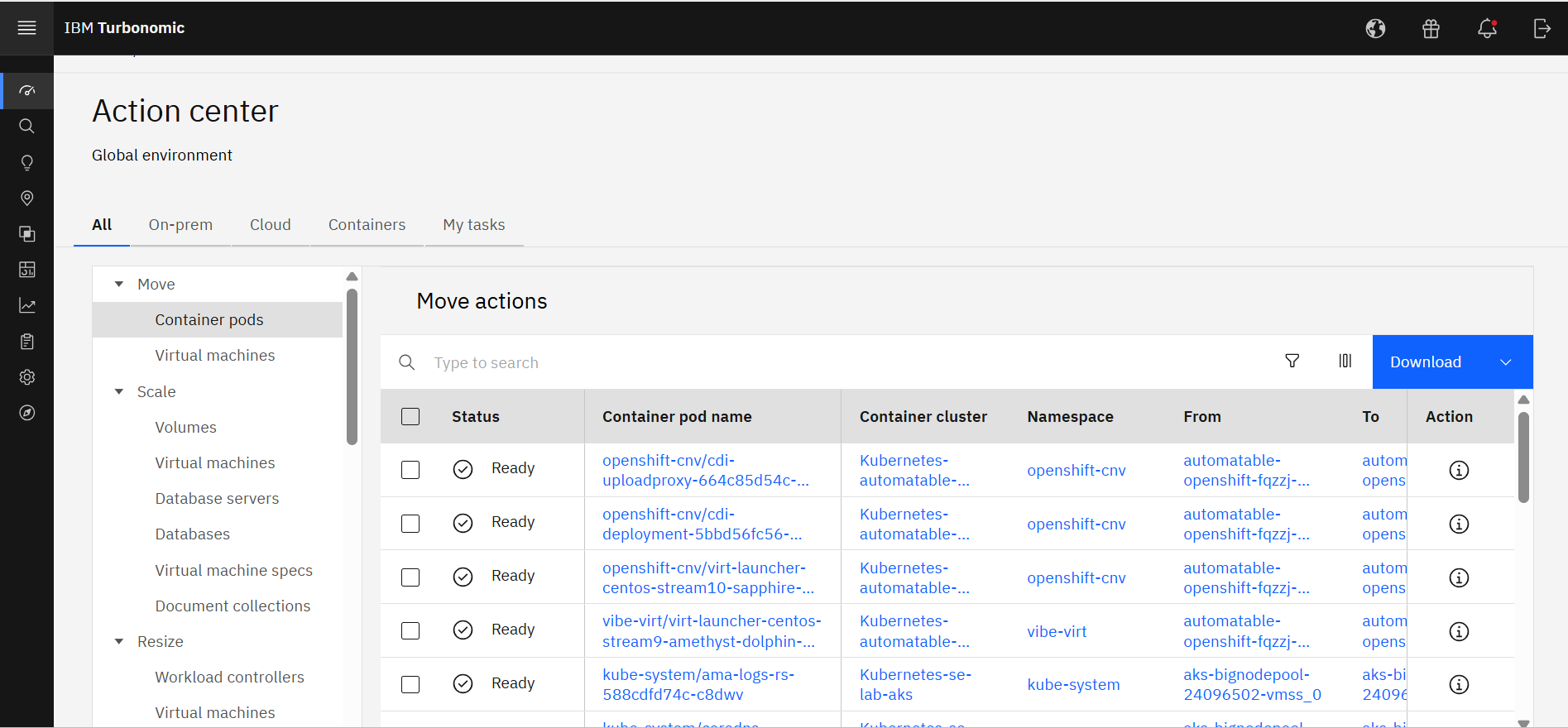
Measure the usage of resources across different platforms, from Kubernetes to VMs on-premises or in the cloud, to obtain current capacity metrics and plan for future scenarios. Reduce IT infrastructure costs by taking automated actions based on resource underutilization, such as shutting down VMs or changing resource definitions.
SAP Batch Scheduling - This is THE BEST tool for triggering SAP jobs, bar none.
User management- Other scheduling tools make it much more difficult to manage user access. Redwood user access management is a breeze and take less than half the time it take in other products.
Scheduling Flexibility- The ease with which you can make custom time windows with Redwood is one of my favorite pluses. You can build as simple or as complex of a time window as you need to with Redwood.
Support- The support that you get from Redwood is in my opinion the best in the world. I have dealt with all the big name players in IT and they all pale in comparison to Redwood. You will never feel like you are in it alone with the best support in the world right at your fingertips.
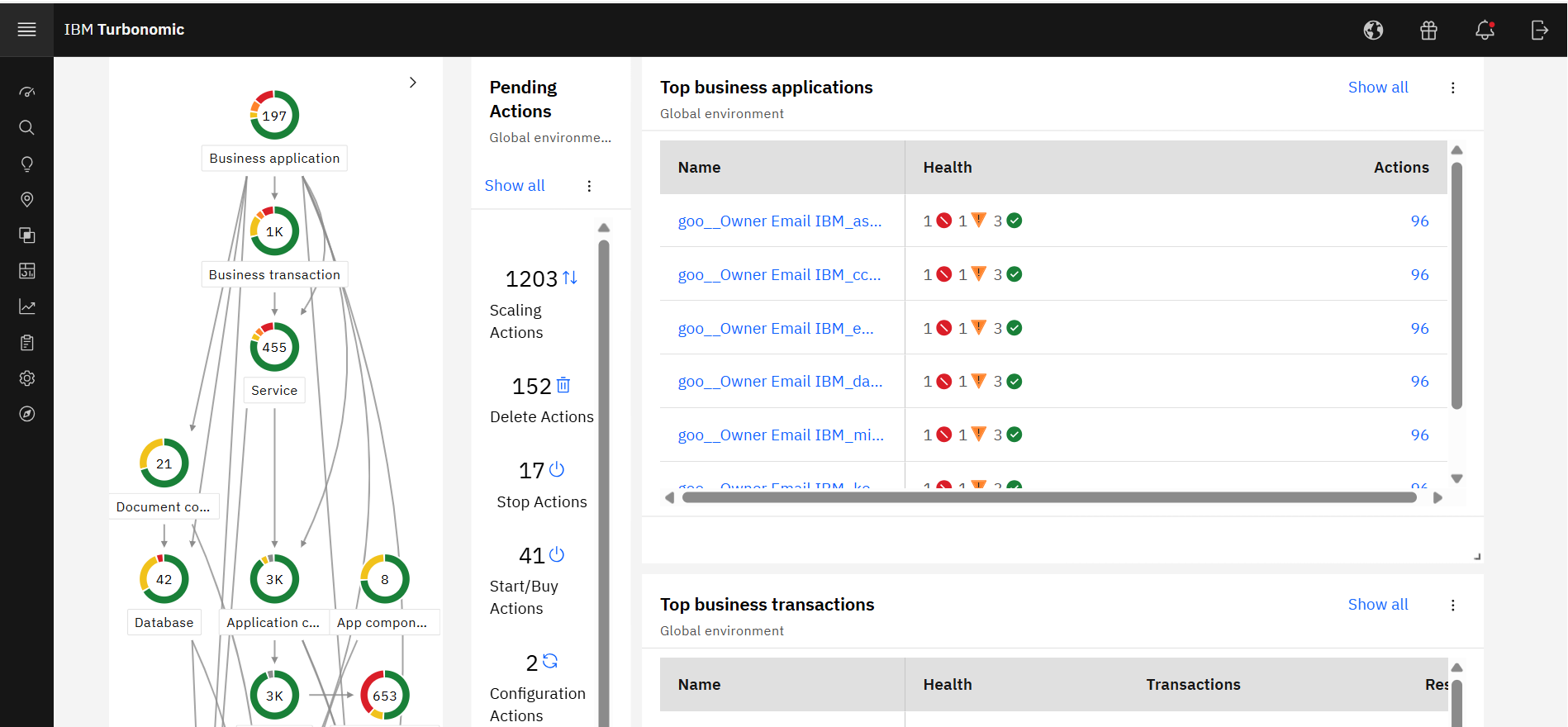
A dashboard for checking the overall health of the tool
Direct excel export option is unavailable to transport the jobs.
Mobile notification is also helpful for those user who worked in 24*7 shift. if this option will available it is very useful for those user who needs to check system again and again
It would be nice if the UI included a break-down of features that are both licensed as well as un-licensed. That way, you could not only see what you have, but what you don't.
The right-sizing recommendations are great, but very little info is given about why the recommendation is being made. More info would not only increase understanding, but would also help drive decision-making.
Being in the cloud is a big help, with less hardware to maintain, the patches and updates are fast and easily done, we have built a good working relationship with Redwood.
We are certainly happy with Turbonomic as a whole and have invested quite a bit of time and effort into learning the ins and outs of the product. We have our reporting setup the way we want it and have gained definite value from these features. I will say though that many products nowadays are offering more native monitoring, reporting, and alerting features which may eventually steer us away from this product
The Redwood user interface is straightforward. The script can be used to renew the Redwood license by just copying the text from the. txt file from start to finish of license. The current page and the status of the work can both be refreshed automatically by setting a timer in Redwood. Redwood software's eye-catching features include online help through documentation and help support, which may be accessed by clicking the "I" button in the top right corner.
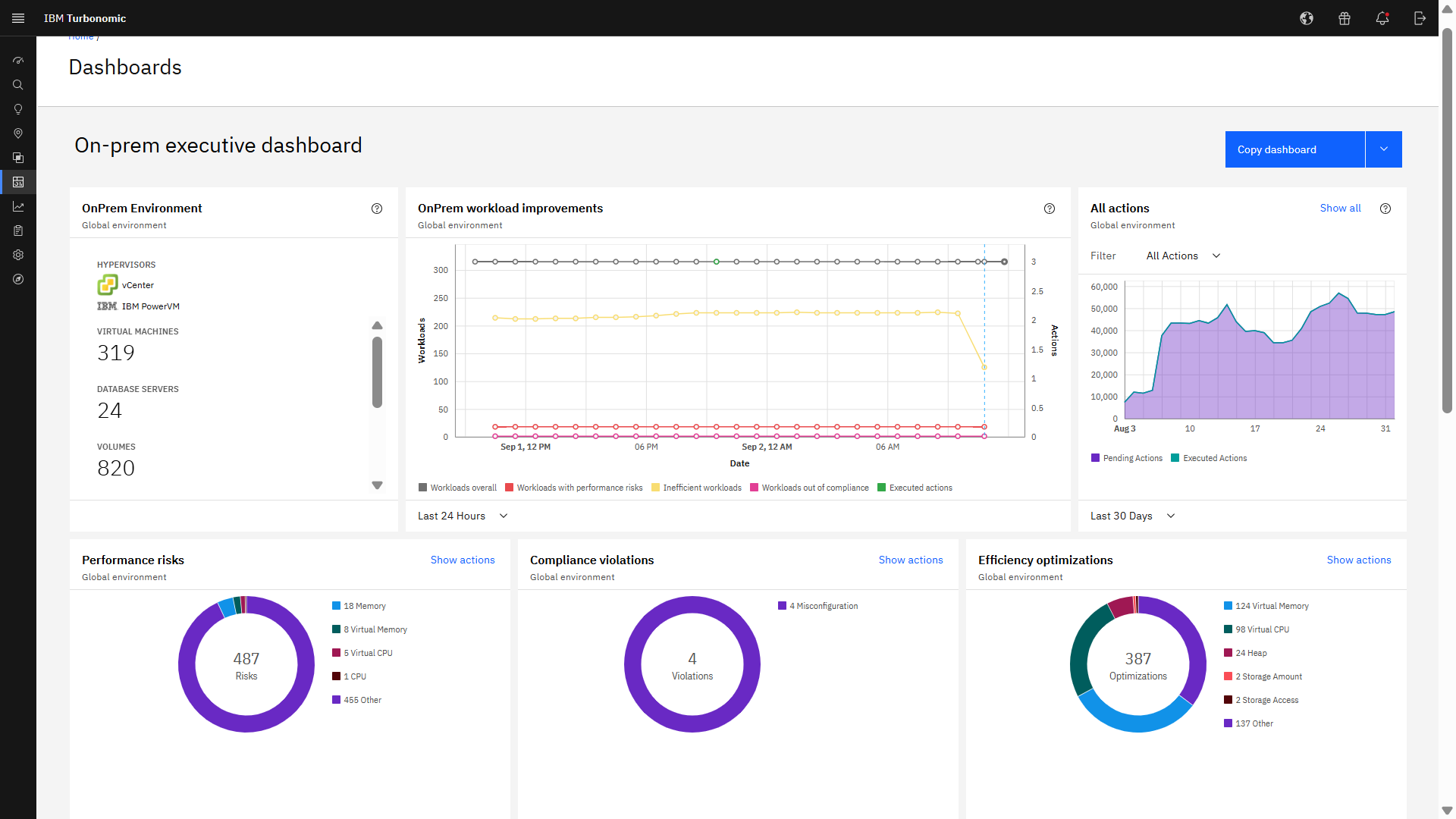
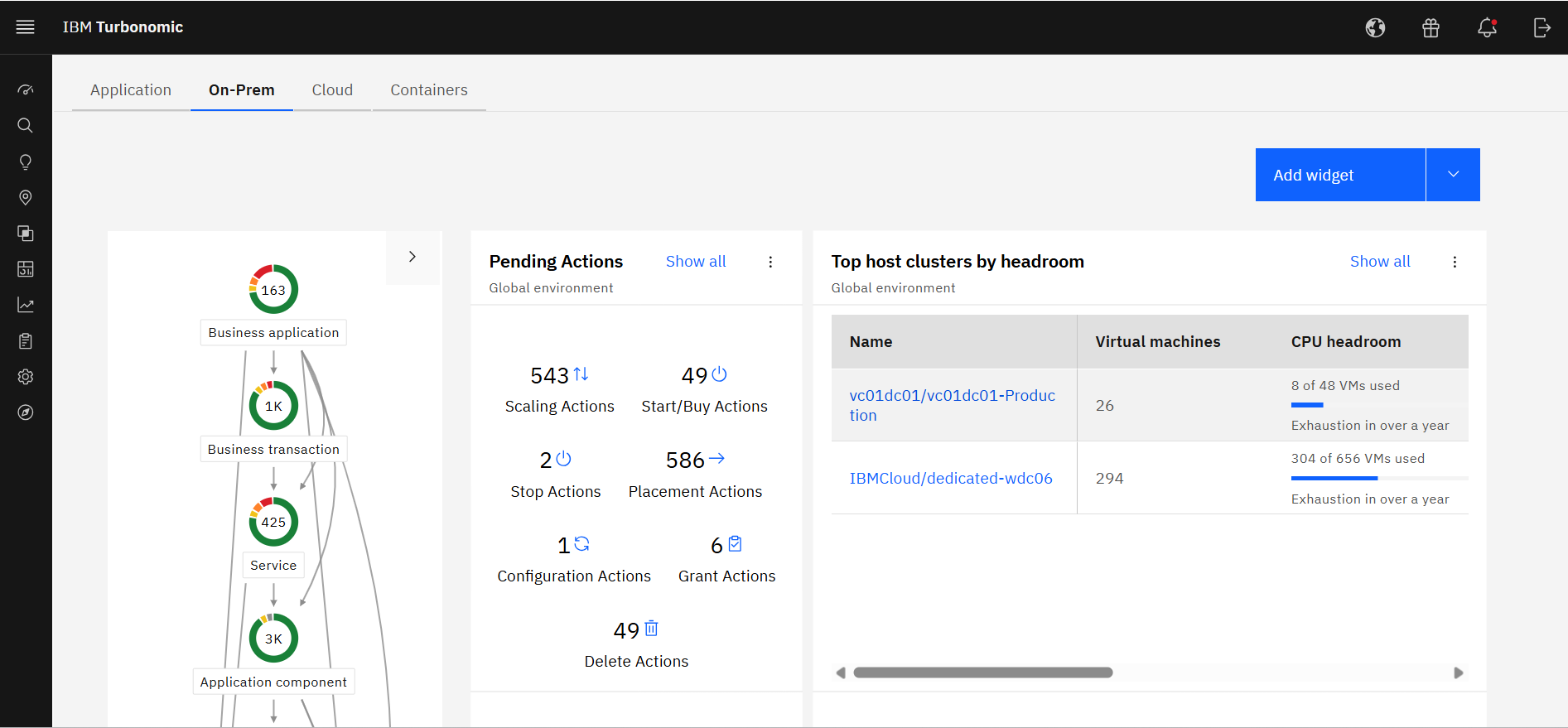
Excellent approach to larger VM organizational management. They have an very clean integrated dashboard that allows us to see everything in our environment and what that is doing in real-time. It works on multiple hyper-visors really well and integrates capacity planning on my local site as well as my cloud locations.
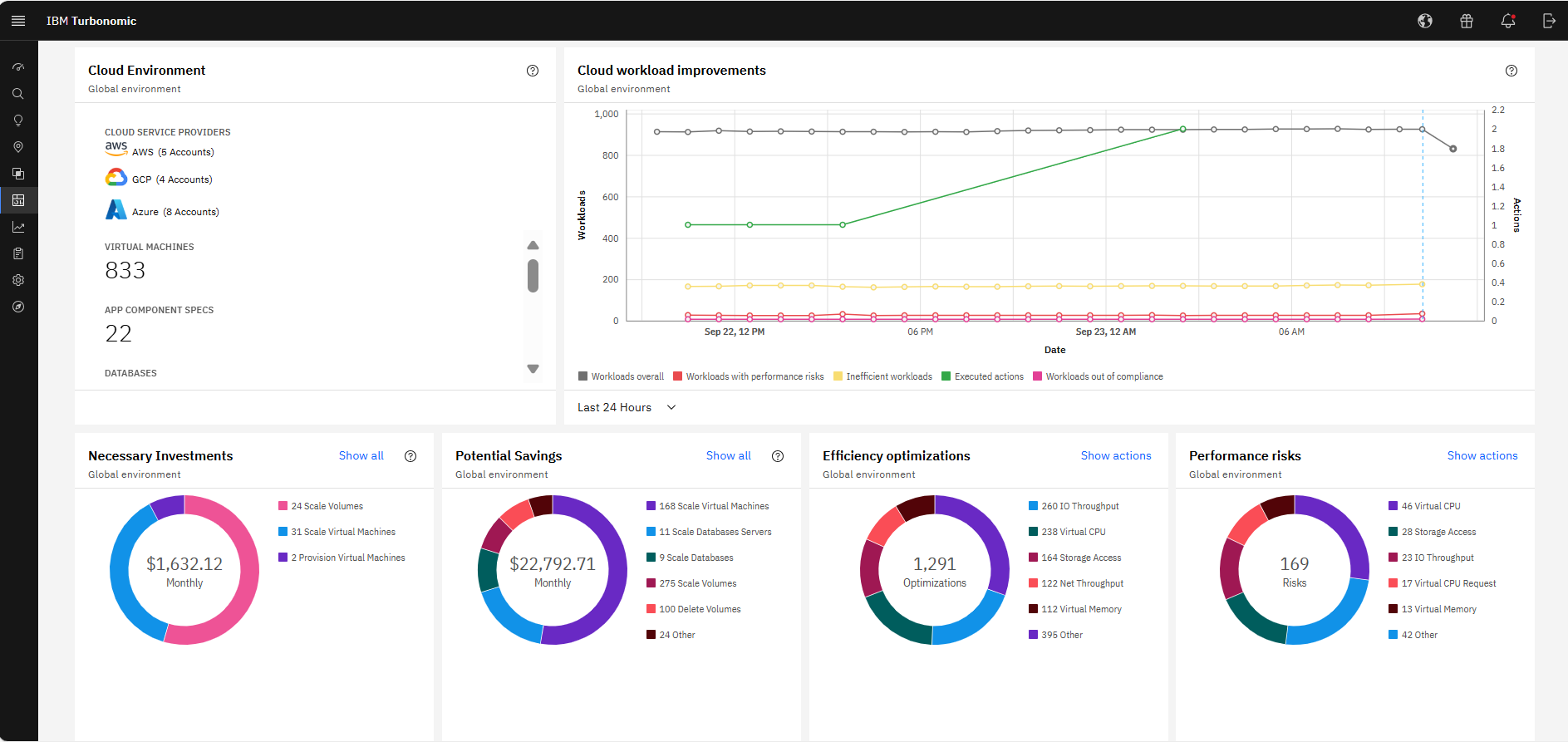
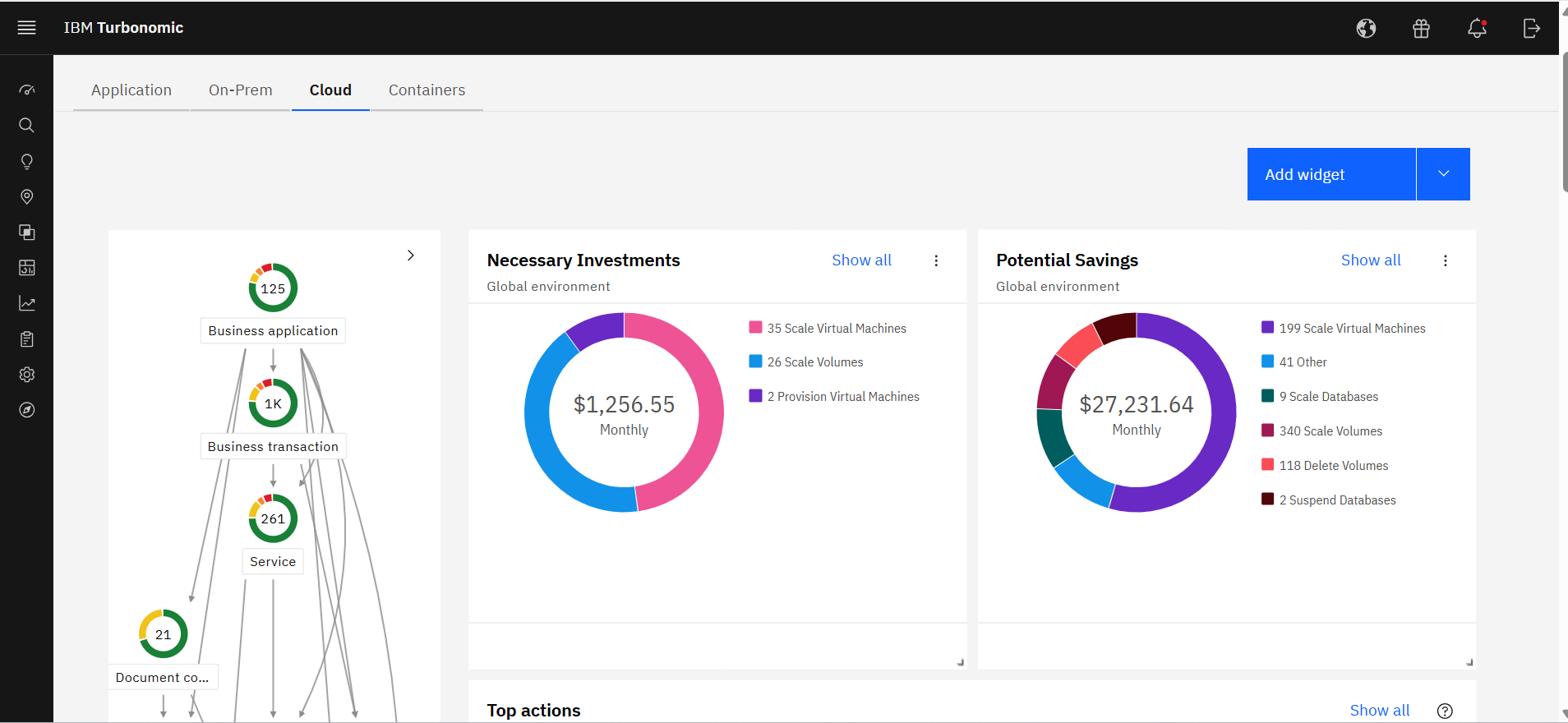
It allocates resources among applications by showing more on the cost breakdown by cloud service, with metrics on cloud provider information like Azure Management, Identity, Networking, Storage with costs per day, and total services costs. This then could facilitate and show the corresponding actions thereafter upon scaling.
It seems many pressing issues have to be escalated to their dev team, which I believe is mostly overseas. The response time isn't always the greatest. I go back to the documentation as well, if that was better there would be less need of support from myself. There are also times when they figure out the resolution, it has to be included with a fix in which you have to wait for the next release, however long that may be. Update - the support response time and quality of answers has greatly increased in the past 6 months or more.
When I contact support I get a quick response and they are able to solve my problem quickly. I also get a sense that they want to make sure that we are getting value from the product and walk me through whatever steps are needed to accomplish my goals.
Alex (from VMTurbo) has worked with the product for years and helped develop the product. He was very knowledgeable and was able to provide our support team with details knowledge on how to get our deployment configured correctly as well as help with another VMTurbo POC within another customers environment.
After buying VMTurbo Operations Manager, I was invited to an online user training event. I felt this training was effective and dug just deep enough to be informative yet still keep my attention. Additionally, the webinar was free.
The implementation was very simple. Just upload an OVA file and power on the VM. Once it comes up enter some networking information and you can then access the web interface. From there, just begin configuring the system for your environment by adding you license and the various virtual environments and storage through the inventory tab
Hi, We use redwood workload automation for scheduling jobs and for automatic alerts generation in case of long running and failed jobs. It provides easy access of managing jobs and controlling the flow of automation. Alerts generated keeps us up to date of the long running jobs as well as failed jobs. Configuring the jobs is easy and scheduling them through redwood makes it very effective for 24hours monitoring. The Redwood Support team is very helpful and gives prompt response and faster resolution when needed.
As the organization had experience of years in using IBM products, we had the confidence that they will provide us with great support. And we needed a reliable solution as a financial institute to ensure continuous operations. Even though the price was very high, we made the correct decision to go ahead with IBM Turbonomic as the feedback from existing users in the region was very positive. We needed a solution which was capable of handling our automation requirements. All these were green in IBM Turbonomic.
Professional services were always there to guide us in our transformation to the cloud. They understood our business model and then were able to provide guidance on what we needed from the tool.
Simple to install Redwood Workload Automation agent servers on every server side and trigger the necessary jobs in keeping with business needs.
Allows for the interdependent scheduling of groups of Windows scripts and shell scripts.
Many problems have been fixed, such as the ability to gather data on the number of activities that are executed each day, receive email notifications when a job expires, and connect system agents to monitors.
capable of adhering to SLAs for complicated order flows
Application performance has been a big one. With Turbonomic keeping everything running at top performance, it can make changes when extra resources are need, quicker than somebody being notified and then making the necessary changes.
Turbonomic has been a great cost savings for us on multiple occasions. We use it every time we are improving servers.
With the planning feature we get the best performance form new hardware purchases