TrustRadius: an HG Insights company

Save this comparison

Save this comparison

Add Product

Recommended Comparisons

    Overview
    ProductRatingMost Used ByProduct SummaryStarting Price

    SafetyNet

    Score9 out of 10
    N/ASafetyNet, from Predictive Solutions, is a SaaS cloud-based safety management system for construction companies and contractors that predicts workplace injuries. SafetyNet allows users to: Collect high-quality safety data using mobile phones and tablets. Analyze the data to uncover actionable information and even leading indicators and predictions about future risk. Communicate the results in real time to those who are at risk and to those who…N/A

    TimeCamp

    Score7.1 out of 10
    Small Businesses (1-50 employees)
    TimeCamp is cloud based, multi-platform (Windows, Mac, Linux, iOS, Android) time tracking and invoicing software.

    $5.49

    per month per user

    Pricing
    SafetyNetTimeCamp
    Editions & Modules
    No answers on this topic
    Free
    $0
    free with limited features.
    Starter
    $5.49
    per month per user
    Premium
    $9.99
    per month per user
    Ultimate
    $13.99
    per month per user
    Enterprise
    Custom
    Offerings
    Pricing Offerings
    SafetyNetTimeCamp
    Free Trial
    NoYes
    Free/Freemium Version
    NoYes
    Premium Consulting/Integration Services
    NoYes
    Entry-level Setup FeeNo setup feeNo setup fee
    Additional Details—Discount available for annual billing. The free plan encompass all basic time tracking features for unlimited users.
    More Pricing Information
    Community Pulse
    SafetyNetTimeCamp
    Considered Both Products
    Predictive Solutions
    No answer on this topic
    TimeCamp
    No answer on this topic
    Key User Insights
    Would buy again
    No answers on this topic
    86%
    Would buy again
    25 Answers
    Delivers good value for the price
    No answers on this topic
    100%
    Delivers good value for the price
    19 Answers
    Happy with the feature set
    No answers on this topic
    93%
    Happy with the feature set
    27 Answers
    Lived up to sales and marketing promises
    No answers on this topic
    95%
    Lived up to sales and marketing promises
    18 Answers
    Implementation went as expected
    No answers on this topic
    95%
    Implementation went as expected
    19 Answers
    Features
    SafetyNetTimeCamp
    Human Resource Management
    Comparison of Human Resource Management features of SafetyNet and TimeCamp
    Feature
    SafetyNet
    8.5
    1 Ratings
    20% above category average
    TimeCamp
    -
    Ratings
    Employee demographic data8.01 Ratings00 Ratings
    Employment history9.01 Ratings00 Ratings
    Job profiles and administration8.01 Ratings00 Ratings
    Workflow for transfers, promotions, pay raises, etc.9.01 Ratings00 Ratings
    Organizational charting9.01 Ratings00 Ratings
    Organization and location management8.01 Ratings00 Ratings
    Payroll Management
    Comparison of Payroll Management features of SafetyNet and TimeCamp
    Feature
    SafetyNet
    8.4
    1 Ratings
    21% above category average
    TimeCamp
    -
    Ratings
    Pay calculation8.01 Ratings00 Ratings
    Support for external payroll vendors8.01 Ratings00 Ratings
    Off-cycle/On-Demand payment9.01 Ratings00 Ratings
    Benefit plan administration8.01 Ratings00 Ratings
    Direct deposit files8.01 Ratings00 Ratings
    Salary revision and increment management9.01 Ratings00 Ratings
    Reimbursement management9.01 Ratings00 Ratings
    Asset Management
    Comparison of Asset Management features of SafetyNet and TimeCamp
    Feature
    SafetyNet
    6.9
    2 Ratings
    0% below category average
    TimeCamp
    -
    Ratings
    Tracking of all physical assets6.92 Ratings00 Ratings
    Reporting & Analytics
    Comparison of Reporting & Analytics features of SafetyNet and TimeCamp
    Feature
    SafetyNet
    9.2
    2 Ratings
    18% above category average
    TimeCamp
    -
    Ratings
    Dashboards9.02 Ratings00 Ratings
    Standard reports9.02 Ratings00 Ratings
    Custom reports9.02 Ratings00 Ratings
    Data exportability9.52 Ratings00 Ratings
    Construction Project & Field Management
    Comparison of Construction Project & Field Management features of SafetyNet and TimeCamp
    Feature
    SafetyNet
    8.6
    2 Ratings
    12% above category average
    TimeCamp
    -
    Ratings
    Plan distribution & viewing9.01 Ratings00 Ratings
    Plan markups & sharing8.01 Ratings00 Ratings
    Issue tracking & punchlists10.01 Ratings00 Ratings
    Photo documentation10.01 Ratings00 Ratings
    Jobsite reports9.02 Ratings00 Ratings
    Document sharing5.01 Ratings00 Ratings
    RFI tools8.01 Ratings00 Ratings
    Collaboration & approvals9.01 Ratings00 Ratings
    Mobile app10.02 Ratings00 Ratings
    Submittal design and management8.01 Ratings00 Ratings
    Checklists8.01 Ratings00 Ratings
    Specifications9.01 Ratings00 Ratings
    Estimating
    Comparison of Estimating features of SafetyNet and TimeCamp
    Feature
    SafetyNet
    8.3
    1 Ratings
    9% above category average
    TimeCamp
    -
    Ratings
    Takeoff tools8.01 Ratings00 Ratings
    Job costing8.01 Ratings00 Ratings
    Cost databases9.01 Ratings00 Ratings
    Best Alternatives
    SafetyNetTimeCamp
    Small Businesses
    Autodesk BIM Collaborate Pro
    Score8.2 out of 10
    Buddy Punch
    Score9.6 out of 10
    Medium-sized Companies
    Autodesk Build
    Score9 out of 10
    Toggl Track
    Score9 out of 10
    Enterprises
    Revit
    Score8.9 out of 10
    Hubstaff
    Score9.4 out of 10
    All AlternativesView all alternativesView all alternatives
    User Ratings
    SafetyNetTimeCamp
    Likelihood to Recommend
    9.0
    (3 ratings)
    7.1
    (35 ratings)
    Usability
    -
    (0 ratings)
    7.4
    (16 ratings)
    Support Rating
    -
    (0 ratings)
    8.0
    (1 ratings)
    User Testimonials
    SafetyNetTimeCamp
    Likelihood to Recommend
    Predictive Solutions
    I’ve been telling colleagues about this software as it’s worked well for us. We’ve been using it for about a year now, and the ability to get real-time data from the field back to the home office is a huge plus. Our workers found it easy to learn and not difficult to use in the field, too
    Incentivized
    Read full review
    TimeCamp
    It is well suited for a company like ours, where we have different clients and can track hours per client/project. We charge hourly as well, so this is very important I wouldn't recommend it if you don't need to really track time of each task and that you are allowed to take your time with your daily tasks.
    Incentivized
    Read full review
    Pros
    Predictive Solutions
    • The interface is easy to use on a phone or iPad.
    • Can be done in real time when on site.
    • The construction tasks to report on are organized and comprehensive.
    Incentivized
    Read full review
    TimeCamp
    • Accurate time tracking running in the background without hiding the user's display.
    • Detailed reports for all users, with clear differentiation between billable and non-billable tasks, are top-notch.
    • Comprehensive billing plan which suits small businesses as well as enterprises.
    • Good sales and support.
    Incentivized
    Read full review
    Cons
    Predictive Solutions
    • Maybe an automated safety report can be implemented based on pictures and videos of construction.
    • The interface could use shortcuts to tasks that are being tracked more often.
    Incentivized
    Read full review
    TimeCamp
    • The interface is pretty good, but it could be better with some slight restructuring.
    • One thing that can be a bit annoying is the "Task" bar that displays on the screen showing the task and time. It is there to help you to remember to stop time when you end a task. It is needed but it would be nice if there were some design aspects to it so it could be made smaller.
    Incentivized
    Read full review
    Usability
    Predictive Solutions
    No answers on this topic
    TimeCamp
    From free to paid versions, the scalability and personalization is fantastic. In years of usage, I've had maybe two tech issues ever requiring reaching out to support. One of those was a local problem on my device, and the other resolved within a few hours on its own
    Incentivized
    Read full review
    Support Rating
    Predictive Solutions
    No answers on this topic
    TimeCamp
    I am giving support a rating of 8 but that is quite arbitrary. Honestly, we have never had the need to contact support for any reason. There has not been a situation where we became stuck and could not figure out how to work through it. Sign up was easy and billing is like clockwork so there has been no need to contact billing support. I think this is a testament to the ease of use of TimeCamp.
    Incentivized
    Read full review
    Alternatives Considered
    Predictive Solutions
    This is the first kind of this software we’ve used. A colleague at another company mentioned it and I thought it would be a good addition to our ability to help our guys in the field. So far it seems to be living up to the promises we were given
    Incentivized
    Read full review
    TimeCamp
    Ultimately I selected Clockify instead of TimeCamp. As previously mentioned, I believe that TimeCamp wasn't that intuitive, and too many things were behind pay walls. Clockify offered the same features mostly for free. Although TimeCamps UX was sleeker than Clockify's I found that Clockify was a better fit for me.
    Incentivized
    Read full review
    Return on Investment
    Predictive Solutions
    • Too soon to tell, but expected to be good
    Incentivized
    Read full review
    TimeCamp
    • TimeCamp is customizable in the sense that it can measure computer usage and provide insight into each employee's productivity.
    • TimeCamp can be used to send automated weekly emails summarizing work completed, time wasted, productive hours, and time-consuming website lists.
    • When you use TimeCamp, you can increase efficiency and profitability while determining where your time is spent throughout business operations.
    • Employees can use TimeCamp to track their productivity and see how much time they lose due to various omissions.
    Incentivized
    Read full review
    ScreenShots

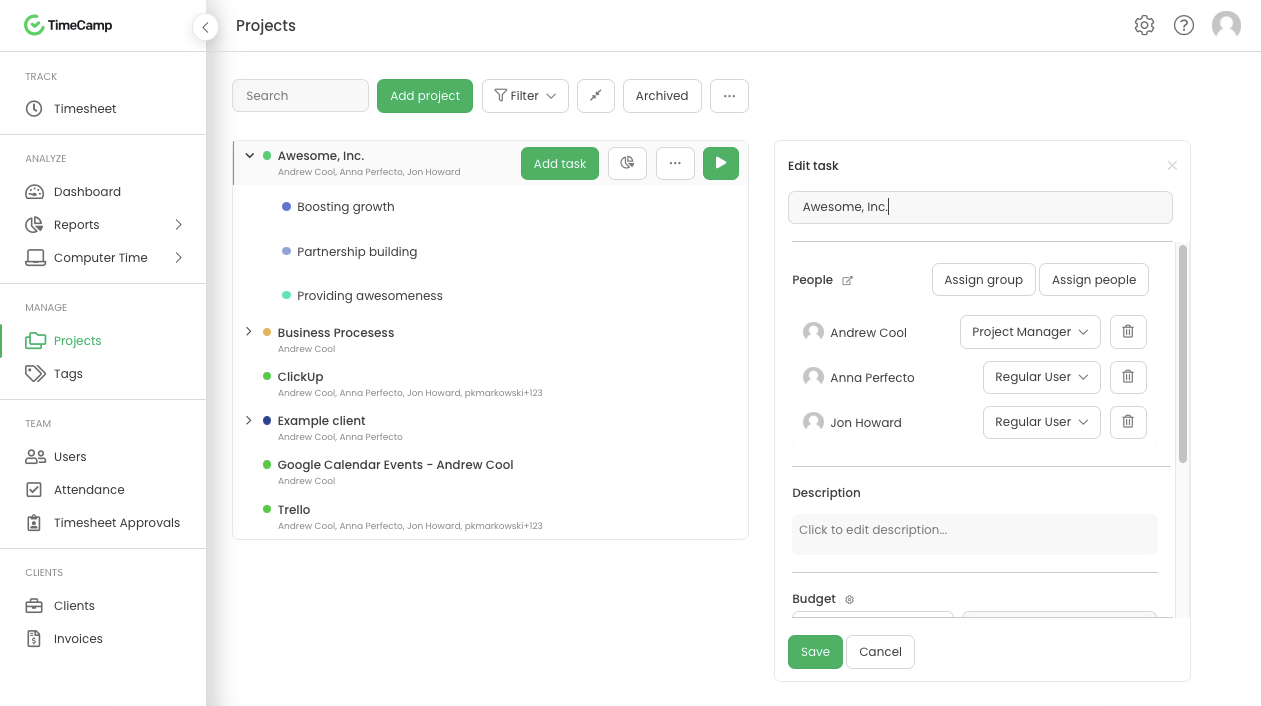
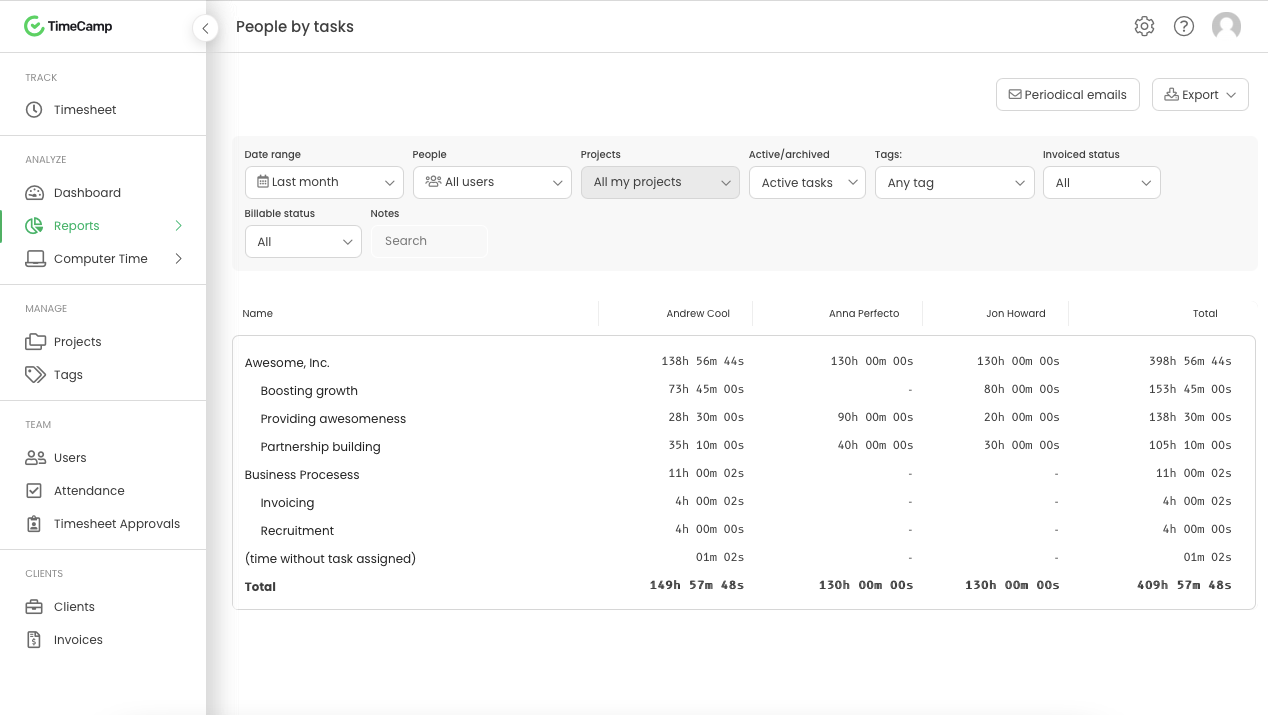
    TimeCamp Screenshots

    Screenshot of Daily timesheet viewScreenshot of Weekly timesheet viewScreenshot of ProjectsScreenshot of People by task reportScreenshot of Attendance