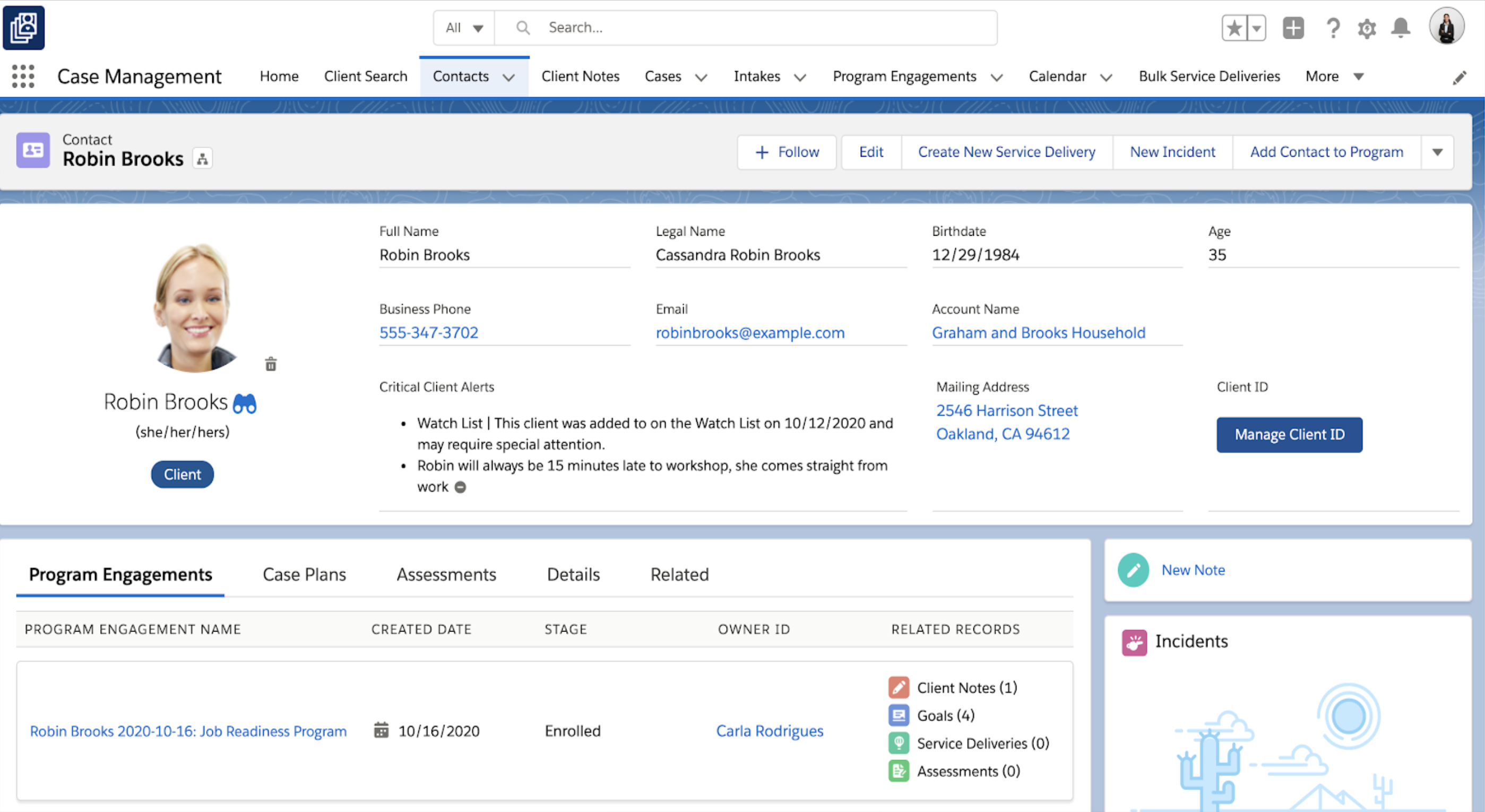
Salesforce for Nonprofits, the Salesforce.org Nonprofit Cloud, is a nonprofit constituent relationship management platform from Salesforce, which supports constituent engagement, fundraising, and grants. Nonprofit editions contain Salesforce Lightning Edition along with the former Nonprofit Success Pack (NPSP) combined.
$36
per month per user
Tiltify Catalyst
Score 8.2 out of 10
N/A
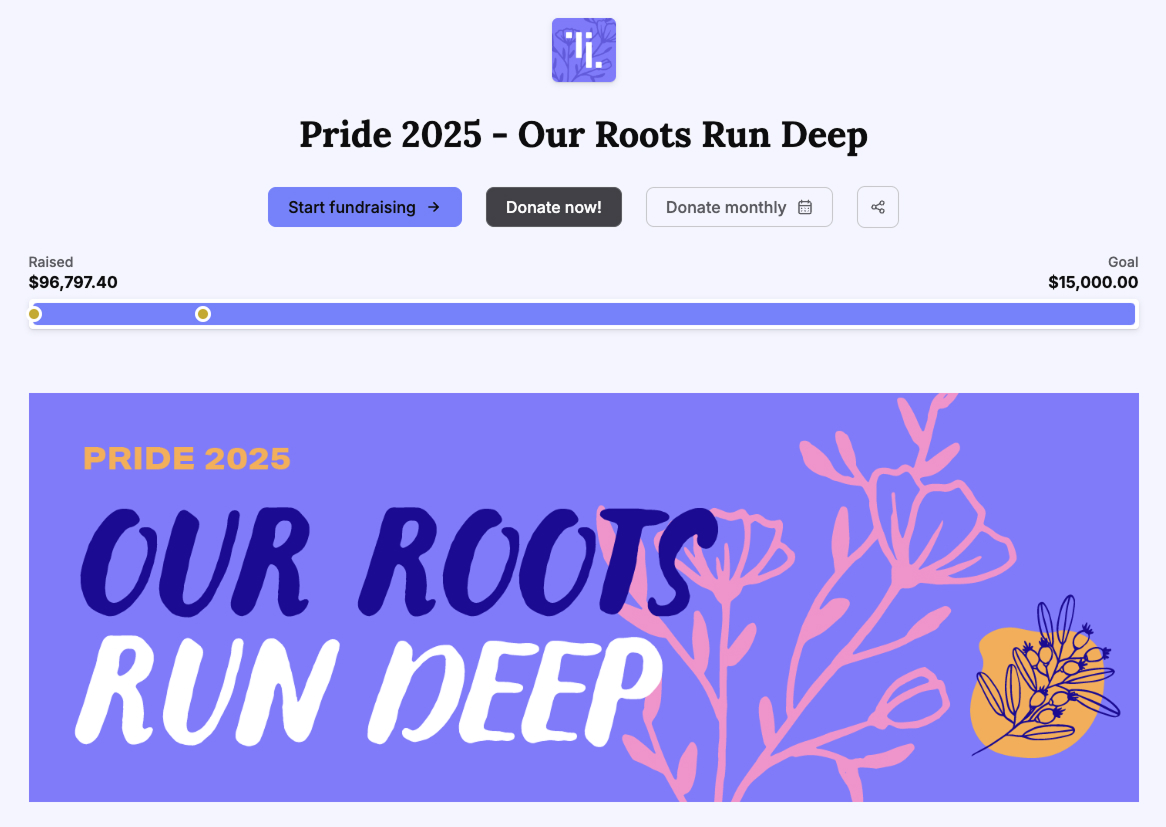
Tiltify Catalyst is a community-driven peer-to-peer fundraising platform designed to help nonprofits turn supporters into active fundraisers and expand donor reach. Built for modern fundraising strategies, Catalyst supports DIY fundraising, team campaigns, fitness challenges, corporate engagement initiatives, livestream fundraising, and large-scale peer-to-peer events. Catalyst prioritizes the volunteer fundraiser experience with built-in engagement tools that…
I’d say it’s very well suited for organizations looking to move toward AI integrations and make more data-driven decisions. As I mentioned, I’ve also used the competing product from Blackbaud, which is a very closed system — you can’t really pull out the data. Salesforce, on the other hand, has a big advantage with its APIs, allowing you to extract data, store it in Data Cloud, and do much more with it. However, if your requirements aren’t clearly defined or if there’s heavy customization involved, the implementation can get messy. So I wouldn’t recommend using Salesforce Nonprofit Cloud in cases where the requirements and structure aren’t clearly laid out.
I mean, I love having any and all non-profits use Tiltify! From a fundraising standpoint —having all my favorite orgs easily accessible for fundraising across my platforms is SO NICE. That said, I've also worked with orgs that are just getting into the space, and they really struggled with getting set up due to a lack of resources. Yes, I can walk them through everything and encourage the use of all of Tiltify's features, but there isn't a readily available/accessible source to learn what's available to them and how it works.
Organizations that are new to Salesforce need to be prepared for report building and other configurations. Customization is a great feature, but it can be overwhelming if not impossible for a brand new user.
Salesforce Trailhead is robust but can be confusing and overwhelming.
I'm currently comfortable with only using Salesforce CMS or any iteration on a desktop.
(1) How Tos for the charity, please! Donors/fundraisers have them available, which we LOVE, but not having a "How Set Up An Event" or "How To Use Your Reporting" for the non-profits, I feel, is a bit of an oversight, as, you know, they're users too!
(2) Event Page Design: Under the Fundraiser Rewards section, there is a tiny corner of pixels that pokes out from behind the "Top 100" or "Raise $200.00" labels, and it BOTHERS ME TO NO END. I understand the labels over the rewards images have curved corners, and the rewards have the hard 90-degree corners, which is why it happened. It's just like when someone goes to erase what's on a whiteboard but leaves a single line in the middle. My current solution has been to just cut that corner off my rewards images prior to upload —anyways, super tiny and just a pet peeve.
(3) Event Page Design: You've given us so many customization options, and I'm not taking those for granted. I would love the option to change the color of the buttons, just as we can change the color of each individual section.
(4) Branding, Social Links: Two things. "Twitter" is still on there (I know it's annoying, but "X"). Would love a "Bluesky" option.
(5) Event Options, Lifetime donor rewards: Is there something we could get for Lifetime Fundraiser rewards?
(6) Reports: When I download the Donations report is has the Date & Time of donation in a single column. I don't know how other people use this report, but I usually have to download the donations, create a new column, delineate the data for date/time, then pivot table from there. Plus, the "time" data we receive is delivered in a way that's borderline unusable. Example: 2023-12-31 07:46:07.667963Z -- *I* know to read this as December 31, 2023 @ 7:46:07 AM , but do we *really* need the ".667963Z" ? All it does is mess up any automated data analysis.
(7) Repots: Could we get a disclaimer at the top of the page that says if you don't toggle the UTC, the reports pulled will be from the time zone of the user pulling them? It took *way* too long to figure out why the report pulled by my colleague in Pacific time was different than the report pulled in Central time.
Salesforce CMS is very intuitive and easy to use. I have not found where it glitches or crashes out. You can tell where data is "supposed to live" and it you aren't sure, there is an easy search function. Support is made readily available.
Again, as someone who has been on this platform for a very long time, I find it easy to use. Where I find myself mostly having issues: Navigation. I have built out 40+ events & campaigns over the years (both on the fundraiser & charity side) and still find myself getting lost in the language hierarchy and difference between Setup/Event detail/Brand & marketing/Options (like those all feel semantically the same??).
I have never had bad conversations with any support people with Salesforce but we also have not used them very much. I put it a little less because we are struggling to switch to lightning (some of our custom features do not migrate well) and it feels like the help and support for a little organization is not incredibly helpful unless we want to spend a lot of money.
As a cloud native organization with no previous Microsoft infrastructure, Salesforce was a more logical and effective option for us. The suite of products was also far more comprehensive and required less customization. We were able to adopt a "configure not code" approach to our development of systems to support our mission that lowered the cost of upgrades.