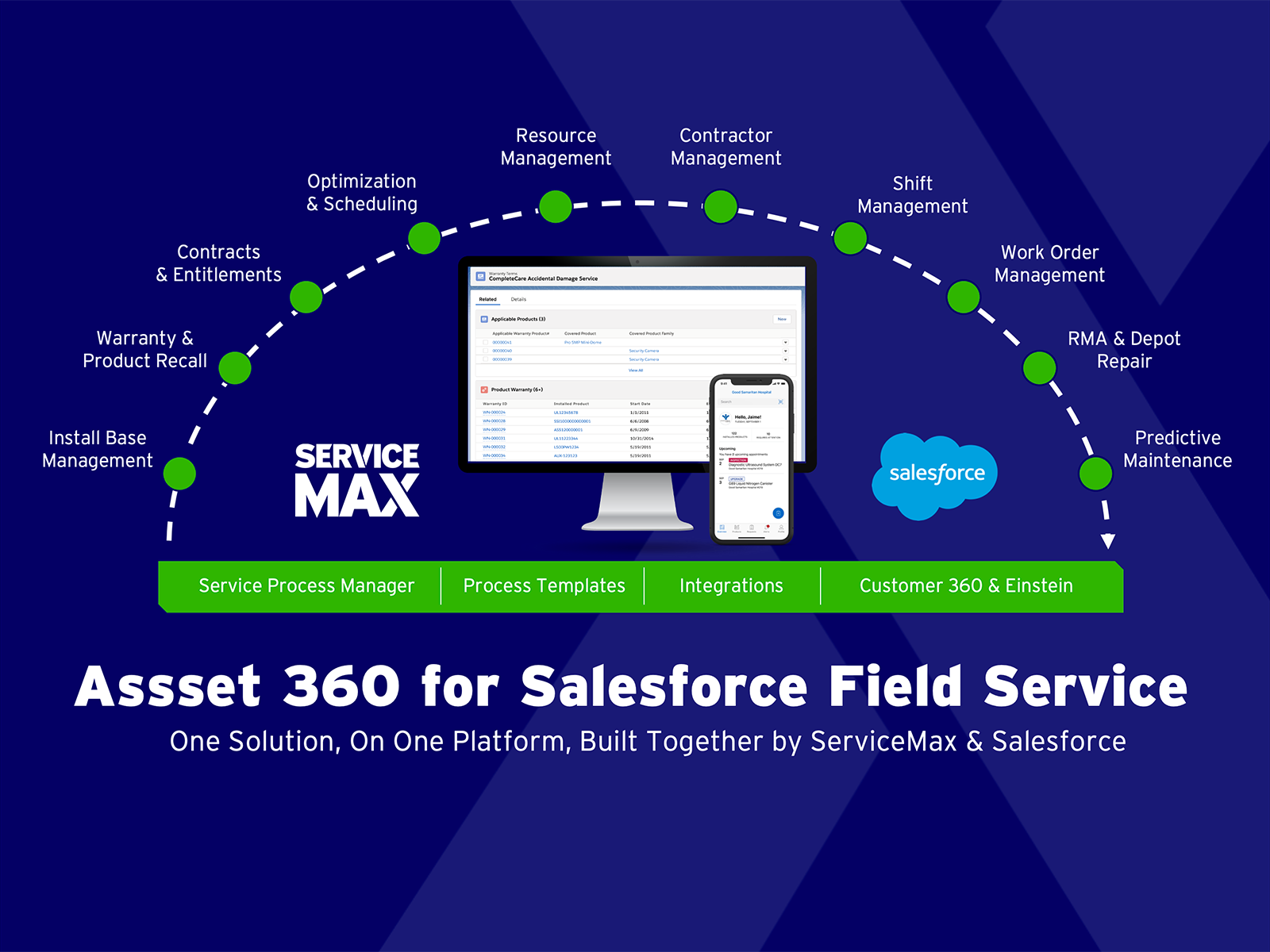
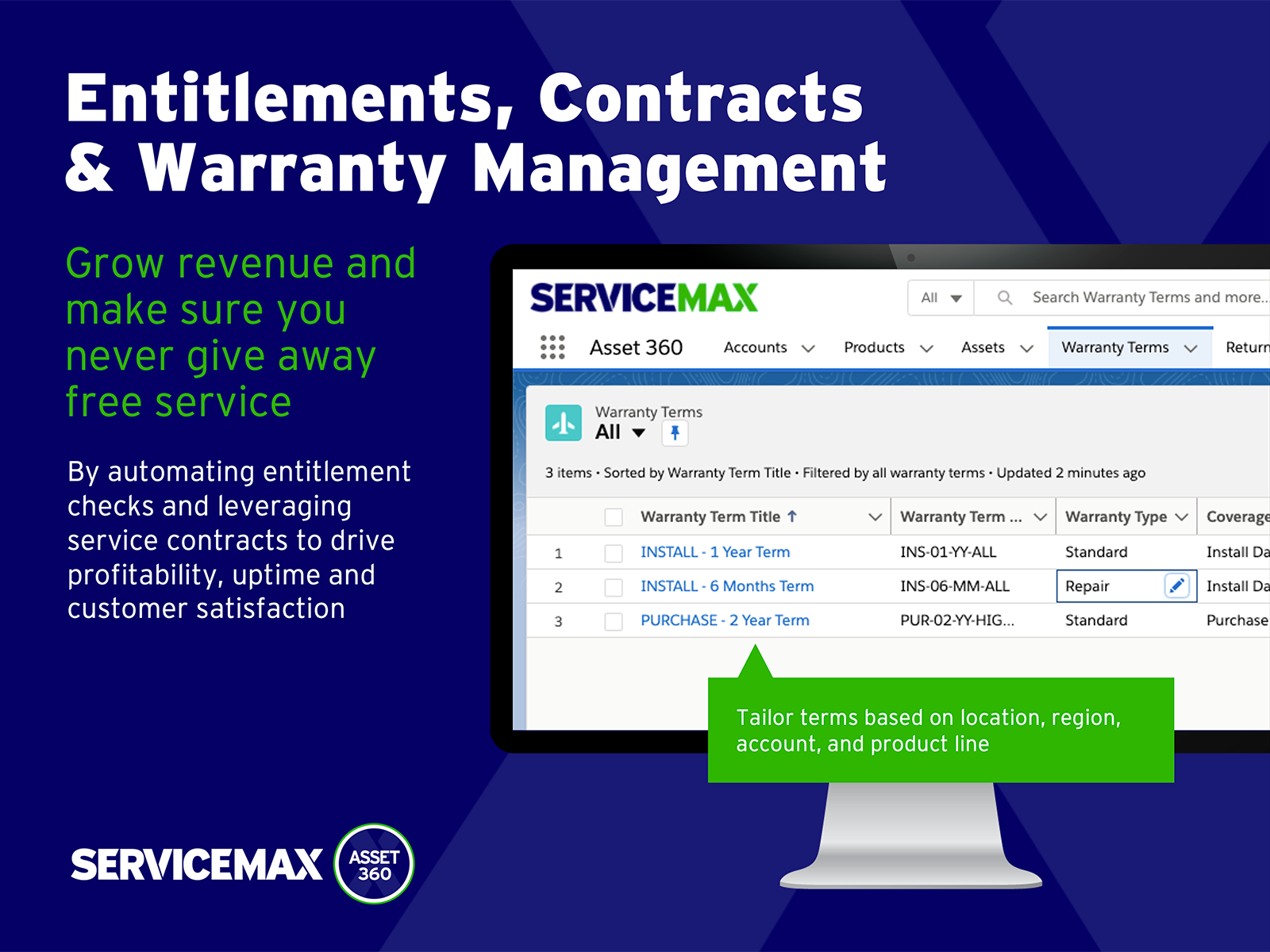
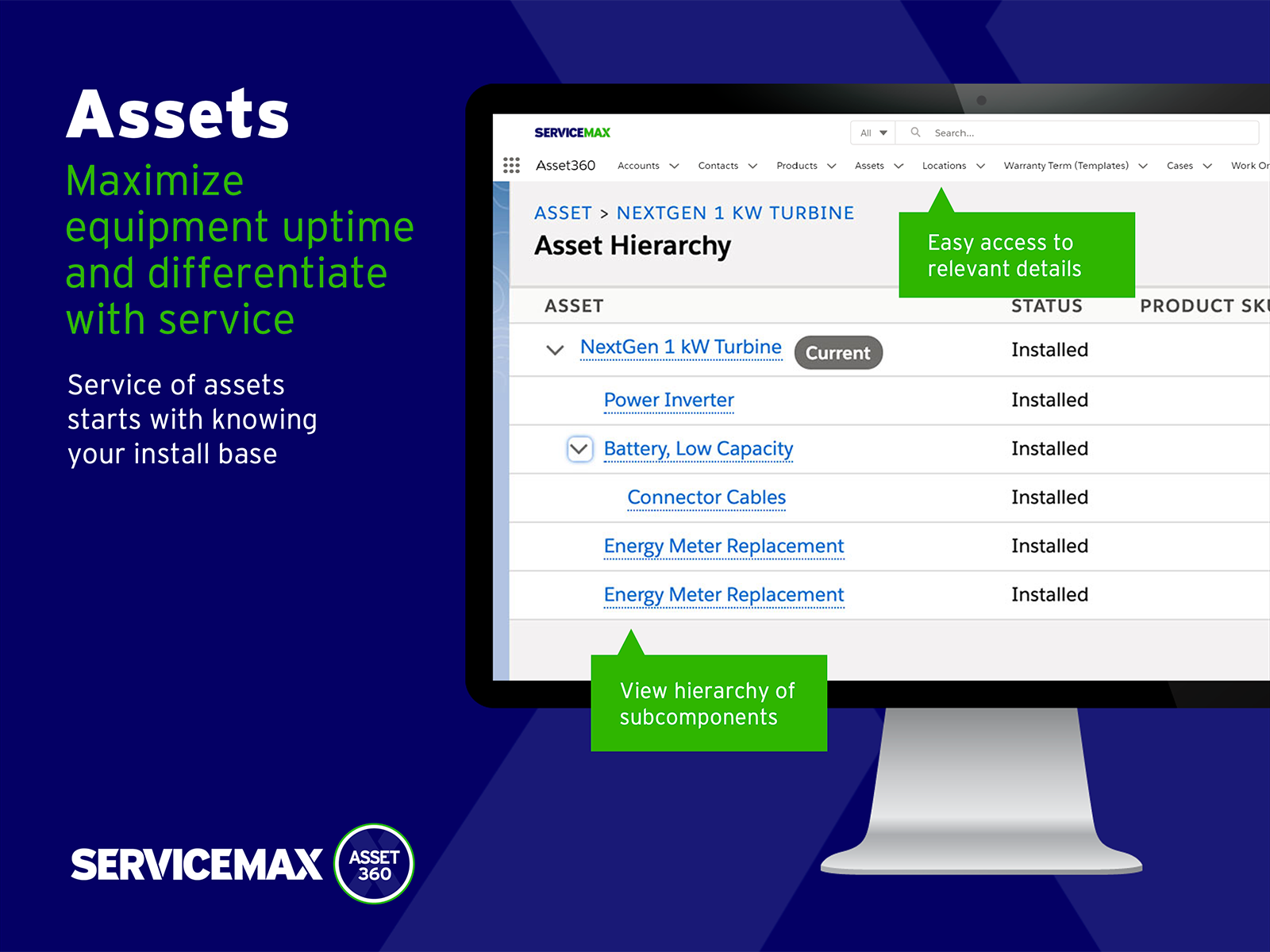
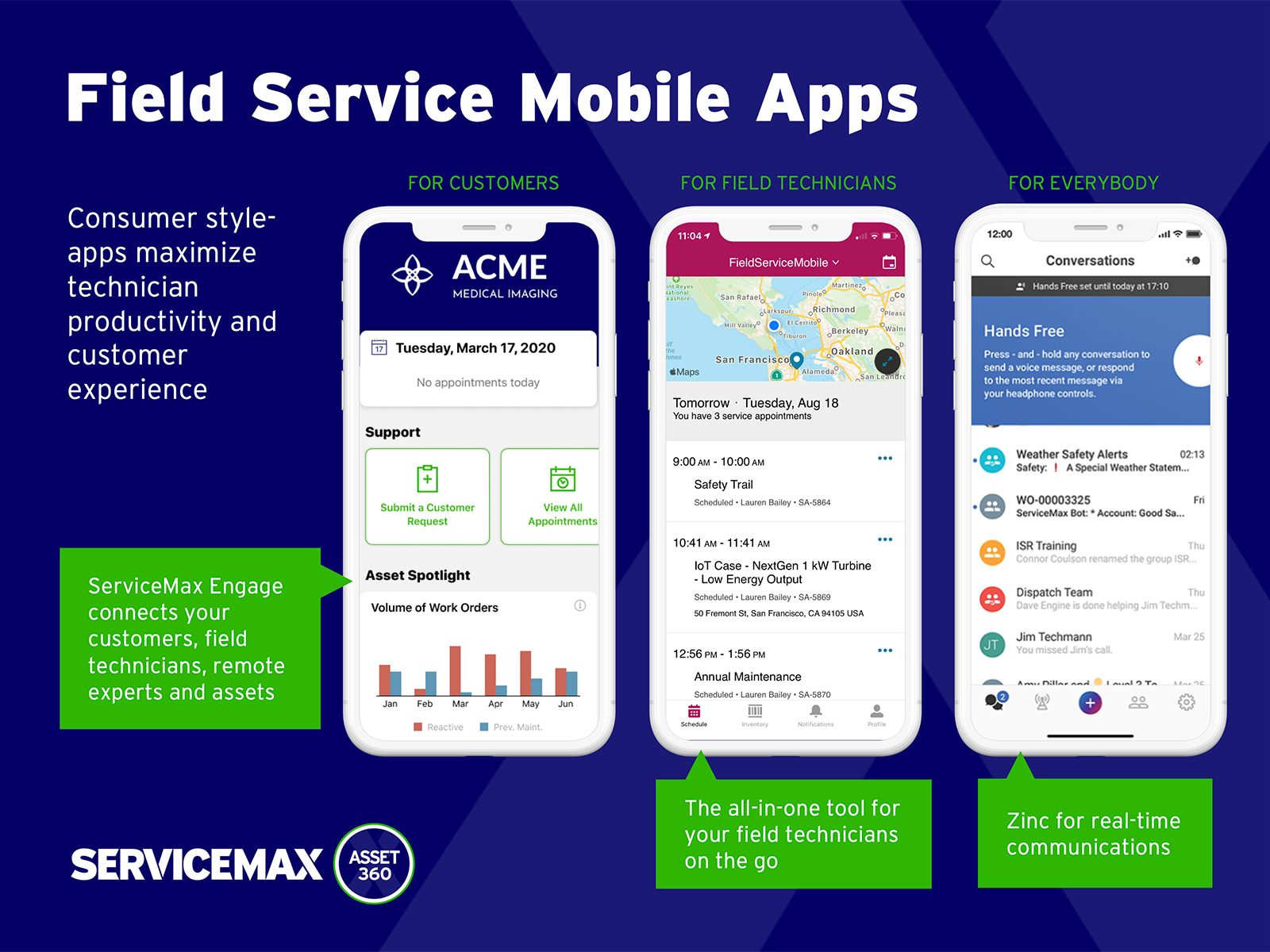
ServiceMax’s mission is to help customers with asset-centric field service management software. ServiceMax’s mobile apps and cloud-based software provide an overview of assets to field service teams. By optimizing field service operations, customers across all industries can better manage the complexities of service, support faster growth and run more profitable, outcome-centric businesses.
$100
per month
TSPlus
Score8 out of 10
N/A
TSplus Remote Access solution enables remote connections to desktops and apps from any device, at any time. It is presented as an alternative to Windows Terminal Server,RDS & Citrix, enabling users to start applications and hold Remote Desktop sessions from any device, anywhere.
$29
per month per workstation
Pricing
ServiceMax
TSPlus
Editions & Modules
Subscription
$100.00
per month
Desktop Edition
$180
one-time fee up to 3 users
Web Mobile Edition
$250
one-time fee up to 3 users
Enterprise Edition
$290
one-time fee up to 3 users
Web Mobile Plus
$970
one-time fee up to 10 users
Enterprise Plus
$1,210
one-time fee up to 10 users
Offerings
Pricing Offerings
ServiceMax
TSPlus
Free Trial
Yes
Yes
Free/Freemium Version
Yes
No
Premium Consulting/Integration Services
Yes
No
Entry-level Setup Fee
Required
No setup fee
Additional Details
—
Additional users incur an extra expense. Potential buyers may also purchase a monthly subscription or rent the product month-to-month.
More Pricing Information
Features
ServiceMax
TSPlus
Remote Administration
Comparison of Remote Administration features of ServiceMax and TSPlus
Feature
ServiceMax
-
Ratings
TSPlus
10.0
1 Ratings
24% above category average
Screen sharing
00 Ratings
10.01 Ratings
File transfer
00 Ratings
10.01 Ratings
Secure remote access with Smart Card authentication
Small deployments, where you have some specific need for ServiceMax and absolutely need offline capabilities, and are willing to deal with the problems. Otherwise, you may be better off looking at the built-in Work Orders and field service module that Salesforce is now providing. Their app is direct competition for ServiceMax and integrates much better with cases and knowledge articles.
A de minimis incentive was given to thank the reviewer for their time. The incentive was not used to bias or drive a particular response, nor was the incentive contingent on a positive endorsement. More Info
It is useful in all the cases where users have to work via rdp. The possibility of making available to users only the applications they need is very useful. However, it is less appropriate in environments where there is a need for large computing power such as design studios. It would require a hardware requirement that is too economically high to be justified
A de minimis incentive was given to thank the reviewer for their time. The incentive was not used to bias or drive a particular response, nor was the incentive contingent on a positive endorsement. More Info
A de minimis incentive was given to thank the reviewer for their time. The incentive was not used to bias or drive a particular response, nor was the incentive contingent on a positive endorsement. More Info
A de minimis incentive was given to thank the reviewer for their time. The incentive was not used to bias or drive a particular response, nor was the incentive contingent on a positive endorsement. More Info
A de minimis incentive was given to thank the reviewer for their time. The incentive was not used to bias or drive a particular response, nor was the incentive contingent on a positive endorsement. More Info
A de minimis incentive was given to thank the reviewer for their time. The incentive was not used to bias or drive a particular response, nor was the incentive contingent on a positive endorsement. More Info
A de minimis incentive was given to thank the reviewer for their time. The incentive was not used to bias or drive a particular response, nor was the incentive contingent on a positive endorsement. More Info
ServiceMax has an offline capability, and also integrates with our Salesforce side of business. At the time, Salesforce did not have a field service application so we could not consider it, but if we could now, we would probably go with that instead. ServiceMax is also expensive. But at the time, ServiceMax was the only offering out there that integrated with Salesforce, had mobile offline capability, and could operate at the scale we needed.
A de minimis incentive was given to thank the reviewer for their time. The incentive was not used to bias or drive a particular response, nor was the incentive contingent on a positive endorsement. More Info
It is much easier to manage and implement. Even if it is not very intuitive the management of licenses is still better than that of the Remote Desktop environment of Microsoft. With Microsoft, the limit is the ability to simply access the remote desktop, while with TS Plus you can manage individual applications so as to give the user only the tools he needs.
A de minimis incentive was given to thank the reviewer for their time. The incentive was not used to bias or drive a particular response, nor was the incentive contingent on a positive endorsement. More Info
ROI for ServiceMax is mostly dependent on how in depth the organization wants the software. Our ROI is expected within the second year of operation due to the complexity of integration and the initial training requirements for in-house programmers.
Inventory control ROI is expected within year three or four due to the number of technicians and creating the foundation of information to import into ServiceMax. Expectations are the front end programming will be complete and our programmers will be better acquainted with the modules and architecture to make the inventory integration smoother than the initial integration.
Our organization has been working with ServiceMax for ten months and beginning to incorporate the financials to the work orders. This process has not been as seamless as once projected and the root causes are under investigation. It appears the original fields available to track time between employees were not in depth nor segregated sufficiently for granularity.
A de minimis incentive was given to thank the reviewer for their time. The incentive was not used to bias or drive a particular response, nor was the incentive contingent on a positive endorsement. More Info
A de minimis incentive was given to thank the reviewer for their time. The incentive was not used to bias or drive a particular response, nor was the incentive contingent on a positive endorsement. More Info