Tango.ai vs. UserGuiding

Overview
ProductRatingMost Used ByProduct SummaryStarting Price
Tango.ai
Score 8.2 out of 10
N/A
Tango.us enables users to make how-to guides and documentation by automatically generating how-to guides while the user works. The user can walk through any process as normal, and Tango automatically turns those steps into a how-to guide that can be shared with others to show how it’s done.
$22
per month per user
UserGuiding
Score 10.0 out of 10
Small Businesses (1-50 employees)
UserGuiding helps companies to improve product adoption by designing interactive user onboarding flows. Non-technical people can create step by step product walkthroughs, without any coding. UserGuiding also provides analytics to track the performance of the tours, segmentation to create more personalized experiences, NPS for capturing feedback, and onboarding checklists for a wholesome onboarding experience. From Red Ventures to Young Capital, thousands of companies trust UserGuiding.
$99
per 2000 monthly active users
Pricing
Tango.aiUserGuiding
Editions & Modules
No answers on this topic
Start-up Plan
$99.00
per 2000 monthly active users
Growth Plan
$249.00
per 5000 monthly active users
Offerings
Pricing Offerings
Tango.aiUserGuiding
Free Trial
NoYes
Free/Freemium Version
YesNo
Premium Consulting/Integration Services
NoNo
Entry-level Setup FeeNo setup feeRequired
Additional Details
More Pricing Information
Best Alternatives
Tango.aiUserGuiding
Small Businesses
ChurnZero
ChurnZero
Score 8.1 out of 10
ChurnZero
ChurnZero
Score 8.1 out of 10
Medium-sized Companies
ChurnZero
ChurnZero
Score 8.1 out of 10
ChurnZero
ChurnZero
Score 8.1 out of 10
Enterprises
Nexthink
Nexthink
Score 7.4 out of 10
Nexthink
Nexthink
Score 7.4 out of 10
All AlternativesView all alternativesView all alternatives
User Ratings
Tango.aiUserGuiding
Likelihood to Recommend
10.0
(1 ratings)
8.0
(1 ratings)
User Testimonials
Tango.aiUserGuiding
Likelihood to Recommend
Tango Technology
10 out of 10 recommend! Tango.us has changed the game for the ease of creating, updating, and sharing SOP & Knowledge Base articles for our team. The reduction in time in creating these, the capabilities and ease of creating them, and the sharing options have drastically improved the speed, professionalism, and upkeep of these for our organization.
Read full review
UserGuiding
I would recommend this to teams who have multiple people who can work together in getting the necessary source codes input, the guides built, and the parameters identified. I would also recommend this product to anyone who is primarily concerned about price. Compared to competitors, the price vs the feature set was by far the best out of the 6 companies I demoed with. If one person is trying to get this set up and it isn't part of their full-time job, it will take a while because there is a pretty big learning curve as to what order to do things. Further, once the basics are set up, it does take a fair amount of time and testing to build the walk-throughs, especially if you want to use advanced logic
Read full review
Pros
Tango Technology
No answers on this topic
UserGuiding
  • Good price
  • Responsive CS and sales team
  • Had all of the features we were looking for
Read full review
Cons
Tango Technology
No answers on this topic
UserGuiding
  • The initial setup process isn't as transparently intuitive as it was sold
  • It's a fairly large barrier to entry for one person to get the guides set up
  • We weren't instructed how to 'turn off' the URL hits until we had our parameters segmented so the first two months we hit our limits before anything was even launched on our end. That made testing hard.
Read full review
Alternatives Considered
Tango Technology
No answers on this topic
UserGuiding
By far the best price for the available features. They had a really easy demo scheduling process (and had availability to demo within a day or two where some of the other products were a week+ to schedule). You can build unlimited guides and if you don't hit your user limit because you failed to identify target parameters at the start, that is a huge selling point ;)
Read full review
Return on Investment
Tango Technology
No answers on this topic
UserGuiding
  • We lost two months due to running out of 'hits' before we were able to target the right fields. This was partly our fault for not having enough time to dedicate to it, but it would have been helpful to have a 'pause' button or be told to look out for this scenario.
  • We canceled our account after 4 or 5 months because I, as the sole user on our team, didn't have nearly enough time to build out the guides the way we had envisioned. It wasn't quite as easy to understand as I'd hoped. It was doable, but a slow process and I got too busy with other pressing issues with my company.
  • It would have been a good ROI for the available features and price if I'd had a solid amount of time to really build it out and understand it better. The training options could have been a lot more user-friendly to help bridge that knowledge gap.
Read full review
ScreenShots

Tango.ai Screenshots

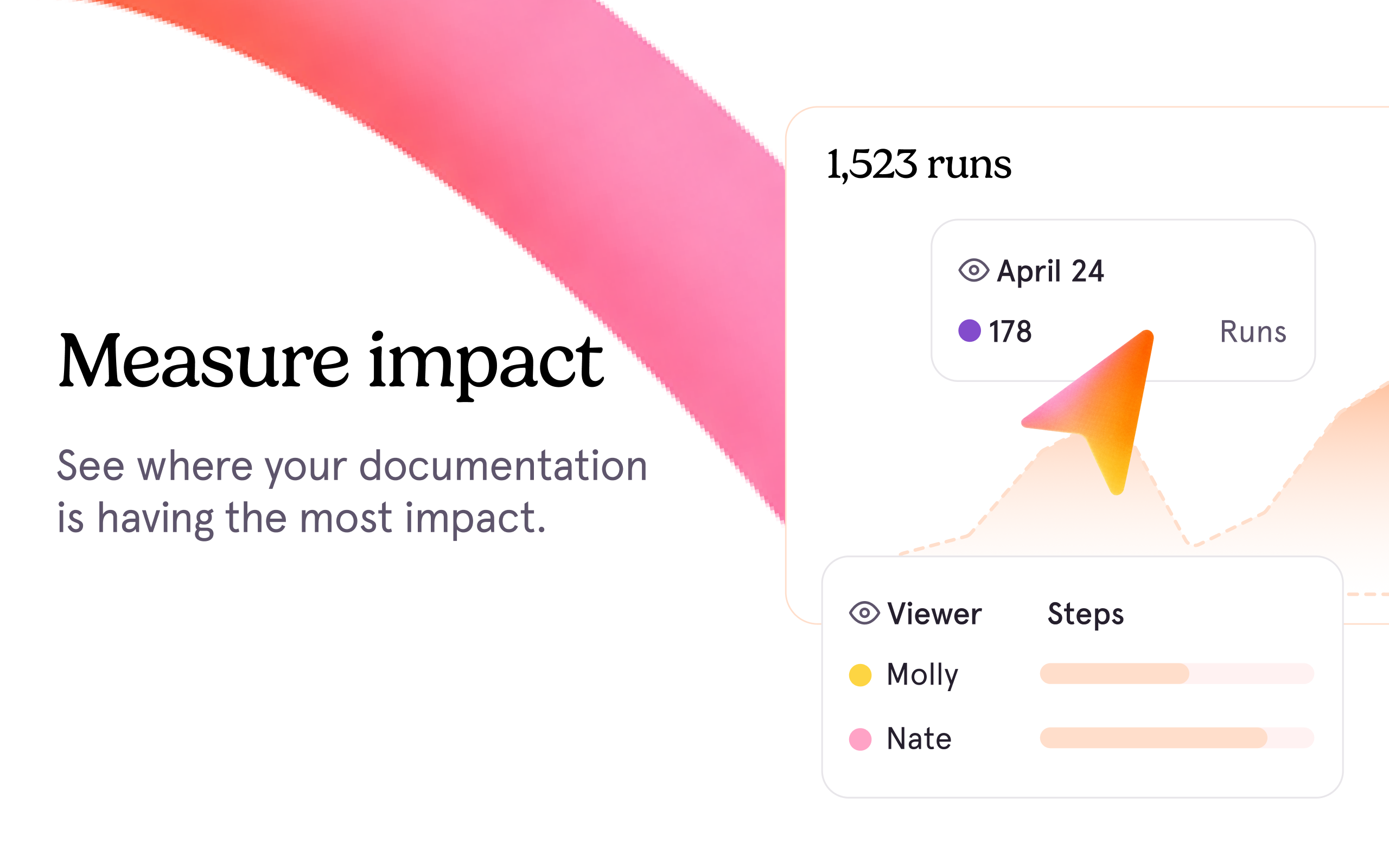
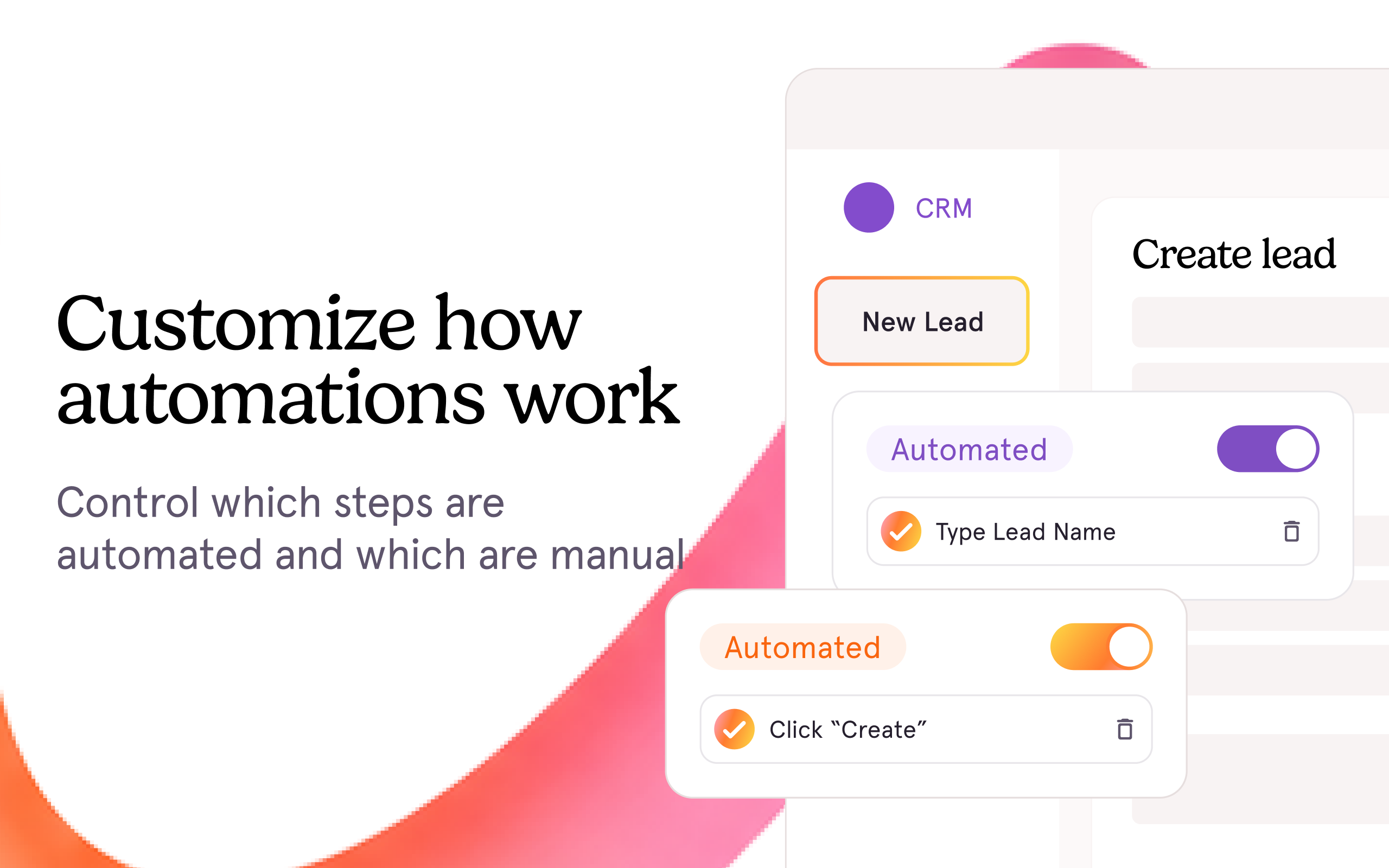
Screenshot of Guide Me in-app step-by-step guidanceScreenshot of Click-to-create capture to instantly generate a step-by-step walkthrough with screenshots and descriptionsScreenshot of Pin guides, tips, and links to the exact spot employees need them

UserGuiding Screenshots

Screenshot of Onboarding ChecklistsScreenshot of Interactive User Onboarding