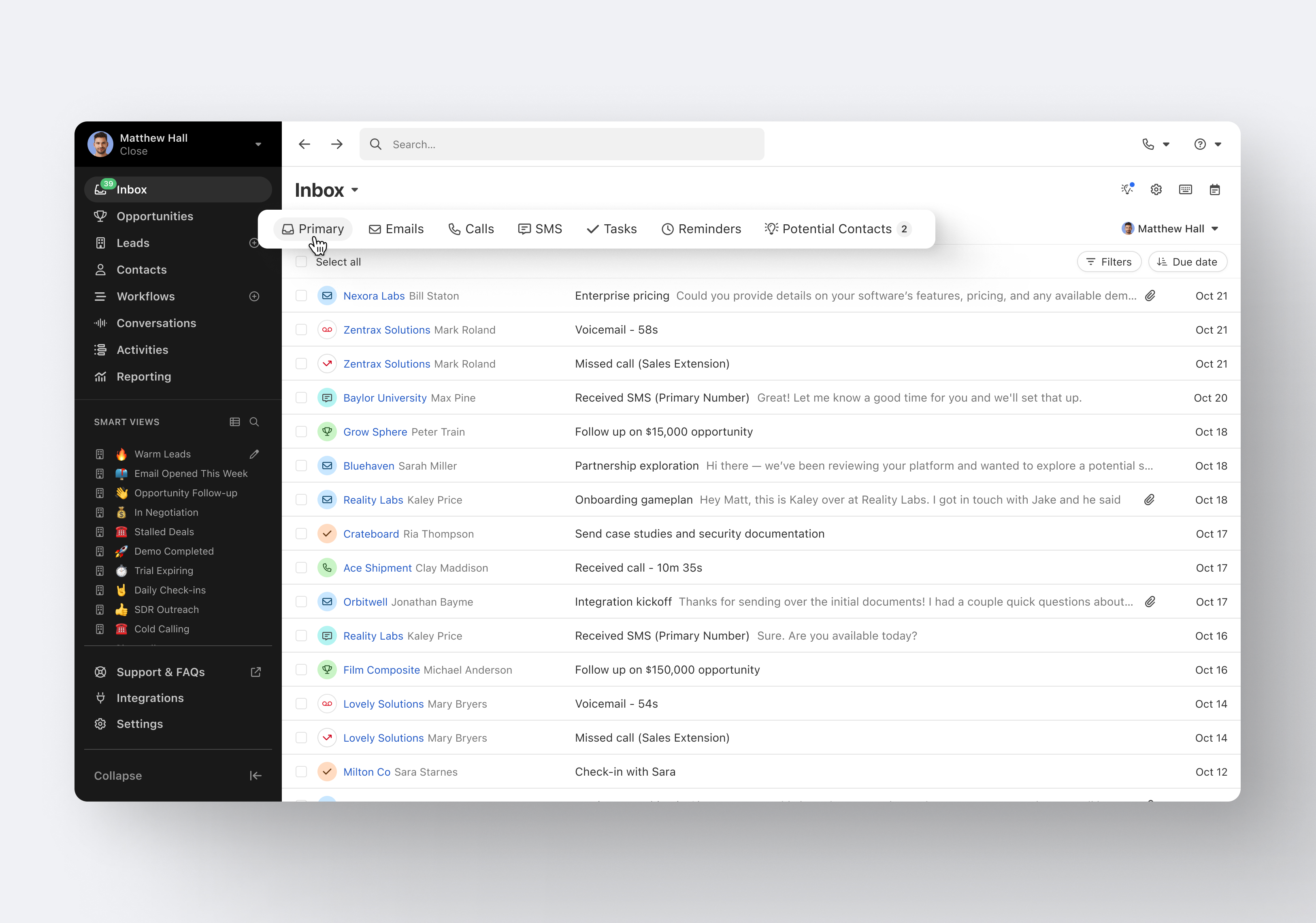
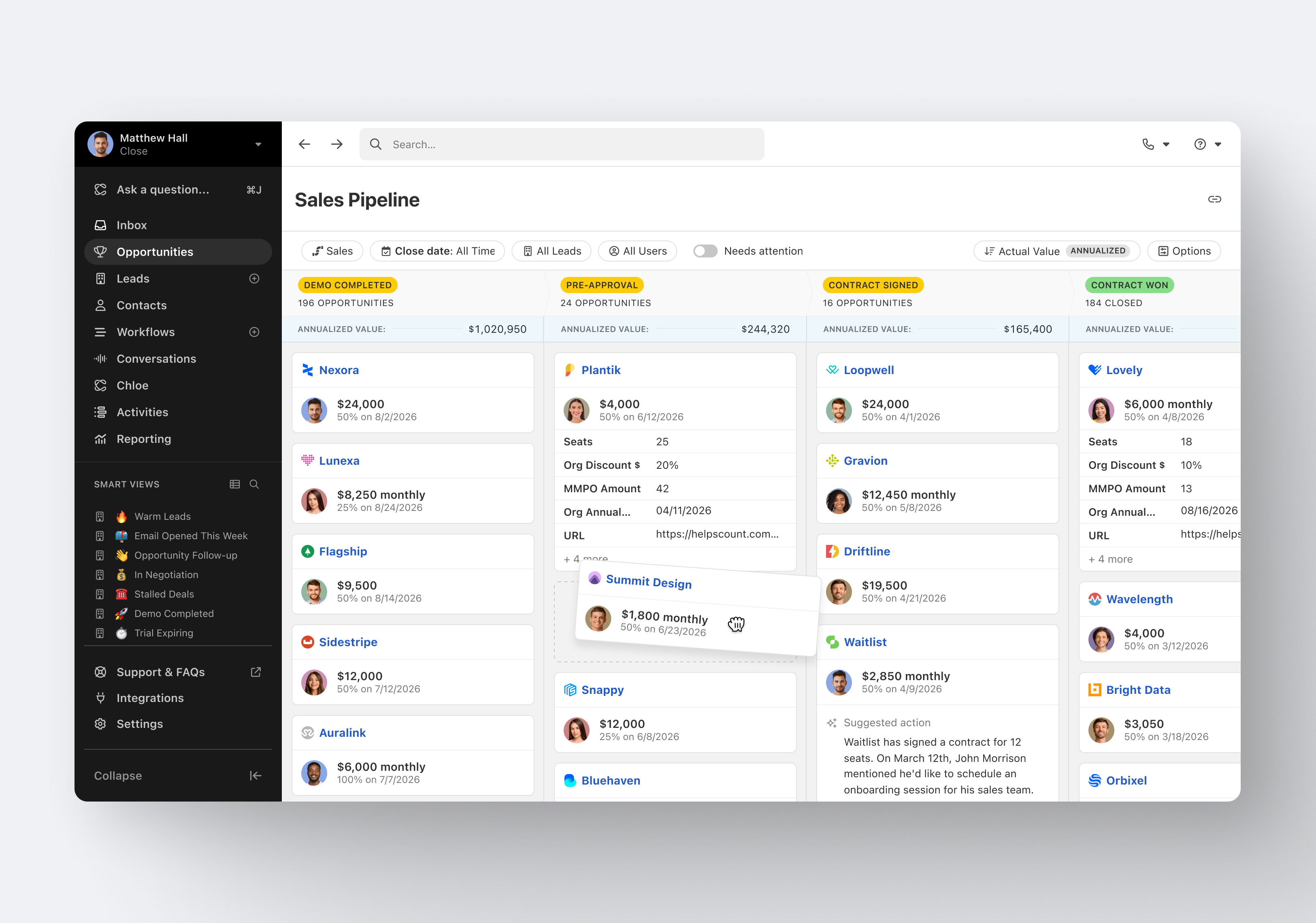
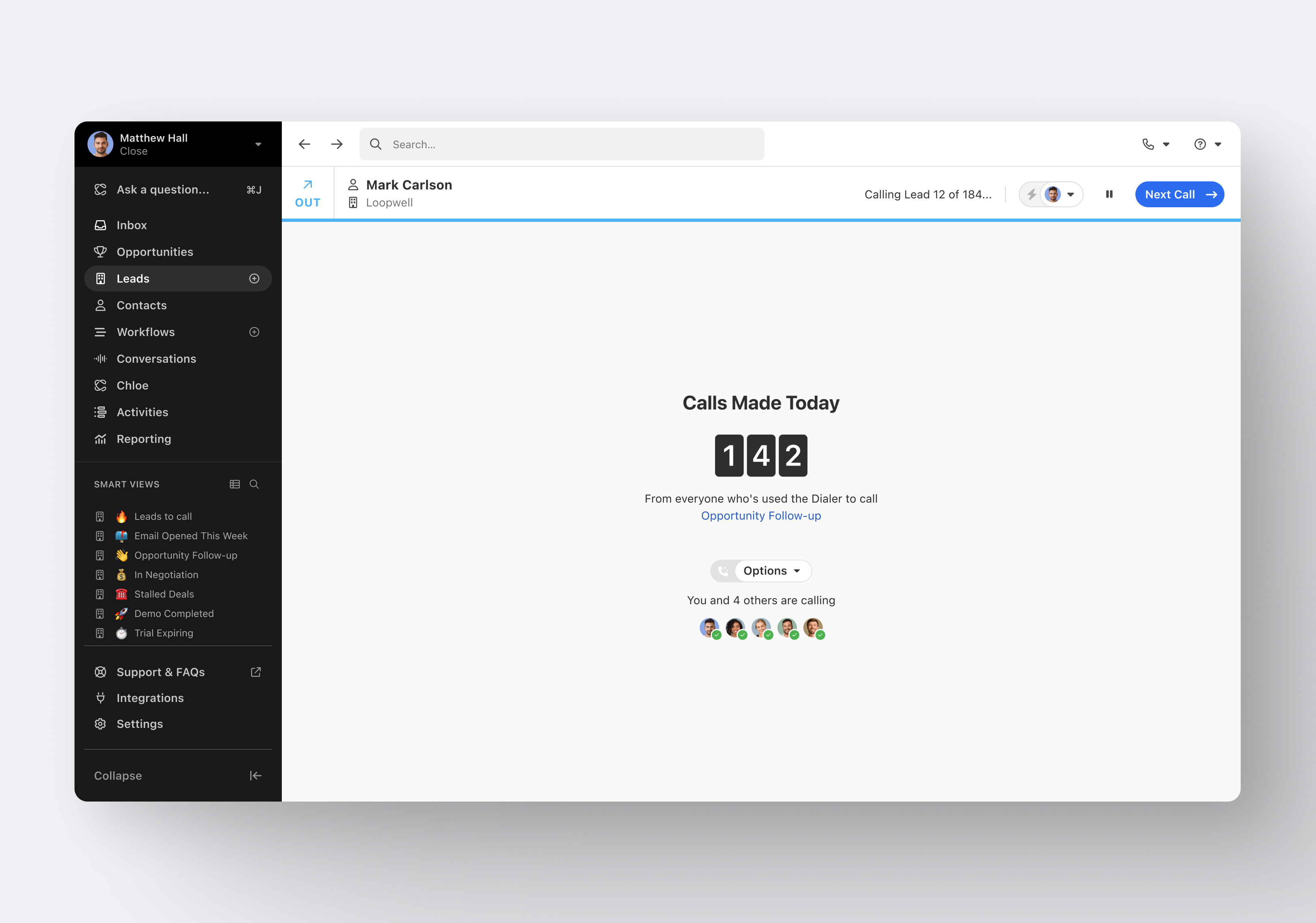
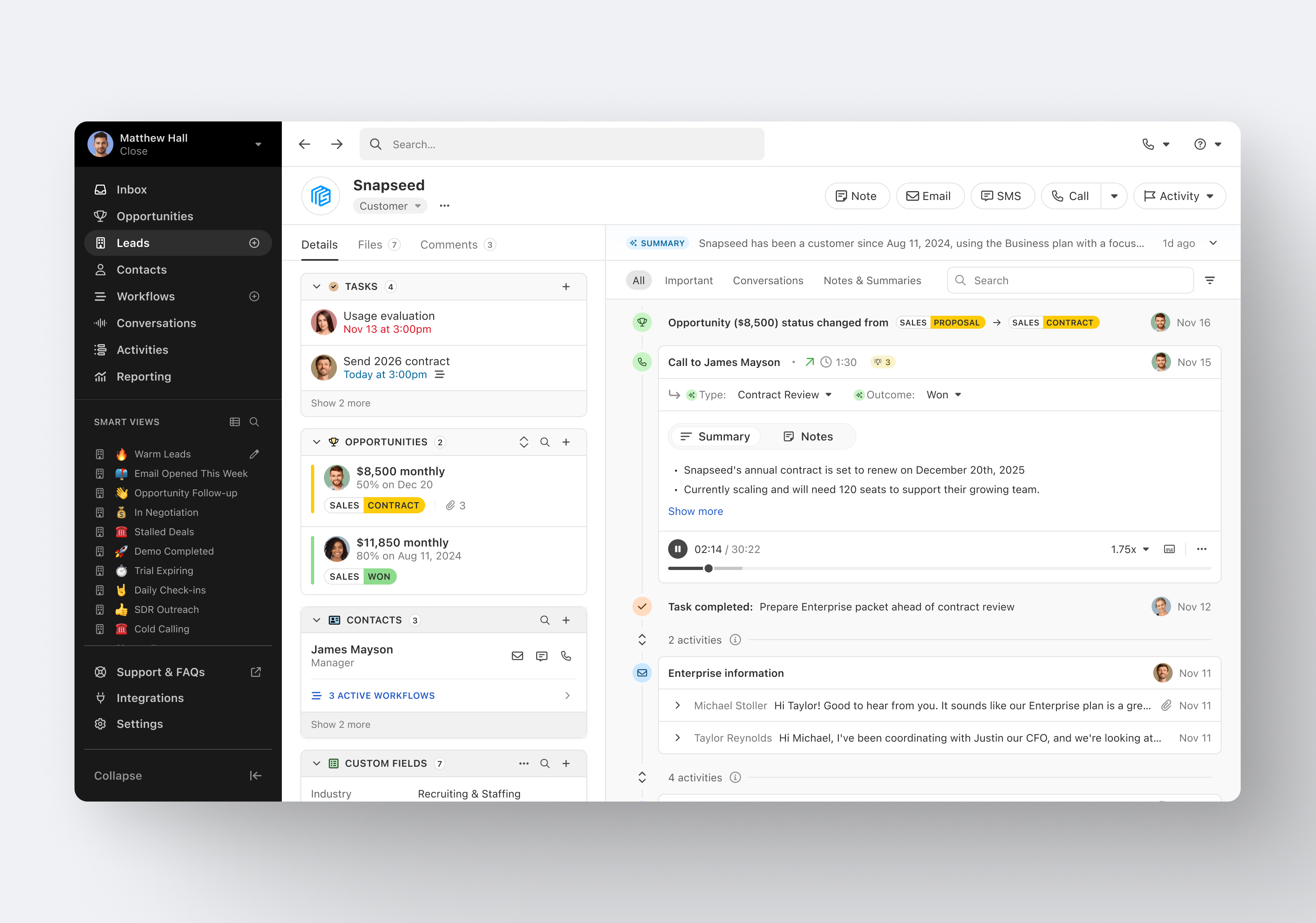
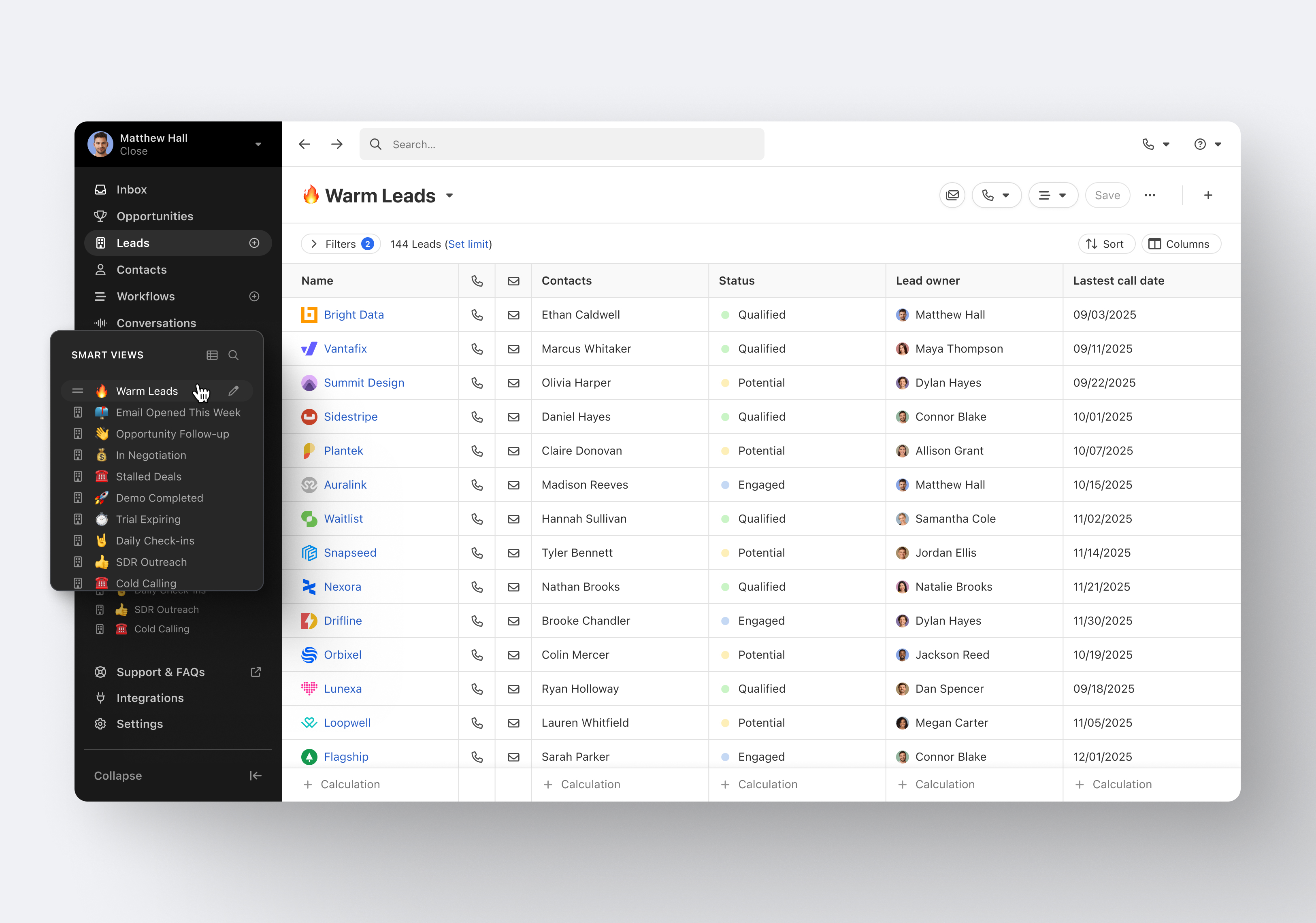
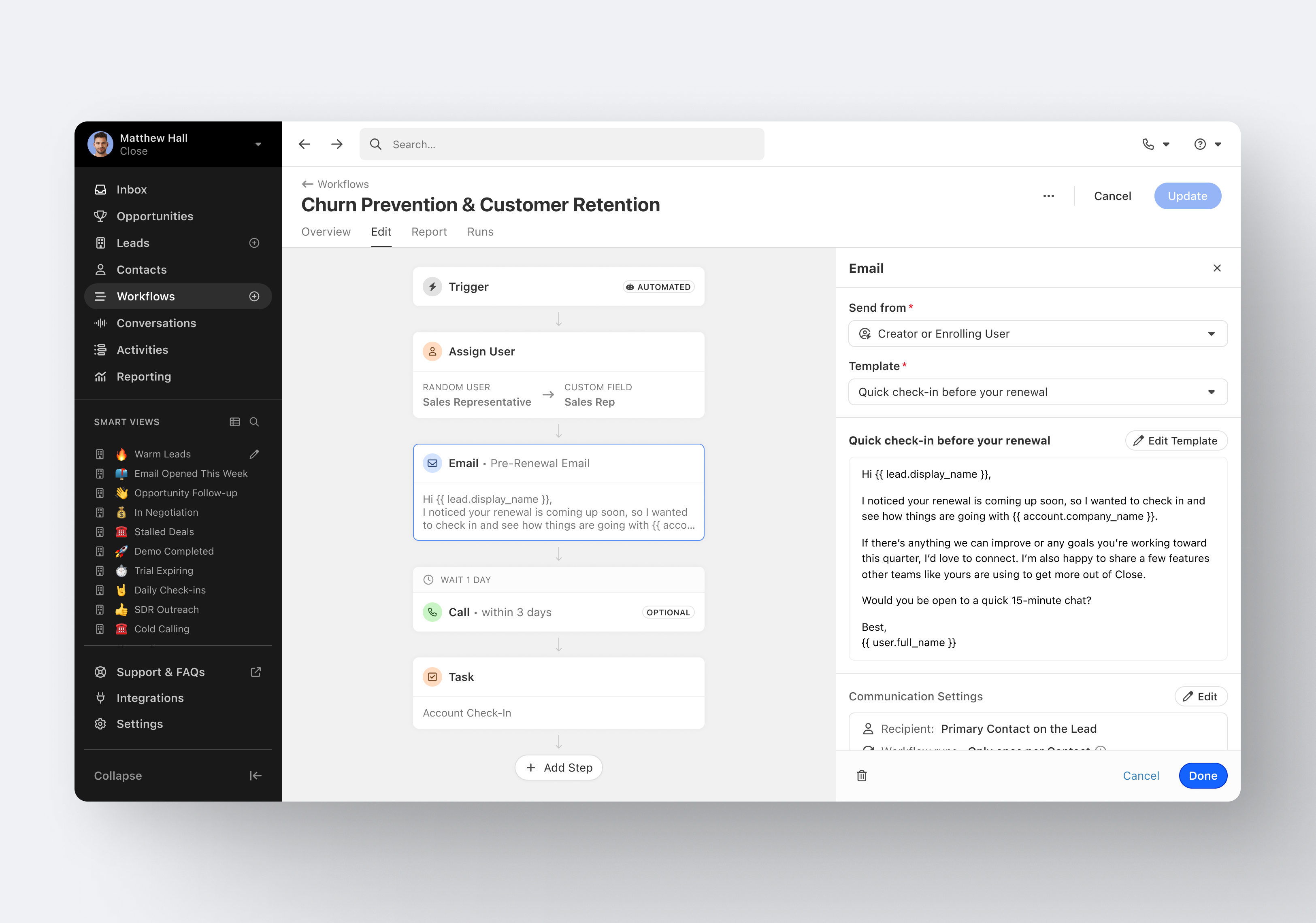
Close.io is a customer relationship management (CRM) software with call management and sales workflow automation capabilities.
$9
per month (paid annually) per user
Traction Complete
Score 9.0 out of 10
N/A
Traction Complete develops software that enhances the native capabilities and functionality of Salesforce, with a complete suite of solutions for effortless account hierarchies and simplified, seamless lead management.
N/A
Pricing
Close CRM
Traction Complete
Editions & Modules
Solo
$9
per month (paid annually) per user
Essentials
$35
per month (paid annually) per user
Growth
$99
per month (paid annually) per user
Scale
$139
per month (paid annually) per user
No answers on this topic
Offerings
Pricing Offerings
Close CRM
Traction Complete
Free Trial
Yes
No
Free/Freemium Version
No
No
Premium Consulting/Integration Services
No
No
Entry-level Setup Fee
Optional
No setup fee
Additional Details
The pricing listed here reflects up to a 35% discount for paying annually. Monthly billing is available at of $19 per user for the Solo plan (only 1 user allowed), $49 per user for the Essentials plan, $109 per user for the Growth plan, and $149 per user for the Scale plan.
Contact Sales for Pricing Information
More Pricing Information
Community Pulse
Close CRM
Traction Complete
Considered Both Products
Close CRM
Verified User
Anonymous
Chose Close CRM
For a specific sales team, Close performs better sales tracking and email and SMS management, with a fresh and modern interface, making the team's work more comfortable, with a holistic (but not complete) tracking and reporting of the data. Helping to improve the performance of …
All the same features and more in a much better user experience. Lots of integrations of Salesforce require a dedicated employee just to manage Salesforce and make changes. Close just works out of the box and is easy to change and customize.
Salesforce was actually a good platform but it was a bit expensive for an organization that is in a growing stage. Close is relatively cheaper and has almost the same functionality as Salesforce. We've also tried a few other platforms, but nothing has been very beneficial or as …
Pipedrive was great for us for a long time. We used it for over 4 years. Our product and process was simple. When things got more complex, we needed something that could handle our growing needs and Pipedrive kept falling short. We built our own custom solution in Airtable …
VP of Marketing & International Business Development
Chose Close CRM
Close.io does a lot more than HubSpot CRM for a lower price. The most important difference is that I can search for prospects by the notes I created and by prior activity. But, I cannot do this in HubSpot, although it seems like it should be a very basic feature.
Close.io strikes an important balance between power (features / functionality) and simplicity, making it an enjoyable and powerful platform to use. It's also priced favorably to Salesforce.
Traction Complete offered more ease of use, less complexity, and an overall lower cost of ownership compared to other options. And while salesforce can handle some of the automation, which requires more technical skill to configure, it does not provide the lead to account …
Close is my #1 choice for sales teams, both inbound and outbound. The telephony features in Close are exceptional and they lead the Industry in features and innovation. The power dialer increases productivity by cutting down the manual time of physically dialing calls. All calls and interactions including SMS messages are automatically logged to the client's account within the CRM.
Traction Complete is very well suited for lead to account matching and for automatic, criteria based lead routing and processing. For example, when a lead is created, it can be matched to an account, and Traction Complete can populate account demographics like Industry or Annual Revenue. And once the lead's score reaches a certain threshold, Traction Complete can then evaluate any of the leads data (including the industry and annual revenue that the lead was previously enriched with), route the lead to a person or queue , and at the same time update the lead status and or enrich the lead with information to track funnel progression (e.g., MQL Date, Assigned Date, etc.).
Minor bugs? - Sometime when I'm replying to an account it attempts to send the email as a different user. Thankfully I've only missed it when sending internal emails!
Traction Complete continues to improve and innovate, and their staff does a great job of informing us of new functionality and how we can use it to get more value from Traction Complete. And at its core, it covers a gap inherent in Salesforce CRM - the fact that leads are a standalone object and not connected to the other main CRM objects like accounts, contacts, and opportunities. Traction Complete bridges that gap without requiring us to convert leads to contacts and degrade the data quality of the contact records. This functionality is key to a holistic process from initial inquiry to MQL, SAL, SQL, New Customer, and repeat business.
Close is a simpler platform to use when it comes to initiating email campaigns and managing leads. It has great visibility on opportunities and can be shared with specified users or can also be kept confidential. Close is not for someone who is very new to tools of its kind.
It's very usable overall and much easier than using native functionality. If there is anything I'd want to improve, and I'm being critical here, there are a few minor items. 1) It would be nice if the initial load time of flows was faster, but I understand that given the number of elements we have in the assignment flow, I should not expect a two second load time. 2) It would be great if the different flow versions had fields to capture properties/attributes like a verbose description to make version control better. My sense is that it will be available in a future version. 3) When editing flows, every now and then, the pop-up windows of elements are a bit sticky on the screen when trying to move/drag them - however, I usually experience this only in Safari and am often too lazy to fire up Chrome.
Close's support team offers a really good service, they are always willing to help with whatever is needed or arises, they investigate everything they need to find a solution and give an answer as quickly as possible, their attitude is better and their optimism really helps in times of stress, they do a great job in record time.
The support team at Traction Complete has always been responsive, knowledgeable, and professional. They took the time to understand our business needs and helped us during the initial implementation, as well as with configuration changes when needed.
I've been part of 3 implementations, and the Traction Complete team has always met or exceeded expectations and delivered on their commitments/promises.
For a specific sales team, Close performs better sales tracking and email and SMS management, with a fresh and modern interface, making the team's work more comfortable, with a holistic (but not complete) tracking and reporting of the data. Helping to improve the performance of each agent and obtain better results. For all other campaigns we use the predictive dialers mentioned above, Close is better for tracking current customers and for warm leads.
Traction Complete offered more ease of use, less complexity, and an overall lower cost of ownership compared to other options. And while Salesforce can handle some of the automation, which requires more technical skill to configure, it does not provide the lead to account matching.
Has allowed us to have full visibility into our pipeline
Has allowed us to automate lead entry and follow up, saving us tons of time and helping us to make sure we're not letting people slip through the cracks. This is done through the Zapier integration and new email sequences feature