UsabilityTools vs. Userlytics

Overview
ProductRatingMost Used ByProduct SummaryStarting Price
UsabilityTools
Score 7.0 out of 10
N/A
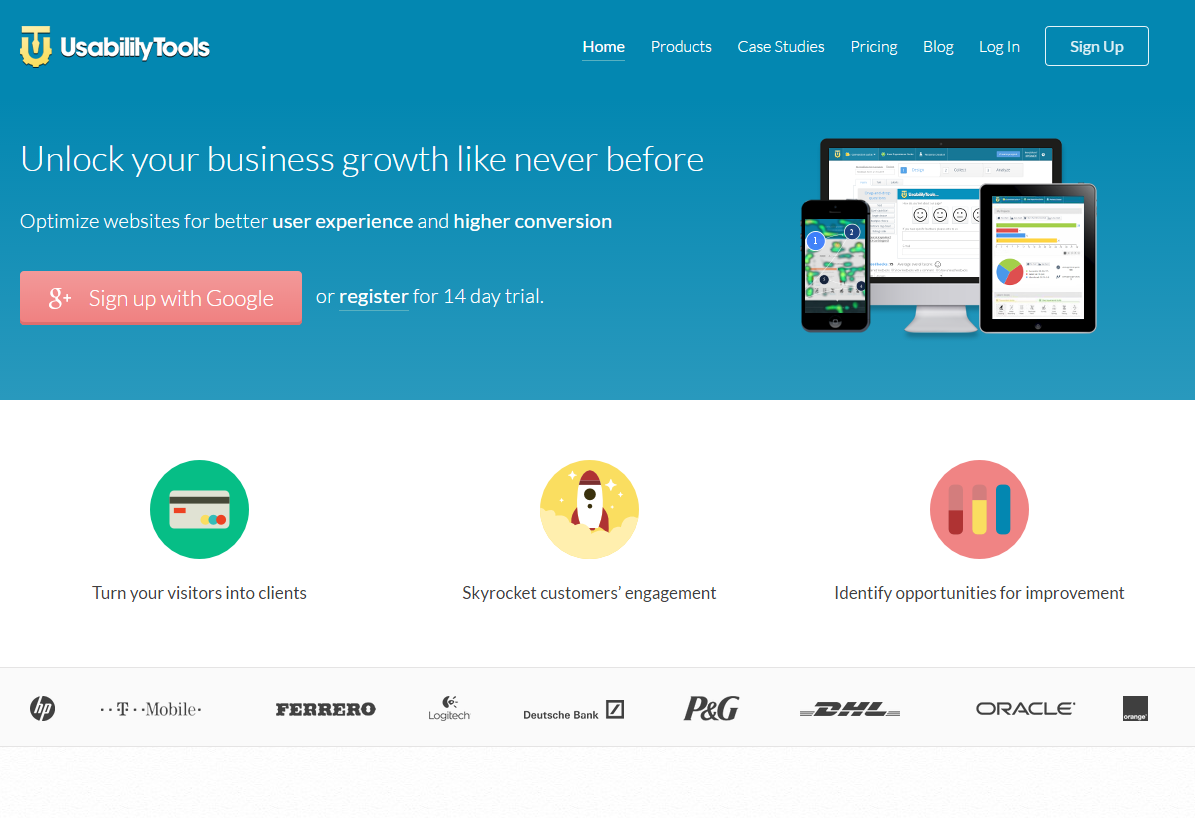
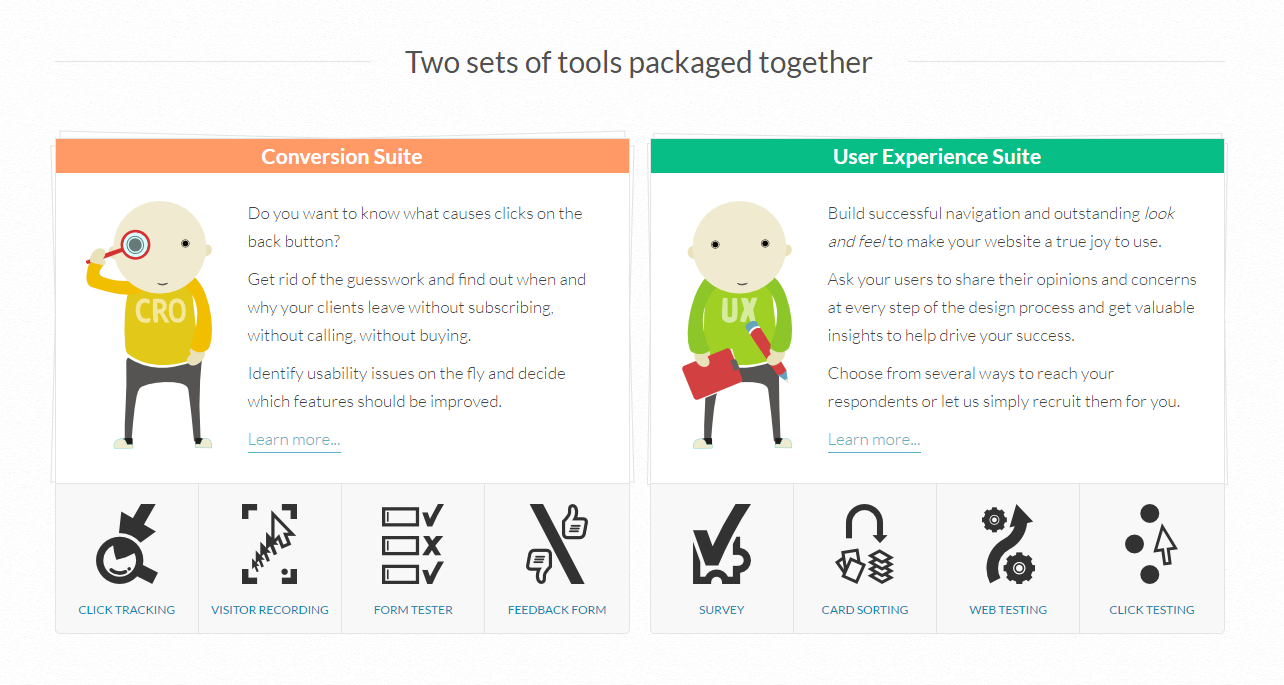
UsabilityTools is a usability testing and website optimization platform. Some key features include: Visitor Recording, Form Testing, Feedback Forms and Click Testing.N/A
Userlytics
Score 6.0 out of 10
N/A
Userlytics headquartered in San Francisco provides their suite of usablity testing tools for UI or website developers (or deliverers of similar digital assets) on a pay-as-you-go / per participant basis, or a subscription basis.N/A
Pricing
UsabilityToolsUserlytics
Editions & Modules
No answers on this topic
Offerings
Pricing Offerings
UsabilityToolsUserlytics
Free Trial
YesYes
Free/Freemium Version
NoYes
Premium Consulting/Integration Services
NoNo
Entry-level Setup FeeNo setup feeNo setup fee
Additional Details
More Pricing Information
Community Pulse
UsabilityToolsUserlytics
Considered Both Products
UsabilityTools

No answer on this topic

Userlytics
Chose Userlytics
Userlytics can be a good alternate in terms of price point and has a better integration of apps like invision which helps.
Mobile recording needs to be improved. Nowadays, competitors are way better in terms of functionality comparision.
Chose Userlytics
We used WhatUsersDo. However, the tool currently got bought out by a bigger company and were removing the remote research tool. We chose to use Userlytics as it stacked up well against competitors.
Best Alternatives
UsabilityToolsUserlytics
Small Businesses
Smartlook
Smartlook
Score 8.8 out of 10
Smartlook
Smartlook
Score 8.8 out of 10
Medium-sized Companies
Optimal
Optimal
Score 9.0 out of 10
Optimal
Optimal
Score 9.0 out of 10
Enterprises
Optimal
Optimal
Score 9.0 out of 10
Optimal
Optimal
Score 9.0 out of 10
All AlternativesView all alternativesView all alternatives
User Ratings
UsabilityToolsUserlytics
Likelihood to Recommend
-
(0 ratings)
7.6
(0 ratings)
Likelihood to Renew
-
(0 ratings)
7.0
(0 ratings)
Usability
-
(0 ratings)
9.0
(0 ratings)
Availability
-
(0 ratings)
4.0
(0 ratings)
Performance
-
(0 ratings)
5.0
(0 ratings)
Support Rating
-
(0 ratings)
9.0
(0 ratings)
In-Person Training
-
(0 ratings)
9.0
(0 ratings)
Online Training
-
(0 ratings)
7.0
(0 ratings)
Implementation Rating
-
(0 ratings)
8.0
(0 ratings)
Configurability
-
(0 ratings)
2.0
(0 ratings)
Ease of integration
-
(0 ratings)
5.0
(0 ratings)
Product Scalability
-
(0 ratings)
5.0
(0 ratings)
Vendor post-sale
-
(0 ratings)
2.0
(0 ratings)
Vendor pre-sale
-
(0 ratings)
7.0
(0 ratings)
User Testimonials
UsabilityToolsUserlytics
Likelihood to Recommend
No answers on this topic
It is an excellent resource for user testing, especially when it comes to using the Userlytics user panel. I would love to see them add a recruiting part and communication with potential users, in case we need to bring our own panel.
Read full review
Pros
No answers on this topic
  • On Userlytics it is easy to set up test and the required tasks.
  • Userlytics offer you transcription services, which can save a lot of time; rather than watch and transcribe the full video yourself, they can do this for you.
  • You can request to recruit particular people, with options like device, country and the use of prescreening questions.
Read full review
Cons
No answers on this topic
  • Usability of its platform
  • Simpler pricing model (it always takes so much time to explain to someone new, how Userlytics works)
Read full review
Usability
No answers on this topic
I think it's very user friendly. I think it gives you a chance to get a feel for websites you may not previously have experience with nor have otherwise experienced. It's also a great way to give input and help shape functionality of business you may enjoy or have further interest in
Read full review
Support Rating
No answers on this topic
They give their best and also reply to queries immediately
Read full review
In-Person Training
No answers on this topic
Well trained Professionls
Read full review
Online Training
No answers on this topic
Decent but not comprehensive
Read full review
Implementation Rating
No answers on this topic
Even though it takes time to set up. The work is diligent and out of the quality is great
Read full review
Alternatives Considered
No answers on this topic
We used WhatUsersDo. However, the tool currently got bought out by a bigger company and were removing the remote research tool. We chose to use Userlytics as it stacked up well against competitors.
Read full review
Scalability
No answers on this topic
Delay to get output
Read full review
Return on Investment
No answers on this topic
  • More ideas
  • Better grasp on functionality of website
  • An idea of how the websites work on a phone platform
Read full review
ScreenShots

UsabilityTools Screenshots

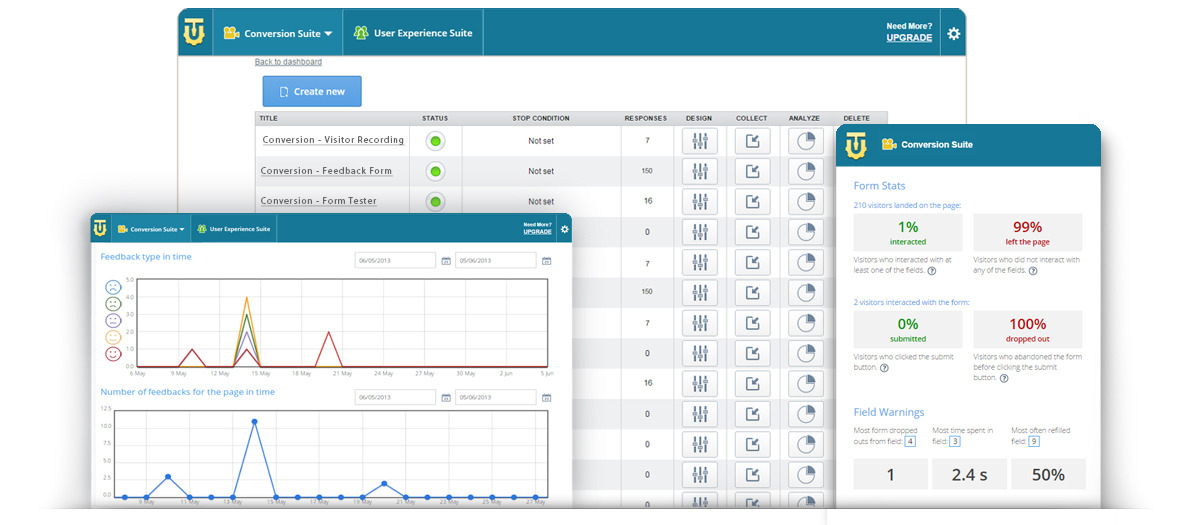
Screenshot of UsabilityToolsScreenshot of Two suites. One platform.Screenshot of UX SuiteScreenshot of Conversion suite

Userlytics Screenshots

Screenshot of Testing for all digital assets on desktop and mobile devicesScreenshot of Downloadable, advanced metricsScreenshot of Shareable video clips and resultsScreenshot of Sentiment analysisScreenshot of AI UX AnalysisScreenshot of AI based audio transcriptions